370 Cars & Transportation Website Designs




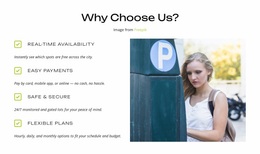
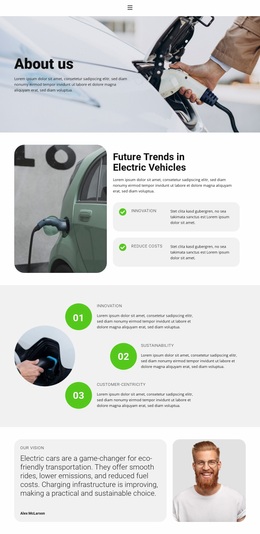


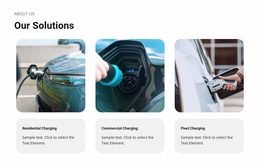
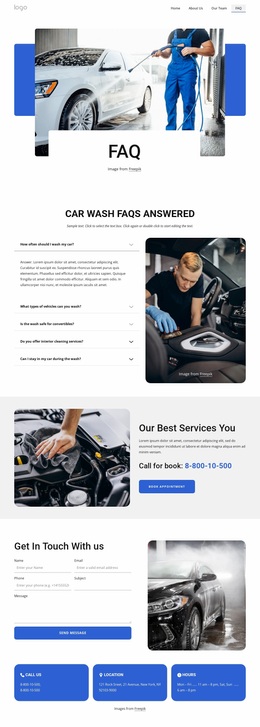

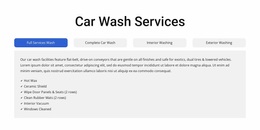
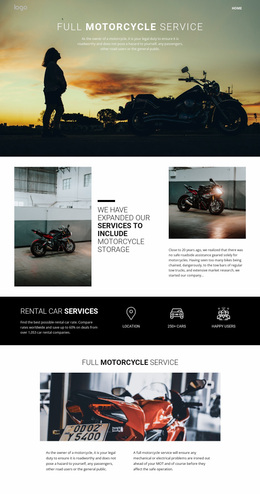

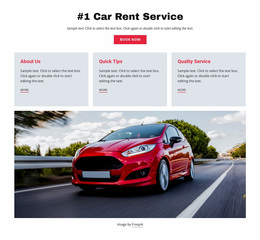
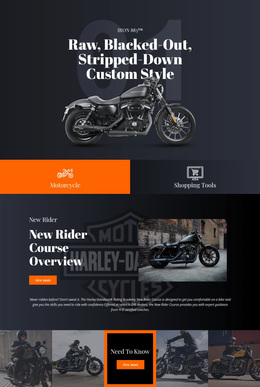
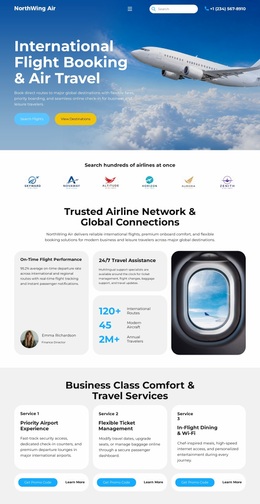
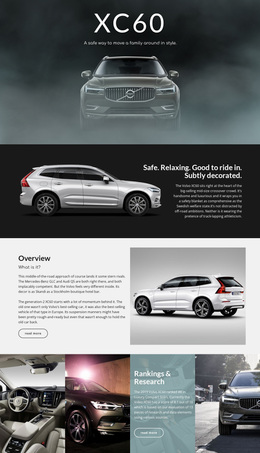
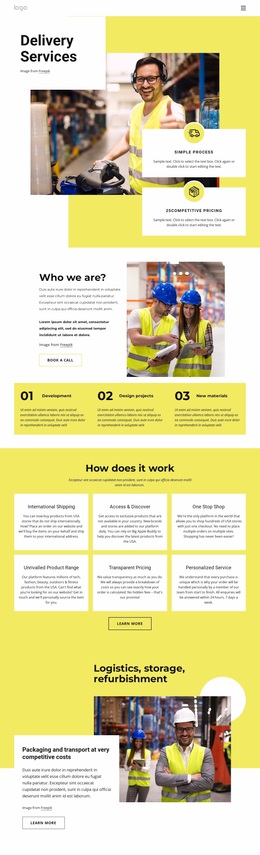
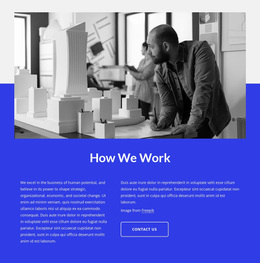











Premium Cars & Transportation Website Design
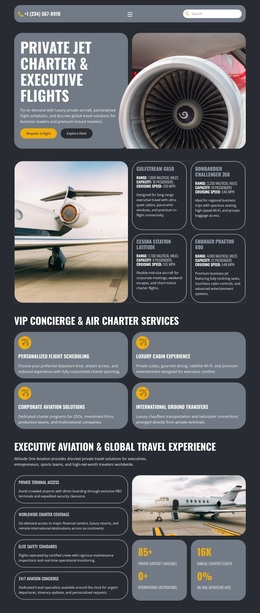
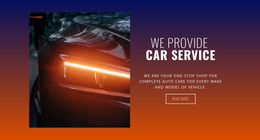
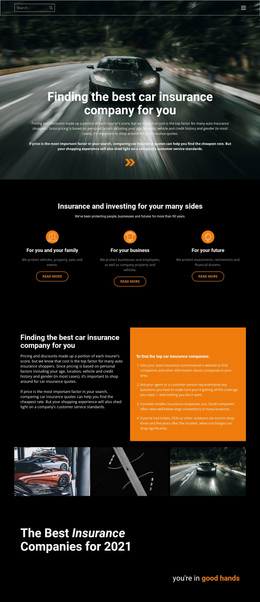
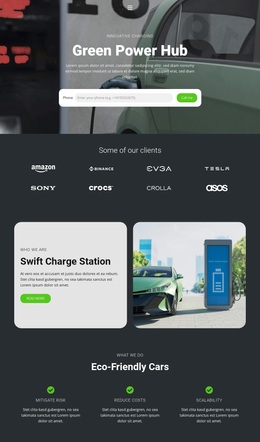
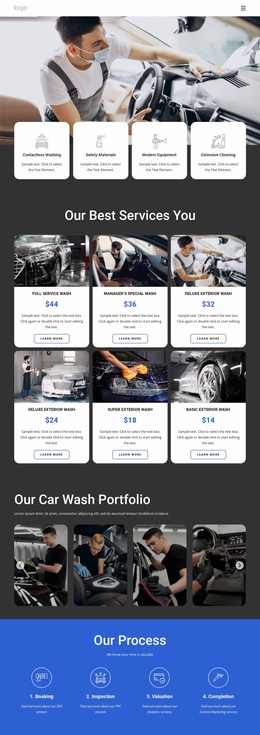
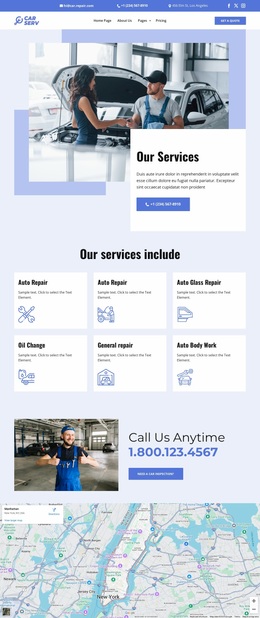
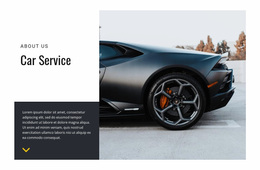
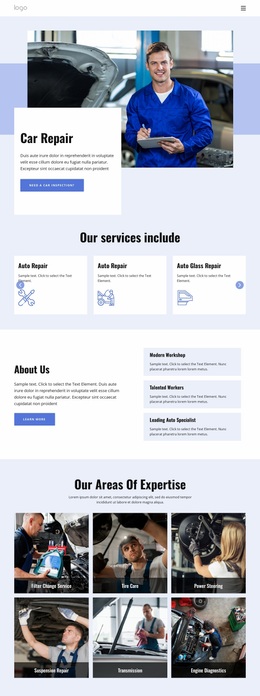
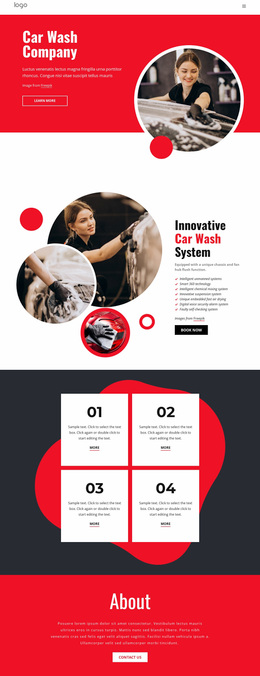
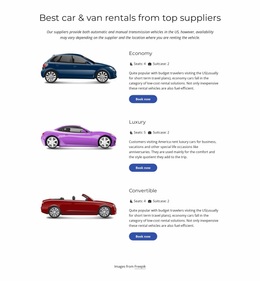
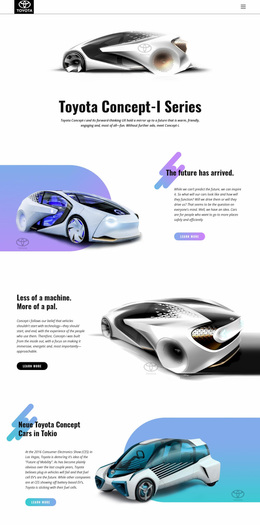
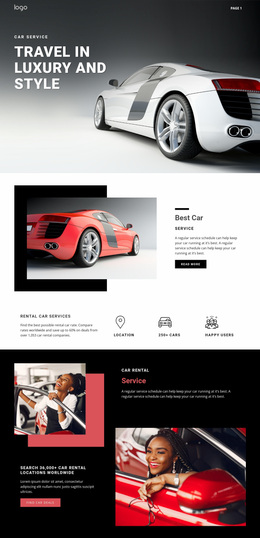
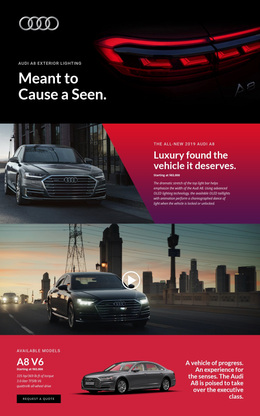
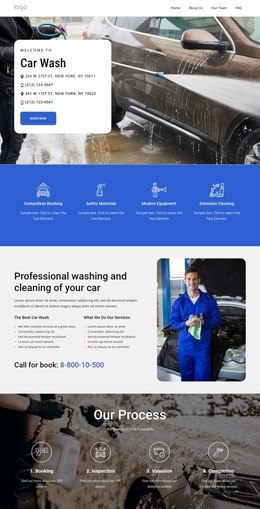
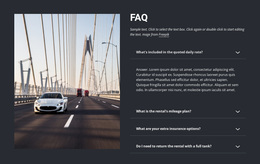
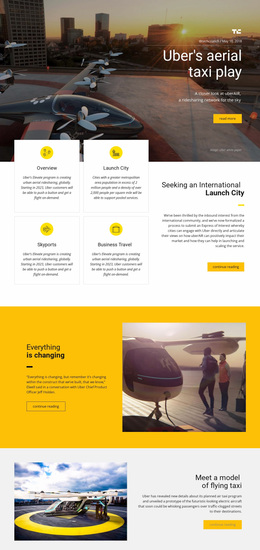
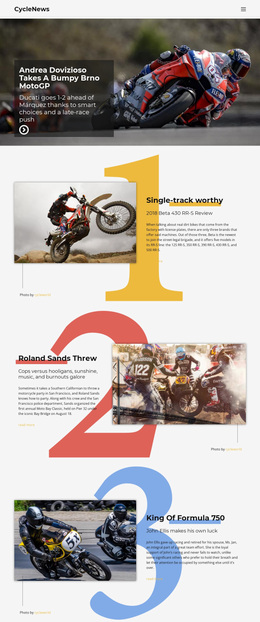
Cars and transportation website design is primarily a visual problem: how to make speed, engineering, service credibility, route clarity, or fleet capacity understandable before a visitor reads every line. Vehicle photography, specification hierarchy, typography, spacing, scale, and interaction should work together to express the character of the business rather than make a mechanic, sports-car brand, and freight operator look interchangeable.
What Makes Modern Automotive Website Design Work?
A strong interface starts with the subject the visitor must understand fastest.
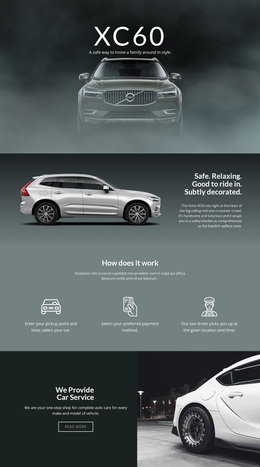
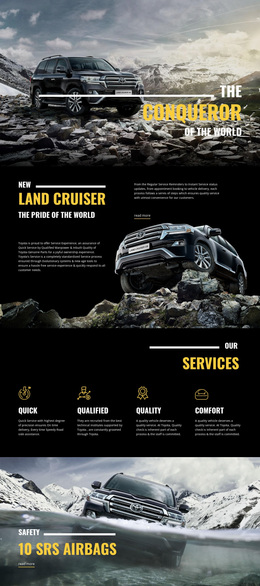
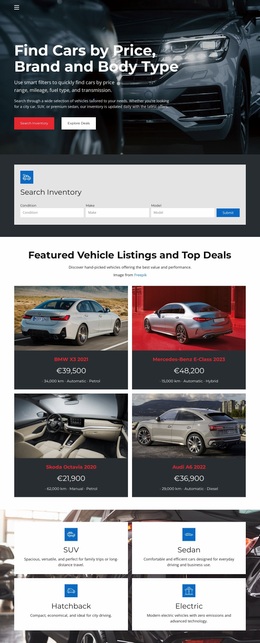
- Dealers need vehicle-first hierarchy: model name, key specifications, price or inquiry context, and photography that lets the product carry the page.
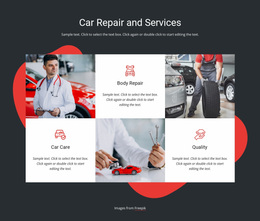
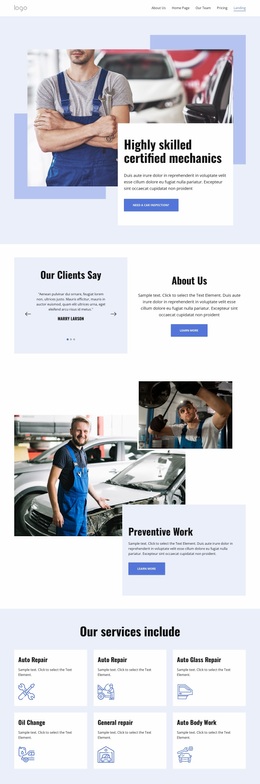
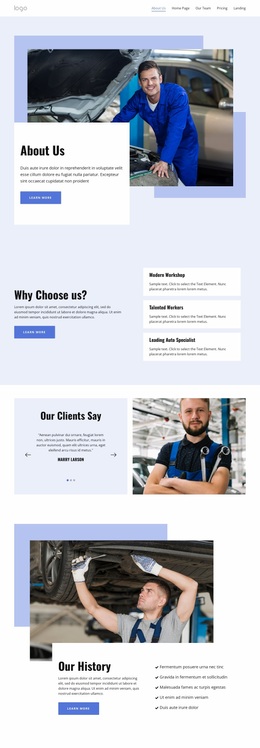
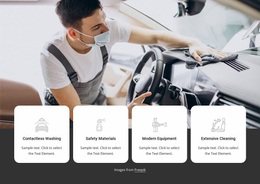
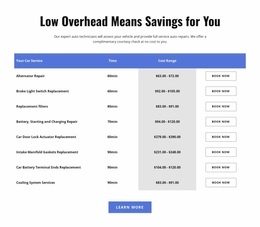
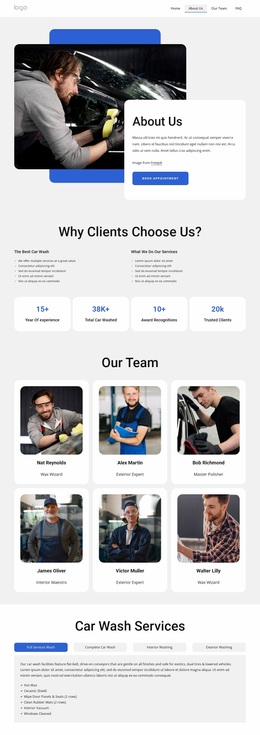
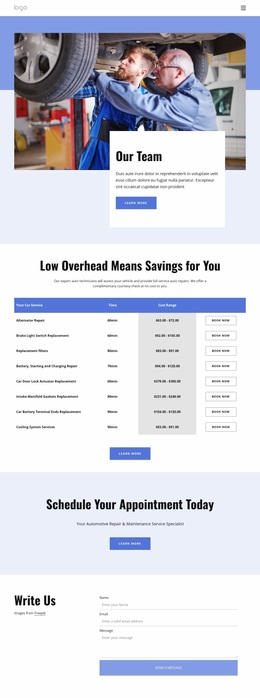
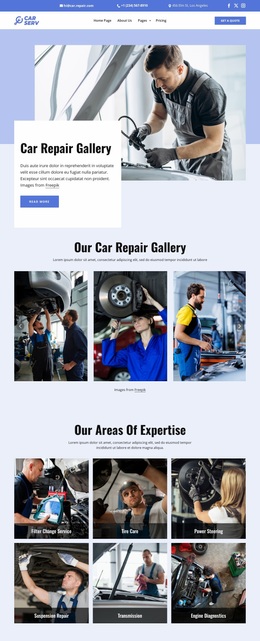
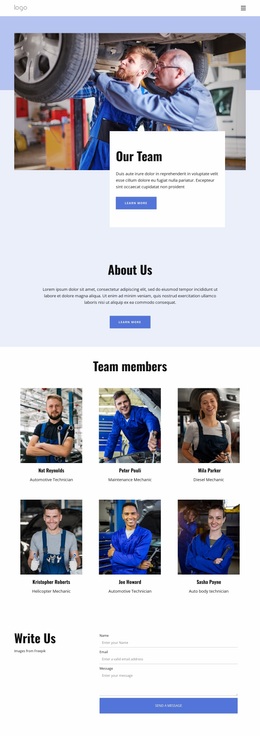
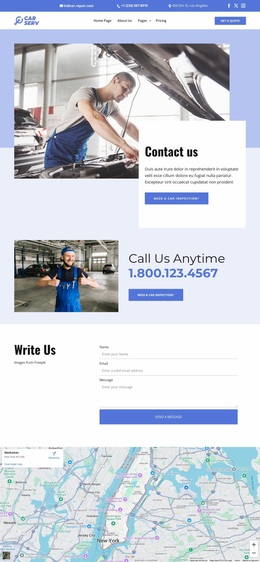
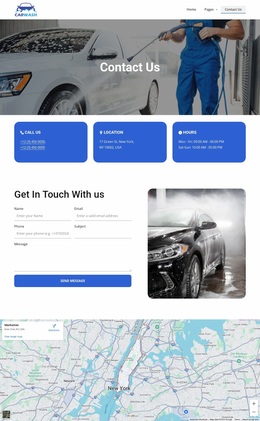
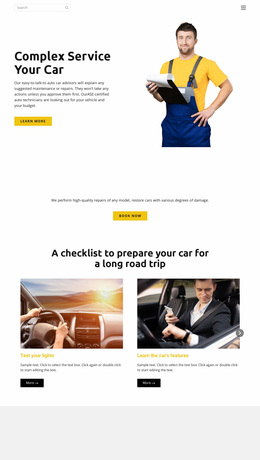
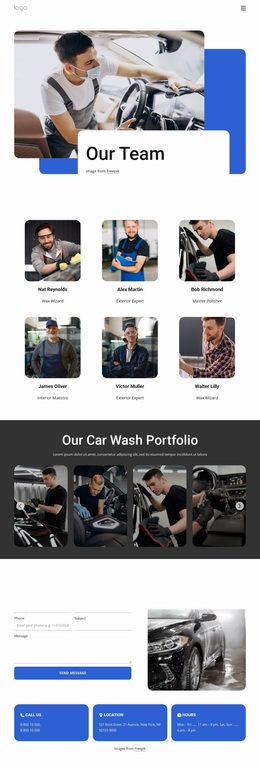
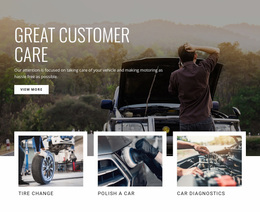
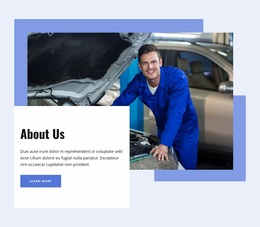
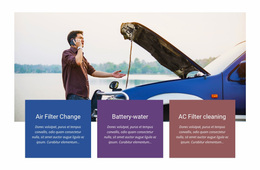
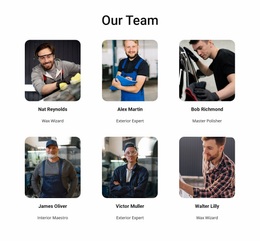
- Mechanics need practical credibility: workshop imagery, service categories, qualifications, location details, and clear visual grouping for maintenance or repair work.
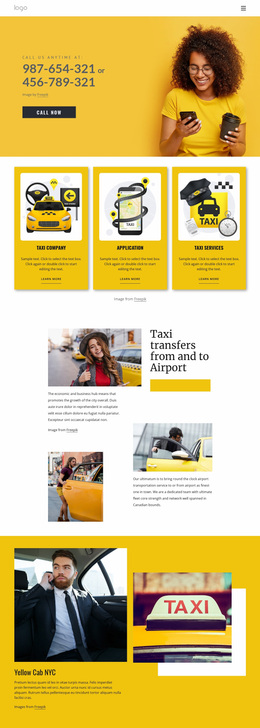
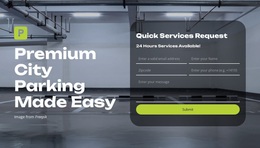
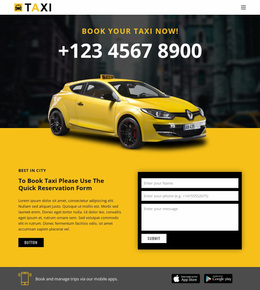
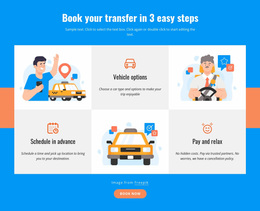
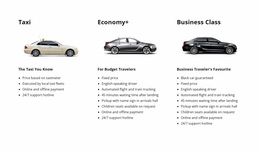
- Driver and passenger services need immediate orientation around routes, coverage, pickup, timing, and contact.
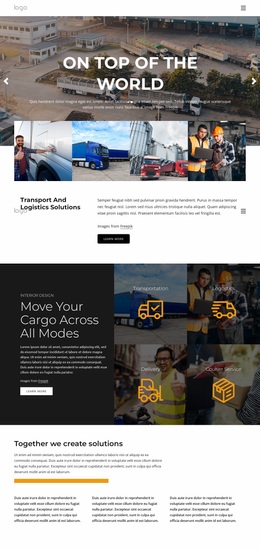
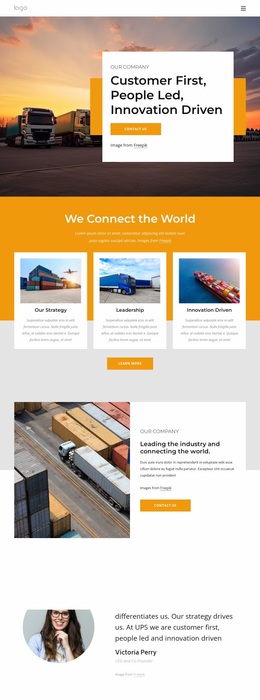
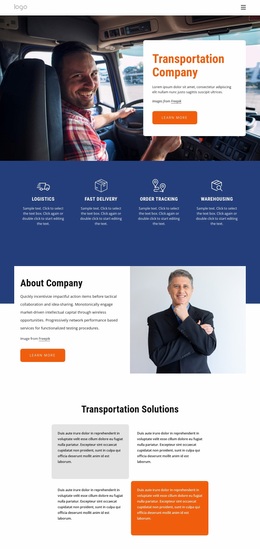
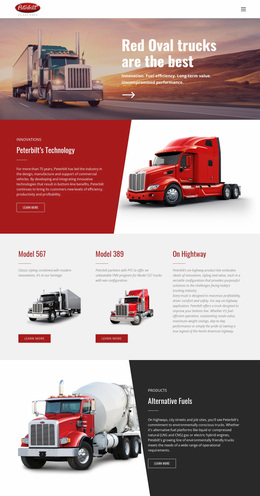
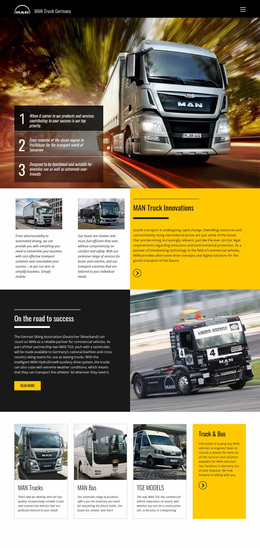
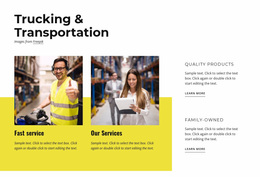
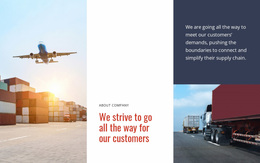
- Freight operators need to communicate scale: fleet size, equipment types, regions served, payload or capability information, and operational proof.
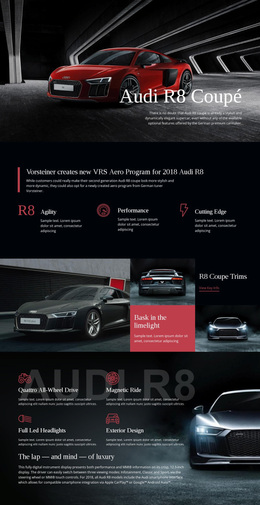
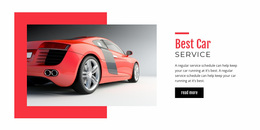
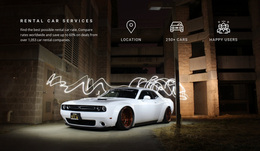
An auto mechanic website direction may use documentary workshop photography, compact service cards, high-legibility type, and direct contact details. A performance-oriented sports car concept can justify larger image crops, tighter copy, stronger contrast, and a more cinematic rhythm.
Automotive Design Patterns That Deserve Special Attention
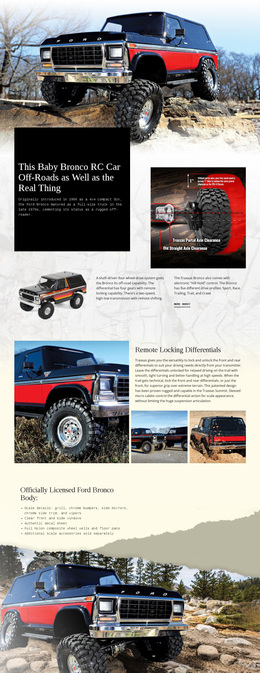
Vehicle photography as interface content
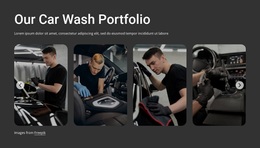
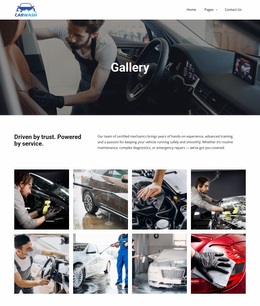
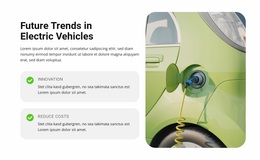
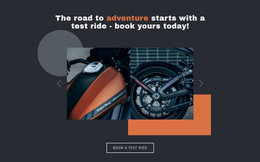
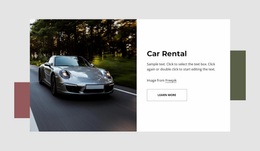
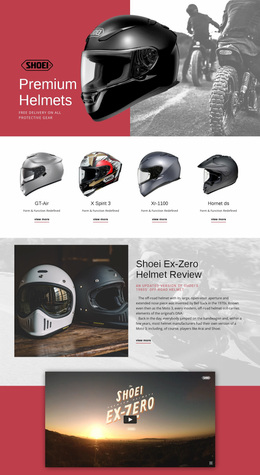
Cars and motorcycles are highly visual products, but more imagery does not automatically make a page better. Use consistent crop ratios, predictable angles, controlled backgrounds, and enough negative space around the vehicle. Detail shots can support exterior, interior, wheel, cockpit, or equipment information without turning the page into an unstructured gallery.
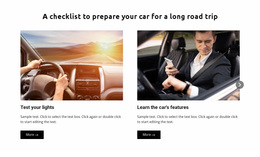
When several images need to share a single area, the Gallery Carousel Element can present them interactively; the Image Gallery Carousel documentation explains how to use the element. The design decision comes first: decide whether the gallery is supporting one model, comparing several vehicles, or documenting a workshop project.
Specification hierarchy
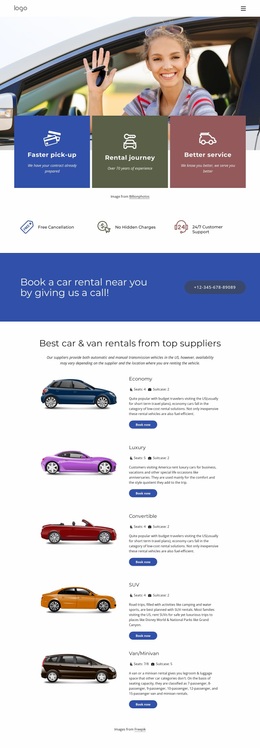
Specifications should not compete equally. Separate the few decision-critical values from secondary technical detail. A car page may foreground power, range, transmission, or body style; a truck page may prioritize payload, axle configuration, trailer compatibility, or operating range. Use spacing, weight, labels, and grouping to create a clear scan path.
Fleet-scale visualization
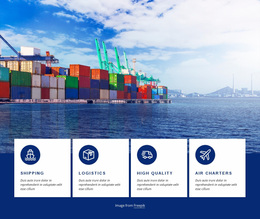
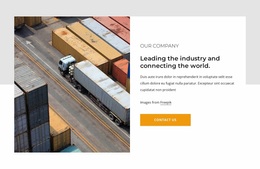
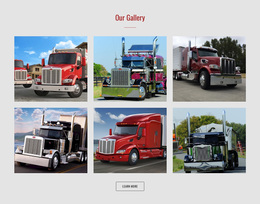
A freight or logistics business often needs to demonstrate capacity rather than a single hero vehicle. A semi-truck website direction can use repeated equipment photography, wide operational scenes, maps or region cues, and data points that make fleet scale immediately visible. The composition should feel systematic and reliable, not like a consumer-car showroom.
Color and typography
Automotive brands often use strong accent colors, but contrast should support hierarchy rather than cover every block. Type choices should match the brand character while remaining readable in specifications, service details, and mobile layouts. The documented Site Fonts controls can manage the Fonts Scheme and Typography Styles across the project.
Motion and image performance
Animation can reinforce focus when used selectively—for example, to introduce a key vehicle image or transition between important states. Photo-heavy pages also need practical media handling. Image Lazy Loading can delay image resources until needed, helping large automotive pages avoid loading every visual at once.
Automotive Website Design Questions
How should vehicle specifications be presented visually?
Prioritize a small set of decision-critical specifications, group secondary details separately, and use consistent labels, spacing, and typography. The hierarchy should let visitors compare key values without first reading a dense technical table.
How can an automotive site stay fast with animations or video?
Use compressed media, appropriate image formats, lazy loading, and selective motion. Rich photography and video should support the vehicle or service story without making every section compete for attention.
How can I display multiple vehicle photos without making the page feel crowded?
Use a consistent image sequence and keep each gallery tied to one purpose, such as exterior details, interior views, or workshop results. The Gallery Carousel Element can display multiple images within a single interactive area.
Design the Business Before the Interface Effects
Do not begin with a template-style checklist of features. Define what the automotive business must demonstrate to be credible: product desirability, repair expertise, passenger clarity, or fleet capability. Then build the visual language around photography, specification hierarchy, scale, typography, spacing, and responsive composition. Nicepage's visual page editor can be used to implement that system, but the design decisions should remain specific to the automotive brand.