300 Gallery Website Designs
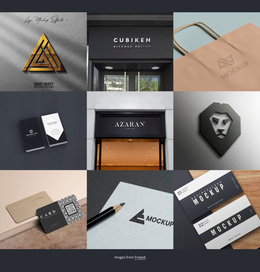
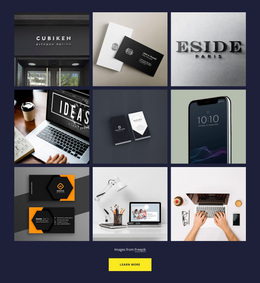







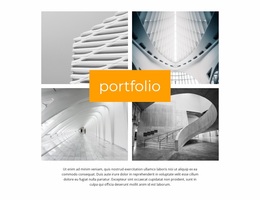
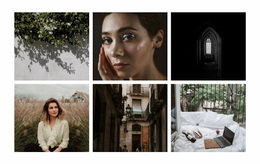

































































Gallery Website Design Templates for Image-Led Pages
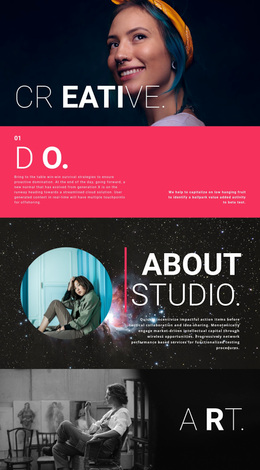
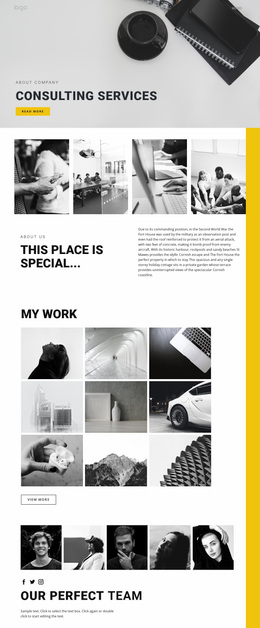
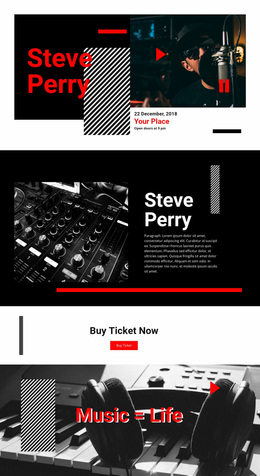
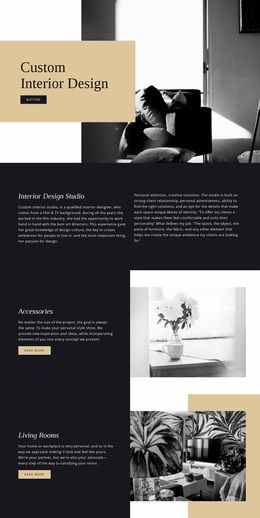
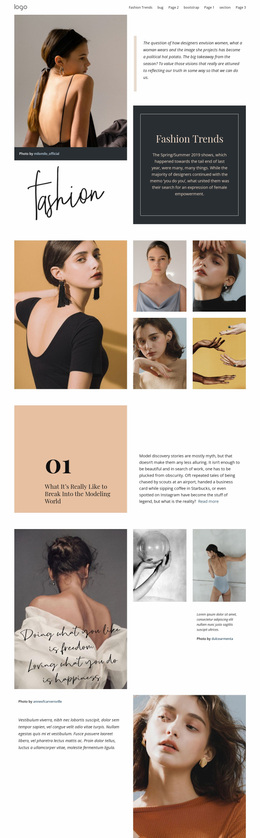
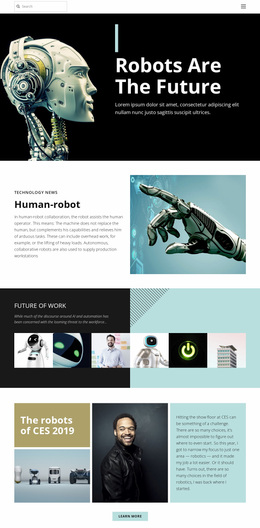
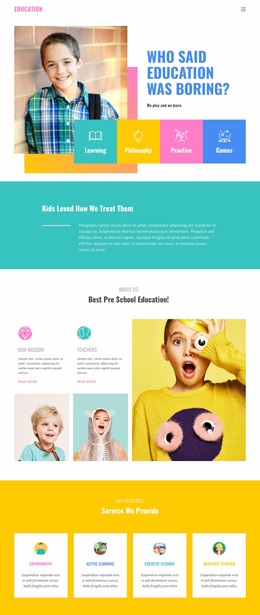
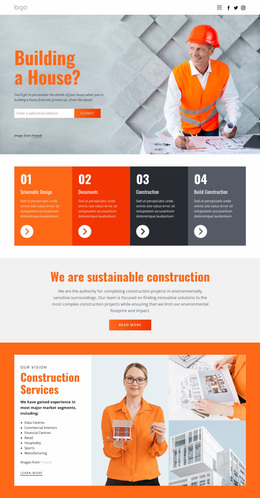
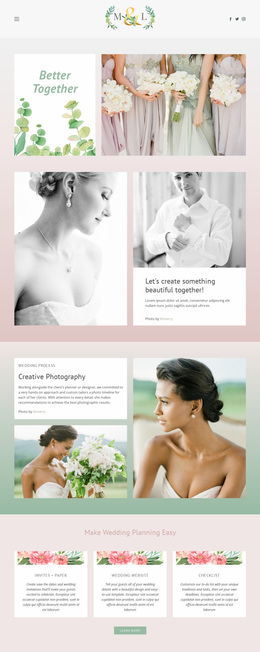
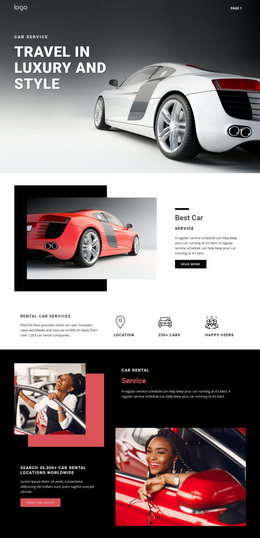
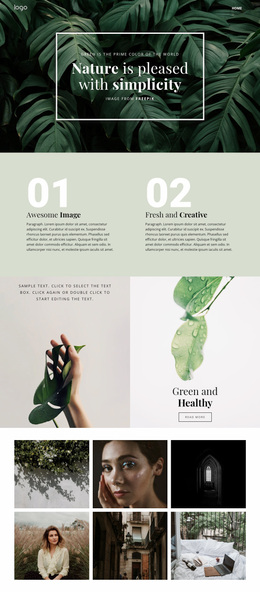
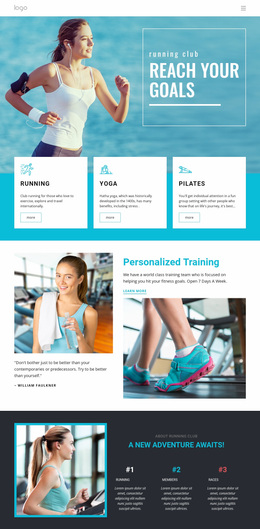
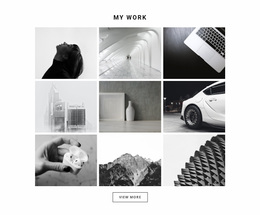
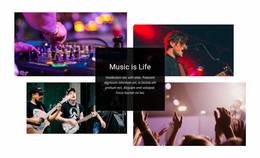
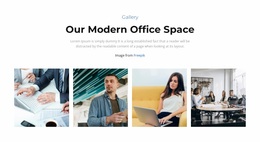
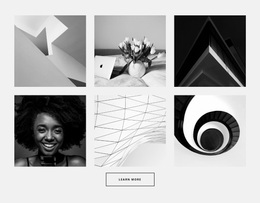
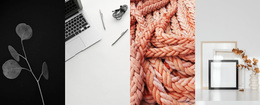
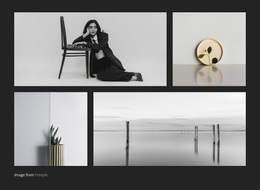
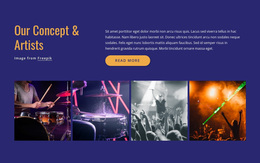
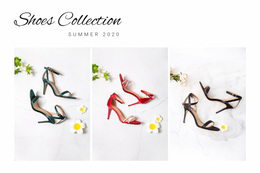
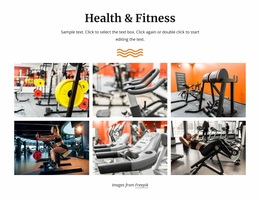
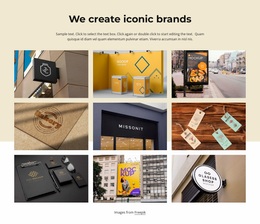
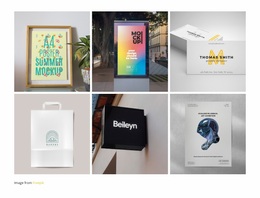
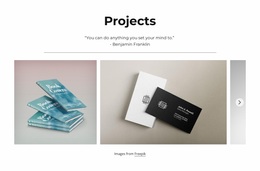
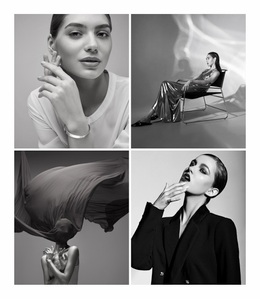
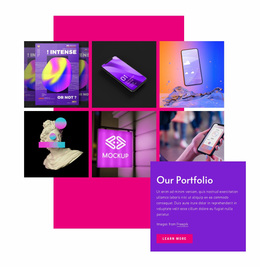
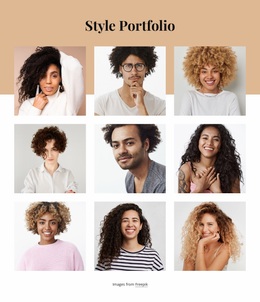
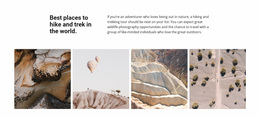
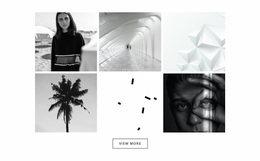
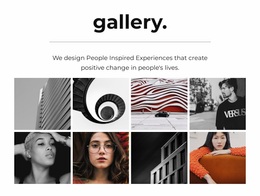
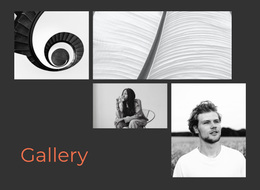
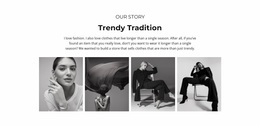
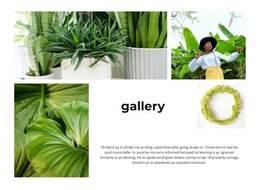
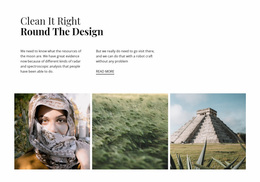
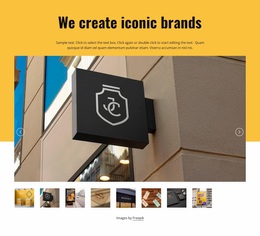
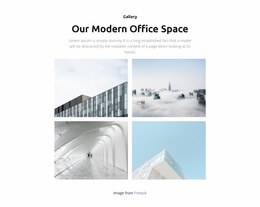
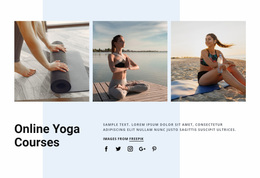
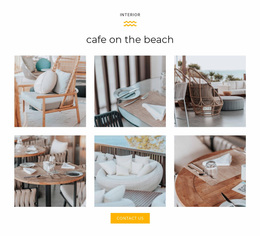
Gallery Website Design templates let you choose the visual character of a ready-made image section. An even grid feels orderly; an asymmetric design gives more prominence to selected photographs; captions change how the collection is read. These arrangements offer different visual impressions even when they present the same images.
For an artist's site, a spacious image-led block may be the strongest choice. A studio presenting many projects might favor a denser overview. The purpose is to find a finished gallery appearance that fits the work.
Pick the Visual Character of a Gallery Design
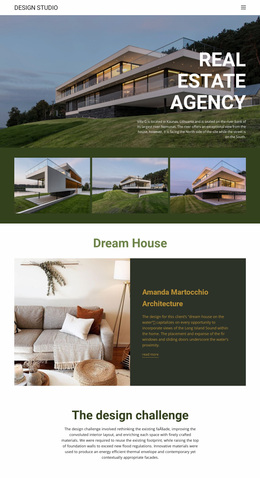
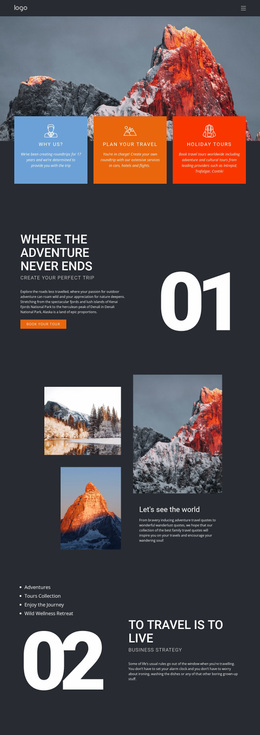
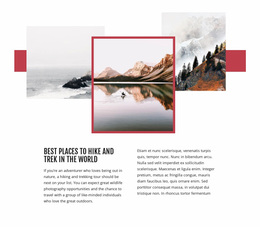
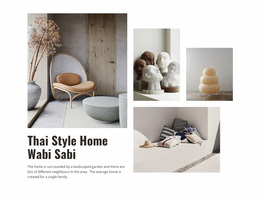
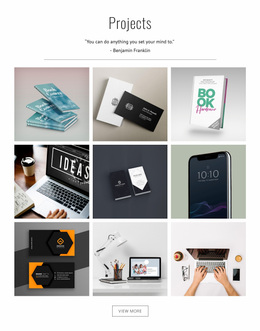
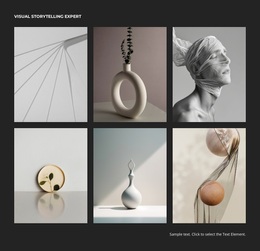
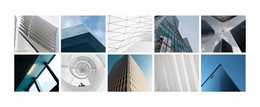
Compare ready-made Gallery designs by the visual impression they create with the same collection of images. A symmetrical composition gives photographs a consistent rhythm and equal emphasis. An asymmetric arrangement makes one selected image the focal point, while a spacious layout gives individual works more presence. A denser design communicates the breadth of a collection at a glance.
A photographer might prefer generous image space and minimal decoration. A design studio may choose captions to identify selected projects. The best finished appearance reflects the work being shown.
Nicepage's Image Gallery Element offers the image collection at the heart of these blocks. Choose the finished design that matches the work's visual tone, then consider how it sits beside the surrounding text.
Gallery Website Design FAQ
Can I change the visual arrangement of images in a Nicepage Gallery?
Yes. The Nicepage Image Gallery Element supports different layouts, along with controls for image arrangement, rows, columns, and spacing. You can replace photographs and adjust supported presentation properties directly in the editor.
How can I keep a Gallery design consistent on mobile screens?
Use Nicepage Responsive Modes to review the gallery at different screen widths. Check image proportions, grouping, caption readability, and spacing, then adjust supported layout properties to maintain a clear visual composition.
When should I use Gallery instead of Layered Images?
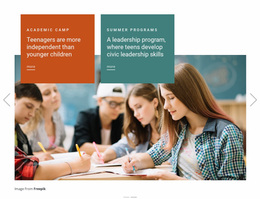
Choose Gallery when visitors need to browse multiple related photographs as a collection. Layered Images is more appropriate when overlapping photographs create one combined visual statement. The choice depends on whether image browsing or layered composition is the section's defining function.
Choose a Gallery Website Design That Fits Your Work
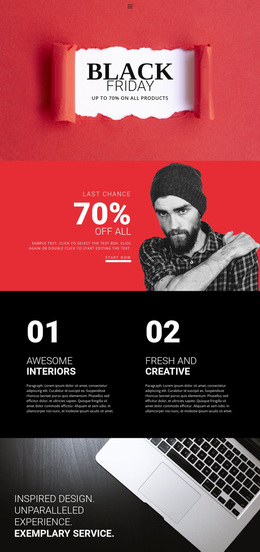
Choose a ready-made Gallery website design by the impression it creates before making any adjustments. A restrained, evenly spaced composition suits photographs that should receive equal attention. A more expressive arrangement can highlight a signature image, while a denser design presents the breadth of a visual collection. Compare the finished appearances and select the one that best reflects the character of your work.