Real Estate Website Designs
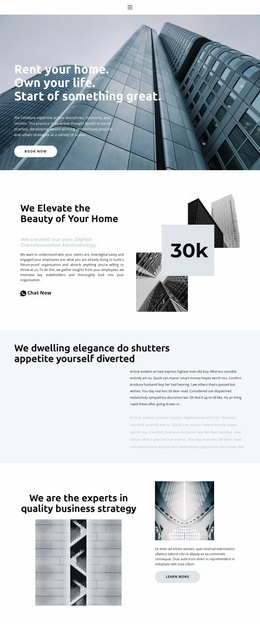
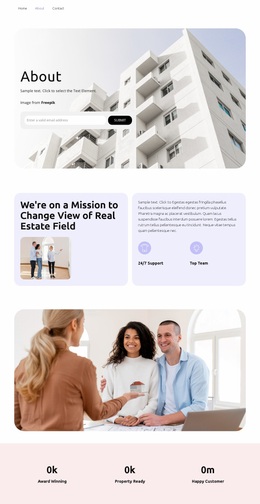
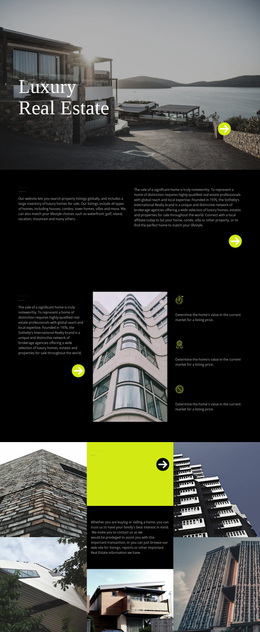
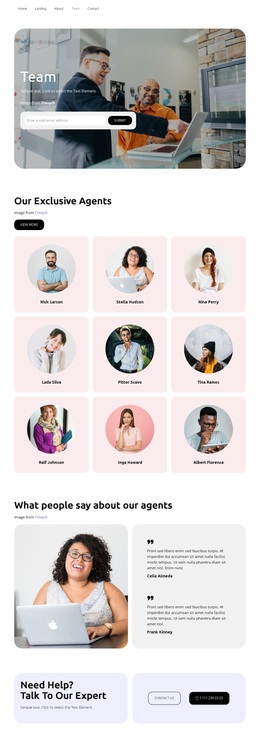


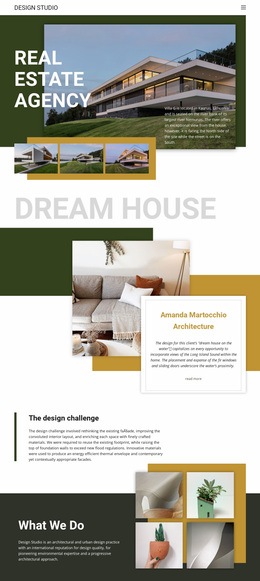
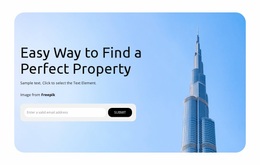
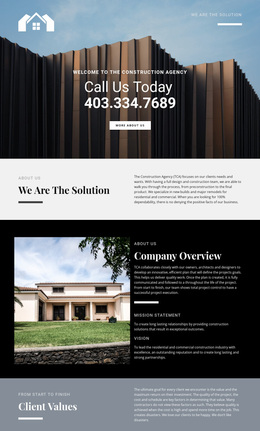
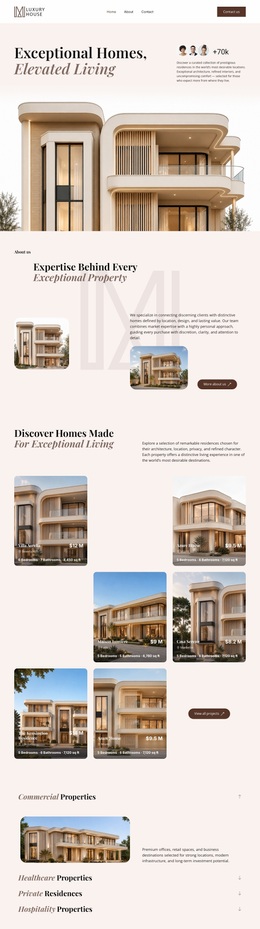







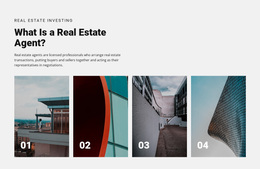


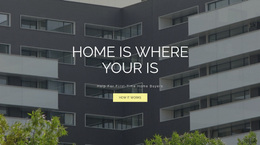
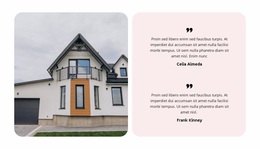
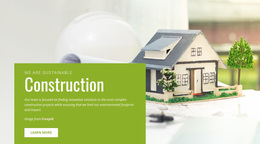

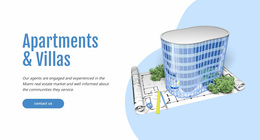

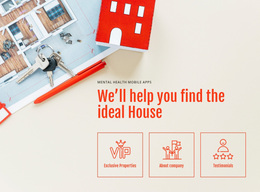




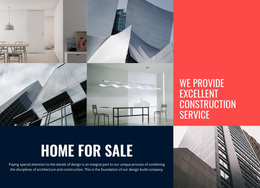



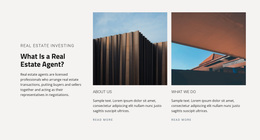



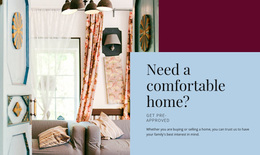


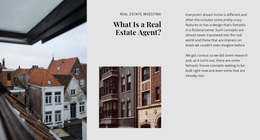

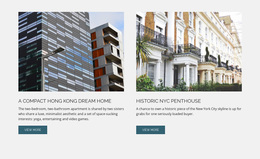
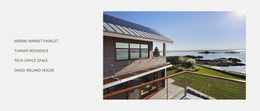












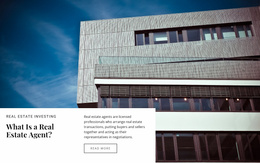
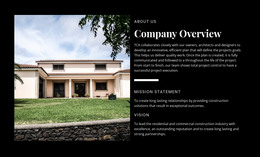

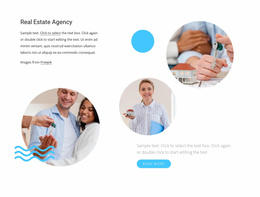
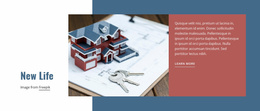

Stunning Real Estate Website Design for Property Brands
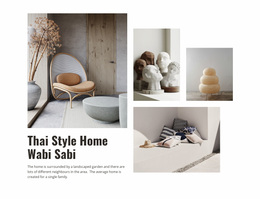
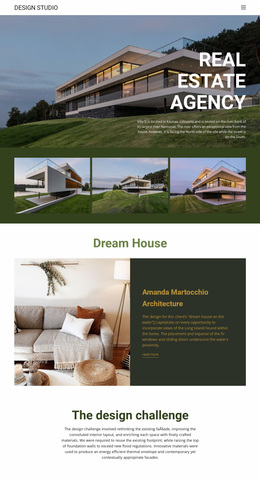
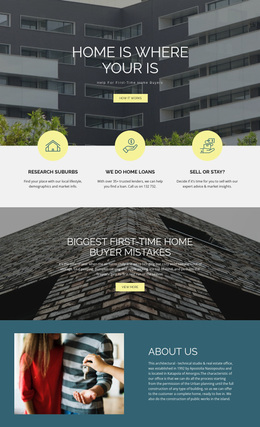
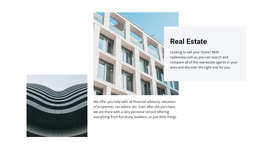
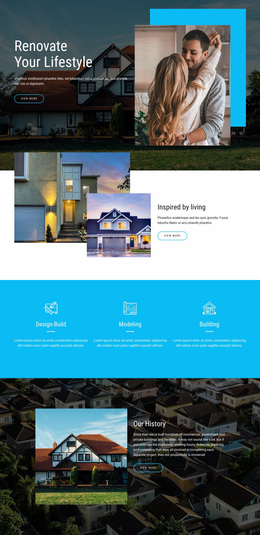
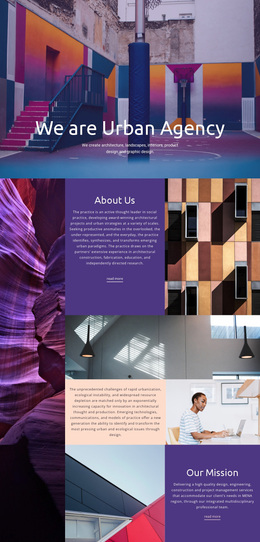
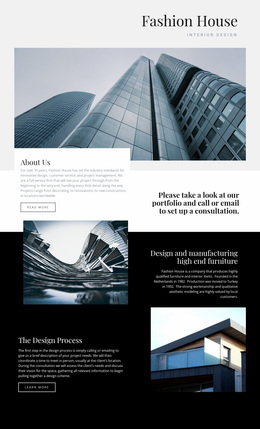
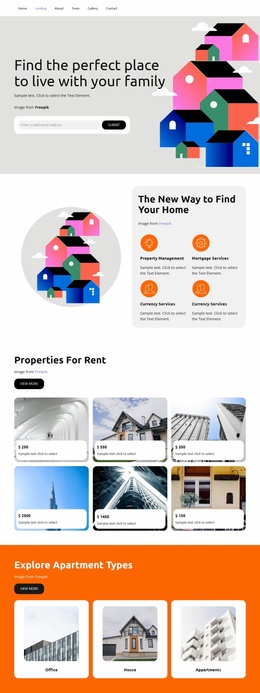
Real estate website design is a series of visual decisions about what deserves attention and how much space each type of information receives. A premium residential site may favor large photography and generous whitespace, while a rental catalog may need denser information and faster scanning. Both can be well designed, but they solve different problems.
Balance Imagery, Density, and Scanability
Large photos create emotional impact, but they also consume space that could be used for property facts. Dense cards make comparison faster, but too much information can make a page feel mechanical. The design task is to decide where the project sits between those extremes.
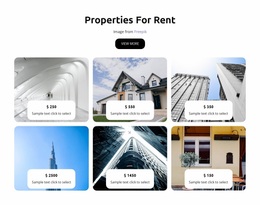
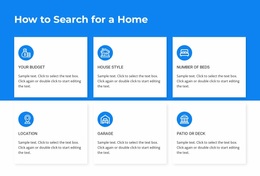
For a sales listing, visitors may need price and location almost immediately. For rentals, monthly cost, availability, and move-in details may deserve more visual weight. Development sites can shift attention to unit types, starting prices, completion stages, and amenities.
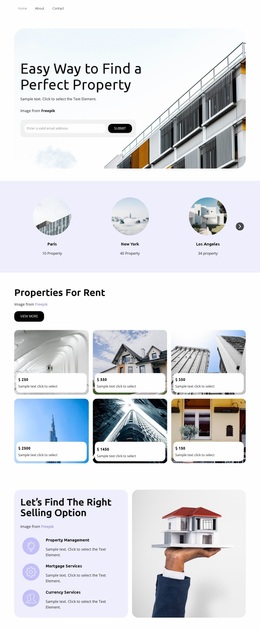
A real estate design direction can inspire, but the final interface should be shaped by these priorities rather than by a generic visual trend. Rental website concepts can provide useful references for denser, availability-focused experiences where comparison matters more than oversized hero imagery.
Design Decisions That Matter on Property Pages
Instead of treating every page as a checklist of components, define a few consistent decisions:
- Visual weight: decide whether imagery, price, address, or property facts should dominate each page type.
- Density: determine how much information belongs above the fold before the interface becomes difficult to scan.
- Mobile priority: choose which details remain visible first when desktop layouts collapse.
- Action placement: keep agent or inquiry actions close enough to the relevant property context without overpowering the content.
Nicepage provides practical controls for applying those decisions. Theme Colors can keep status treatments, buttons, and accents consistent; the Site Colors settings support global color control. Typography Styles and Font Schemes can distinguish prices, addresses, headings, and supporting text; the Site Fonts controls help manage typography across the project.
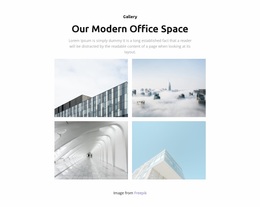
Gallery Carousel Element and Responsive Modes can then support the chosen image strategy and device behavior without dictating the design intent.
Make the Trade-Offs Deliberate
A luxury property page may accept lower information density in exchange for stronger visual impact. A search-heavy rental site may make the opposite choice. Neither approach is inherently better; the right balance depends on how visitors compare properties and how quickly they need to reach essential facts.
A mortgage-focused layout may require more explanation and trust content, so its density and hierarchy can differ from a property catalog while still sharing the same brand system.
Real Estate Website Design Questions
Should real estate pages prioritize images or property facts?
It depends on the page type. Premium property pages may give imagery more visual weight, while search and rental interfaces often need denser facts for faster comparison.
How can I avoid making property cards feel overcrowded?
Limit the strongest visual emphasis to the information visitors compare first, then move secondary details lower in the hierarchy or onto the detail page.
Can I keep colors and typography consistent across the site?
Yes. Nicepage Theme Colors and Typography Styles can apply shared visual rules across pages while still allowing different layouts for different property contexts.
What should change first on mobile?
Prioritize the reading order. Keep the most important property facts and contact actions easy to access, and reduce or reposition secondary content as needed.
Design Around Real Estate Trade-Offs
Start with the tension between imagery, density, scanability, and action placement. Once those choices are clear, typography, spacing, color, and responsive behavior can reinforce them instead of turning the design into another inventory of generic website components.