Table Website Designs
-
-

-
-
-
-
-
-
-
-
-
-
-
-
-
-
-
-
-
-
-
-
-
-
-
-
-
-
-
-
-
-
-
-
-
-
-
-
-
-
-
Free Website Builder SoftwareDownload
-
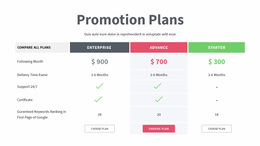
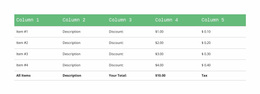
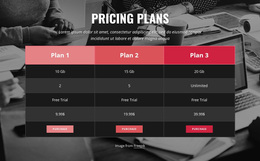
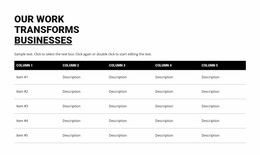


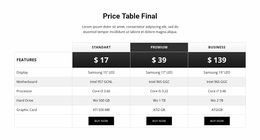
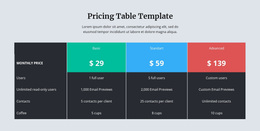
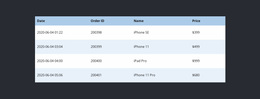
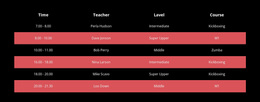
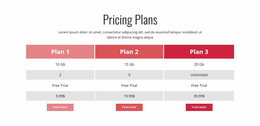
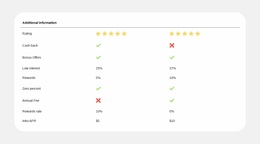
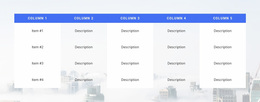

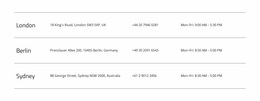
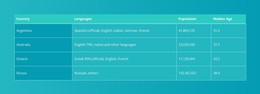
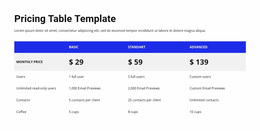
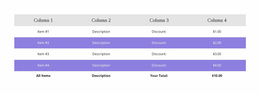
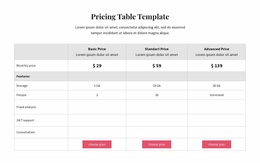
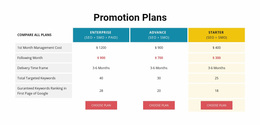
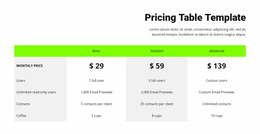
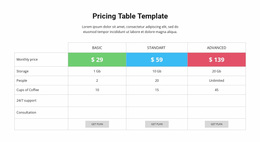
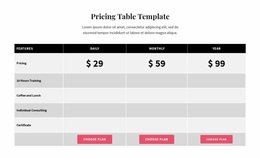
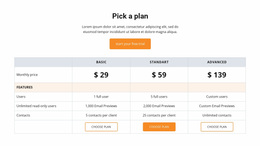

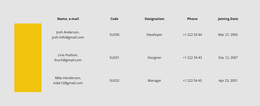
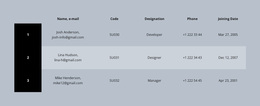
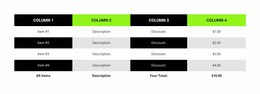
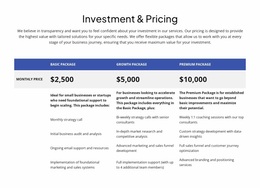


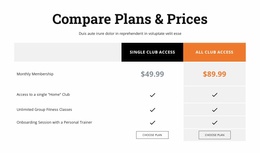
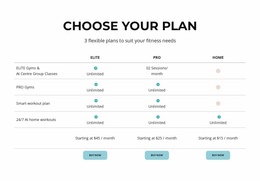

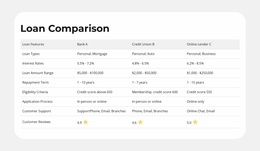
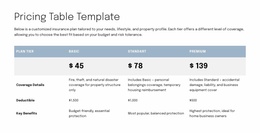
Minimal Table Website Design for Balanced Data and Page Composition
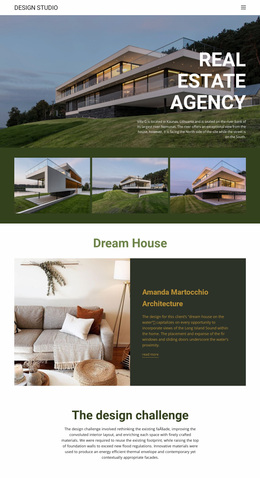
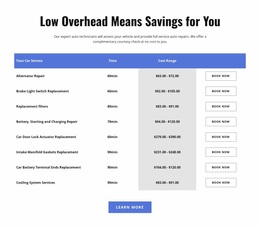
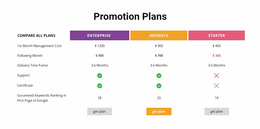
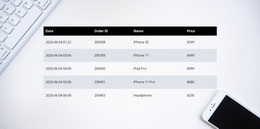
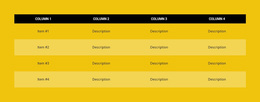
Table Website Design is as much about visual judgment as it is about displaying data. Typography, color contrast, border treatment, row height, and column proportions determine whether a table looks refined, dense, inviting, or overly technical. A ready-made Nicepage design provides a starting composition that can be matched to the rest of a website.
The most successful table sections share the page's visual language while preserving clear labels and comparisons. A quietly styled schedule shouldn't suddenly resemble a heavy spreadsheet, and a detailed specification section needs enough structure to stay readable.
Choose a Table Style That Matches the Website
Compare ready-made table designs by their visual character before focusing on individual settings:
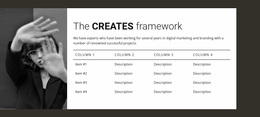
- Minimal styling uses whitespace, light rules, and restrained header contrast.
- Editorial styling relies on carefully chosen typography and generous row spacing.
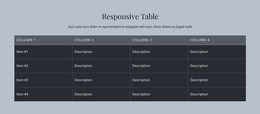
- High-contrast styling uses stronger heading backgrounds for information-rich sections.
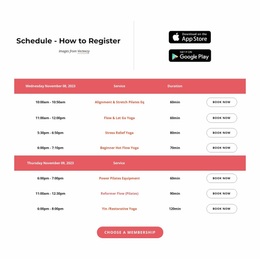
- Soft color treatments can connect the table to a friendly, approachable brand palette.
Look at how the section begins and ends alongside the next content block. The table may work as a full-width visual band, a smaller reference panel, or a companion to explanatory copy.
Design coherence should guide the choice, especially when the page already uses a distinctive heading scale, background colors, or spacing system.
Shape a Clear Visual Hierarchy
A ready-made Table Website Design should have an obvious focal point. The section heading introduces the subject; the header row gives the comparison a recognizable starting point; the remaining content should feel calm enough for the values to remain prominent.
The Table Element in Nicepage allows a selected layout to be personalized. When browsing designs, consider the overall impression:
- Editorial compositions emphasize a strong heading and generous visual breathing room.
- Minimal compositions use restrained separation to keep attention on the facts.
- High-contrast compositions give the table a more prominent role within the page.
Choose the visual character that fits the surrounding website, rather than treating each cell as an isolated styling task.
Balance the Table With Neighboring Sections
A table can anchor a full-width page section or accompany a short explanation. Its background and overall scale should complement nearby imagery, headings, and calls to action. The composition works when visitors can recognize the table's purpose without losing the broader page hierarchy.
Let the Design Reflect the Character of the Data
Schedules, detailed specifications, and short reference lists don't need identical treatment. Choose the aesthetic that suits the information and the site's character, whether restrained, editorial, or more visually assertive.
Table Website Design FAQ
Can I customize table colors and cell formatting in Nicepage?
Yes. The Nicepage Table Element provides styling controls for table headers, the first column, footer areas, and individual cells. You can also use alternating row colors and adjust cell dimensions to improve the visual organization of the section.
How should I match a Table section to the rest of my website design?
Use consistent typography, spacing, and color relationships while preserving clear distinctions between headings and values. The table should complement nearby sections without making factual information difficult to compare.
Can Nicepage tables be displayed on mobile screens?
Yes. Nicepage supports horizontal scrolling when a table extends beyond the available screen width in responsive modes. Keep column headings concise and cell content readable to help visitors interpret the table on smaller devices.
When should I choose a Table instead of a Grid?
Use a Table when values need to be compared through shared row and column headings. Choose a Grid when content consists of independent cards, images, or summaries. The distinction depends on the information structure, not just the visual appearance.
Refine Your Table Section in Nicepage
Browse ready-made Table Website Designs and select the visual treatment that complements your site. Fine dividers, bolder header bands, and more spacious layouts create different impressions; Nicepage lets you personalize the chosen block.
The right ready-made design combines attractive styling with readable comparisons.