1010 Travel & Hotels Website Designs

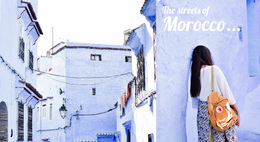
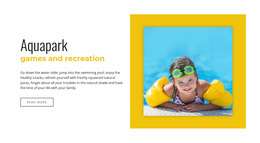
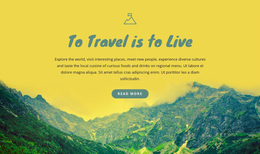
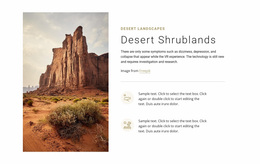










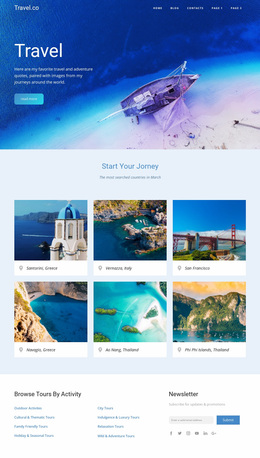
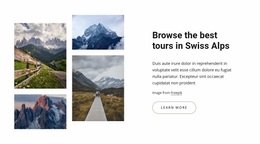

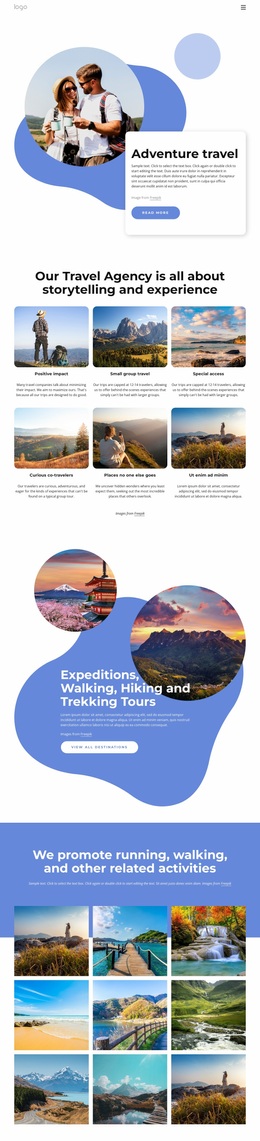

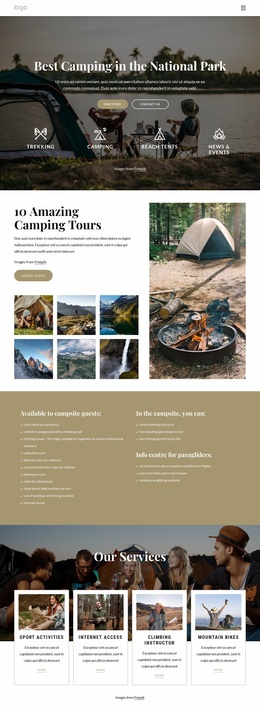
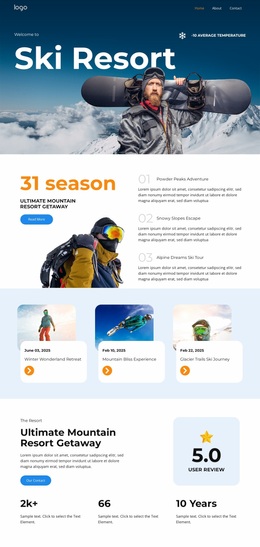
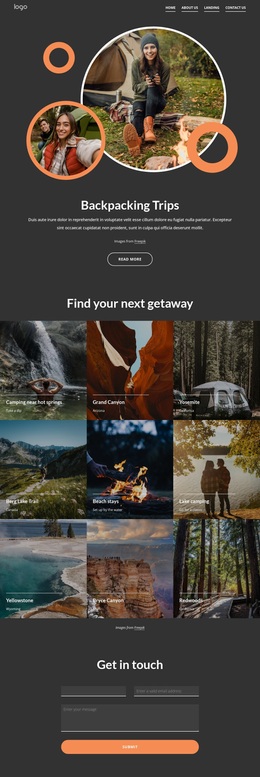
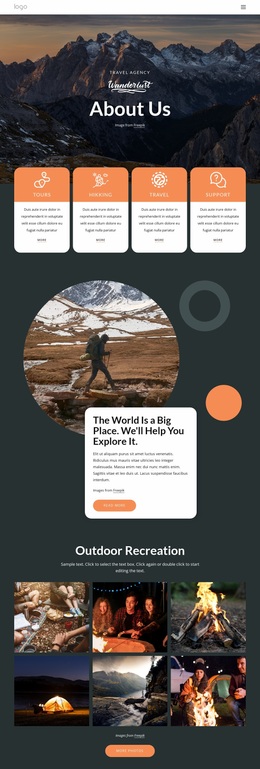
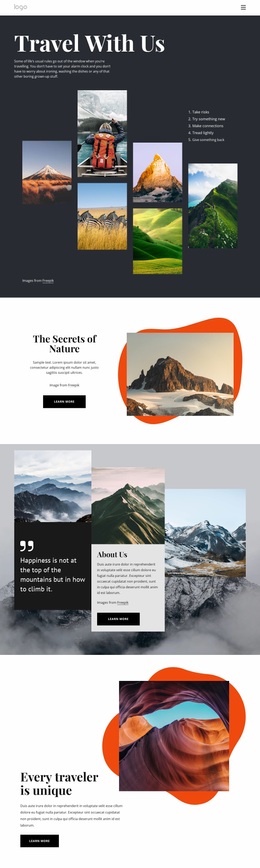
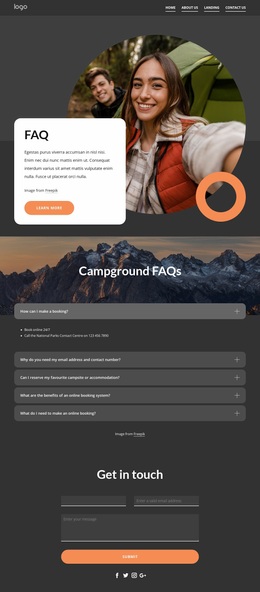
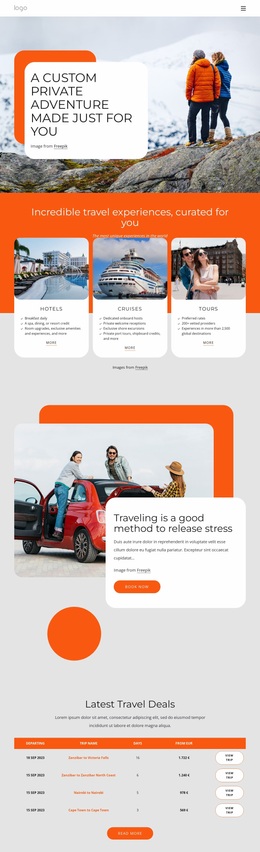
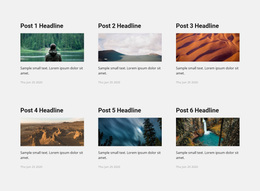
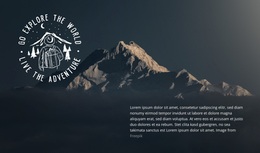

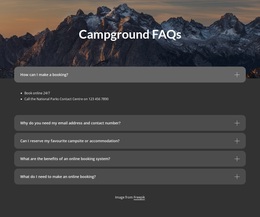
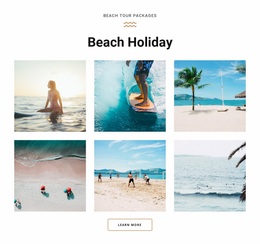

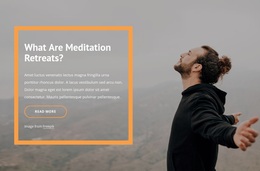
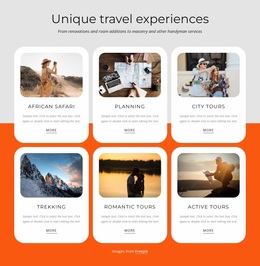
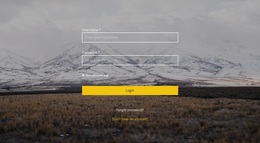
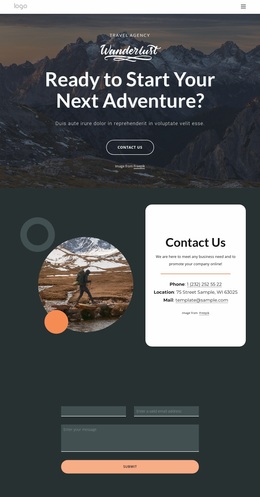
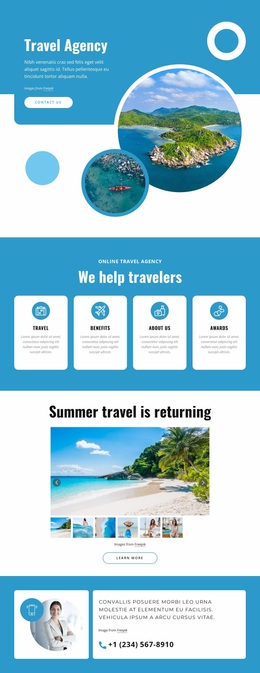
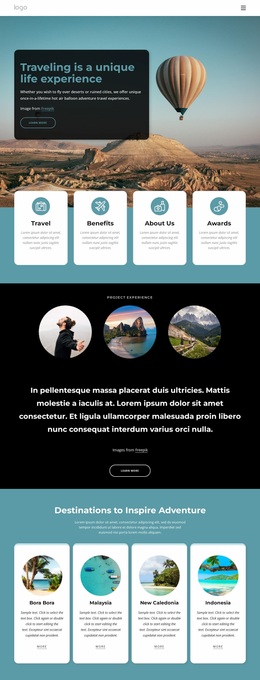
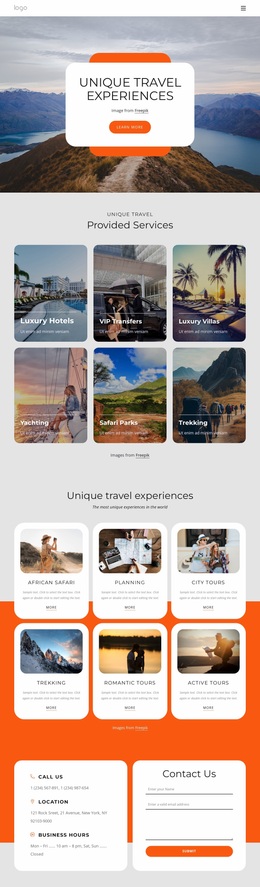
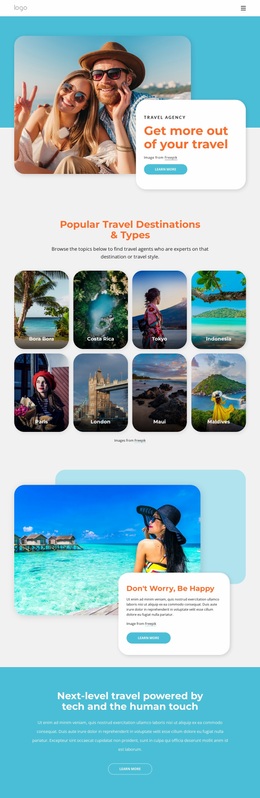
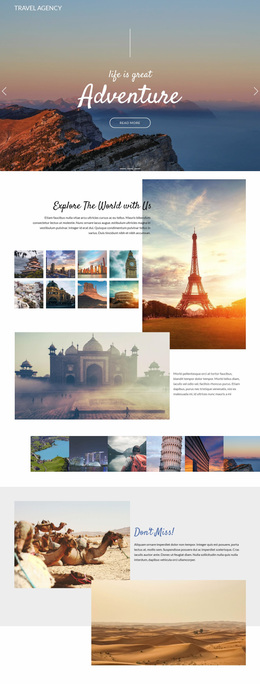
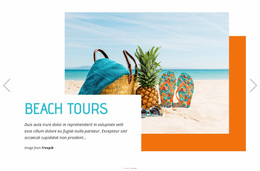

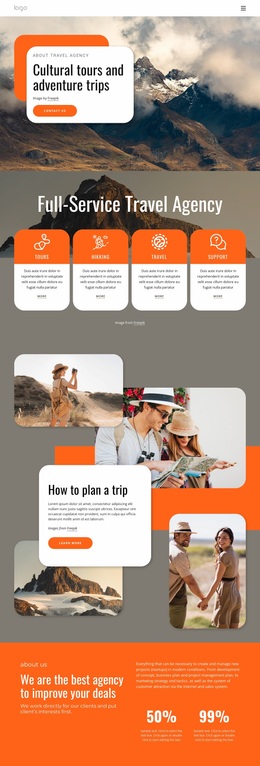
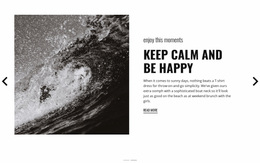
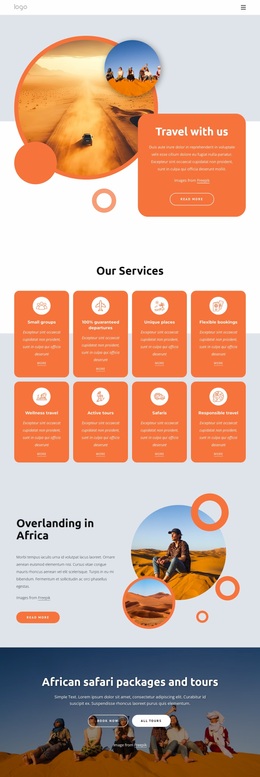
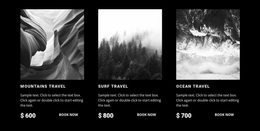



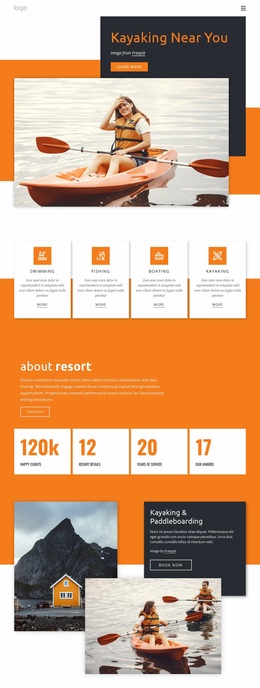

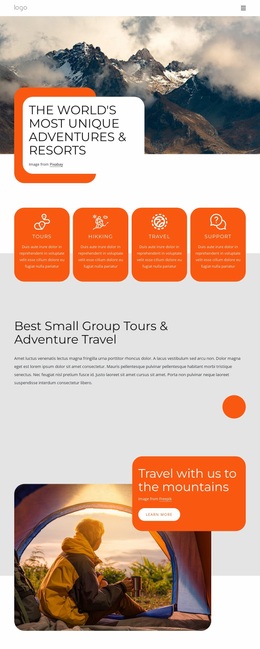
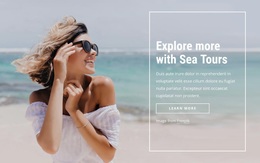
Modern Travel & Hotels Website Design
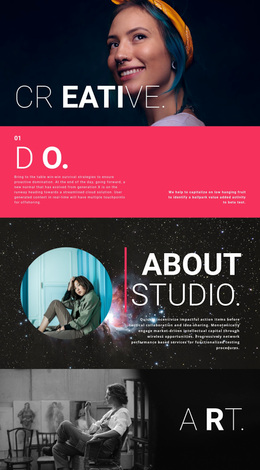
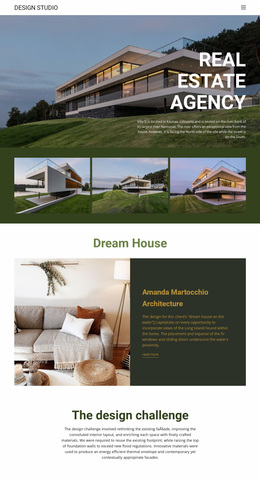
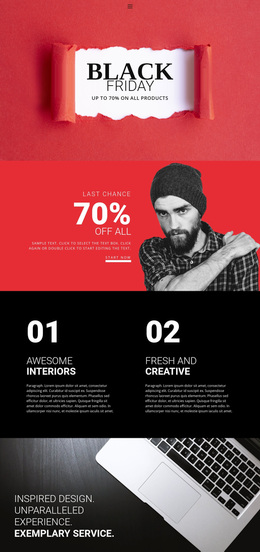
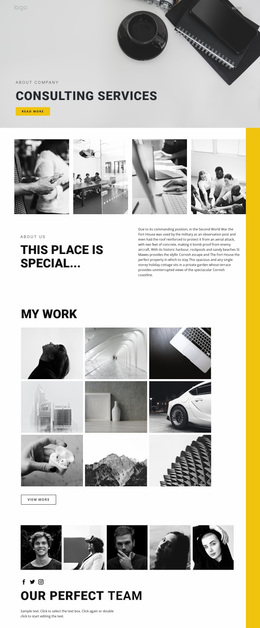
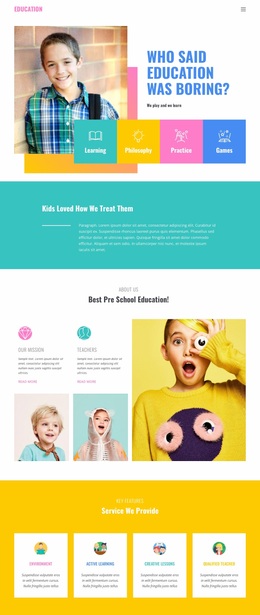
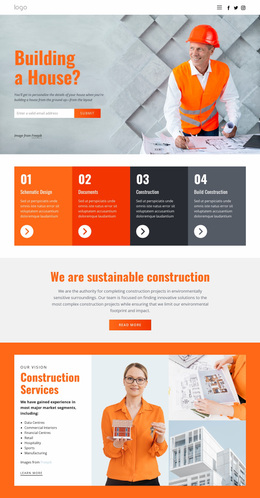
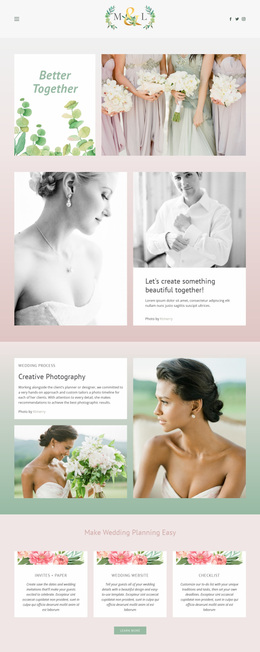
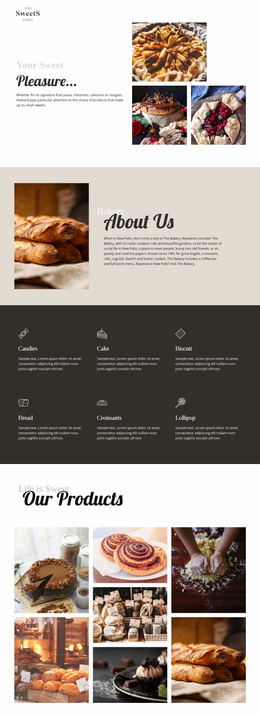
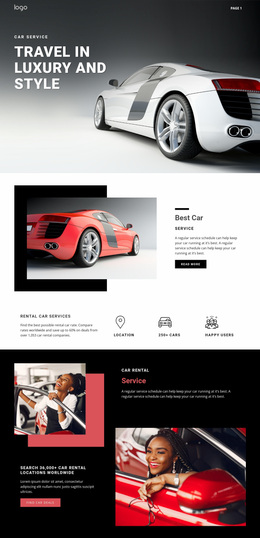
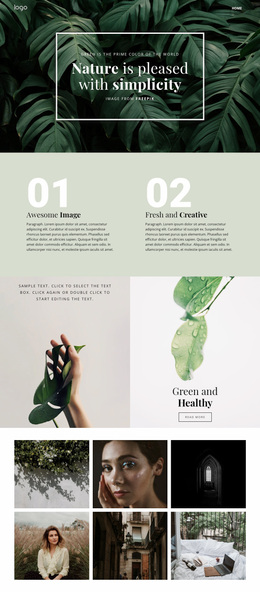
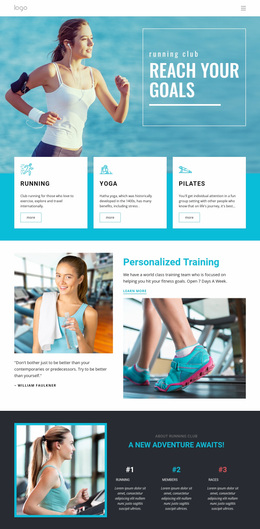
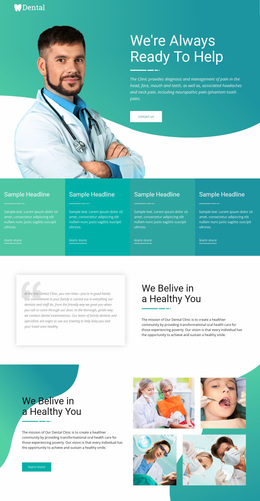
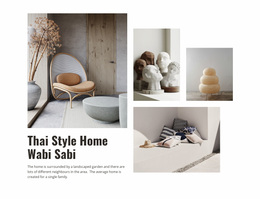
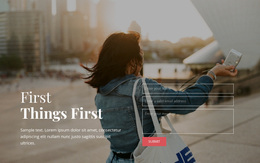
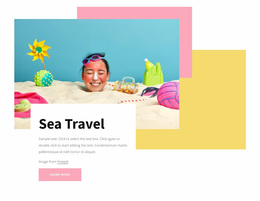
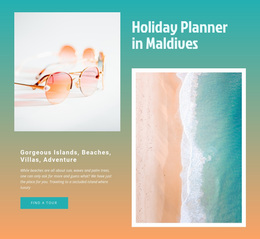
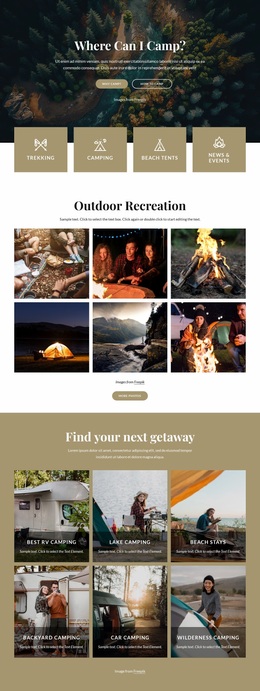
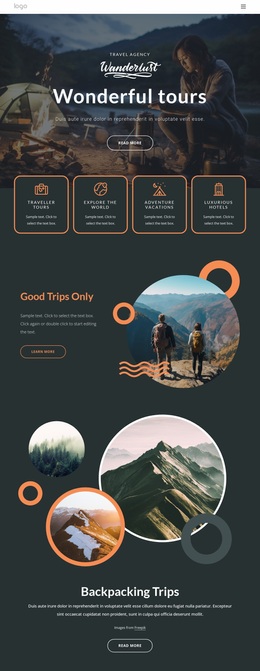
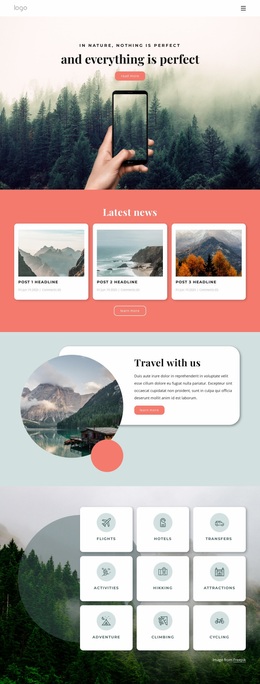
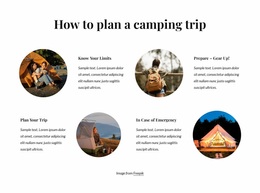
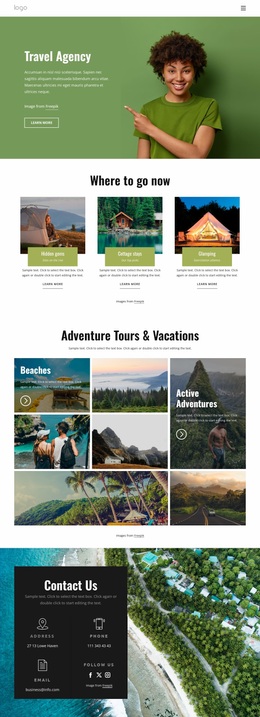
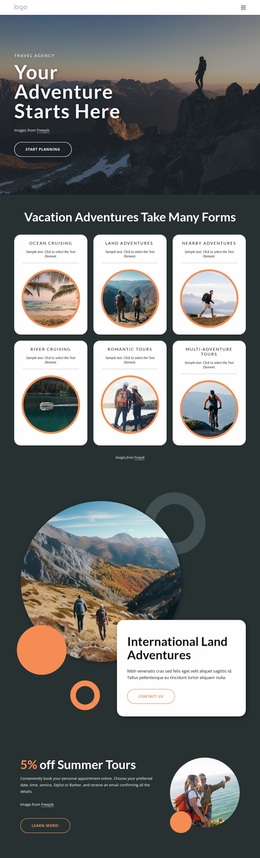
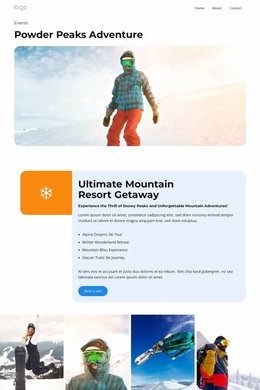
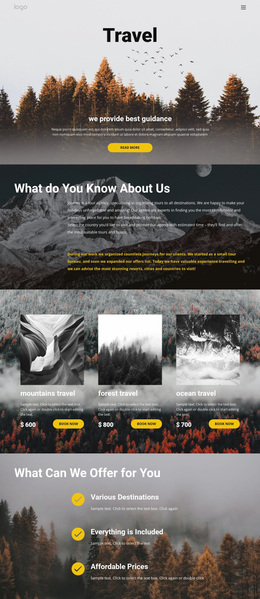
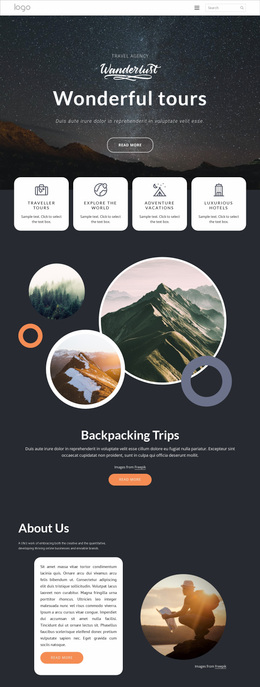
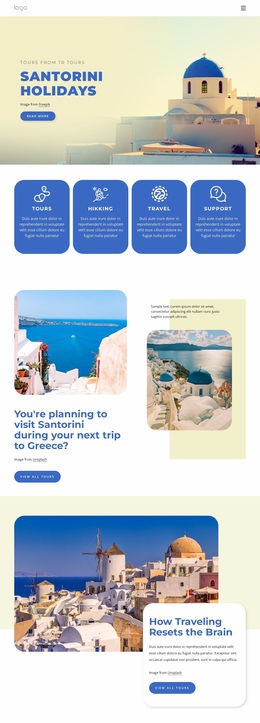
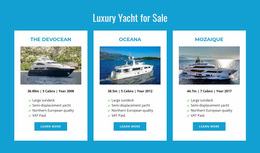
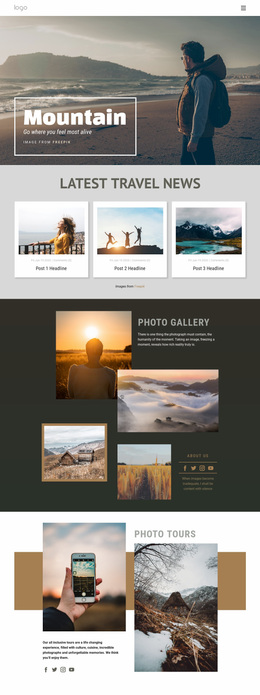
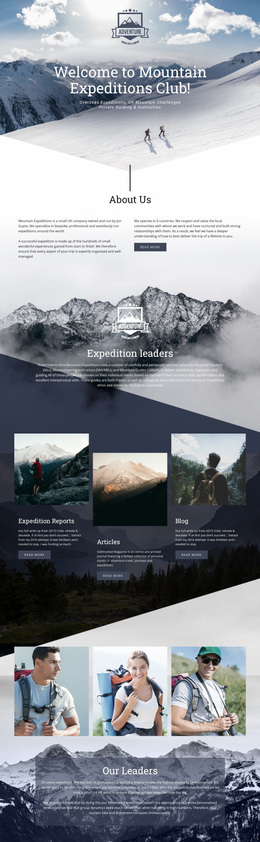
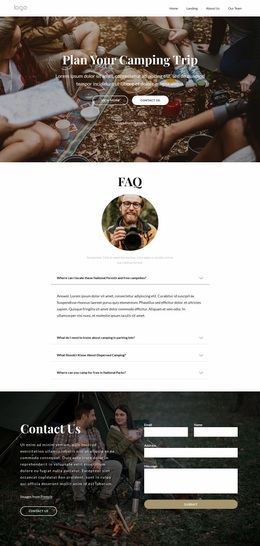
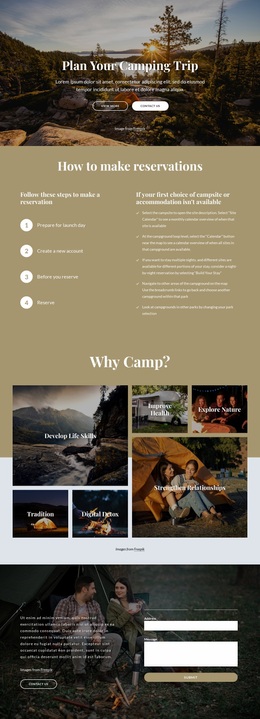
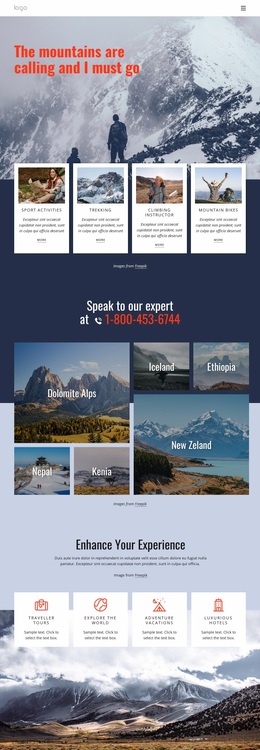
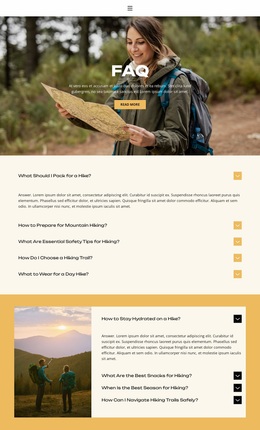
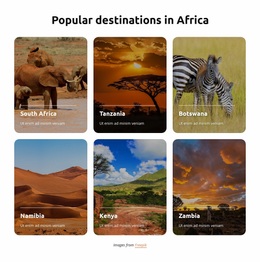
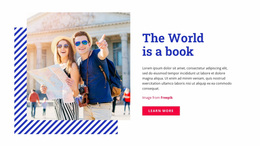
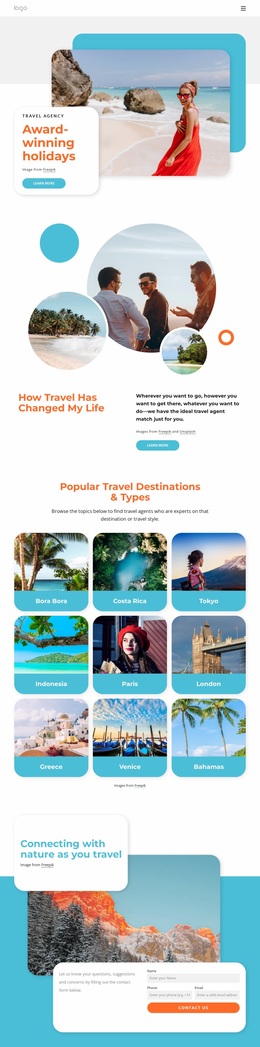
Travel & hotels website design gives resorts, tour operators, and destination brands a clear way to present places, stays, and seasonal offers using a single visual language. A coherent color palette, typography system, and image hierarchy help visitors understand the experience before they compare details or act.
Why Choose a Stunning Travel & Hotel Website Design?
If you manage a resort, visual composition should make rooms and amenities easy to scan. For tour operators, route hierarchy matters more. Destination brands need strong photography and recognizable typography. Each case benefits from aesthetic trends that support the travel story rather than distract from it.
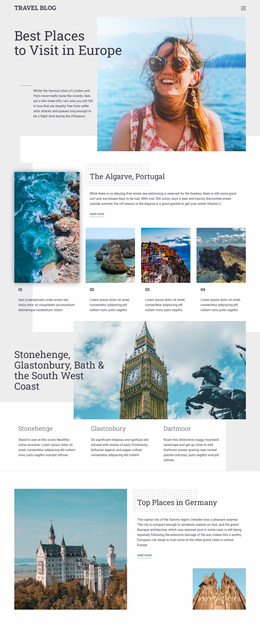
A Europe travel direction can help organize city imagery, cultural highlights, and route ideas around a consistent visual theme. Nicepage lets you open a design in the visual page editor and refine color, type, spacing, imagery, and responsive composition before publication or export.
The Site Fonts controls let you edit the Fonts Scheme and Typography Styles across the project and adjust typography separately for Responsive Modes.
Best Visual Features for Travel Websites
- Color Picker: define custom colors for hotel, resort, or destination branding.
- Font Property: control font family, weight, size, and line height for travel copy.
- Fit Image Background: crop and zoom destination photography so the main subject stays visible.
- 3M+ Image Library: find supporting travel photos, illustrations, and cut-outs.
- Design Elements: combine Text, Image, Icon, Shape, and Button components freely.
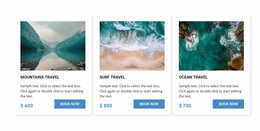
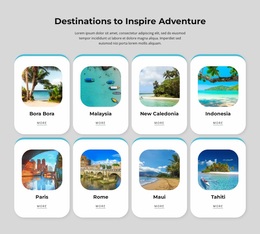
- Grid Element: structure hotel offers, route highlights, or seasonal cards in responsive cells.
- Animation Effects: draw attention to selected visual elements without making motion the main idea.
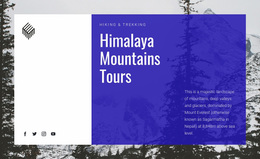
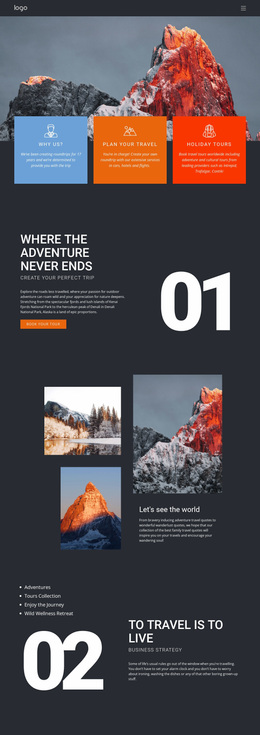
A path website concept can support route-led storytelling, trail sections, or trip stages. The Animation On Hover controls can add interaction to text, images, icons, shapes, Boxes, Grids, and Grid Repeater items when movement serves the page.
Advanced Visual Composition for Travel Brands
Pro Tip: Choose one dominant image style, a limited color palette, and a typography hierarchy before you refine individual blocks. Keep aesthetic trends subordinate to the destination story. A travel page can borrow ideas from season website concepts, but the same brand rules should connect every offer and CTA.
User-friendly Travel Website Design Questions
Is it OK to mix several visual trends on a hotel or travel website?
Yes, provided the result stays visually consistent. Keep colors and fonts aligned across the site and avoid overloading travel pages with competing effects or decorative styles.
What matters more for a destination website: appearance or usability?
Usability comes first. An attractive travel website can still lose customers if visitors cannot understand the content, find important details, or reach the intended action.
How can I keep a destination photo in focus when it becomes the large background?
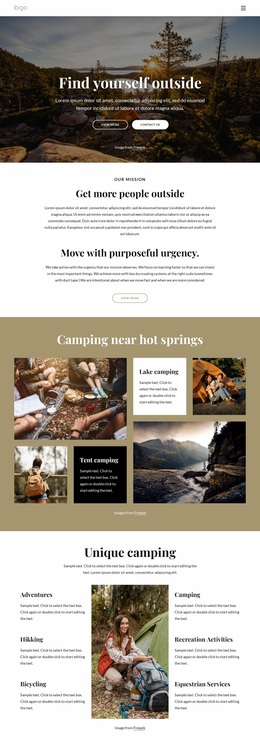
Use Fit Image Background. It lets you crop and zoom an image so the key subject remains prominent when the photo is used as a background in a hotel, destination, or seasonal travel section.
Free Travel Design with Better Visual Control
A scattered mix of photos, typefaces, and colors can weaken a strong destination offering. Replace that inconsistency with a visual system: select a direction in Nicepage, refine the composition in the website builder, check responsive views, and prepare the site for publication or export. Start for free and keep the result useful for visitors and developers.