FAQ Website Designs
-
-

-
-
-
-
-
-
-
-
-
-
-
-
-
-
-
-
-
-
-
-
-
-
-
-
-
-
-
-
-
-
-
-
-
-
-
-
-
-
-
Free Website Builder SoftwareDownload
-
-
-
-
-
-
-
-
-
-
-

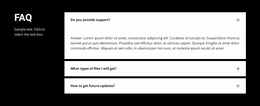
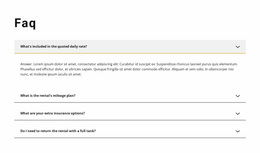
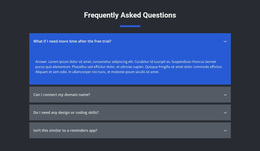
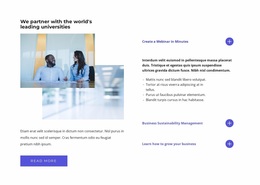




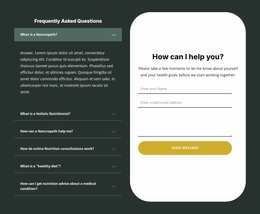
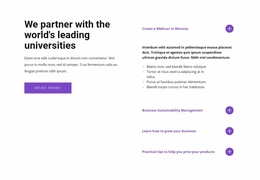
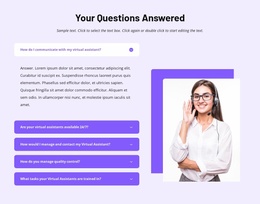
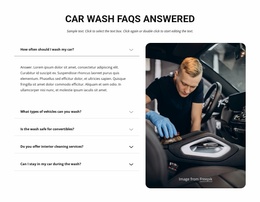
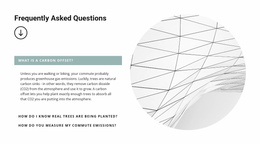

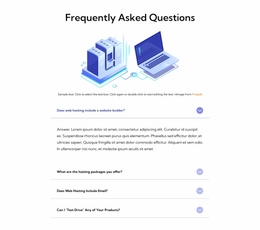
Clean FAQ Website Design Templates for Clear Question-and-Answer Layouts
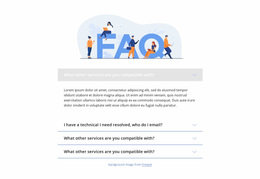
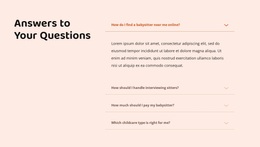
A compact, divided list and a set of large FAQ cards can use the same questions yet feel completely different. The design determines which questions stand out, how much of each answer is visible, and how quickly someone can scan the section.
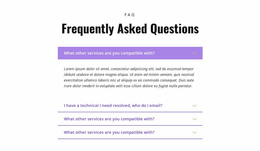
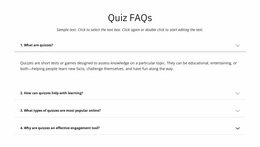
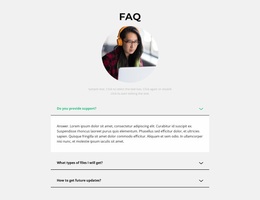
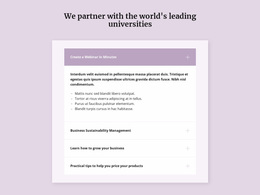
FAQ Website Design templates offer visual starting points for these choices. Compare question rows, card hierarchy, two-column arrangements, and open-answer states before choosing colors or decorative accents. The best-looking pattern is not necessarily the best one for your actual answers.
Compare the Composition of FAQ Lists, Cards, and Columns
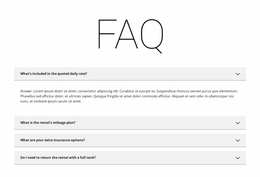
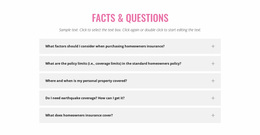
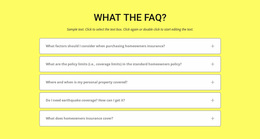
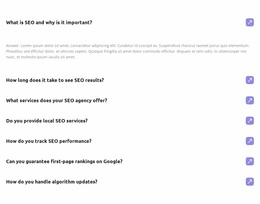
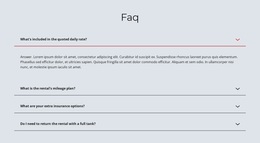
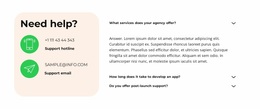
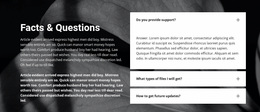
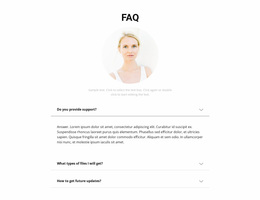
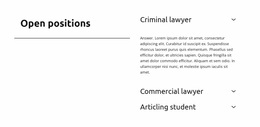
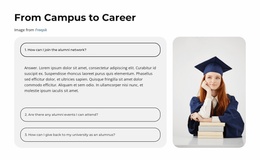
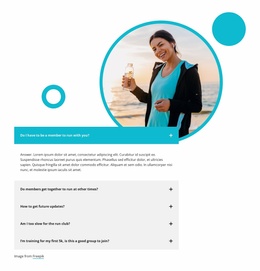
The first design choice is how much visual weight each question should carry. A divided list is almost typographic: separators define the rows, and the questions form a steady vertical rhythm. Cards give every item its own boundary, while two columns introduce a second reading path.
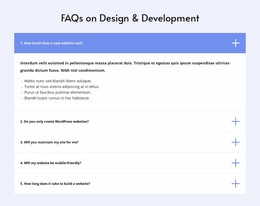
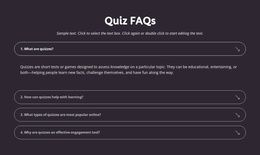
- Divided lists: light separators keep attention on the question labels; subtle rules need enough contrast to remain visible.
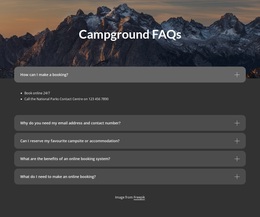
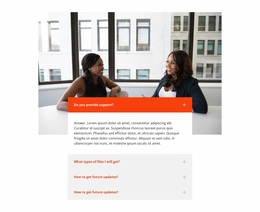
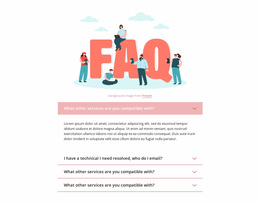
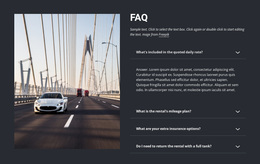
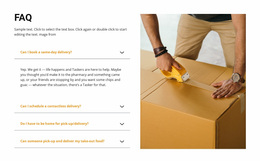
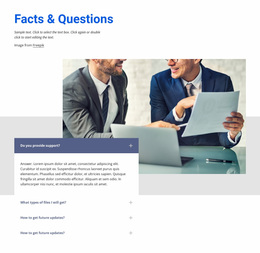
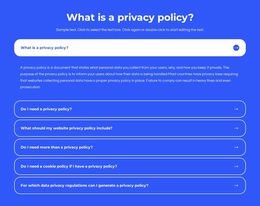
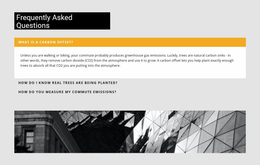
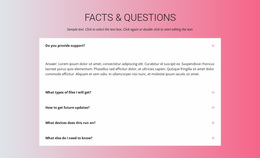
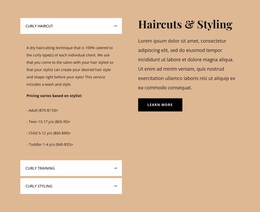
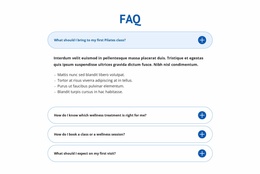
- Accordion cards: a border, surface, or shadow distinguishes each row; too many strong card backgrounds compete for attention.
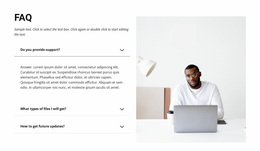
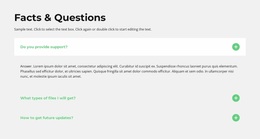
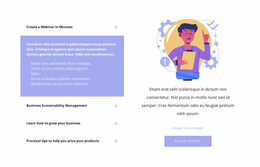
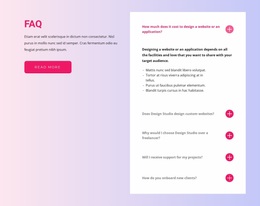
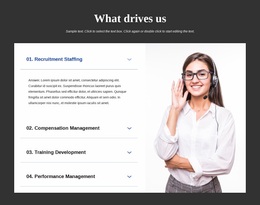
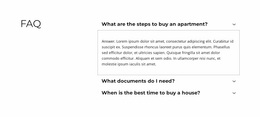
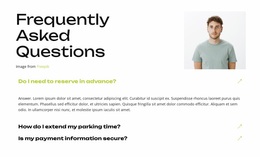
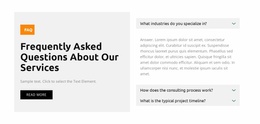
- Two-column Q&A: balanced columns can produce a compact composition, but asymmetric heights can make scanning uneven.
- Categorized groups: category headings establish a second level of hierarchy above individual question rows.
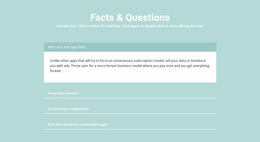
For a restrained corporate site, a divided list may fit better than a wall of cards. A colorful service site can use cards, provided the question remains more prominent than its decorative container.
Design Question Hierarchy and Expanded States
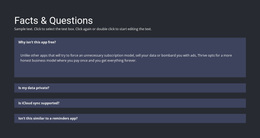
A collapsed question needs a clear label and an identifiable disclosure icon. When it opens, the active row should change without looking like a new section: a restrained background shift or border treatment can show the state while keeping the answer visually attached.
Compare a card's solid boundary against the lighter divider of a list. Test contrast between question text, icons, backgrounds, and the expanded panel; a saturated active state can steal attention from the explanation. In two-column compositions, an open row can break the alignment, so plan how adjacent items react visually.
The strongest FAQ design has a readable hierarchy in both states: section heading, question, then answer. Its spacing and emphasis should communicate that sequence at a glance.
Style Question-and-Answer Blocks in Nicepage
Nicepage includes a built-in FAQ Element for organizing questions and answers. Visitors can click question rows to expand or collapse answers, while the editor provides controls for colors, fonts, and spacing.
Those properties are especially useful when matching the FAQ section to an existing website design.
For example, a section with a neutral background can use stronger question typography rather than heavy borders. A more colorful layout may benefit from quieter answer text and additional whitespace.
The goal is not to decorate every FAQ item, but to establish a predictable reading pattern. Questions should look consistent, answer text should remain legible, and interactive controls should be easy to recognize.
For other question-and-answer section directions, browse FAQ templates before choosing the layout that best fits your content.
Make the Visual Treatment Feel Intentional
Choose divided lists for restrained rhythm, cards for distinct question targets, and categorized groups when the section needs a clear second-level heading. Two-column designs work when rows can maintain an orderly visual sequence.
Before settling on a style, compare the closed and active appearance with the rest of the site's colors and type scale. The goal is a coherent FAQ component, not another generic list of content-writing rules.
FAQ Website Design FAQ
Can I customize the appearance of a FAQ section in Nicepage?
Yes. The Nicepage FAQ Element includes controls for colors, fonts, and spacing. Use these settings to match the question-and-answer section to the surrounding website design.
Should every FAQ section use expandable answers?
No. Short FAQ sections can display answers directly, while expandable question rows may be more practical for larger collections. The choice depends on answer length, content density, and how visitors need to access the information.
When should I use FAQ cards instead of a divided list?
Use cards when individual questions need stronger visual separation or clear active states. A divided list works better for brief answers where lighter styling keeps the content easier to scan.
Can a two-column FAQ design work on mobile?
Yes, provided the columns stack in a clear reading order and long answers have sufficient width. Check the narrow-screen layout with realistic content before committing to two columns.
Choose a Recognizable FAQ Visual Pattern
A good design decision is visible even before anyone opens a question: the row hierarchy, contrast, dividers, and disclosure states work as one composition. Choose the pattern that fits the site's visual character and remains legible in both closed and open states.