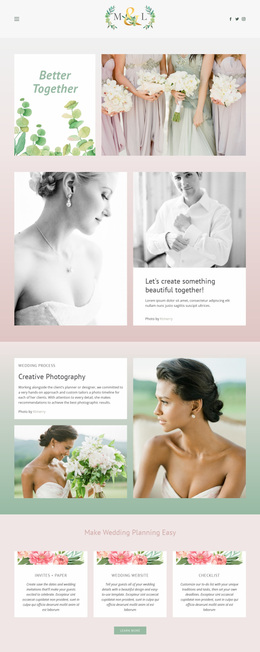
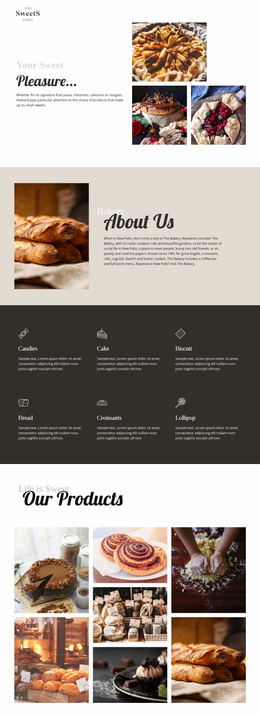
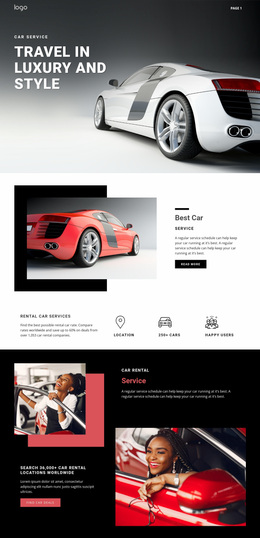
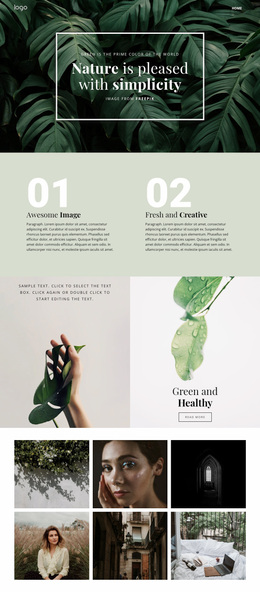
950 Sports Website Designs
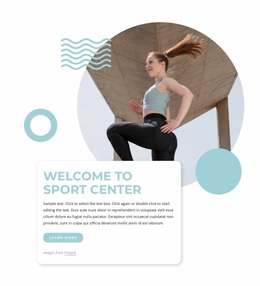

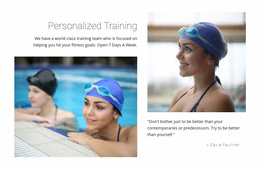
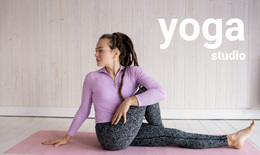


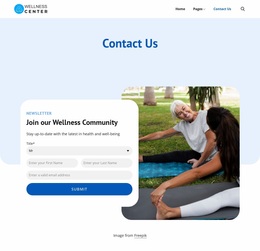
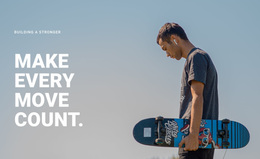
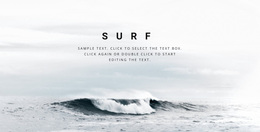
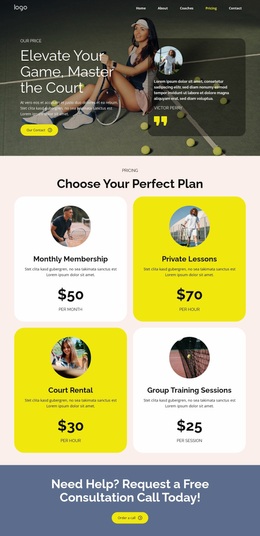
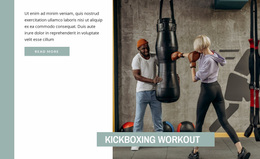

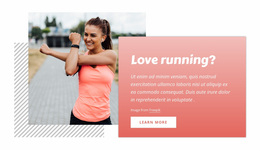
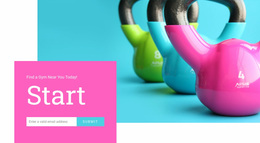

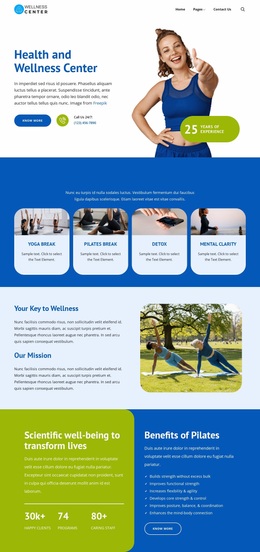
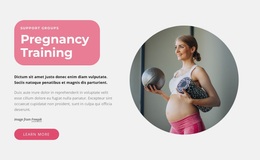

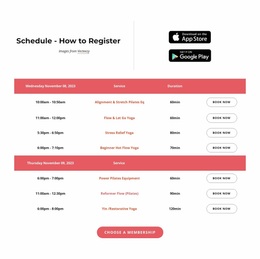
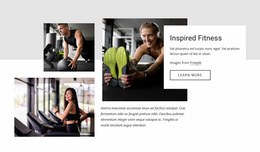
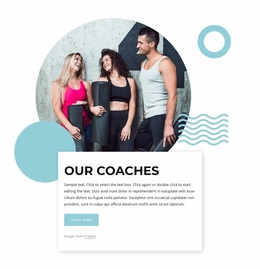
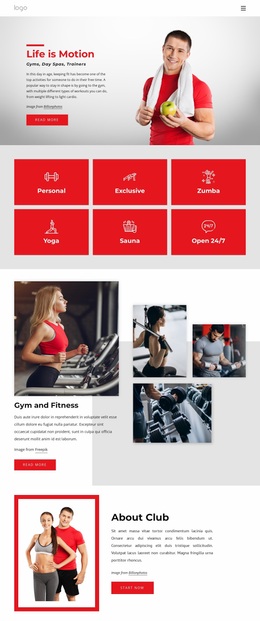
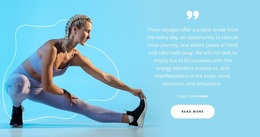
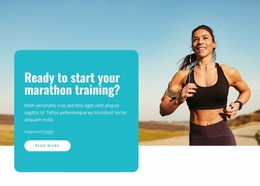
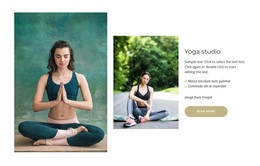

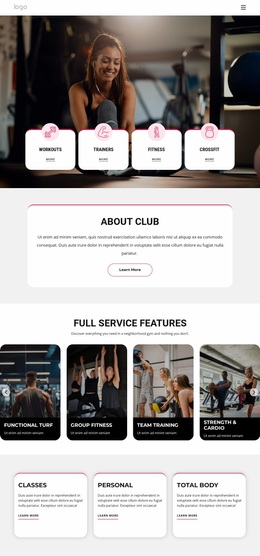
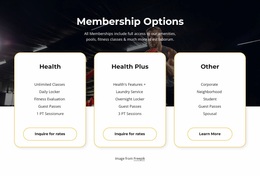

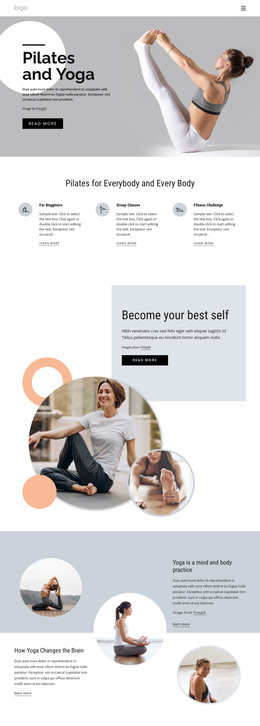
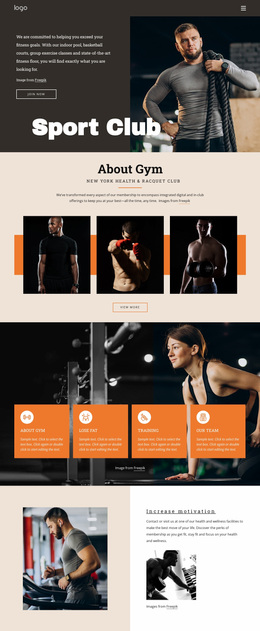

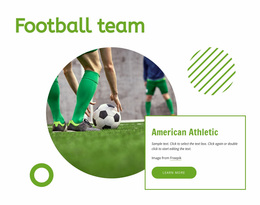
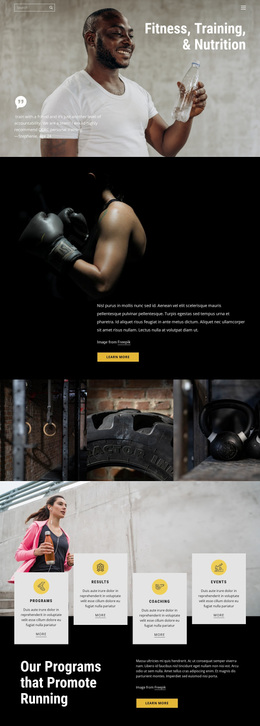
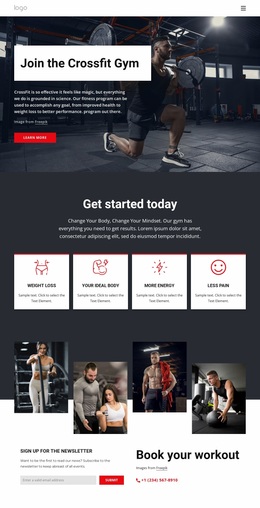

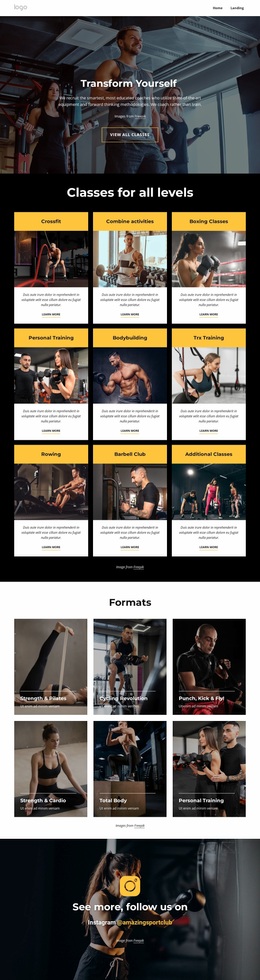


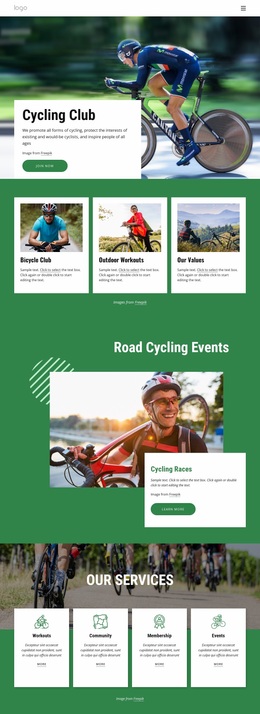
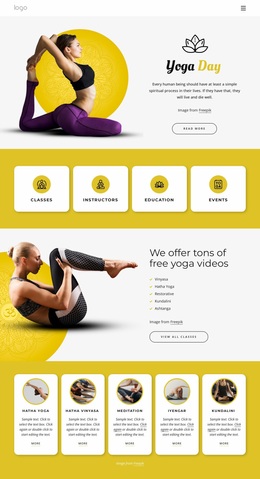
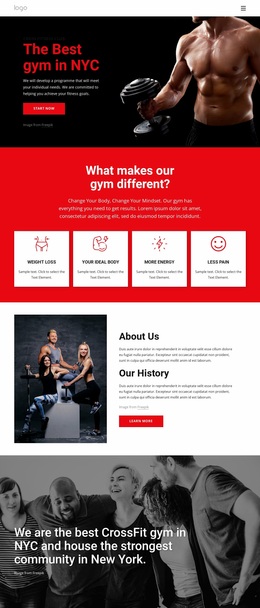
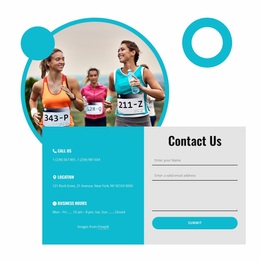
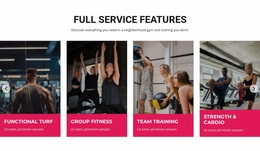
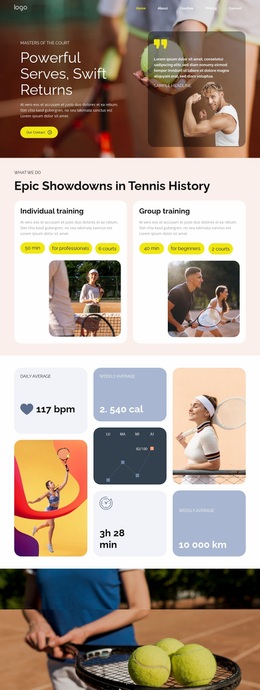
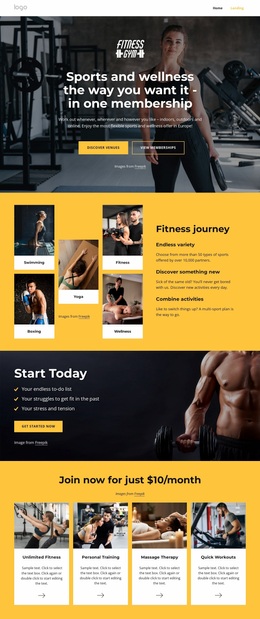
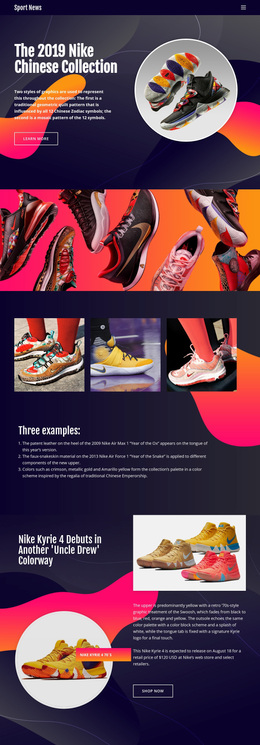

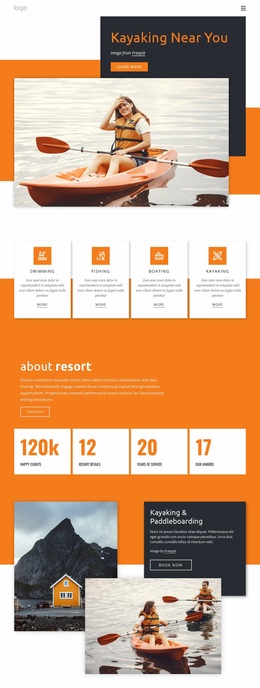
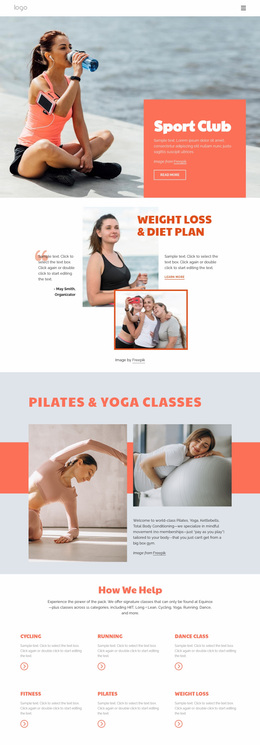
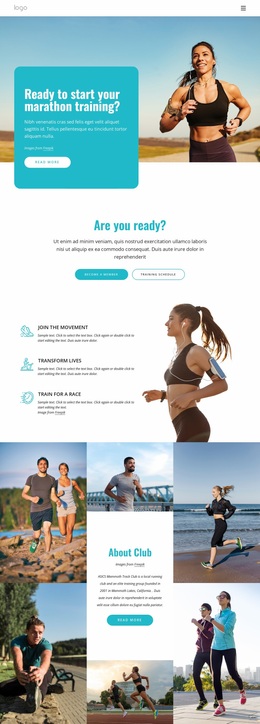
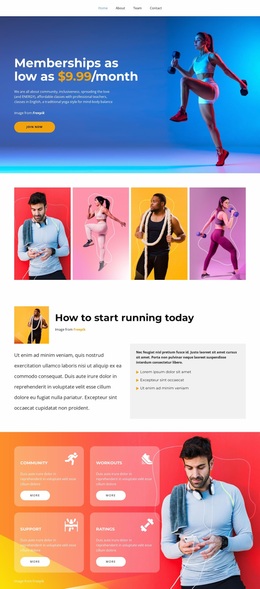
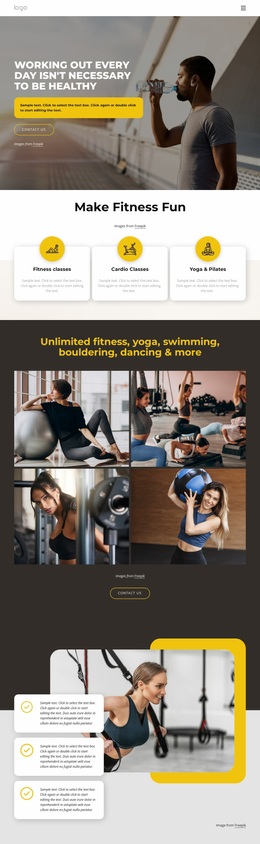

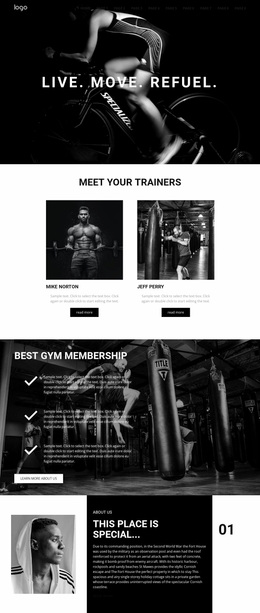
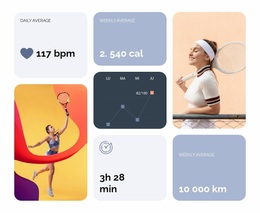
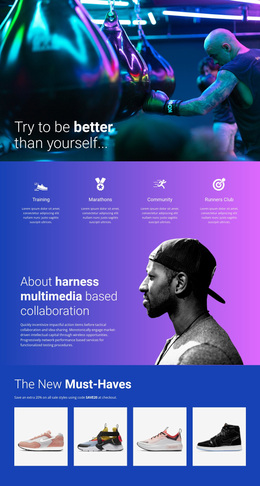

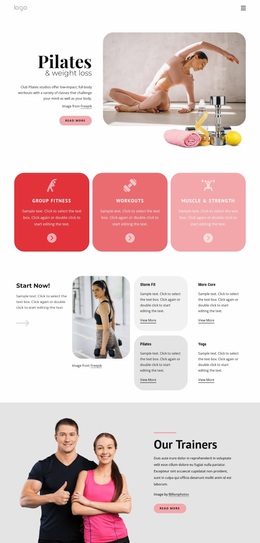



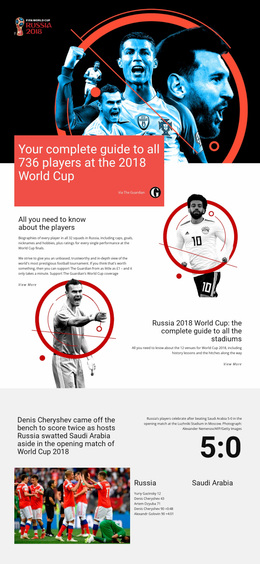

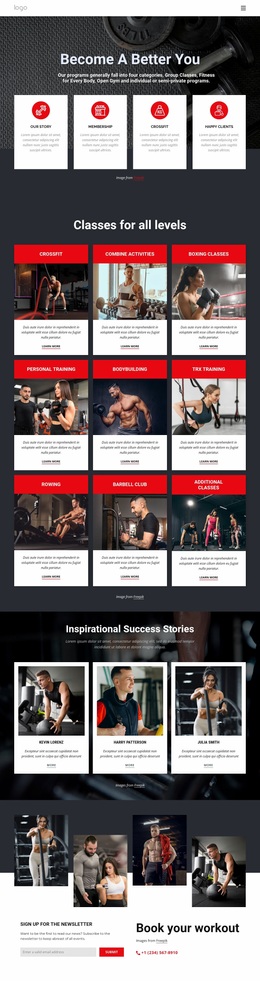
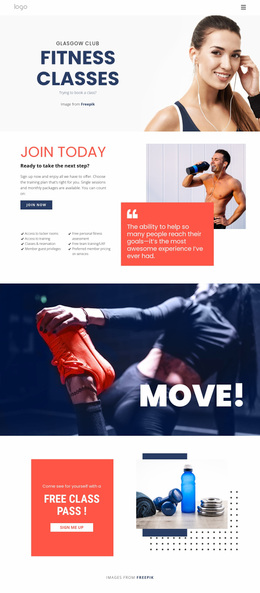
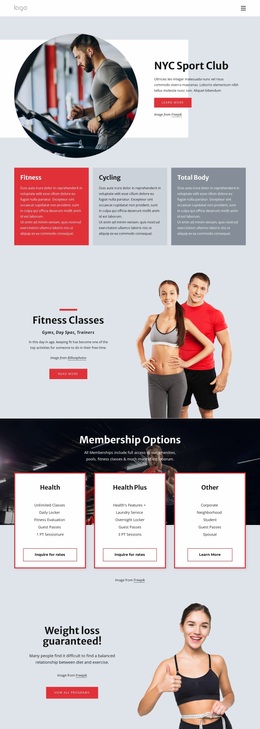
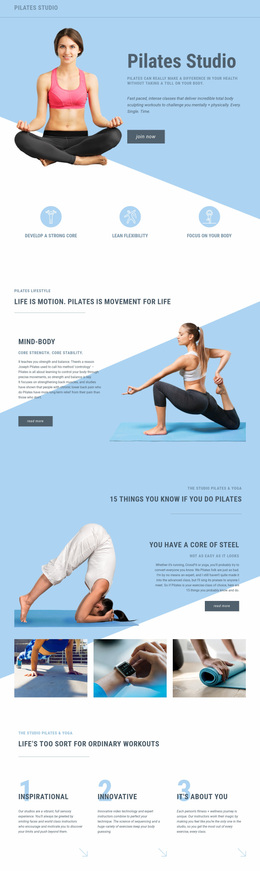
Unique Sports Website Design for Clubs and Athletic Brands
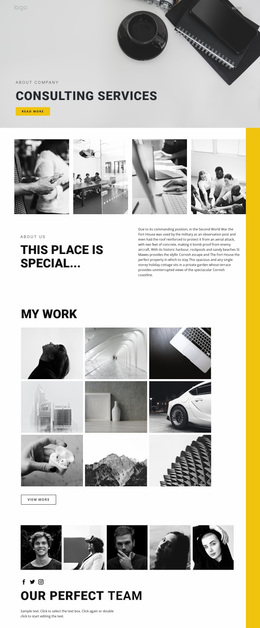
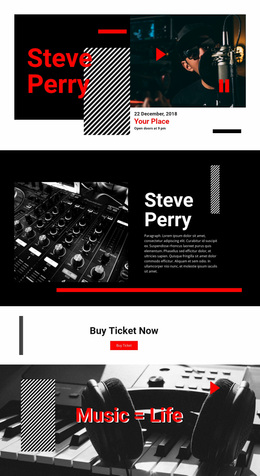
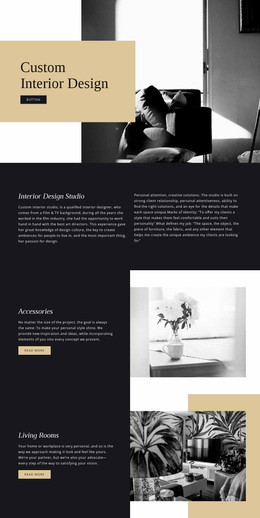
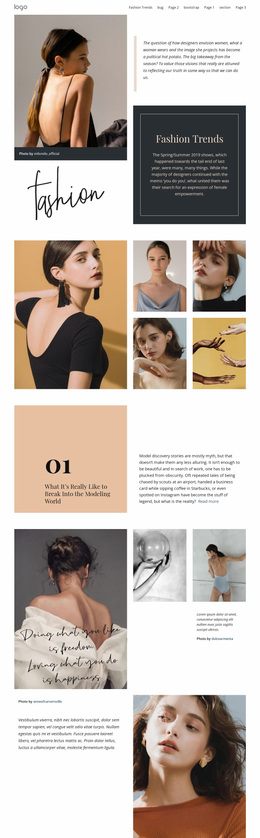
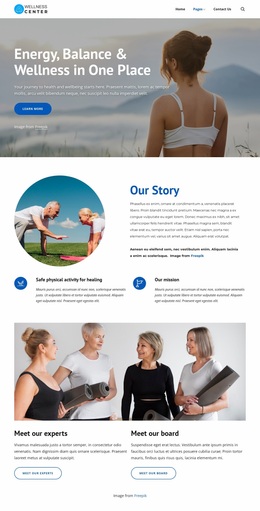
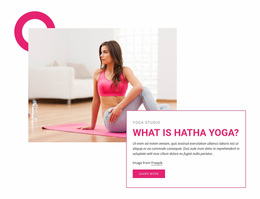
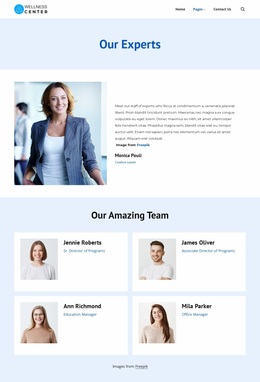
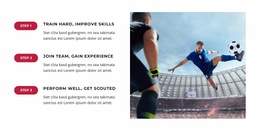
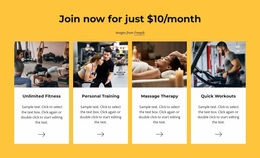
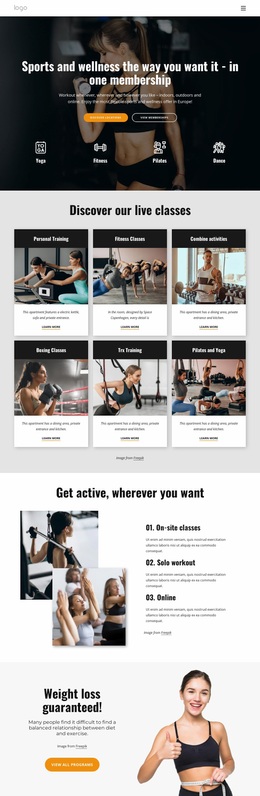
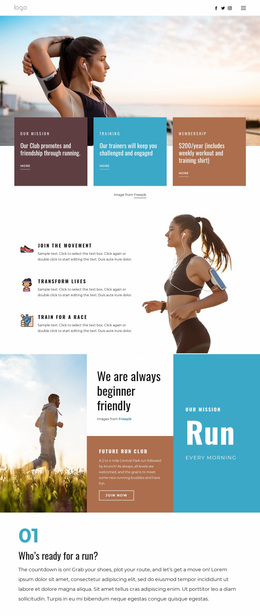
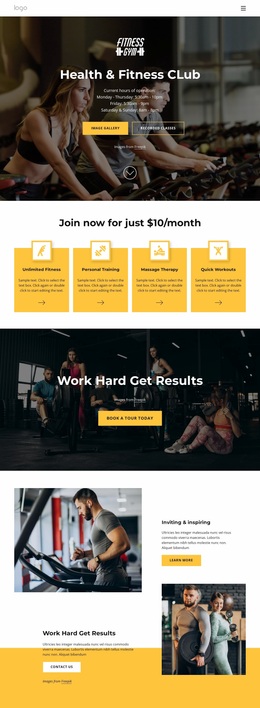
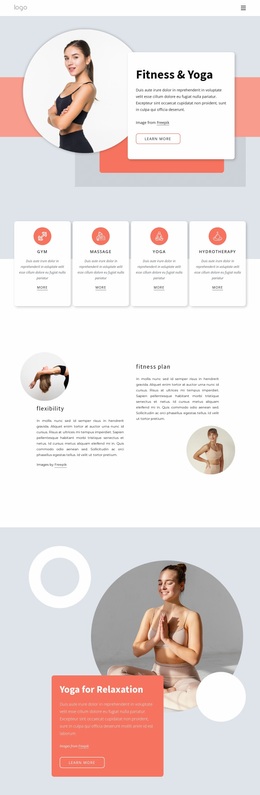
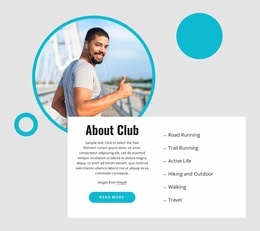
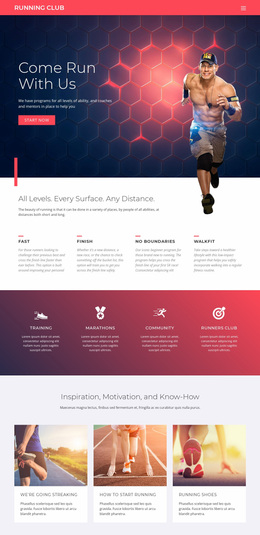
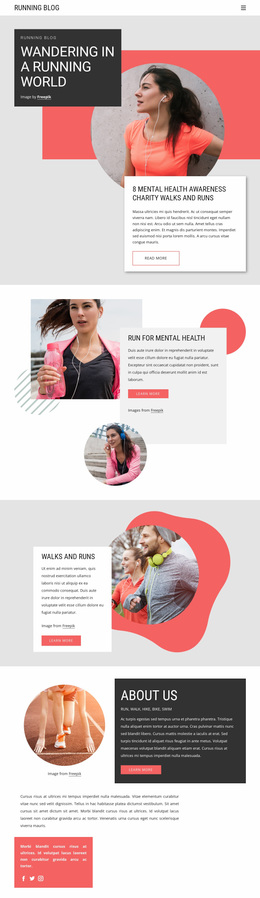
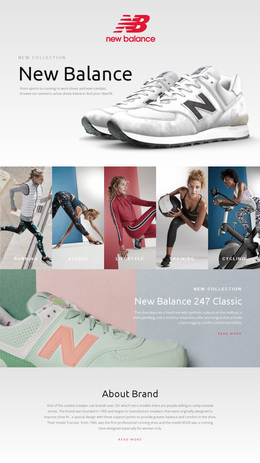
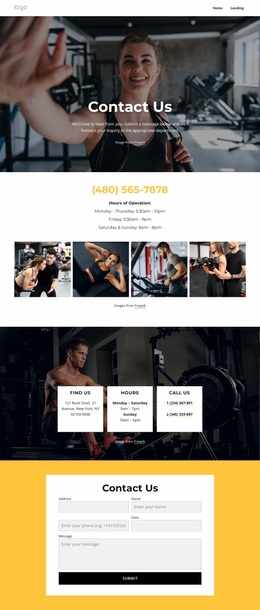
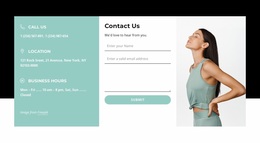
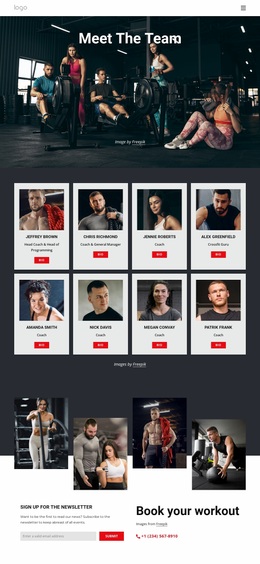
Sports website design should make an entire club, event, stadium, coaching brand, or sportswear project feel like a single, cohesive web presence. The key is a site-wide system: reusable navigation, consistent colors and typography, recognizable content patterns, and shared treatment for fixtures, results, news, team profiles, galleries, and conversion pages across multiple sections of the website.
What Creates a Consistent Sports Website System?
A strong sports identity should remain recognizable while visitors move between very different page types:
- A club can connect fixtures, results, team profiles, news, and membership pages through the same navigation and recurring patterns.
- A triathlon organizer can keep race information, schedules, athlete stories, and registration pages visually related.
- A stadium project can unify events, venue information, galleries, visitor guidance, and contact pages.
- A sportswear brand can carry the same type, color, image treatment, and navigation logic from editorial content to product-focused sections.
A multi-discipline event can reference triathlon website ideas for visual pacing, while apparel-driven projects may use sports clothing concepts to balance product imagery with athletic lifestyle content. These references are starting directions; the finished brand system should still reflect the actual organization.
Site-Wide Features for a Consistent Sports Identity
Theme Colors: define a shared palette so event pages, athlete sections, training content, and contact areas use the same brand logic instead of unrelated color combinations.
Typography Styles: control heading and body-text hierarchy across the website. Bold display typography may suit a competition brand, while a technical coaching service may need a quieter system with stronger readability.
Header Block: maintain recognizable navigation and branding across pages. Nicepage documents the Header Block as a shared website section that can contain menus and other header content.
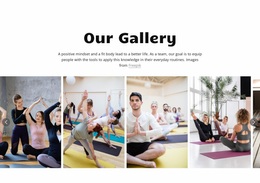
Image Gallery Carousel: Reuse a familiar gallery treatment on event, team, facility, or race pages. The Image Gallery Carousel helps multiple sections feel related even when their photography changes.
Responsive Modes: Keep navigation, typography, recurring cards, headers, and shared patterns coherent across large screens, desktops, laptops, tablets, and phones.
A venue-driven project can draw composition ideas from stadium website layouts, especially when large-scale imagery must coexist with events, location information, seating or visitor content.
Cross-Page Consistency for Sports Content
A sports site usually contains several functional systems at once. Fixtures and results may share one card language, team profiles another, while news and event pages use related editorial patterns. The website design should connect those systems through the same header, navigation logic, typography, colors, spacing rules, and image treatment.
That consistency also helps when the content changes frequently. A new athlete profile, competition result, stadium event, or news article can be added to the site without looking like a separate mini-project. Composition may vary by page type, but the cross-page identity should remain stable.
Simple Questions About Sports Website Design
How can I keep the same sports brand colors across the whole website?
Use Theme Colors in Nicepage Site Settings. The selected color scheme applies across the project's pages, making it easier to maintain consistent club, event, stadium, or athletic-brand styling.
Can I change typography globally for a sports website?
Yes. Nicepage Site Settings provide a Font Scheme and Typography Styles for the site's pages. Typography styles can also be adjusted for individual Responsive Modes.
How can I present race or stadium photography without making every image a separate section?
Use the Image Gallery Carousel. It places multiple images within a single interactive gallery area, which is useful for competitions, facilities, athlete photography, spectators, training environments, or venue highlights.
No-Code Freedom for a Stronger Sports Brand
A sports website should look like one brand rather than a collection of unrelated pages. Select a visual direction, open it in the website builder, refine the palette, typography, photography, shared sections, and responsive views, then publish when the complete site feels consistent. Start for free and keep direct visual control as new events, programs, athletes, or content sections are added.