100 Wedding Website Designs
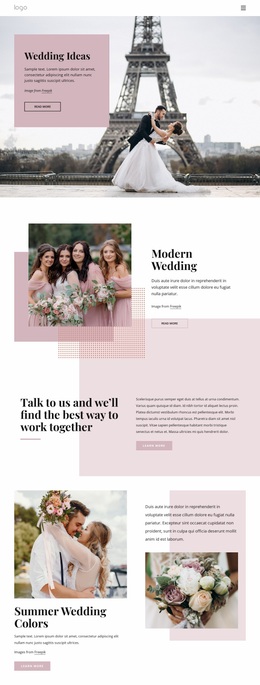
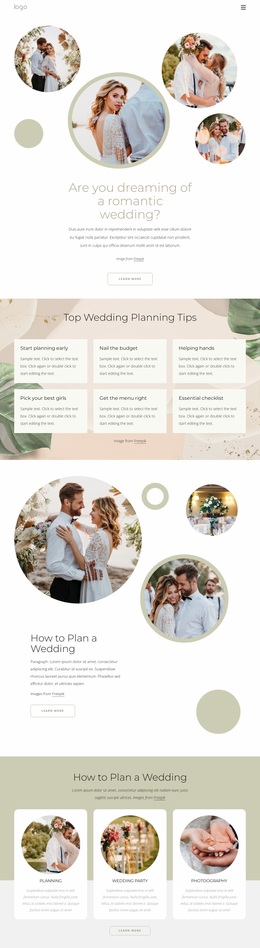
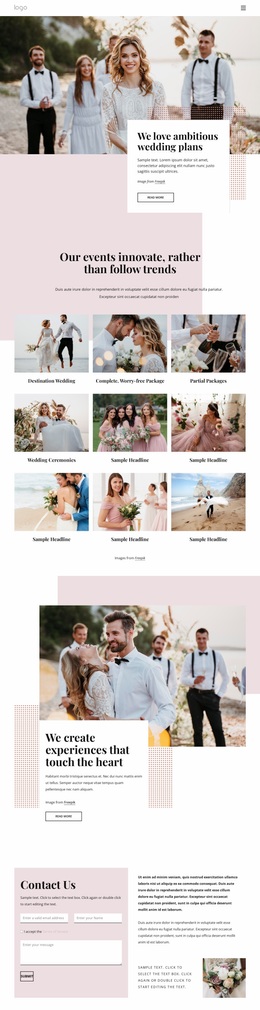



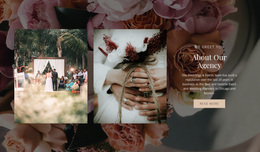
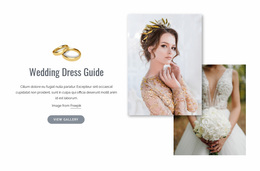
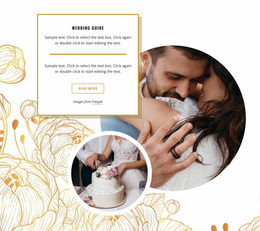
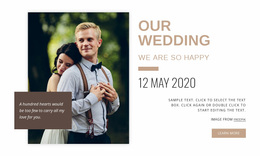


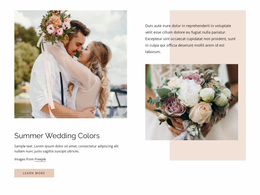


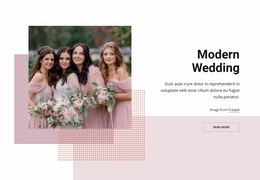
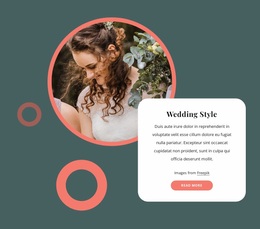
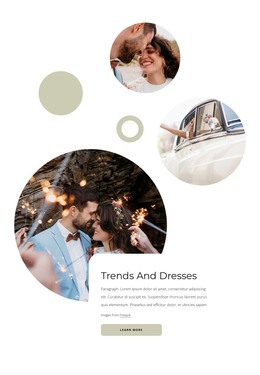
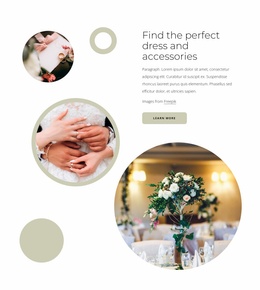
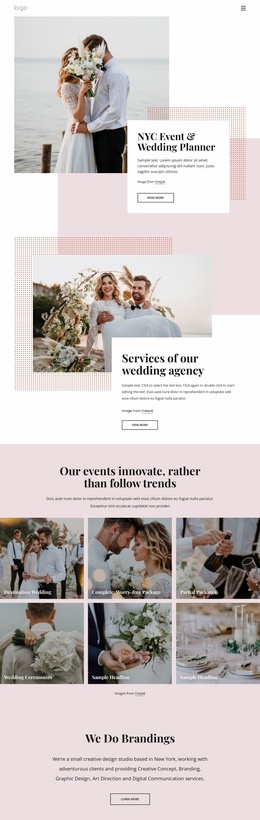

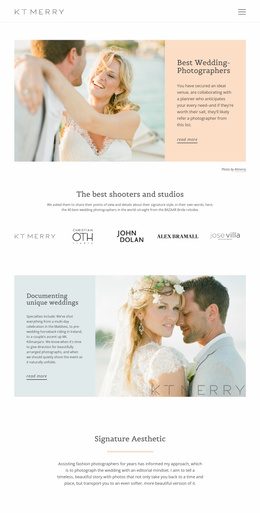
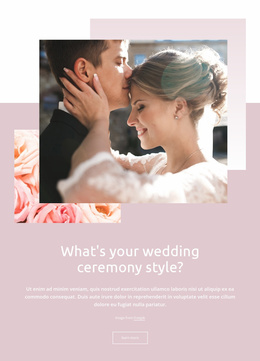
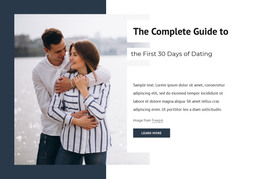
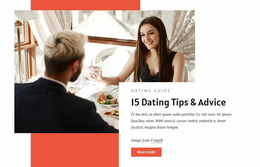
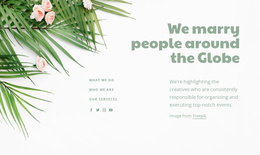


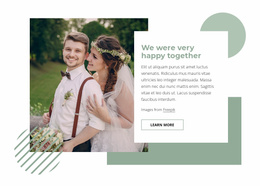
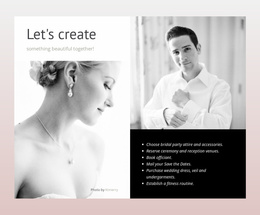
Stunning Wedding Website Design
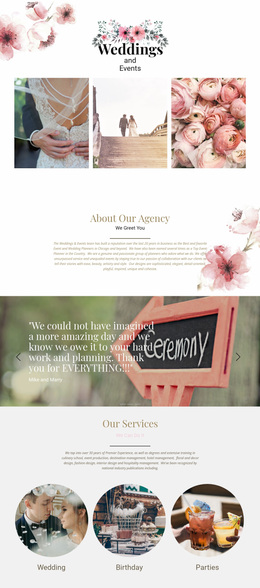
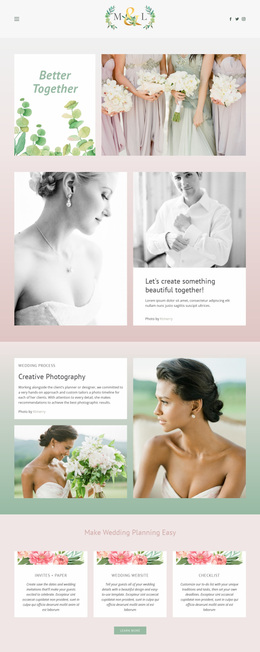
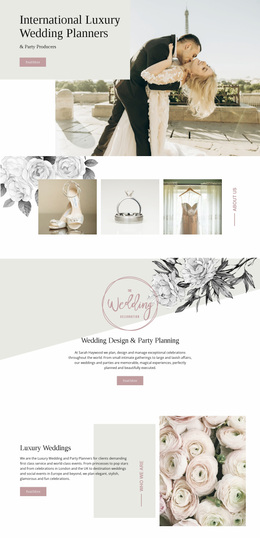
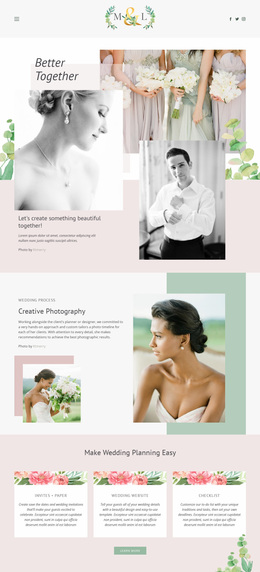
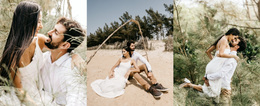
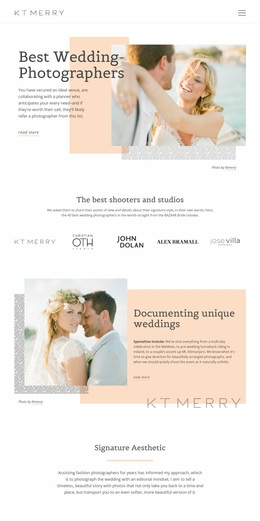
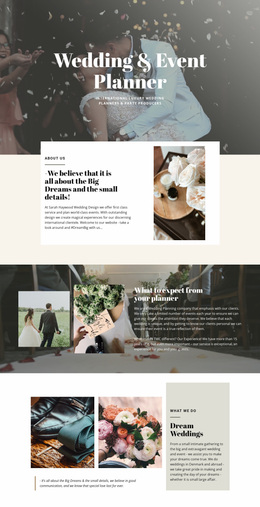
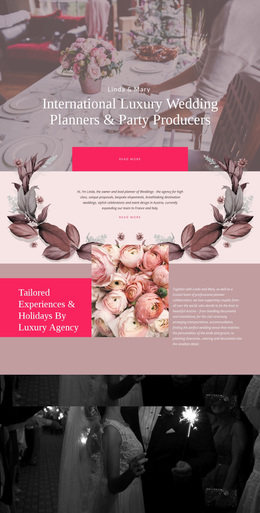
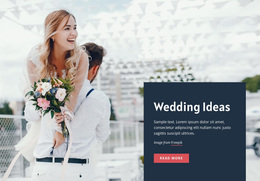
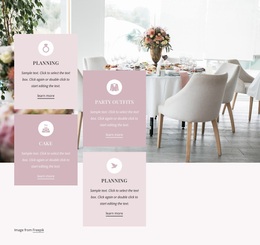
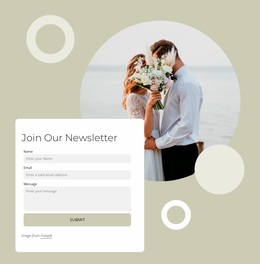
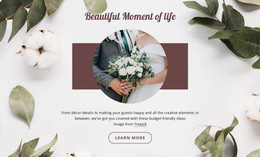
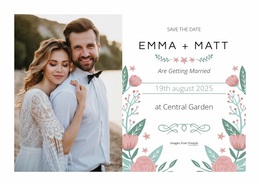
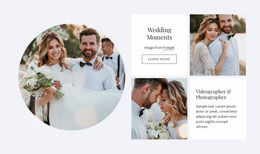
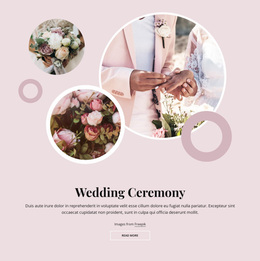
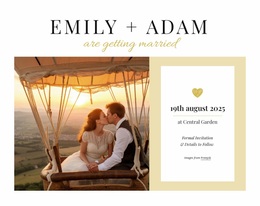
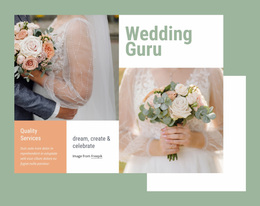
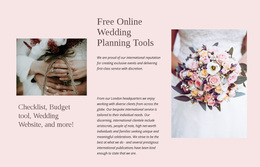
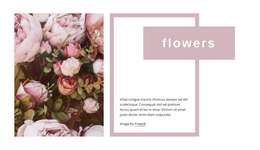
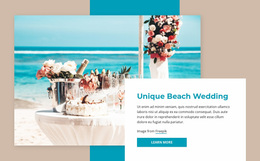
Wedding website design is about shaping a complete guest experience rather than selecting a ready-made layout. The site has to balance two different jobs: helping guests act on practical information and expressing the character of the celebration. RSVP, schedule, travel, venue, registry, and private invitee details need a clear hierarchy, while photography, typography, spacing, and personal storytelling create the emotional layer.
How to Create a Flexible Wedding Website?
Start with information architecture. Put time-sensitive guest tasks where they are easy to reach from any important page. RSVP should remain prominent while responses are open. Travel and accommodation deserve stronger visibility for destination weddings. Registry information should be easy to find without dominating the experience, and private guest details should not be treated as public storytelling content.
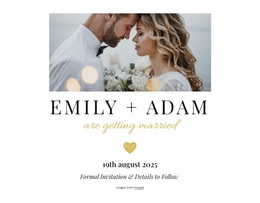
Then build a visual hierarchy around those priorities. Use larger type, stronger contrast, and more open spacing for the couple’s names, date, and primary guest actions. Let editorial photography or full-width images carry emotional sections, while schedules, directions, and travel information stay in calmer, more structured compositions.
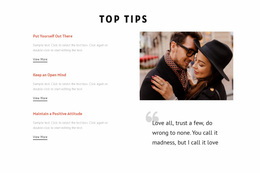
A love-focused design direction can inform intimate copy and softer visual choices, while couple website ideas are useful for story timelines, portraits, and shared milestones. Those references should support the design language without determining how practical information is organized.
Design Principles for a Complete Wedding Website
Use the Grid Element where practical information needs stable alignment; the documented Grid Element is useful for date, venue, travel, or response details. Give storytelling sections more visual freedom so galleries and personal narratives feel expressive without making utility content harder to scan.
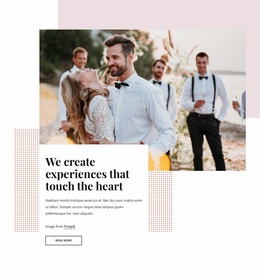
Typography should establish clear visual distinctions among event identity, section headings, guest instructions, and supporting notes. Photography treatment can vary by purpose as well: a hero portrait may be immersive, a venue image may need contextual text nearby, and gallery photographs can sit within a dedicated viewing area rather than compete with logistics.
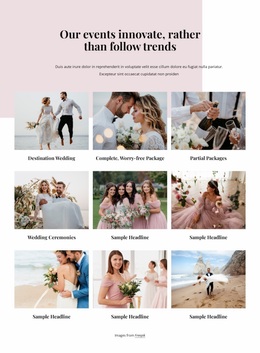
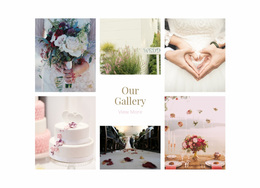
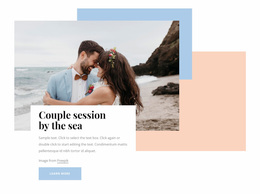
The Image Gallery can collect engagement or celebration photographs without turning schedule or travel pages into long photo streams. Nicepage documents the Image Gallery Element for arranging multiple images within a dedicated gallery.
Navigation should reflect real guest priorities. A destination wedding may need Travel and Schedule at a near-top level. A smaller local ceremony may need only Details, RSVP, Gallery, and FAQ. The design should respond to the event structure rather than copy the same menu model from another wedding.
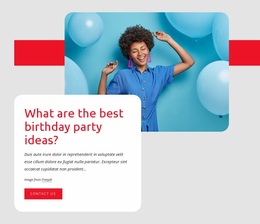
An anniversary-inspired visual theme can also help with timeline sections or longer-term storytelling when the site includes the couple’s history beyond the wedding day.
Mobile-Friendly Wedding Website Questions
How should RSVP be treated in wedding website design?
Keep it easy to reach while responses are open. It can be a primary navigation item, a prominent button, or another clearly visible action depending on the site structure.
What should destination wedding guests see quickly?
Travel, accommodation, venue directions, and the event schedule should be easier to reach than decorative or archival content.
How can photography and typography improve a wedding website?
Use photography to create emotional emphasis and typography to separate event identity, headings, instructions, and supporting details. Practical guest information should remain easy to scan even when the visual style is expressive.
How does Nicepage adapt a wedding website to different screen sizes?
Nicepage supports Responsive Modes for Large Screens, Desktops, Laptops, Tablets, and Horizontal or Vertical Phones. You can adjust layouts for individual modes when wedding photography, text, or event details need different placement on smaller screens.
User-Friendly Control Over the Wedding Design System
Design the site around the actual guest journey, then refine the visual language around that structure. Open the project in the visual page editor, shape the hierarchy between RSVP, travel, schedule, registry, privacy-sensitive details, and storytelling, then adjust typography, photography, spacing, and mobile presentation before publication. Start for free and keep the page focused on designing the whole wedding experience rather than choosing a prebuilt template.