1240 Split Website Designs



















































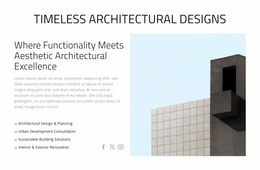

Unique Split Website Design for a Consistent Two-Part Section
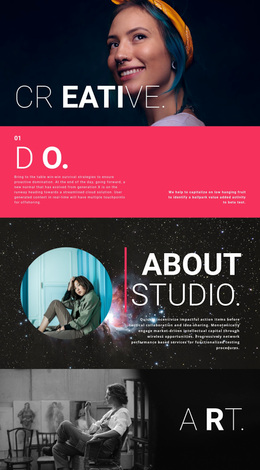
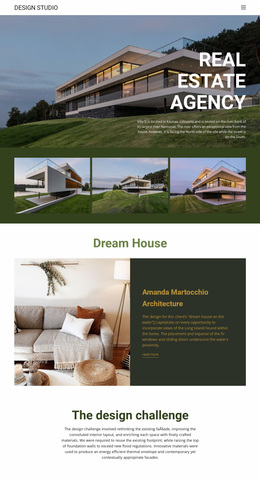
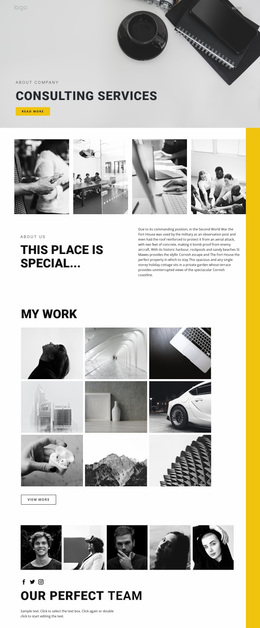
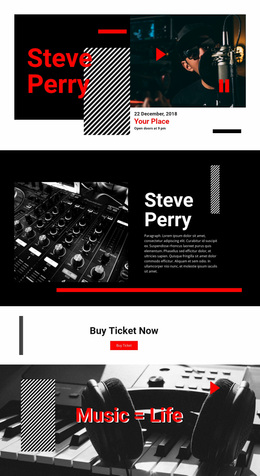
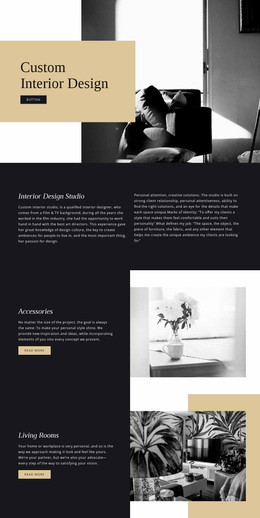
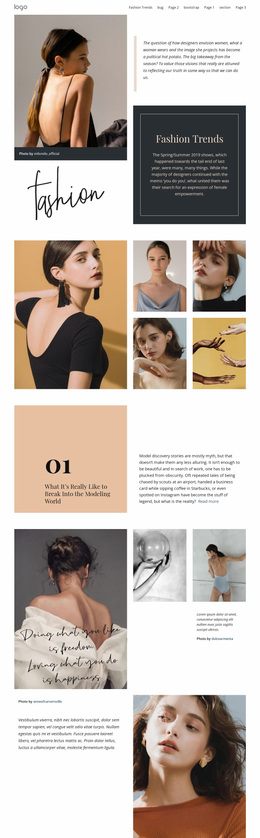
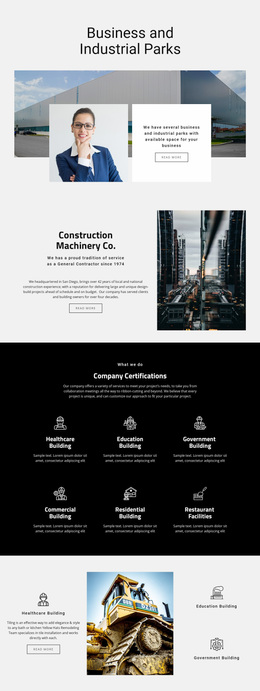
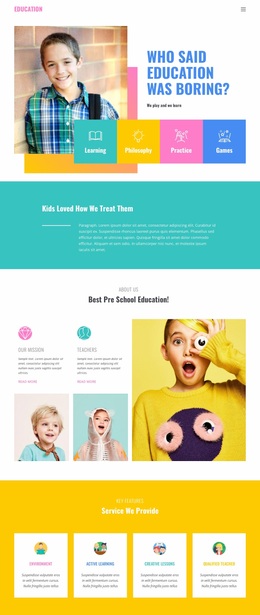
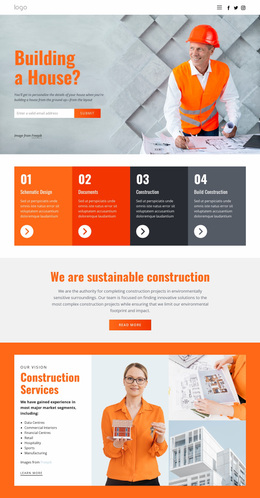
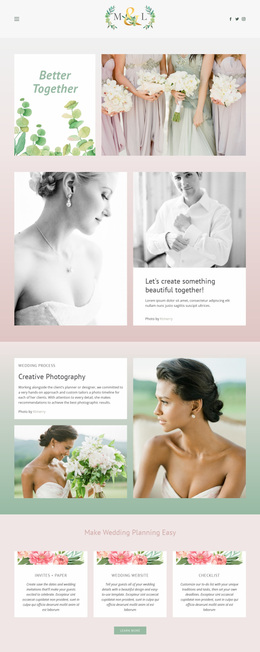
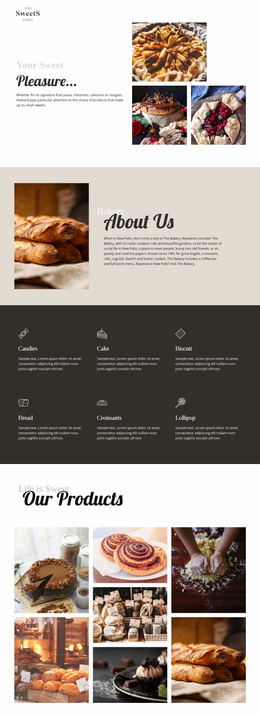
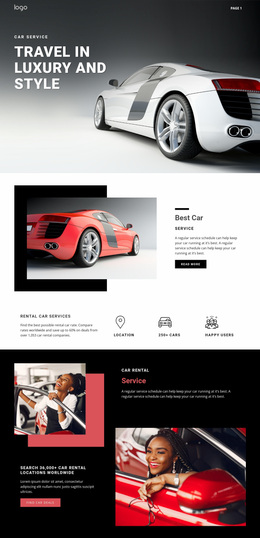
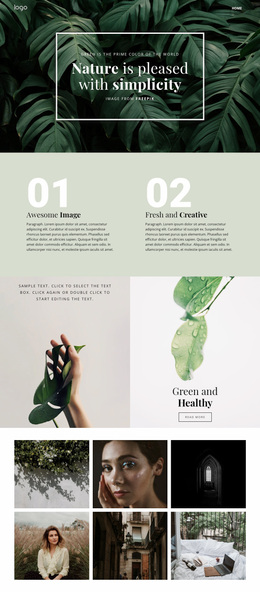
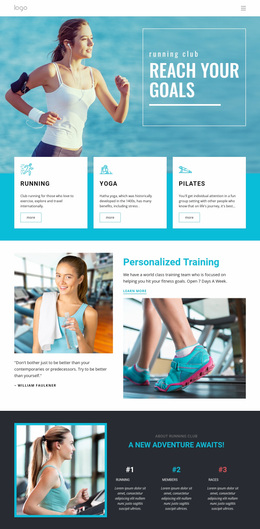
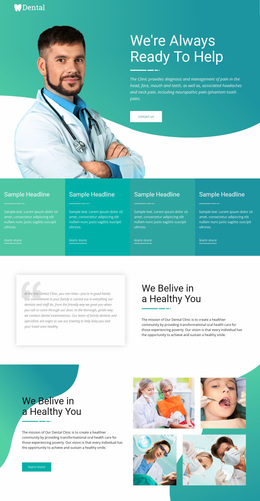
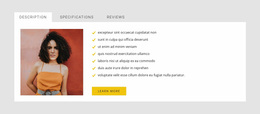
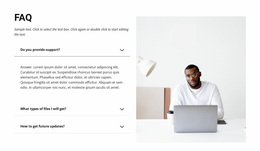
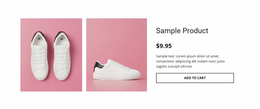
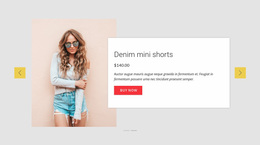
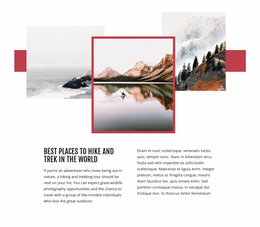
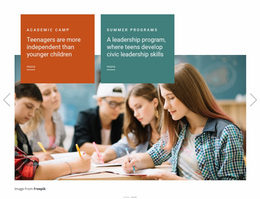
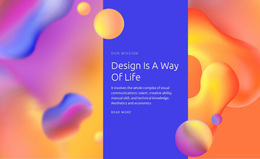
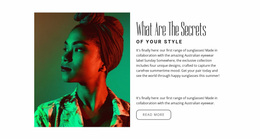
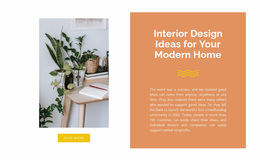
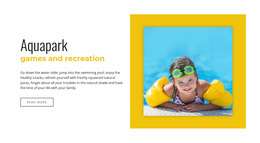
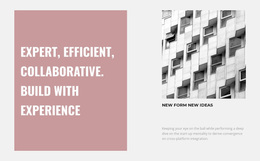
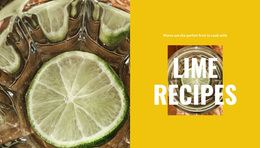
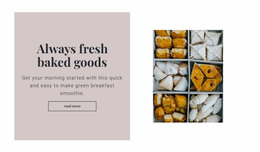
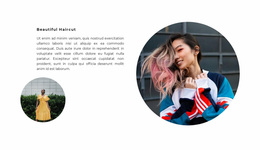
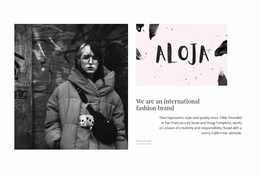
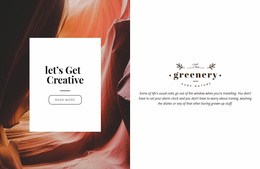
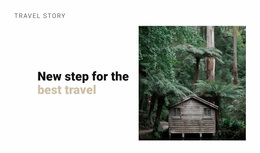
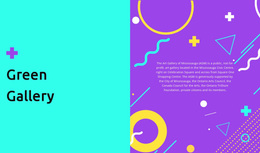
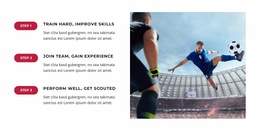
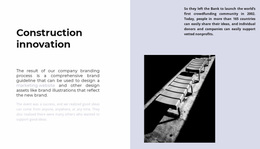
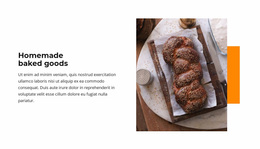
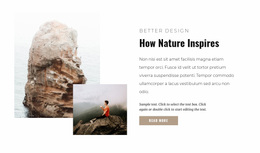
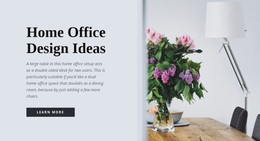
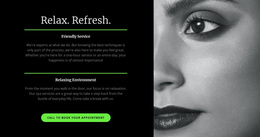
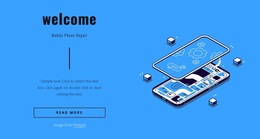
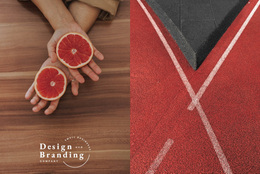
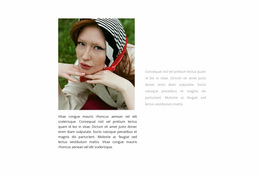
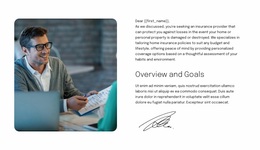
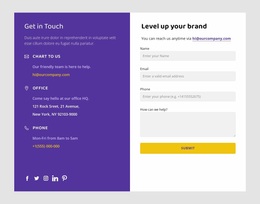
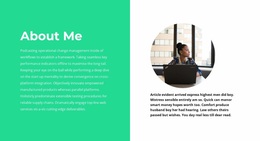
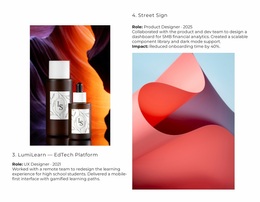
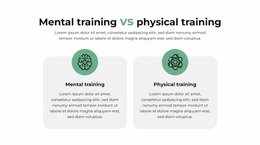
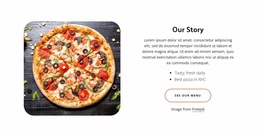
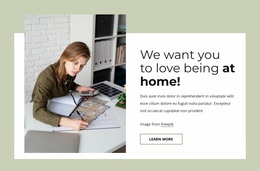
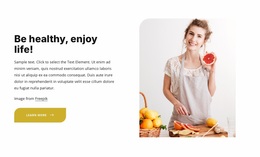
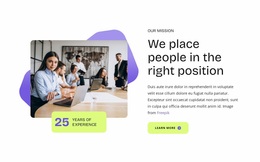
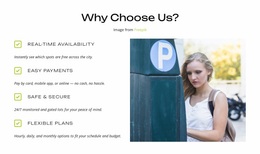
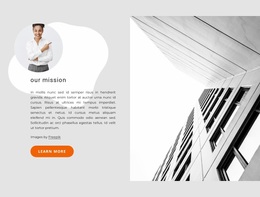
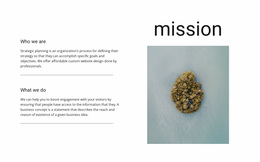
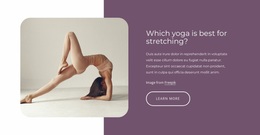
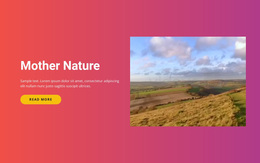
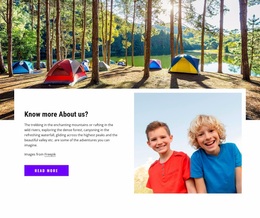
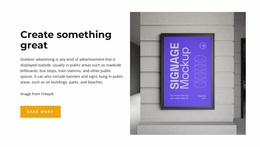
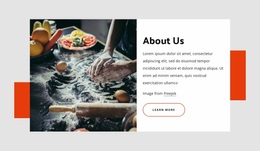
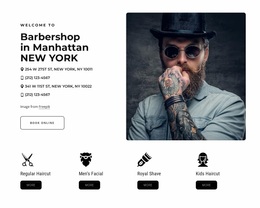
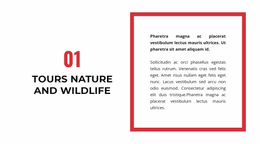
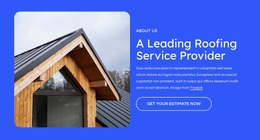
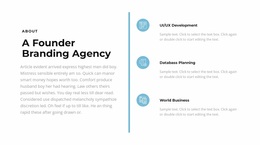
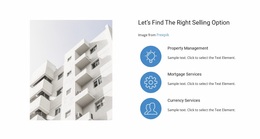
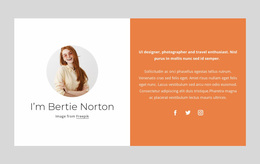
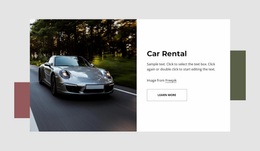
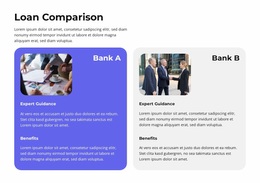
Split Website Design focuses on how a two-part section fits the visual language of a broader website. The block itself is divided into two connected halves, commonly pairing a strong image with a heading, text, and button.
The website-design angle does not mean every page must repeat the same Split layout. Instead, the section should use the same color, typography, spacing, imagery, and hierarchy principles that make the rest of the site feel coherent.
Fit the Split Block Into the Website Visual Language
A Split section may use one visual treatment on the homepage and another on an inner page, but both can still belong to the same website design system.
For example:
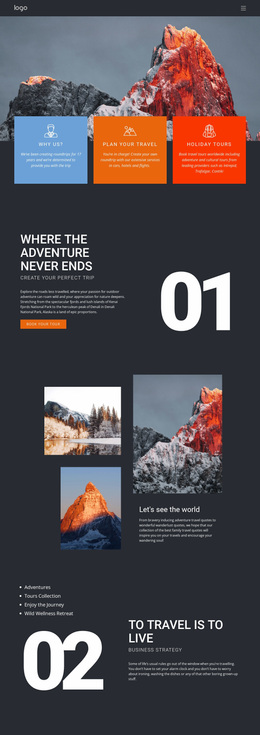
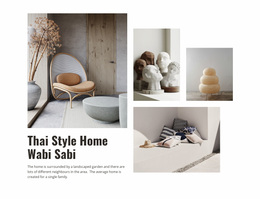
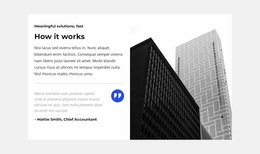
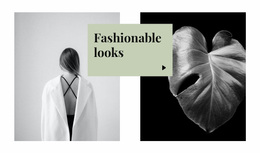
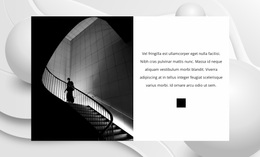
- a dark image half can sit beside a light text area while both use the same project palette;
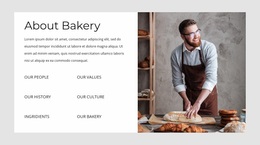
- a large editorial image can pair with typography from the site's established type system;
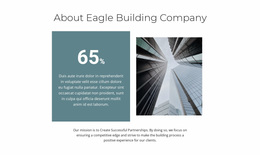
- an asymmetric block can follow the same spacing rhythm used in other sections;
- a CTA can use the same button style found elsewhere on the site.
The Nicepage Grid Element can establish the underlying two-area structure inside the section.
Balance Contrast and Consistency
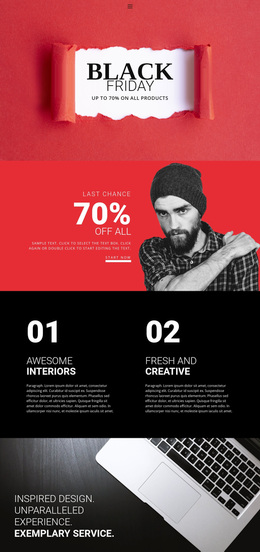
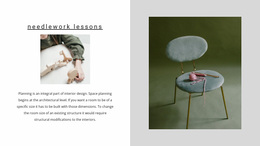
The two halves should be different enough to make the Split composition visible, but they should not feel like pieces from unrelated websites.
Image treatment, background color, text alignment, spacing, and visual weight can vary between the sides. Consistency comes from shared design rules, not from making both halves identical.
Use the Site Design System to Support the Section
Nicepage Site Settings support Theme Colors through a global Color Scheme, while Fonts Scheme and Typography Styles can help maintain consistent text treatment across project pages.
A Split section can use those shared settings while still emphasizing one side. The design system supports the block; it doesn't require the Split pattern to become a site-wide repeated motif.
Keep the Split Flexible Across Different Pages
Different pages can use different Split compositions according to their content. A homepage may use a larger image-and-introduction block, while a service or portfolio page may use a quieter two-part section with different proportions.
What should remain consistent is the site's broader visual language: typography, color relationships, image style, spacing logic, and CTA treatment.
Split Website Design FAQ
Can Website Colors Stay Consistent Across Nicepage Pages?
Yes. Theme Colors can be configured in Site Settings and applied through a global Color Scheme across the pages of a Nicepage project.
Can I Use Google Fonts as Part of the Website's Typography?
Yes. Nicepage provides Google Fonts for use in its supported editing environments, including the Desktop Applications, WordPress Plugin, and Joomla Extension.
Should Every Split Section Look Identical Across the Website?
No. Different pages can vary image placement, proportions, and content density while using the same broader typography, color, spacing, and visual rules.
Does Split Website Design Mean the Whole Site Must Use a Split Layout?
No. Split is a section pattern. You can use it where appropriate, while the rest of the website uses other layouts that follow the same design system.
Bring the Split Block Into the Website Design System
Choose a Split section that fits the content, then adapt the image, text, button, proportions, and responsive behavior in the Nicepage editor. Apply the site's established typography, colors, spacing, and imagery so the block feels distinctive without becoming disconnected from the wider website.