Blog Posts Website Designs
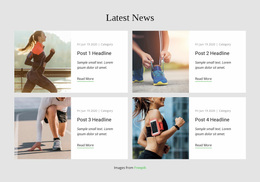
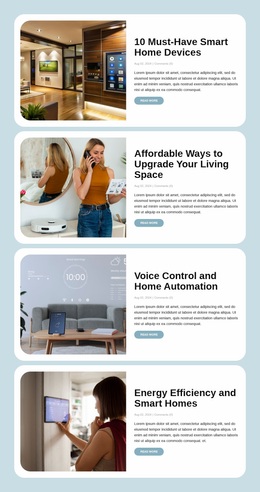
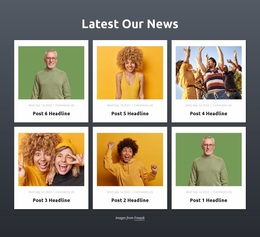
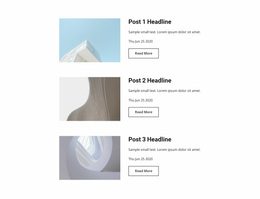

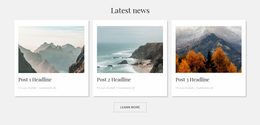
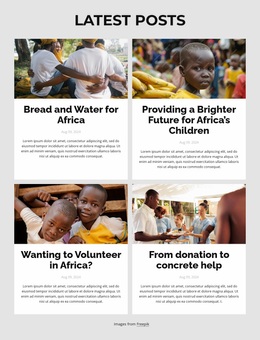
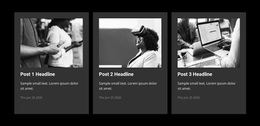
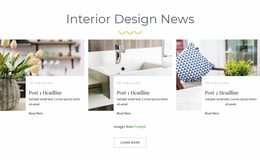


Modern Blog Posts Website Design for a Consistent Editorial Identity
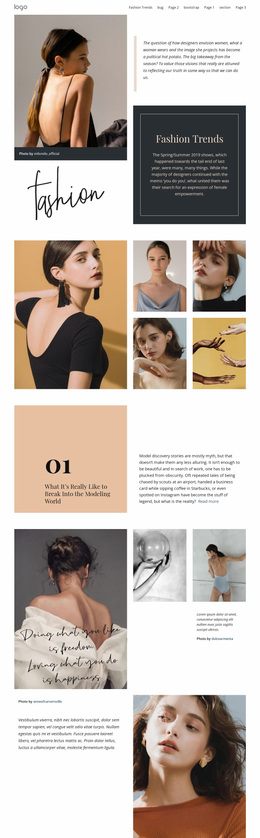
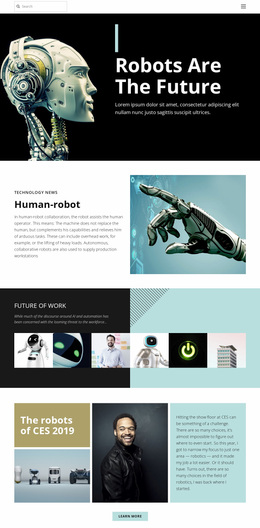
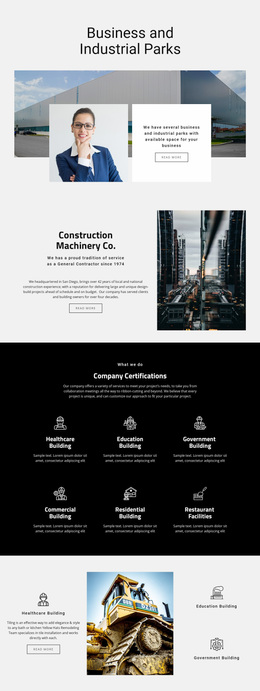
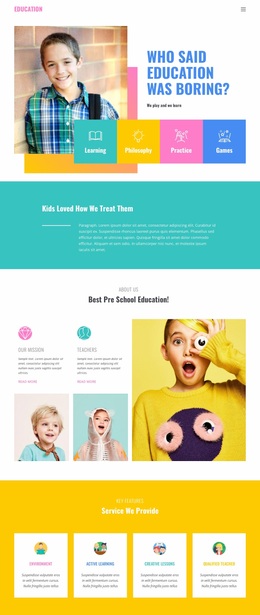
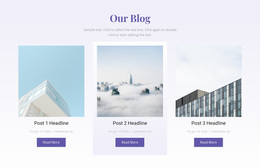
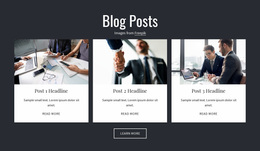
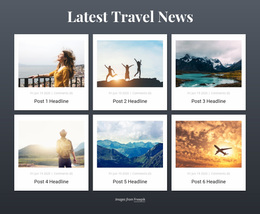
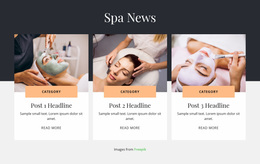
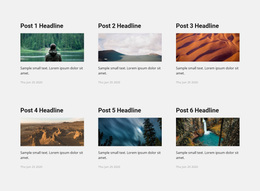
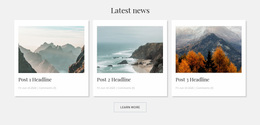
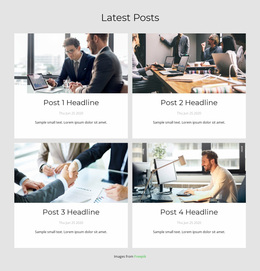
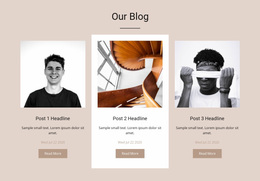
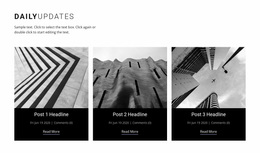
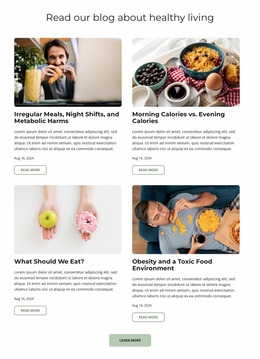
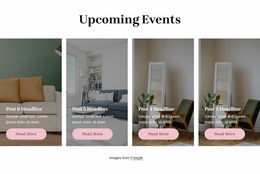
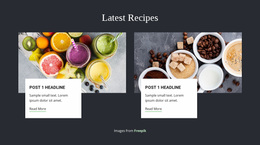
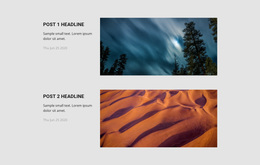
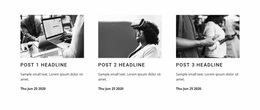
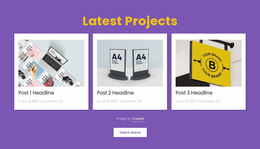
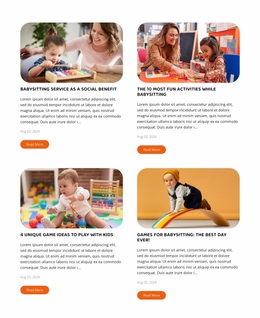
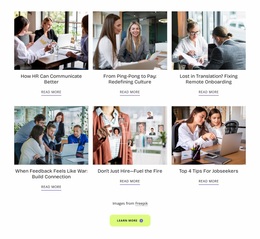
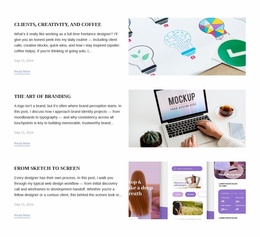
A collection of articles feels more connected when every preview follows a recognizable visual style. Blog Posts Website Design focuses on how editorial sections display headlines, featured images, excerpts, and publication details while fitting the broader website identity. The goal is to give readers a familiar way to browse stories, even when the content and subjects change from one post to another.
What Defines a Well-Designed Blog Posts Section?
A Blog Posts section presents multiple editorial entries through a repeated visual structure. Each entry contains information that helps visitors identify an article and decide whether to continue reading.
The design should make post titles immediately recognizable, keep supporting metadata readable, and distinguish excerpts from the main headline. Featured images add visual context, while links provide a clear route to individual articles.
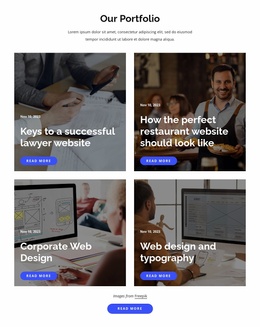
Unlike a general Tiles section, which may organize unrelated visual items, Blog Posts follows an editorial publishing model. Every repeated preview represents a story with its own title, content summary, and publication context.
Creating a Clean Visual Language for Article Previews
Editorial consistency begins with decisions about typography, imagery, and spacing. These details influence how readers recognize a blog section as part of the surrounding website.
Post title typography should follow the website's established heading style while remaining distinct from section headings. Consistent font weights and sizes make separate articles easier to compare.
Featured images benefit from coordinated proportions and a recognizable visual treatment. Different article subjects can retain their individuality without making the feed feel disconnected.
Excerpts and publication metadata need a quieter presentation than headlines. Dates, categories, and supporting text should provide context without competing with article titles.
Reading links should use familiar colors and text treatments. Visitors should recognize the same action across every post preview.
In Nicepage, the Blog Posts Element supports repeated editorial layouts, with properties for columns, rows, spacing, and post styling. Changes made to a post item's properties can apply across the repeated entries, helping maintain a consistent appearance.
Compare Three Editorial Design Directions
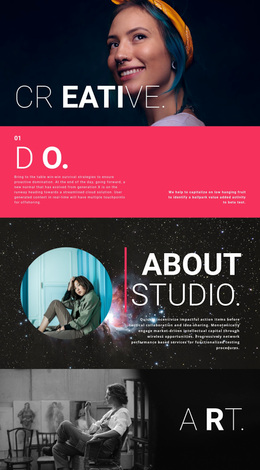
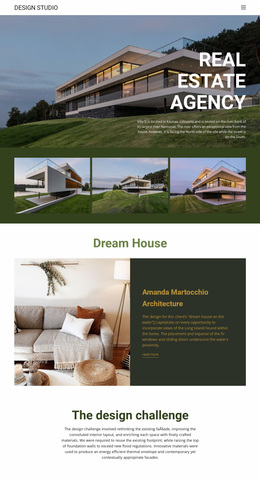
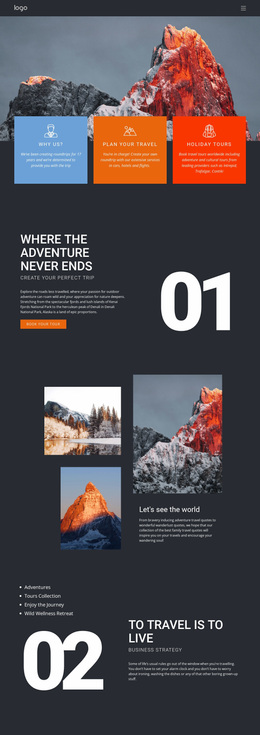
A magazine-style feed can use a bold headline scale, stronger contrast, and large photographic crops to identify the lead story. You can compare blog layouts for visual reference; the hierarchy should remain legible even when the editorial subjects change.
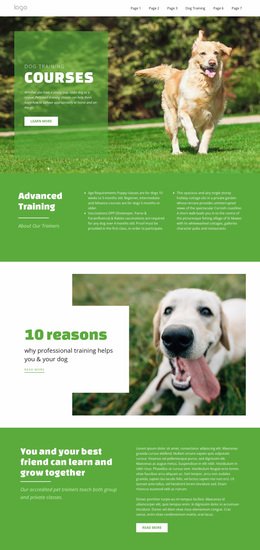
A minimalist feed needs a different design system: restrained type weights, generous line spacing, a limited color palette, and smaller images. Publication dates can sit quietly beneath the title rather than compete with it.
A featured-story treatment combines these approaches. Give one story a distinct heading size or image ratio, but keep link colors, typography families, and metadata styling consistent across the collection. Nicepage Theme Settings can help maintain that visual identity across pages.
Test the same five article titles and images in each direction. Look for differences in type hierarchy, image treatment, and color emphasis rather than moving the section to another part of the homepage.
Choosing a Blog Feed Style for Different Editorial Content
Evaluate the chosen design on a phone as well as a desktop. Nicepage supports responsive column settings for Blog Posts; use them to protect headline hierarchy and readable links without losing the magazine, minimalist, or featured-story direction established above.
Frequently Asked Questions About Blog Posts Website Design
What elements should a Blog Posts section include?
A typical section contains post titles, featured images, excerpts, publication details, and article links. Their visual hierarchy should make the subject of each article easy to identify.
Can I customize the appearance of blog post previews in Nicepage?
Yes. The Blog Posts Element provides styling and layout properties. Changes to a post item's properties can apply to the other repeated items in the section.
Can I keep blog typography consistent with the rest of my website?
Yes. Nicepage Theme Settings support shared fonts, typography, and color schemes across website pages and blocks, helping maintain a consistent visual language.
Give Your Blog Posts a Recognizable Visual Style
Select a Blog Posts design that suits your editorial content and open it in the Nicepage editor. Refine the article previews, image proportions, title hierarchy, and reading links, then align the section with your website's fonts and colors. A consistent editorial style helps readers recognize related publications and move naturally between article previews and full stories.