Modal Popup Website Designs
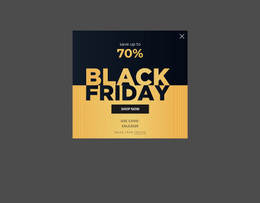
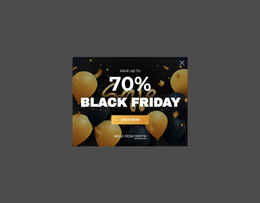
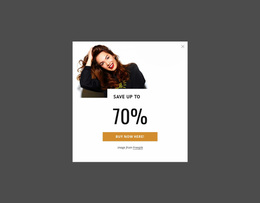
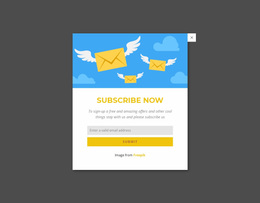
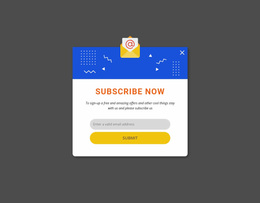
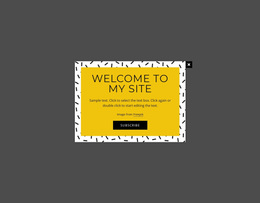
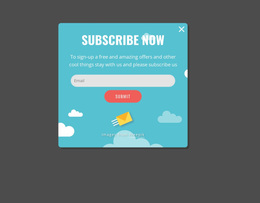
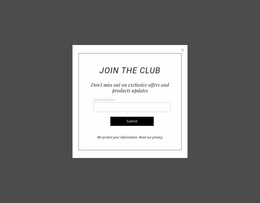


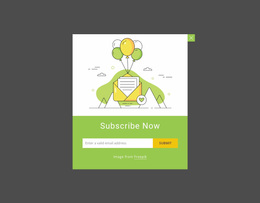
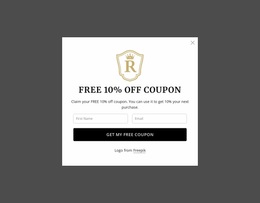
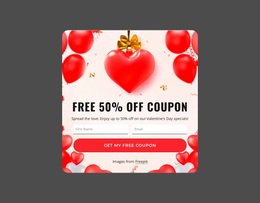
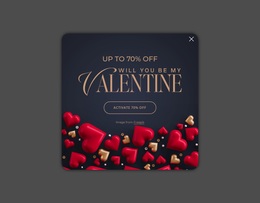

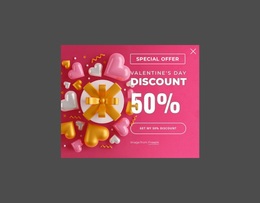
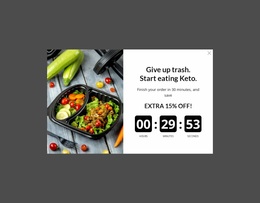
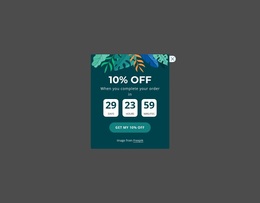
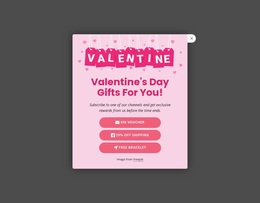

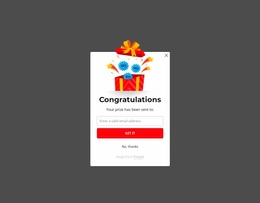
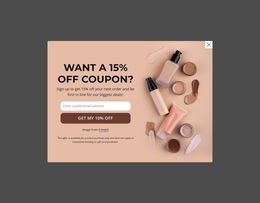
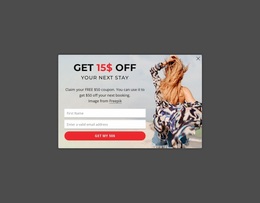
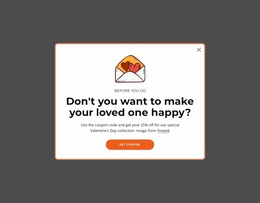
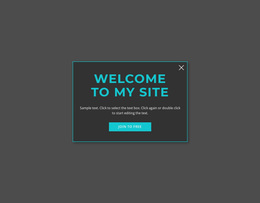
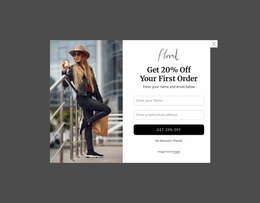

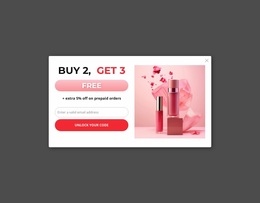
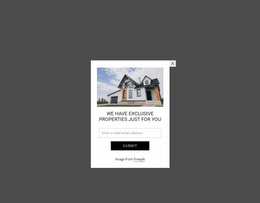
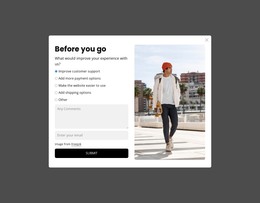
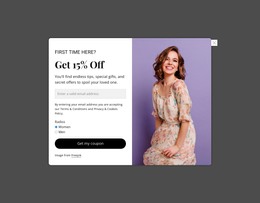
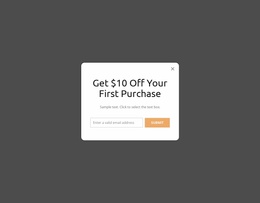
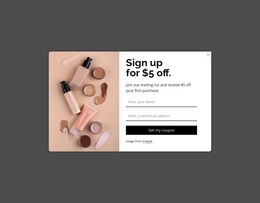
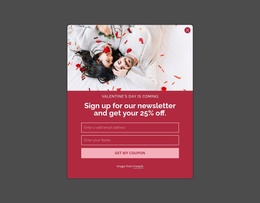

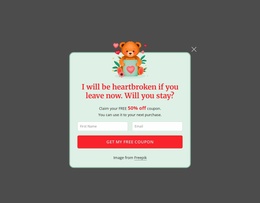
Unique Modal Popup Website Design Blocks for Site-Wide Visual Consistency
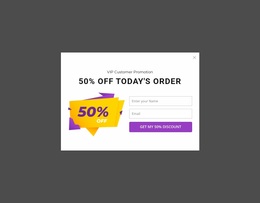
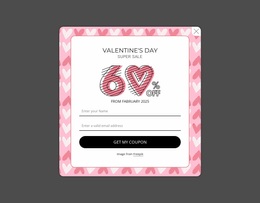
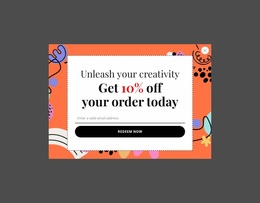
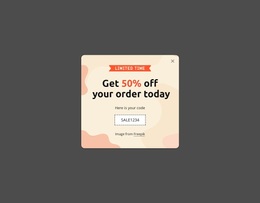
A Modal Popup Website Design block has to do two visual jobs at once. It must stand apart from the underlying page strongly enough to create temporary focus, yet its typography, colors, spacing, and content treatment should still belong to the broader website identity. The overlay is a functional component, not a separate website or an ordinary card placed in the page flow.
What Makes a Modal Popup Visually Distinct?
Modal-specific visual decisions deserve their own review: - backdrop treatment should separate foreground from the page beneath it; - the close control needs to remain easy to find; - viewport fit should keep important content visible without awkward crowding; - focus hierarchy should make the message and next action obvious before decorative details.
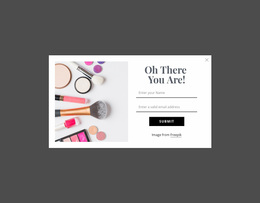
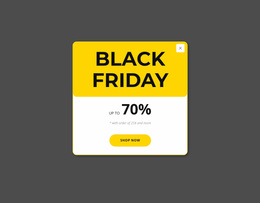
The defining relationship is between the overlay and the page behind it. A popup may contain a short message, form, promotion, media item, detail, or CTA. Still, those elements need a clear internal hierarchy because visitors encounter them in a temporary, focused state.
That hierarchy can begin with a dominant heading, followed by concise supporting content and the action or information that justified opening the overlay. The composition should make the popup understandable without copying the visual weight of every section underneath it.
Unlike a persistent content block, the modal is an interruption. Its design therefore needs a recognizable focal boundary while remaining compatible with the site's established visual language.
Creative Modal Styling Within a Website Design System
Website-design context goes beyond styling one isolated popup. The more important question is whether the Modal Popup looks related to other parts of the project.
Typography can follow the same family and hierarchy used elsewhere while changing scale where the overlay needs stronger focus. Colors can preserve established relationships between backgrounds, text, accents, and actions. Spacing and visual rhythm can also echo recurring patterns from other sections without making the popup indistinguishable from them.
Nicepage Modal Popup provides the direct functional feature for this block type. When adapting the block in the Nicepage editor, use the broader design language as the reference point while keeping the overlay interaction visually obvious.
Modal Popup vs Contact Form in the Visual System
A Contact Form and Modal Popup may share fields, text, buttons, or other visual elements, but their design logic differs.
The Contact Form is defined by structured input and submission and can remain visible within the normal page composition. A Modal Popup is defined by temporary overlay behavior. Even when it contains a form, its visual treatment must account for focused interruption, the boundary between foreground and background, and the visitor's return to the underlying content.
This distinction prevents a consistent design system from flattening two different interactions into the same visual pattern.
Keep Popup Identity Consistent Without Losing Focus
Consistency does not require every component to look identical. The popup can use the same typography, color scheme, and general visual rules as the project while applying stronger contrast or a tighter composition to support temporary focus.
The useful test is whether the overlay feels connected to the website before it is dismissed, without being mistaken for another permanent section.
Modal Popup Website Design FAQ
How can I keep popup colors consistent with the rest of the website?
Nicepage lets you manage Theme Colors in Site Settings so that you can apply a global color scheme across the project. This can provide a consistent color reference when adapting the Modal Popup.
Can typography stay consistent across the broader website design?
Yes. Nicepage provides a Fonts Scheme and Typography Styles in Site Settings for managing typography across pages, according to the supplied product knowledge.
Should a Modal Popup look exactly like a normal page section?
No. It should remain connected to the same visual identity, but its temporary overlay role needs clearer focal separation from the underlying page. The Modal Popup feature preserves that functional distinction, while the content styling can follow the wider design language.
What should the backdrop do in a Modal Popup design?
It should visually separate the dialog from the underlying page while keeping enough context for visitors to understand that they have not navigated to a new page.
Why is the close control part of the visual design?
Because visitors need an obvious way to dismiss the temporary layer, its position, contrast, and spacing affect the interaction.
Bring the Popup Into the Wider Visual Language
Select a Modal Popup design with the right content hierarchy, open it in the Nicepage editor, and adapt its typography, colors, spacing, and focal treatment to the project. Keep the overlay visually distinctive enough for temporary focus while making its design feel related to the surrounding website.