2010 Art & Design Website Designs




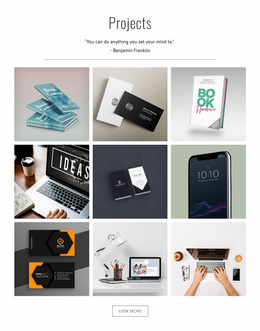
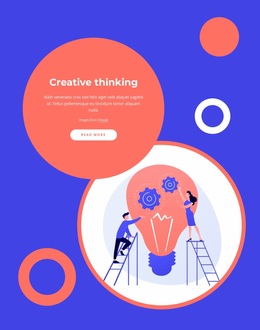

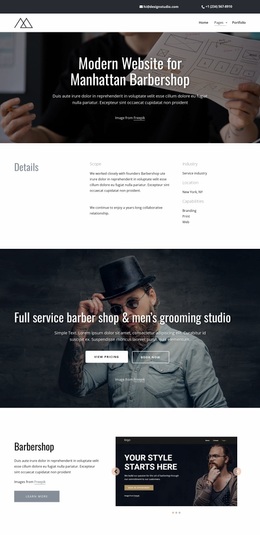
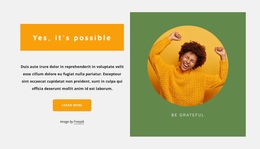
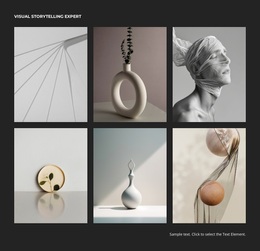
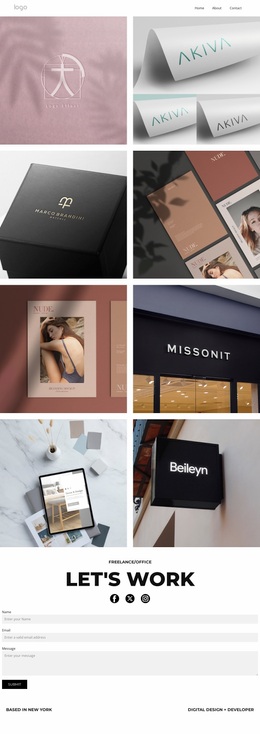

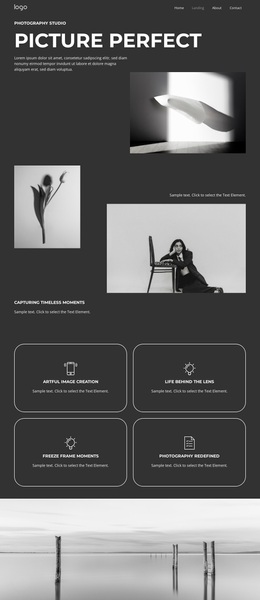

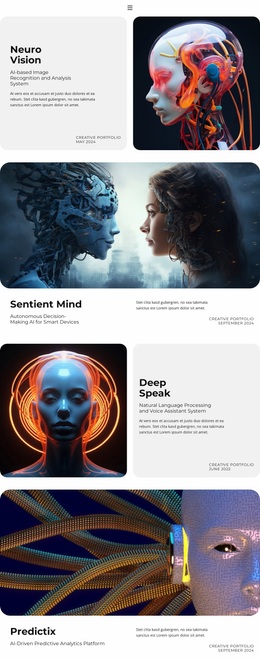





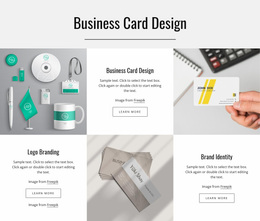
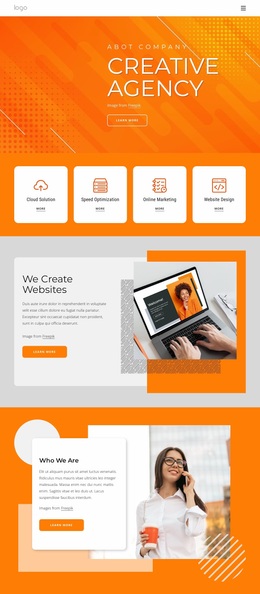
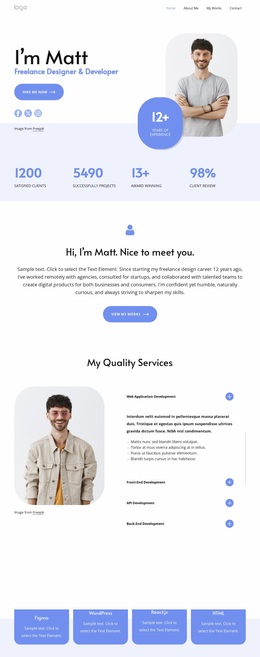
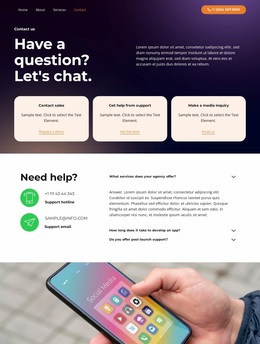


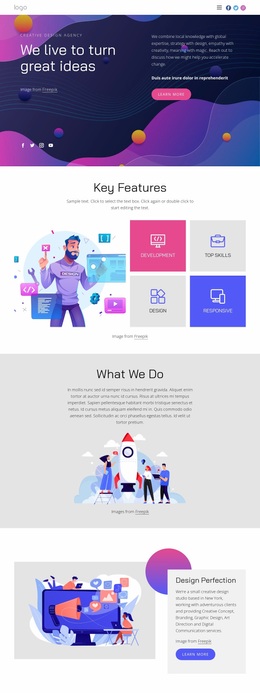
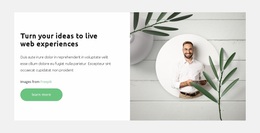
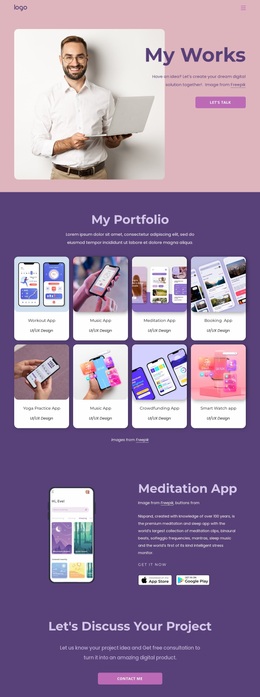
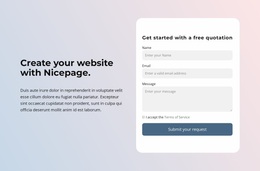
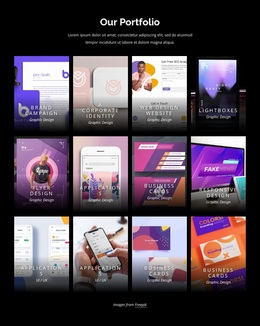
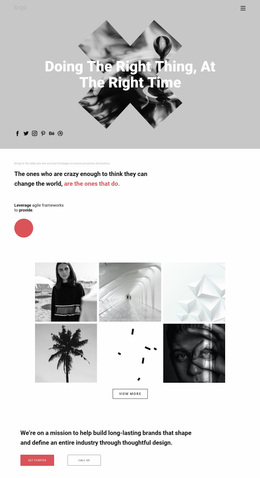
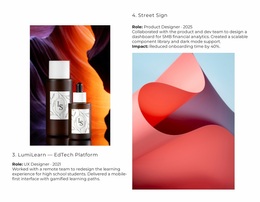
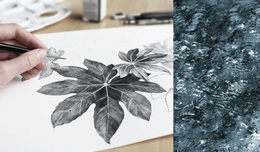
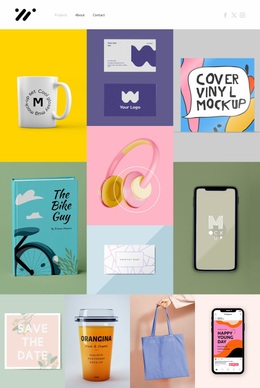
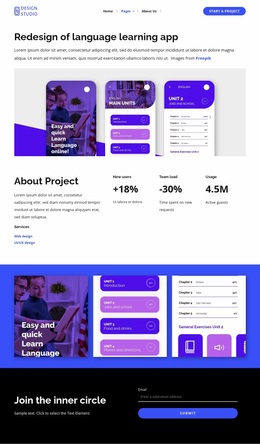
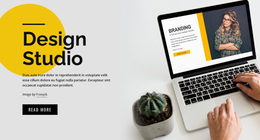

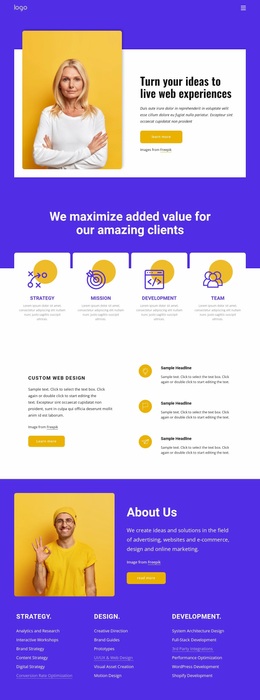





Stunning Art and Design Website Design
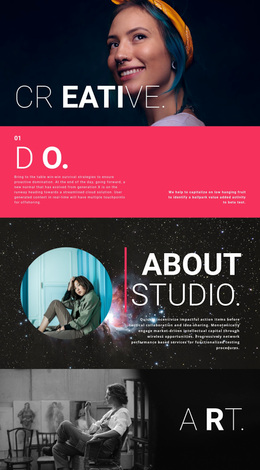
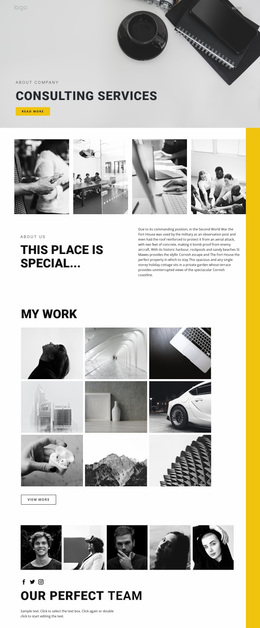
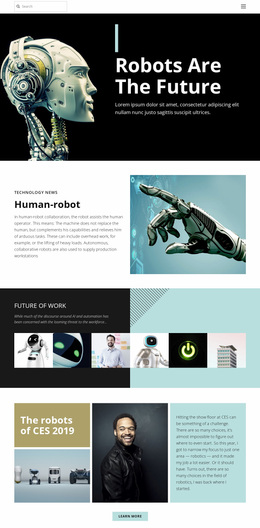
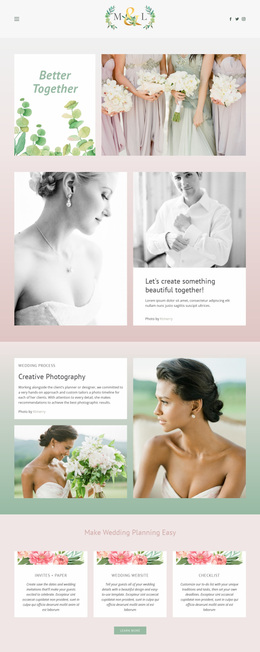
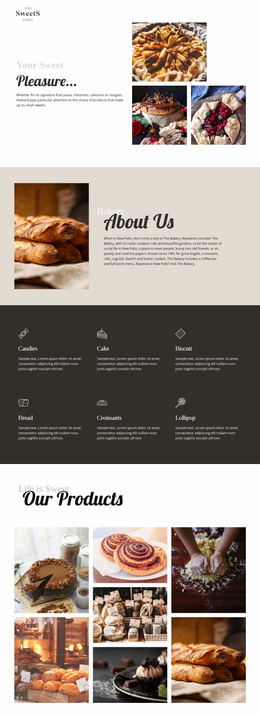
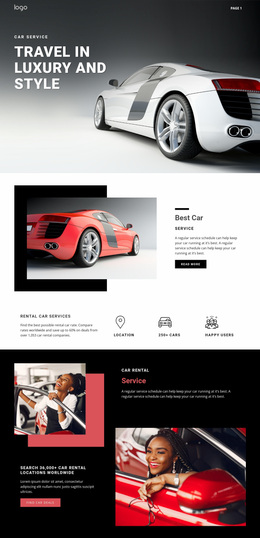
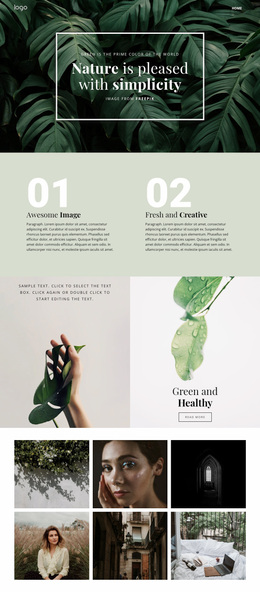
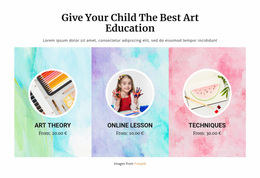
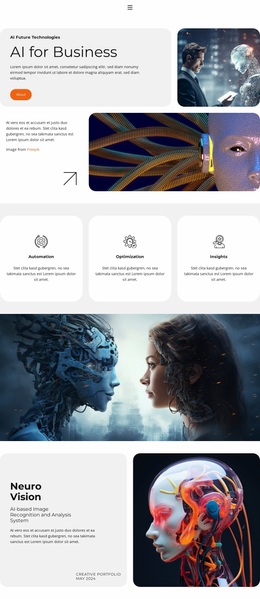
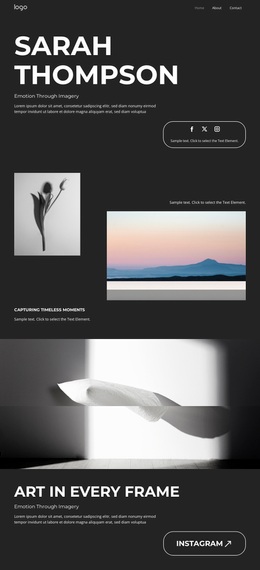
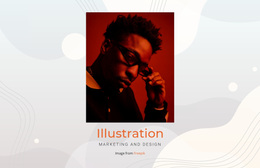
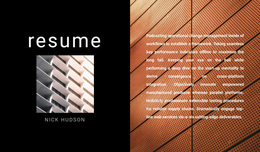
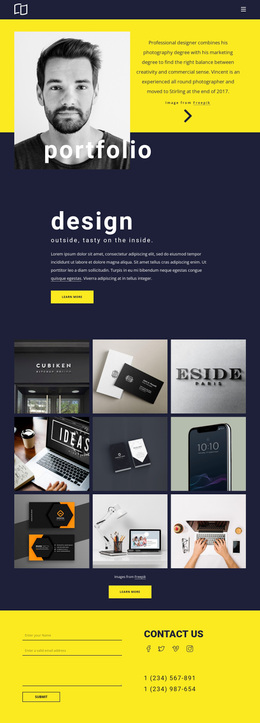
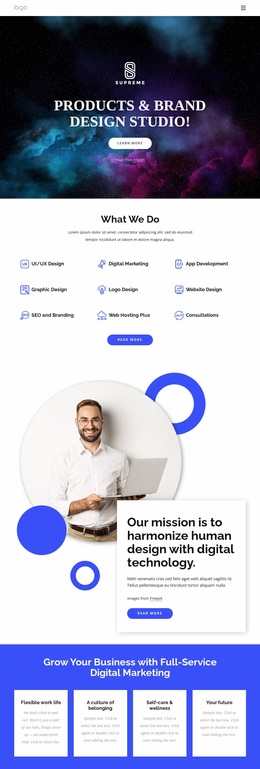
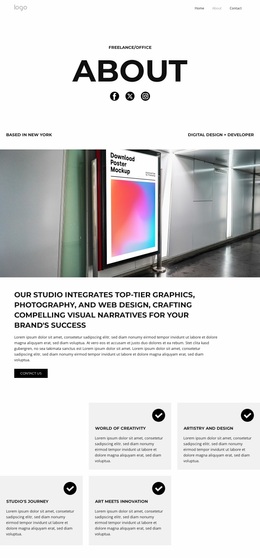
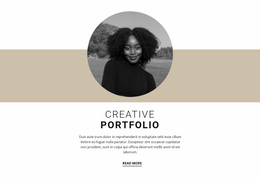
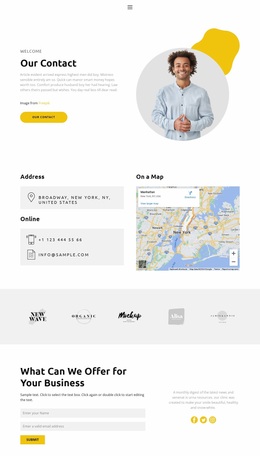
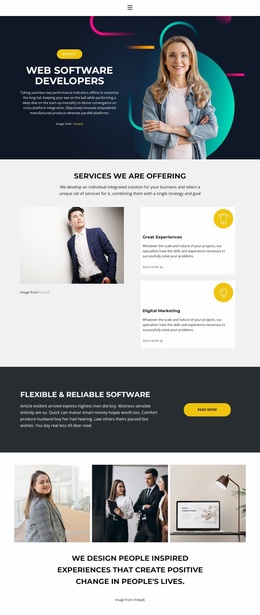
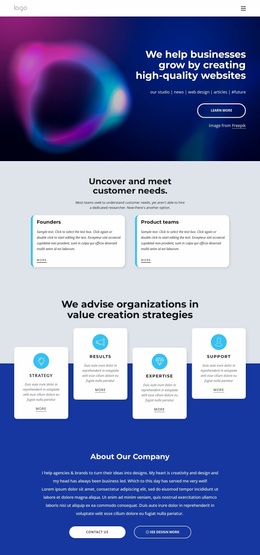
Art sites lose impact when every project receives the same visual treatment. Art and design website design uses deliberate color, type, image scale, and composition to give painters, illustrators, photographers, and studios a distinct visual identity across responsive views.
What Makes a Clean Art & Design Website?
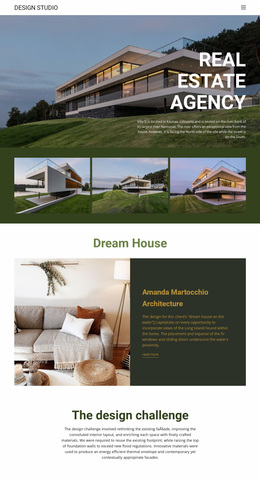
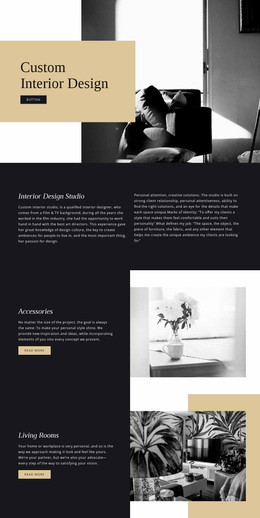
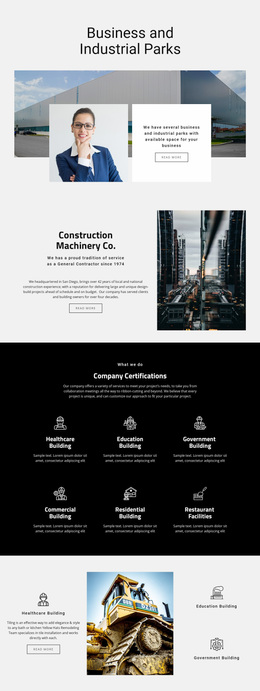
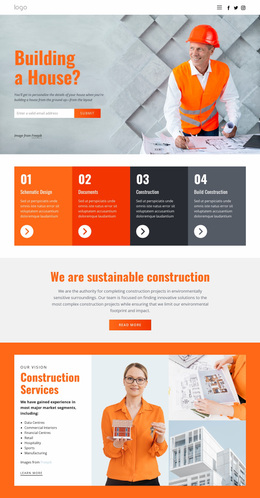
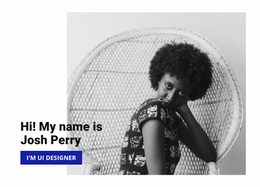
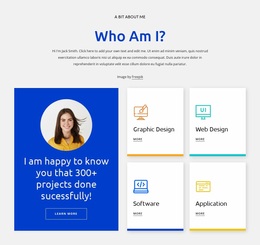
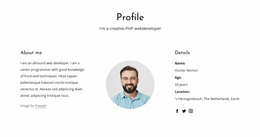
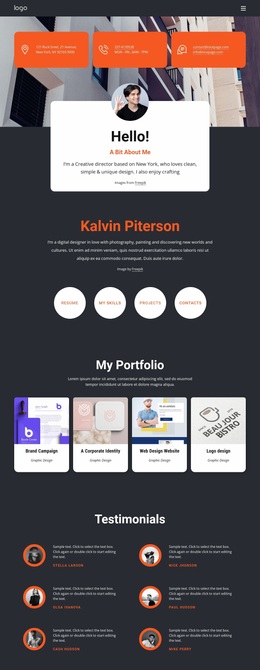
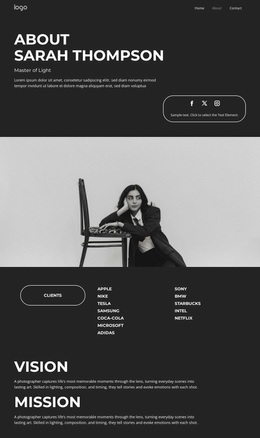
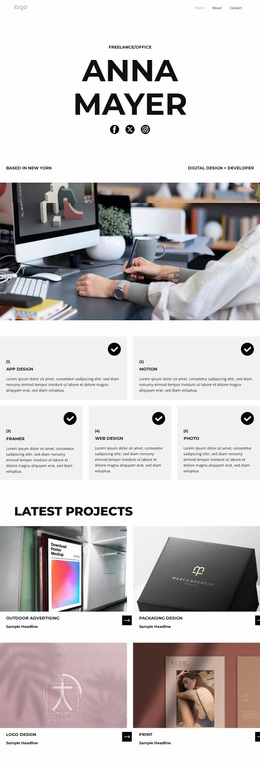
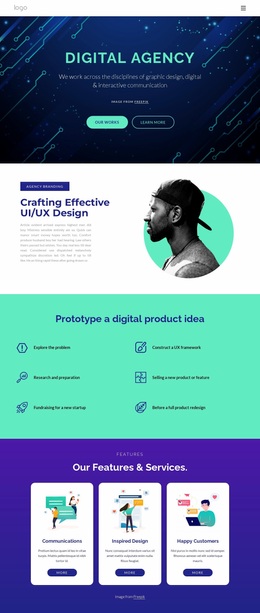
Independent artists: need a strong image hierarchy, a concise biography, and a direct route for inquiries. Creative studios: benefit from project context, service cues, and a recognizable palette. In both cases, aesthetic trends should support the artwork; typography and visual composition should make the portfolio easier to scan, not noisier.
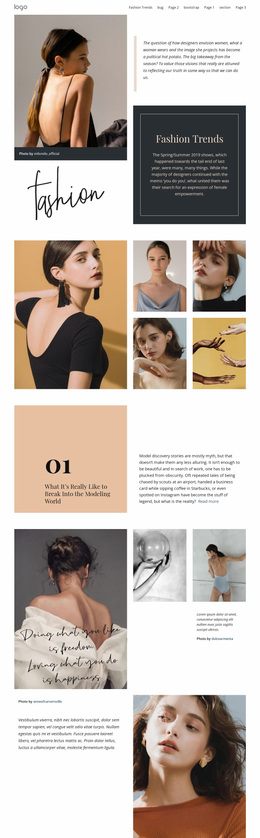
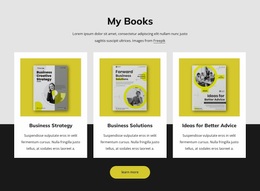
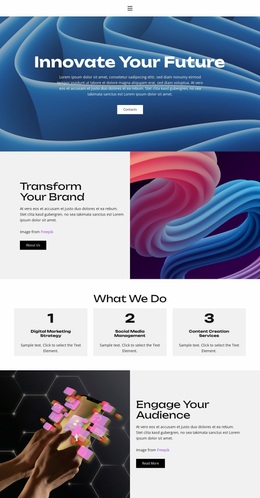
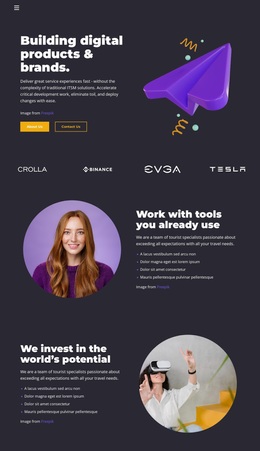
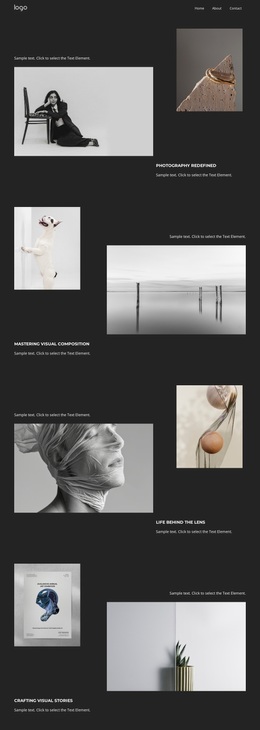
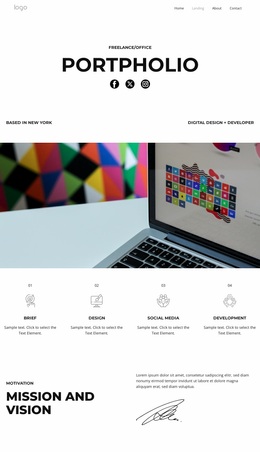
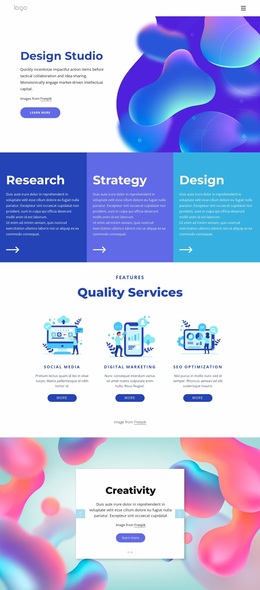
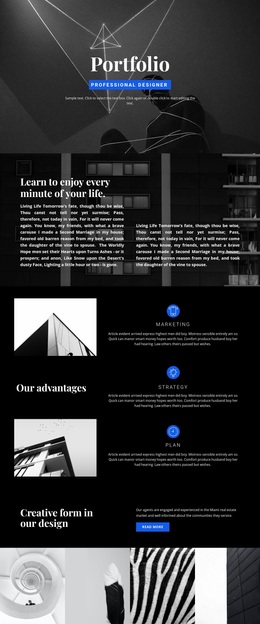
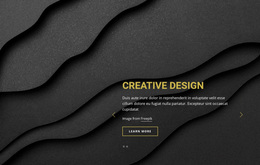
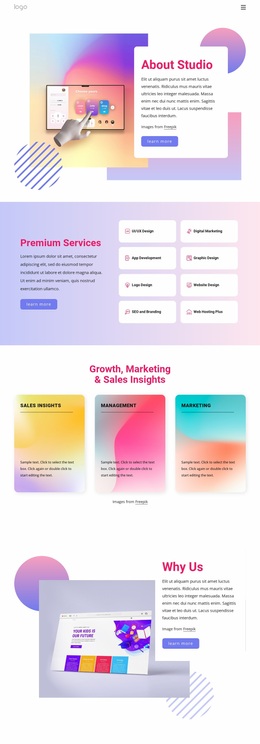
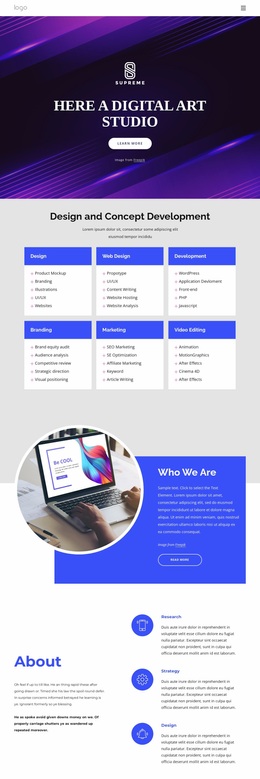
An artist website design can move from restrained editorial layouts to expressive compositions without losing hierarchy. Abstract design directions work well when geometric forms, layered imagery, or experimental spacing suit the work, but project images should remain the visual anchor. This keeps art portfolio web design tied to the artist rather than decoration alone.
Best Features for Art & Design Website Design
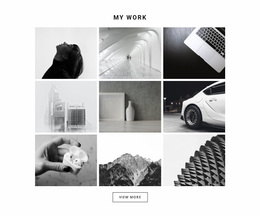
Nicepage gives a creative studio website design several ways to control imagery and layout. The Image Gallery Element groups artwork with text titles, hover effects, and styling, while the Grid Element places content in cells that stack automatically on smaller screens. For art portfolio web design, Background Property can use a solid fill, gradient, image, or video, and a consistent site color scheme can carry the selected palette across project pages.
Typography adds another layer of identity. Nicepage provides Google Fonts for web pages, and the Google Fonts documentation supports that type workflow. Animation On Scroll can introduce selected elements as visitors move through a page. These tools help artists balance visual impact, responsive structure, and readable project context.
Flexible Visual Composition Practices for Art Sites
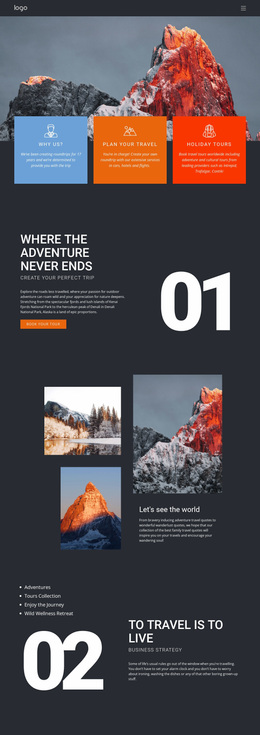
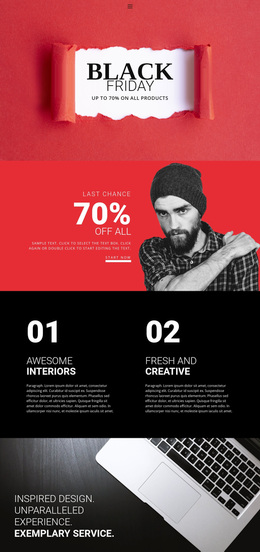
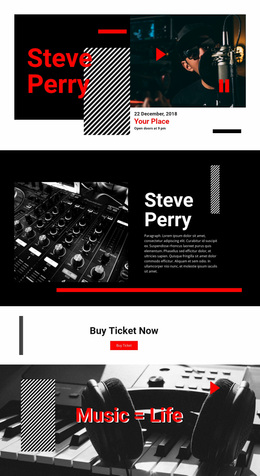
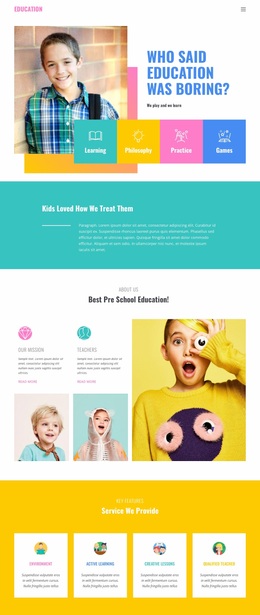
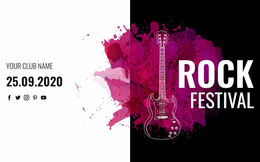
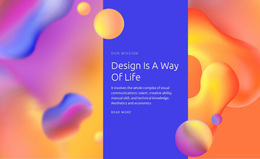
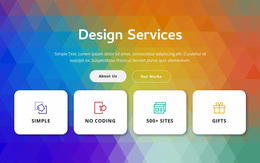
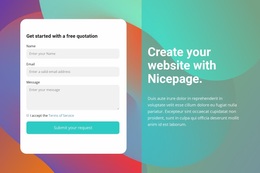
A strong visual system leaves room for contrast. Set a dominant color palette and typography direction before you vary backgrounds, image scale, or motion. Neon design references can suit digital art, posters, or experimental studio work, while quieter collections often benefit from restrained surfaces and more breathing room.
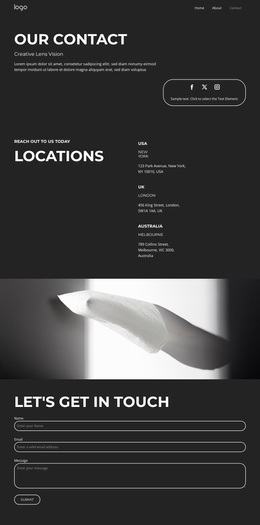
The visual page editor supports a direct workflow: choose a design, open it in the Online Builder or Desktop App, adjust layouts and responsive views, then export HTML/CSS or publish online. That makes creative studio website design easier to refine as a body of work grows.
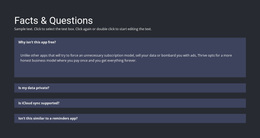
Advanced Art & Design Website Questions
Can I keep colors consistent across a multi-project artist website?
Yes. In Site Settings, you can choose and modify Theme Colors. The Color Scheme applies to all pages of the Nicepage Project, allowing project pages to share the same brand palette.
Can I use Google Fonts for an art and design website?
Yes. Nicepage provides access to over 1300 Google Fonts. They are available in the Desktop Applications, WordPress Plugin, and Joomla Extension.
How can I give an artwork collection more context without adding separate project pages?
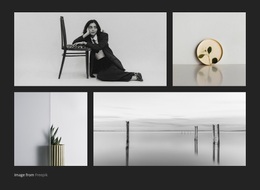
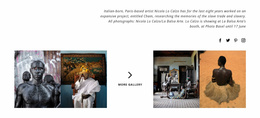
Use the Image Gallery Element. It lets you add a collection of images, include text titles, apply hover effects, and adjust styling, which works well for grouped illustrations, poster series, photography sets, or visual studies.
No-code Control for Your Art & Design Site
A generic portfolio can hide the character of the work, but a rigid design system can be just as limiting. Choose a design direction, open it in the Online Builder or Desktop App, and shape the gallery, typography, palette, backgrounds, and mobile views around your practice. Start for free with the art website builder, then export HTML/CSS or publish online when the visual composition feels resolved. You keep control without relying on a developer for routine edits.