550 Group Website Designs

























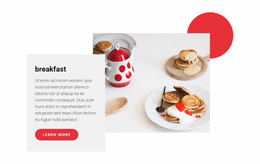
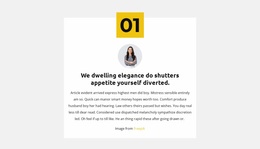
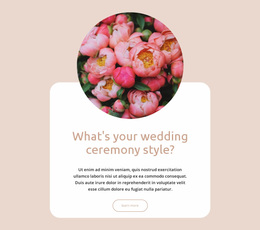

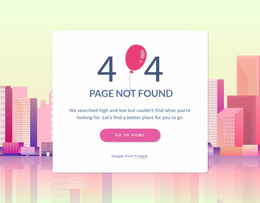

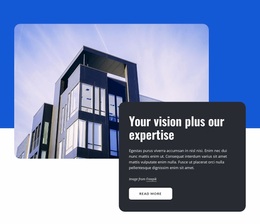
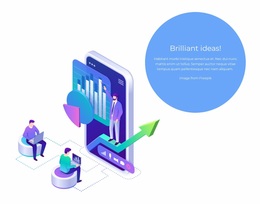
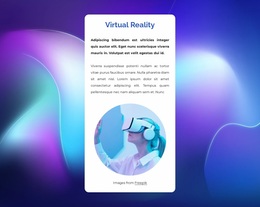
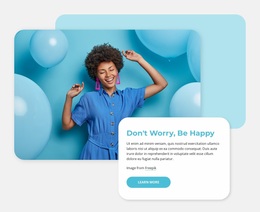


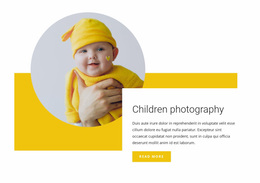


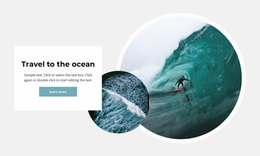
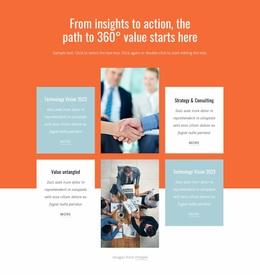

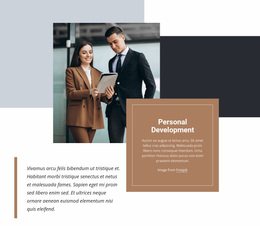



Creative Group Website Design for Associations, Networks, and Communities
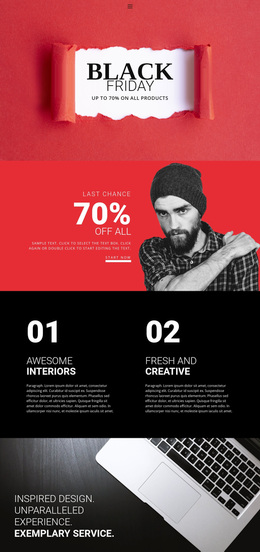
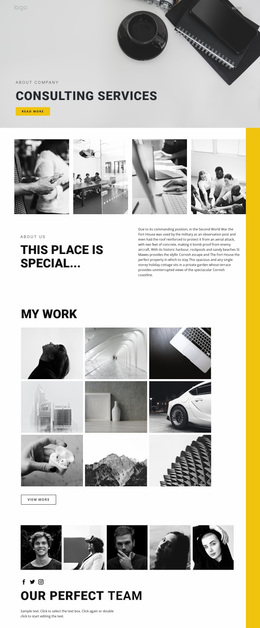
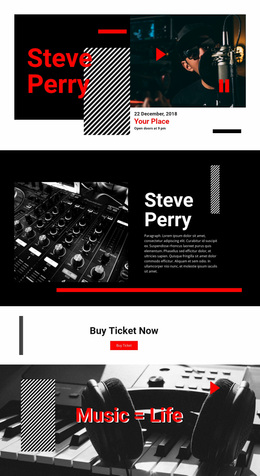
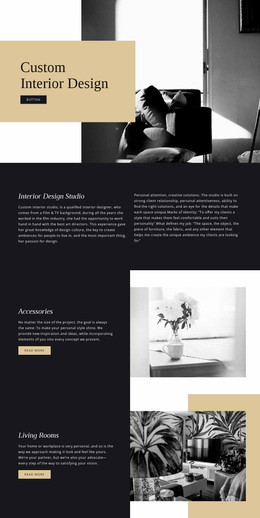
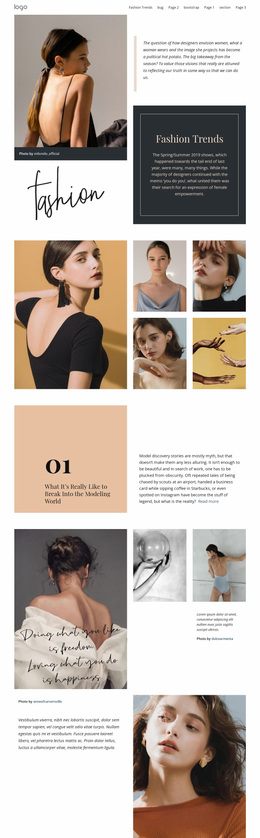
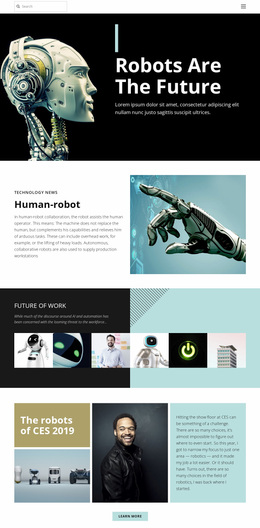
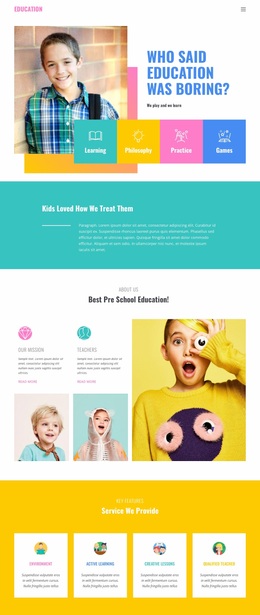
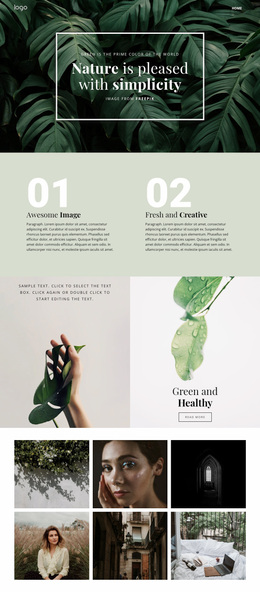
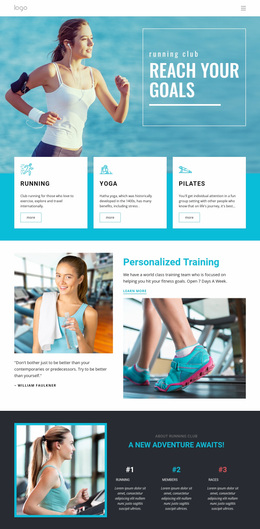
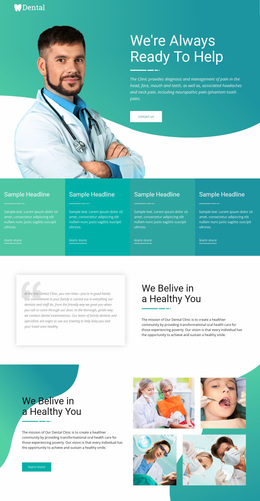
Effective group website design is more than arranging one page. It connects hierarchy, navigation, typography, imagery, and reusable modules across an entire site so associations, communities, corporate groups, and networks can present different kinds of information within one recognizable visual system.
What Defines a Strong Group Website Design System?
A successful group site has to feel related from page to page even when the content changes. The home page may introduce the organization, a directory may present people or business units, and another section may focus on resources, activities, locations, or current updates. The design system gives all of those pages the same visual language.
Start with a clear hierarchy. Use one dominant headline level, consistent spacing, predictable content widths, and reusable card patterns. Keep navigation stable enough that visitors can move between major areas without relearning the interface. Photography, iconography, typography, and color should reinforce the organization's type rather than imitate a generic community site.
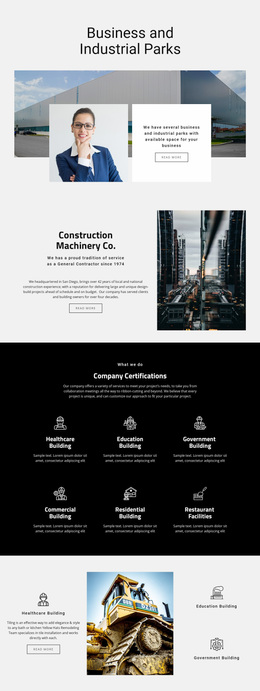
Different group types also need different visual priorities. An association may emphasize credibility, programs, and leadership. A community website can feel more participatory and activity-led. A corporate group often needs a more formal structure for subsidiaries, services, locations, or business units. The design should express those differences while maintaining a coherent site-wide identity.
Design Patterns for Group Websites
Several patterns are especially useful when a site contains many people, units, or recurring updates.
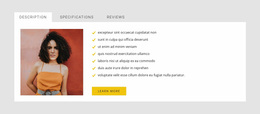
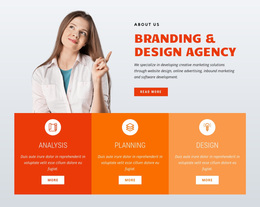
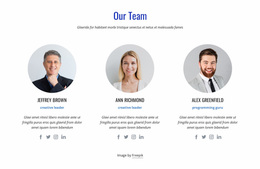
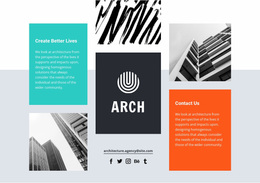
Directory and profile modules. Reusable cards can present team members, branches, chapters, companies, sponsors, or partners without forcing every profile into a unique layout.
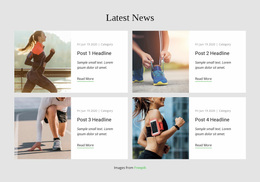
Activity and update modules. News, schedules, featured initiatives, or announcements need a clear visual priority so recent information does not overwhelm evergreen content.
Section-based navigation. Larger organizations benefit from obvious routes between major site areas. Association programs, local branches, corporate divisions, or member resources should feel like parts of one system, not unrelated microsites.
Shared visual identity. Site-wide color and type rules help visitors recognize the organization even when page compositions change. The Site Colors settings help keep palettes consistent, while the Site Fonts controls support a coordinated typographic scheme.
Nicepage Tools for a Site-Wide Group Design
Theme Settings can define shared colors, fonts, and Typography Styles across pages. The Grid Repeater Element supports repeatable cards for people, offices, chapters, programs, or organizations. Responsive Modes let you refine layouts for large screens, laptops, tablets, and phones.
Header & Footer blocks help keep recurring identity and navigation elements consistent across the site. The Contact Form Element can handle inquiries, membership interest, partnership requests, or general contact. Social Icons provide compact links to external channels without turning them into the focus of the page.
The goal is not to use every tool on every page. It is to establish a controlled design vocabulary that can be reused as the group website grows.
How Group Website Design Differs From Single-Page Composition
Group website design should answer questions that exist across the whole project: Which colors and type styles represent the organization? How does global navigation work? Which card systems are reused? How should a directory page relate visually to an About page or a location page?
Those decisions are broader than the composition of one event, member, program, or chapter page. Individual page layouts can vary, but they should still inherit the same design rules.
Group Website Design Questions
Can an Association Website Use a Different Layout on Different Pages?
Yes. A leadership page, program page, resource page, and contact page do not need identical compositions. Shared colors, typography, spacing rules, and recurring components can keep them visually connected while each page follows its own purpose.
How Should a Corporate Group Website Differ From a Community Website?
A corporate group often needs to emphasize companies, divisions, services, locations, or governance, while a community website may prioritize participation, activity, and member-facing information. The same design system principles apply, but the hierarchy and modules should reflect the organization type.
Can I Keep the Same Group Colors Across Every Page?
Yes. Nicepage Theme Colors in Site Settings apply a global color scheme across project pages. This helps a multi-page group site preserve the same visual identity instead of correcting colors page by page.
Can I Manage Typography Consistently Across a Group Website?
Yes. Site Settings include a Fonts Scheme and Typography Styles for all pages. Nicepage also lets you adjust typography for individual Responsive Modes when long headings or dense information need different treatment on smaller screens.
How Can Social Links Stay Visible Without Crowding the Design?
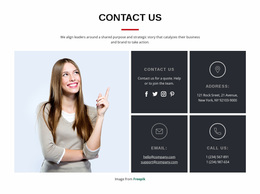
Use the Social Icons Element in a compact area such as the header, footer, or contact section. You can use preset icons or select your own, then adjust their size and spacing to fit the site-wide composition.
Build a Recognizable Group Website in Nicepage
Choose a visual direction that fits the organization, define the shared palette and typography, then create reusable patterns for directories, updates, navigation, and supporting content. Open the project in the Online Builder, refine the site-wide system, and publish online or export the supported HTML/CSS output when the design is ready.