210 Industrial Website Designs


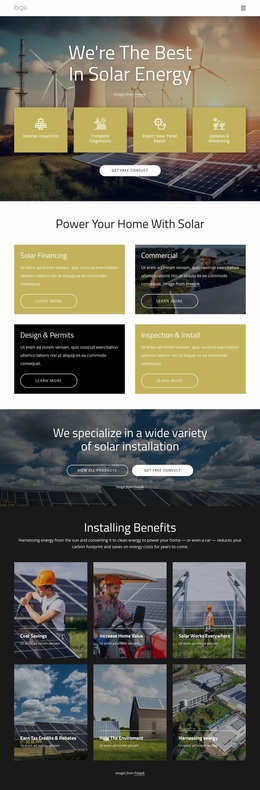
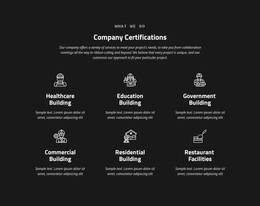

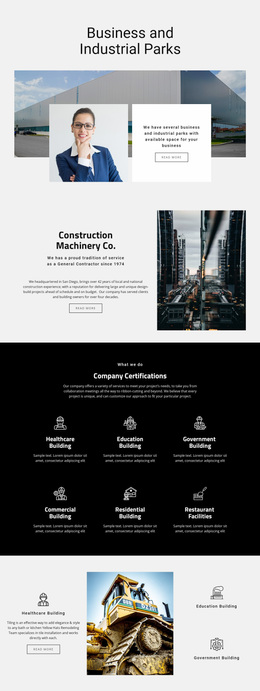

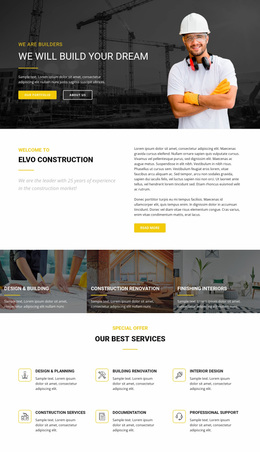
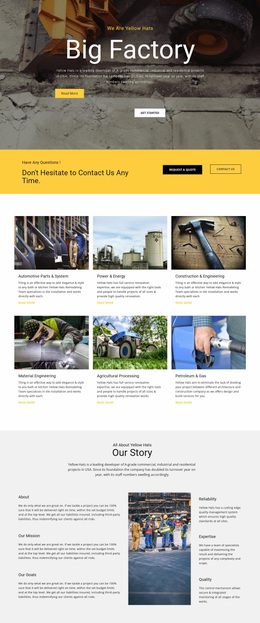
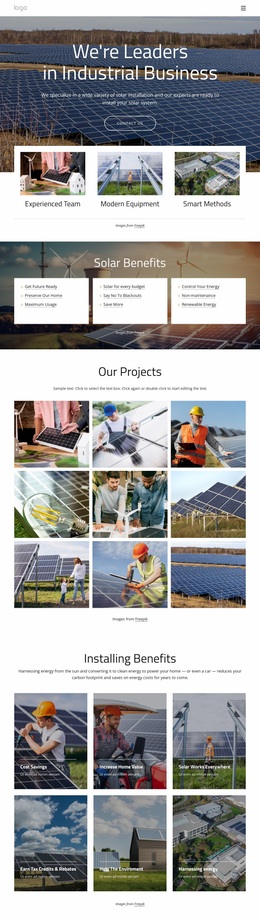
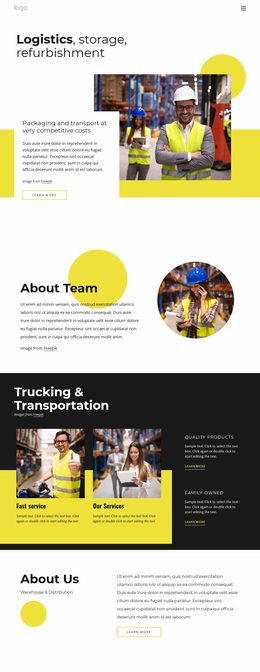
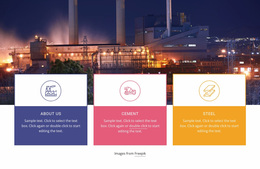
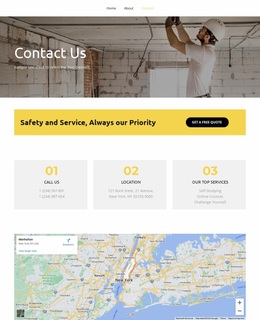
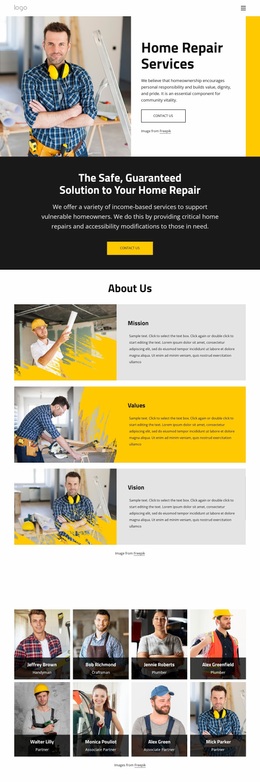
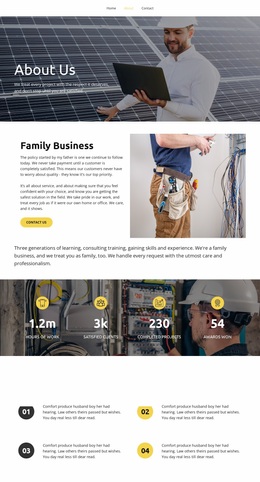

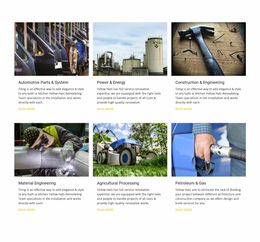
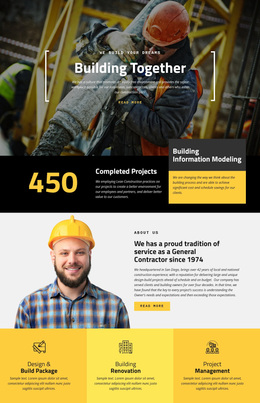
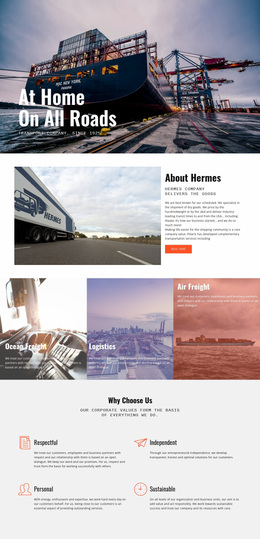
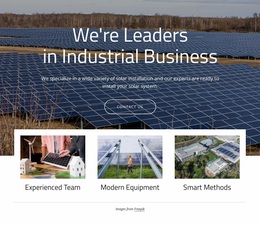
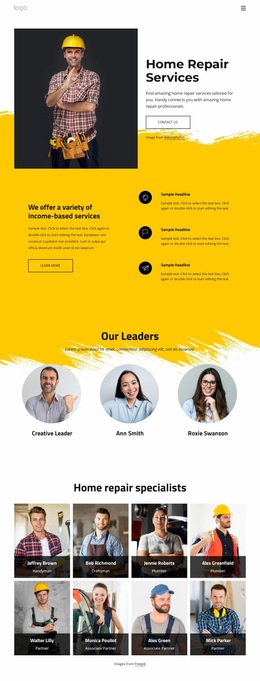

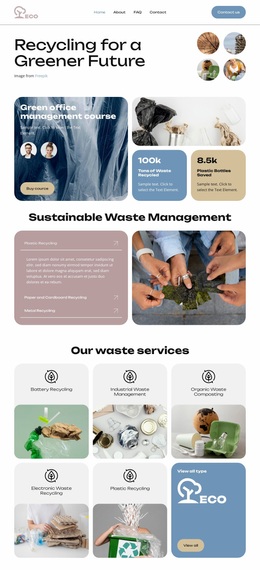
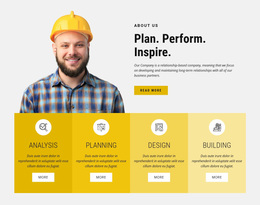

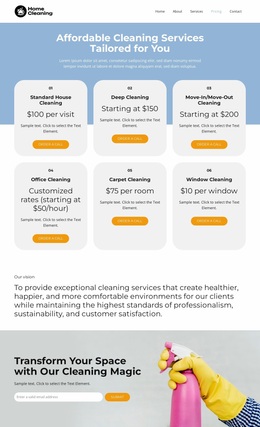

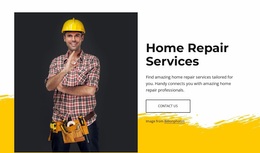




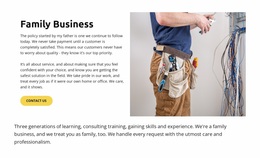
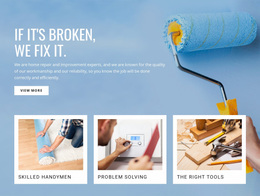

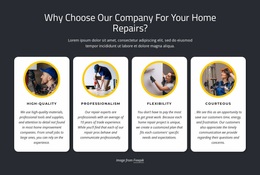

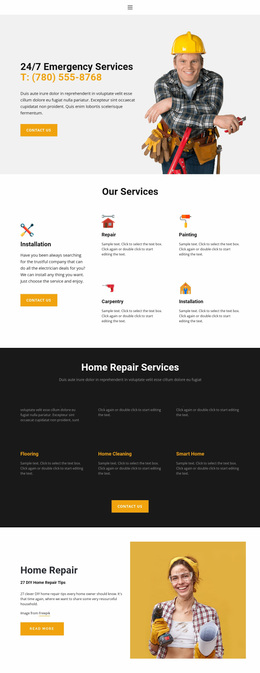
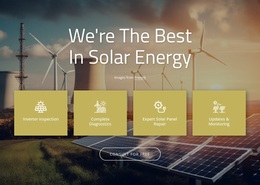



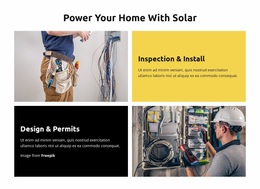
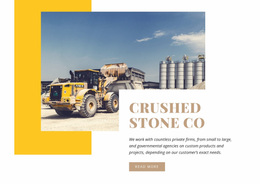
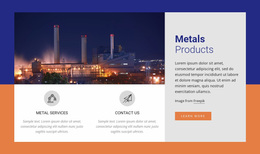

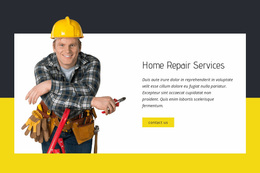
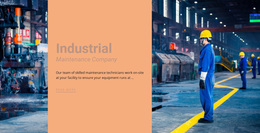


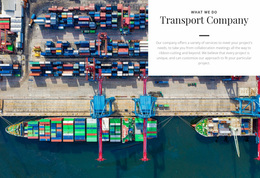
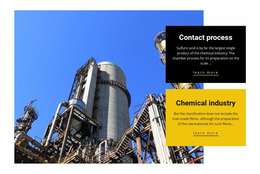


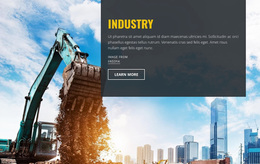


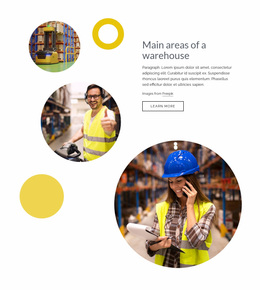

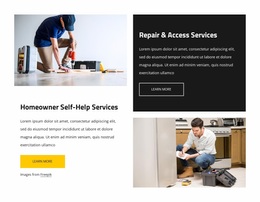
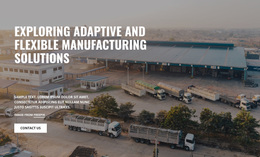
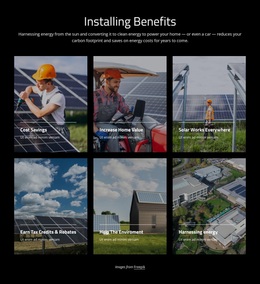








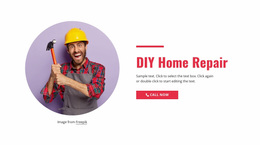
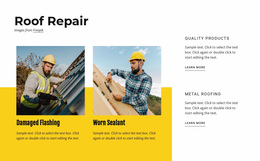
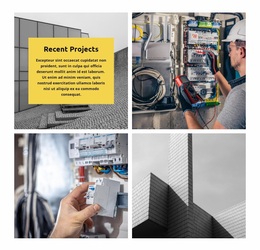








Stunning Industrial Website Design for Technical Brands
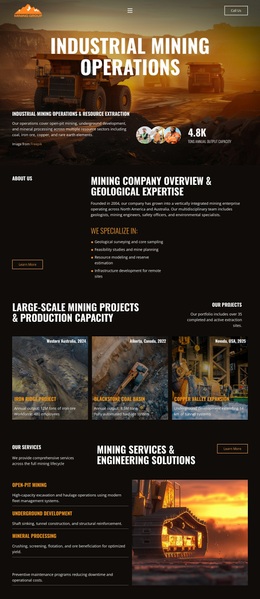
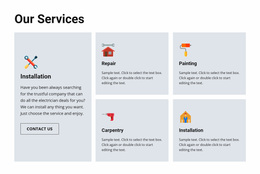
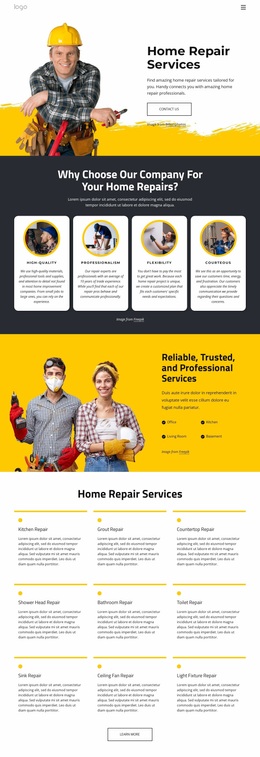
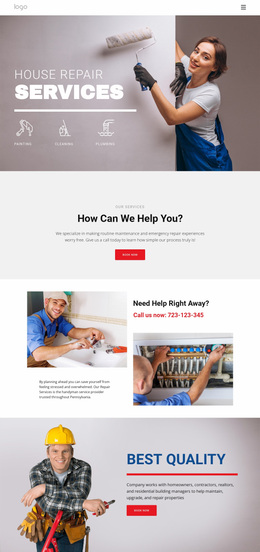
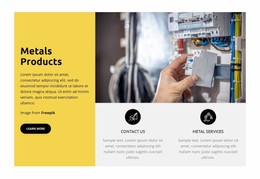
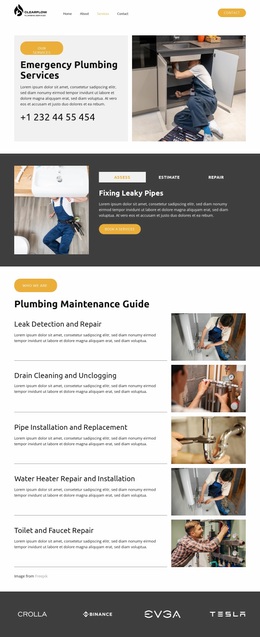
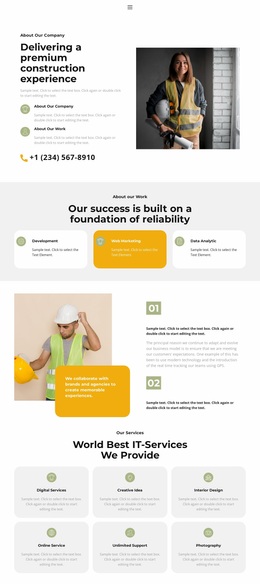
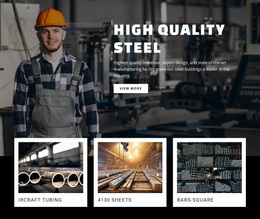
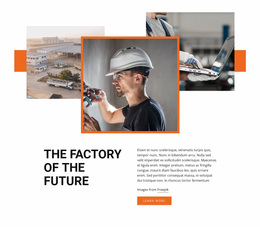
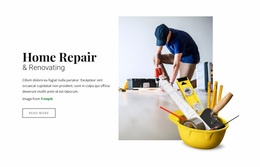
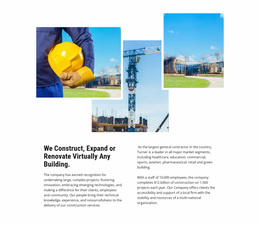
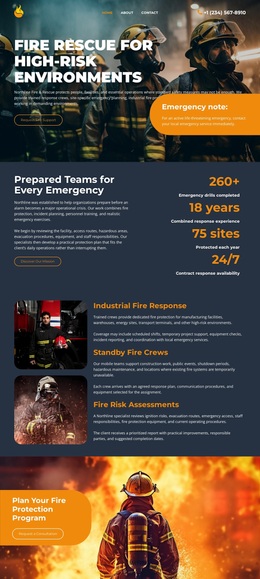
A finished visual system, credible machinery presentation, and consistent technical branding define strong industrial website design. Manufacturers, material suppliers, pipeline companies, and engineering contractors need a stable visual language that keeps typography, image treatment, spacing, color, and technical content consistent across the finished experience.
What Makes the Best Industrial Website Design?
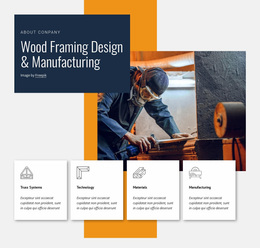
If your company manufactures equipment, image hierarchy should give machinery enough visual weight without burying specifications. For material producers, color and texture help distinguish product groups. Pipeline and engineering firms need restrained typography, clear service sections, and strong project imagery that reinforces technical credibility.
Industrial aesthetics should support the business rather than decorate it. Build a controlled color palette, a consistent typography system, repeatable spacing rules, and a clear image treatment for factories, machinery, materials, and field work. A pipeline website direction can provide useful reference points for infrastructure photography, service coverage, engineering expertise, and project presentation.
Nicepage lets teams adjust these decisions inside a visual web designer instead of rebuilding the page around code. The result can keep brand rules visible while individual blocks change for machinery, materials, facilities, or services.
Responsive Visual Features for Industrial Websites
A successful industrial design combines several visual controls into one finished system. Theme Colors establish a shared palette for backgrounds, buttons, accents, and supporting elements. Site Fonts create a consistent typography system for technical headings and body content; the Nicepage documentation for Site Fonts explains how to manage Font Schemes and Typography Styles across the project and adjust them for Responsive Modes.
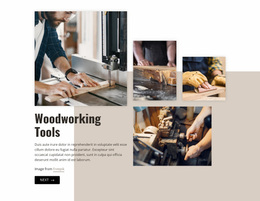
Expand Image can turn facility, machinery, or production photography into a broad background when the image needs more visual impact. Gallery Carousel Element can present several machines, production areas, projects, or material examples without stacking every photograph vertically. Responsive editing controls then help preserve scale, spacing, and hierarchy as the layout moves from large screens to phones.
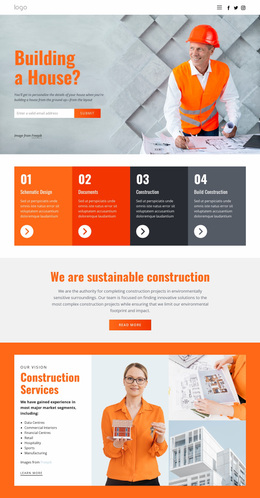
Industrial sites also have to balance two visually different types of content: large factory or machinery photography and dense specification material. Images need sufficient scale to convey equipment, facilities, and production capability, while tables, technical values, model names, and certification details still require a compact, readable treatment. Material-based companies especially benefit from disciplined contrast. A plastic industry layout may rely on product colors, shapes, applications, and production images, while a glass website direction can emphasize transparency, architectural uses, finishes, and precision. The design should adapt those visual cues without losing the larger industrial brand identity.
When multiple plant or project images are important, the documented Image Gallery Carousel provides a compact way to display them in a single gallery experience.
Minimal Industrial Website Design Questions
Can I change industrial website fonts across the whole project?
Yes. Nicepage Site Settings include a Font Scheme and Typography Styles that apply across site pages. Typography can also be adjusted for individual Responsive Modes.
Can I use Google Fonts for an industrial brand design?
Yes. Nicepage provides access to a large Google Fonts library in the Desktop Applications, WordPress Plugin, and Joomla Extension so that typography can be more closely matched to the company's visual identity.
How can I show several images of machinery or factories without making the page visually heavy?
Use the Gallery Carousel Element to display multiple images in a single interactive gallery. This works well for equipment, facilities, production stages, or completed industrial projects when each image deserves space but the page should remain compact.
Creative Control for a Stronger Industrial Brand
Industrial pages do not need to look generic or overloaded with technical content. Refine typography, image treatment, spacing, color, specification areas, and equipment sections into a single, cohesive visual language, then keep that system consistent across responsive views. Start for free and shape a technical brand that remains recognizable across the hero section, dense product details, and the final inquiry block.