Product List Website Designs
-
-

-
-
-
-
-
-
-
-
-
-
-
-
-
-
-
-
-
-
-
-
-
-
-
-
-
-
-
-
-
-
-
-
-
-
-
-
-
-
-
Free Website Builder SoftwareDownload
-
-
-
-
-
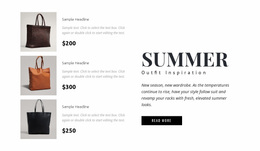
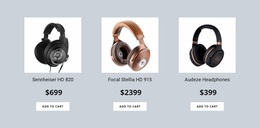
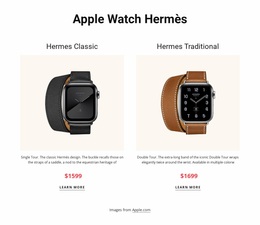
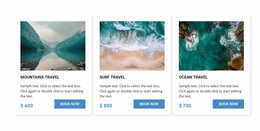
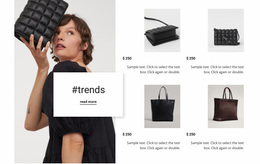
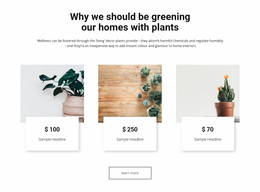
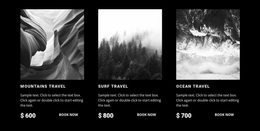

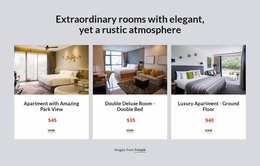
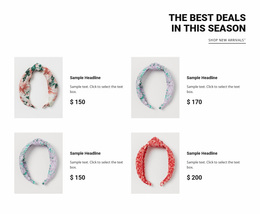

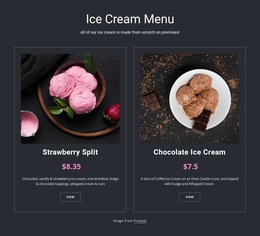
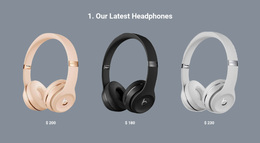
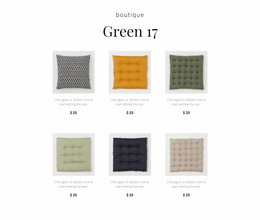
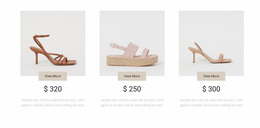
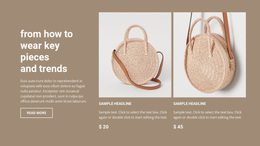
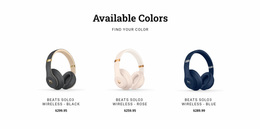

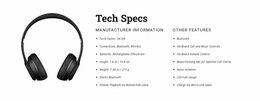
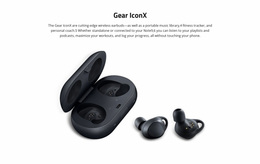
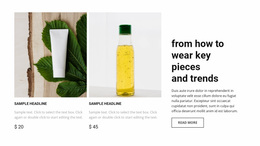
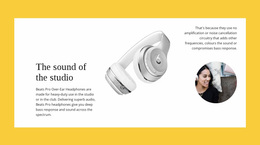
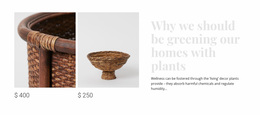
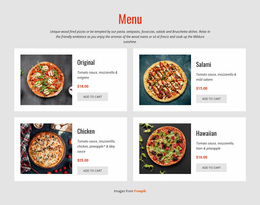
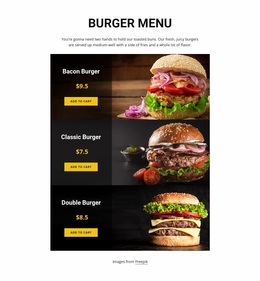
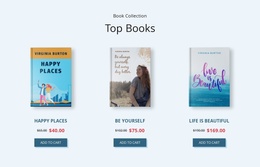
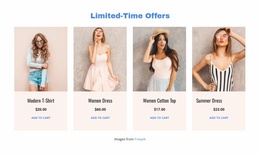
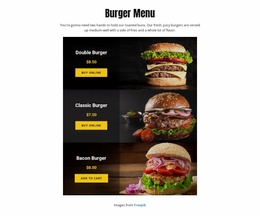
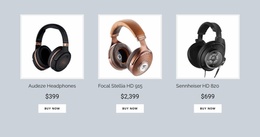
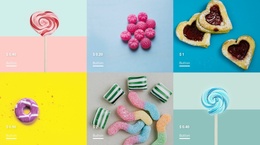
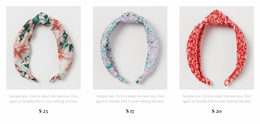
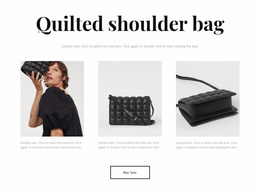
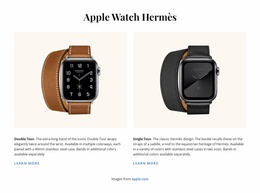
Professional Product List Website Design for Consistent Catalog Branding
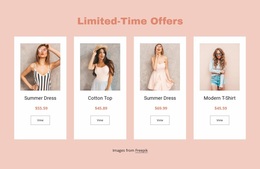
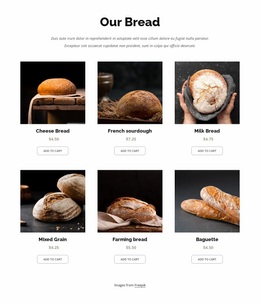
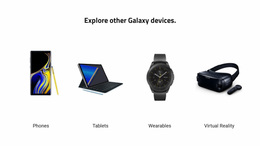
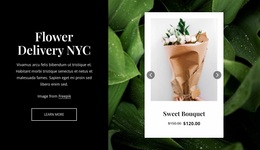
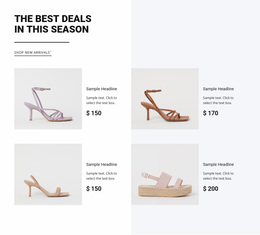
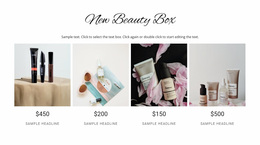
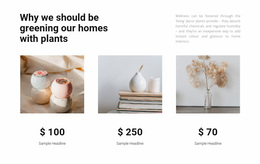
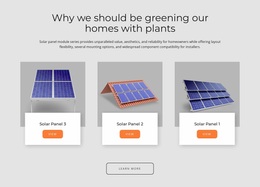
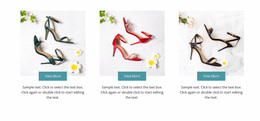
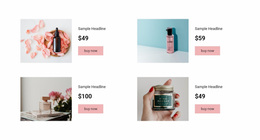
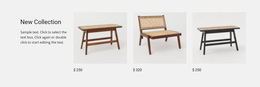
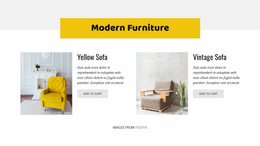
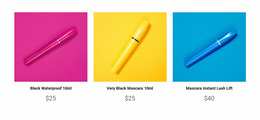
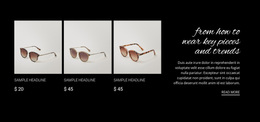
Product List Website Design is most convincing when the same catalog language follows shoppers across the site. Card typography, discount prices, image treatments, and button states should look related across the homepage, category pages, and individual product pages. Reusable product-card rules achieve that consistency more reliably than styling each collection from scratch.
How Does a Product List Support Website Design?
A Product List section presents several products together so visitors can recognize available items, compare basic information, and continue toward individual product details. In a website design, it should also follow the established visual language rather than introduce unrelated styling.
A featured product collection may appear on a homepage, while another listing highlights merchandise within a category or supporting content page. These sections can show different numbers of products while keeping the same product card hierarchy.
Clean Product Card Hierarchy Within a Consistent Visual System
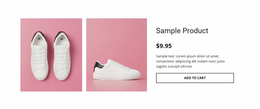
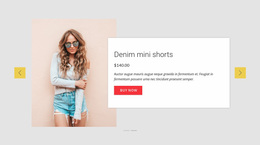
A product collection looks native to a site when it follows repeatable design rules rather than receiving a separate treatment on every page. Define a reusable card style for the product image, title, current price, previous price when needed, badge, and action. Then apply the same rules to featured collections and category previews.
A practical catalog design system should specify:
- Type scale: One style for product names and another for prices, with predictable line heights.
- Discount treatment: A consistent position for the original price and a restrained style for sale badges.
- Action states: Normal, hover, focus, and unavailable states that match the site's other buttons.
- Image treatment: Shared aspect ratios and cropping rules, even when merchandise photography varies.
- Spacing rules: Consistent card padding and a common rhythm between product rows.
Nicepage's Product List Element repeats product-related elements across its items. Use that repetition to reinforce a shared visual language, then apply targeted styling only where a collection genuinely needs it.
Connecting Product Collections With Website-Wide Styling
Imagine a store with a dark header, cream page backgrounds, and a distinctive green accent. The catalog shouldn't introduce an unrelated blue purchase button or a new font just because products appear in cards. The collection heading should resemble headings elsewhere; the same green can identify active actions and discounts; product thumbnails should follow a consistent crop.
This consistency should carry from navigation → collection → individual product page. For example, a sale item can show the same accent-colored current price and muted previous price in a homepage collection and a category section. The button can retain the same label styling and focus treatment when the shopper opens an individual product. A shopper should recognize those cues throughout the site. Website-wide Theme Settings in Nicepage help establish the color palette and fonts; local element styling handles exceptions.
The Product List Element documentation covers the section controls, while the Site Colors guide explains palette management. Check the catalog alongside the header, footer, and a representative product page—not in isolation.
Product Collections Versus Individual Product Presentations
A collection card and a product page can share typography, price styles, and buttons while showing different levels of detail. Keep the collection compact enough to compare several items. Let the selected product page carry longer specifications or purchasing choices.
The goal is not identical page layouts. It is a reusable visual system in which product names, discounts, prices, badges, and actions remain familiar wherever a collection appears.
Frequently Asked Questions About Product List Website Design
Can I customize the appearance of a Product List in Nicepage?
Yes. Nicepage's Product List Element includes styling presets and layout controls. You can adjust product presentation within a page block and use the available element properties to refine its appearance.
Can Product List sections use the same colors and typography as the rest of the website?
Yes. Nicepage Theme Settings provide website-wide color schemes, font settings, and typography styles. These help coordinate product collections with other sections and maintain a consistent visual identity.
What is the difference between Product List and Product Details?
Product List displays multiple merchandise entries in one browsable section. Product Details presents information about an individual item. Use the collection for product discovery and the detailed presentation when visitors need to examine a specific product.
Can I combine different design trends in a product website?
Yes, as long as shoppers still recognize the same product language across the site. For example, keep sale badges, original prices, and purchase buttons consistent between featured and category collections, even when the surrounding layouts differ.
Give Your Product Collection a Consistent Visual Identity
Select a Product List block that suits the merchandise and its intended placement. Open it in the Nicepage editor, arrange the product content, and coordinate its images, typography, colors, and actions with the website's existing design system. The finished section should make products easy to browse while still feeling like a recognizable part of the larger website.