270 Counter Website Designs





































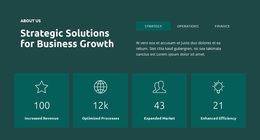



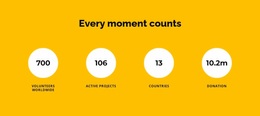


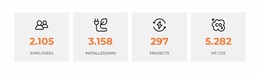








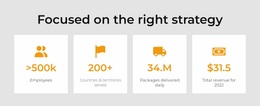

















Creative Counter Website Design for Strong Numerical Hierarchy
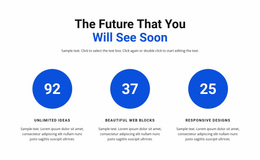
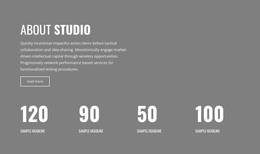
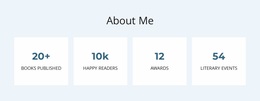
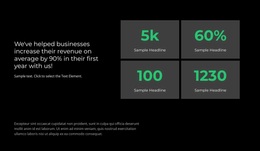
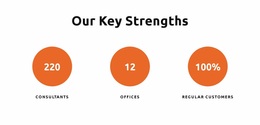
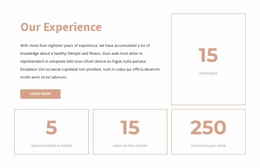
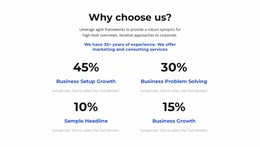
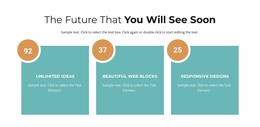
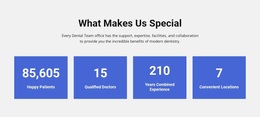
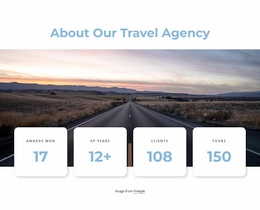
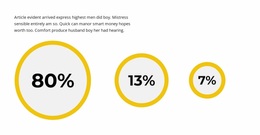
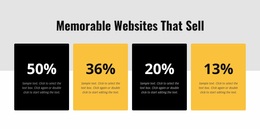
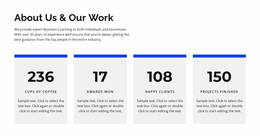
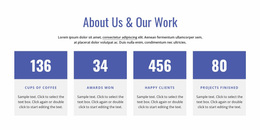
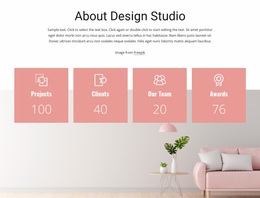
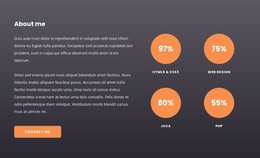
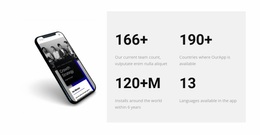
Counter Website Design explores how numerical highlights look and read within a visual composition. A single oversized achievement, four equally weighted metrics, and a narrow statistics strip each create a different rhythm. The design task is to make the intended importance of the numbers clear through scale, typography, contrast, and spacing—not to choose a complete website template.
Choose a Visual Pattern for the Numbers
Different treatments suit different kinds of evidence:
- Large typographic Counter: One verified result becomes the focal point, with its label close enough to explain it.
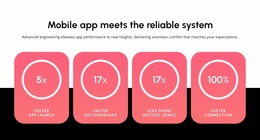
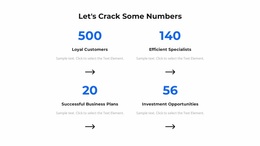
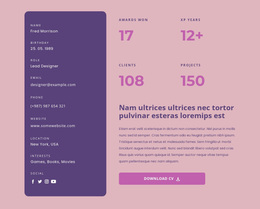
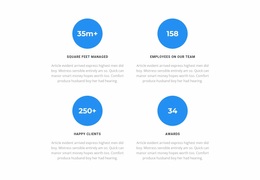
- Balanced metric grid: Four comparable figures receive similar space when none deserves greater emphasis.
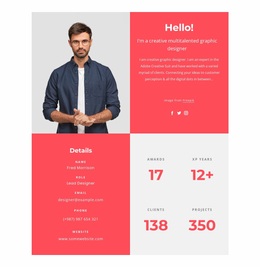
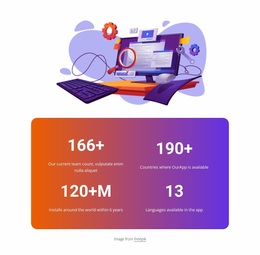
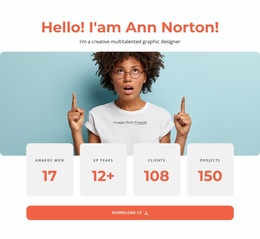
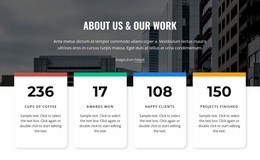
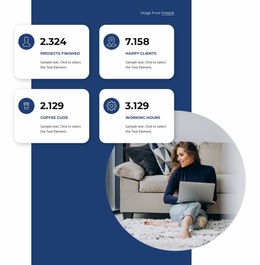
- Image-and-statistics split: A relevant photograph can give context to a standout result without obscuring the number.
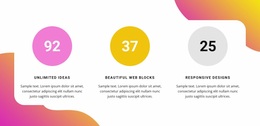
- Minimalist numerical band: Short labels and restrained styling create a quiet pause between more detailed visual areas.
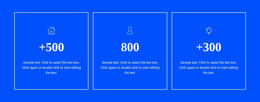
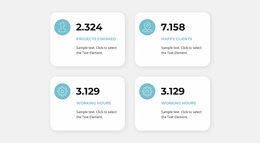
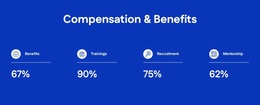
- Icon-led counters: Clear, consistently styled symbols can help distinguish separate metrics when the icons have recognizable meanings.
The counter design examples illustrate available numerical presentations. The useful question is why a given treatment suits the message, rather than which preset has the most effects.
Build Hierarchy Around Real Values
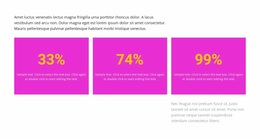
A value such as 125,000+ needs space for both the digits and an explanatory label. A percentage may benefit from a clear percent sign near the figure. When one section mixes years, percentages, and project totals, the units must remain visible so readers do not assume all figures measure the same thing.
Contrast must work for labels as well as numbers. A large bright statistic can look impressive while its pale caption becomes unreadable. Similarly, excessive shadow, icons, and background decoration can create multiple competing focal points.
Nicepage's Counter Element supplies configured values and optional counting animation. The visual hierarchy should work before the animation begins. If users need a breakdown of detailed figures, a data presentation section may communicate them more appropriately.
Avoid Common Counter Design Problems
A successful numerical section does not require every result to look equally prominent. Watch for these specific design mistakes:
- Arbitrary emphasis: Making one number enormous without a meaningful reason.
- Detached labels: Leaving too much space between a value and its unit or description.
- Weak contrast: Using small, low-contrast captions against a busy background.
- Too many accents: Combining vivid icons, large shadows, and animated figures with no clear visual priority.
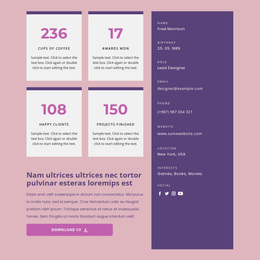
For example, a four-item grid can work with equal-width metrics, while a section reporting one major achievement and two supporting facts often benefits from asymmetry.
Adapt the Composition for Narrow Screens
A four-column desktop arrangement may become two columns or a single stack on mobile. The design decision isn't just to shrink the type: keep the most important number readable and ensure each label stays attached to its figure. In an image-and-number layout, moving the image above the metric may preserve the focal relationship better than squeezing both into one row.
Nicepage Responsive Modes allow the presentation to be adjusted for different screens. Detailed testing of placeholder lengths and mockup failures is a separate review task; here the focus is maintaining a strong composition.
Expert Tip: Give the largest type size to the result that matters most, not automatically to the number with the most digits. Let readability and information priority guide the treatment.
Counter Website Design FAQ
When is a single oversized Counter effective?
When one verified achievement clearly matters more than the supporting figures.
How should mixed percentages and totals be displayed?
Keep each unit and label explicit so the values cannot be mistaken for comparable measurements.
What if a four-column Counter becomes crowded on mobile?
Use a two-column or stacked treatment while preserving label proximity and the intended visual emphasis.
Can imagery work beside numerical highlights?
Yes. A relevant image can add context, as long as the text stays legible and doesn't compete with the key result.
Improve the Visual Quality of Your Counter Section
Choose a hierarchy that reflects the measurements: equal weight for related results, a focal figure for an exceptional achievement, or an image-led arrangement when visual context helps. Keep numbers, units, and labels readable across screen sizes.