530 Education Website Designs
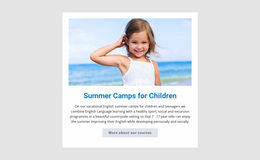
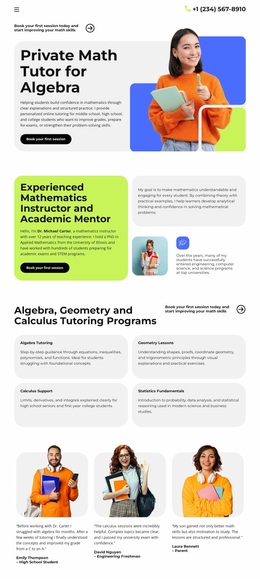

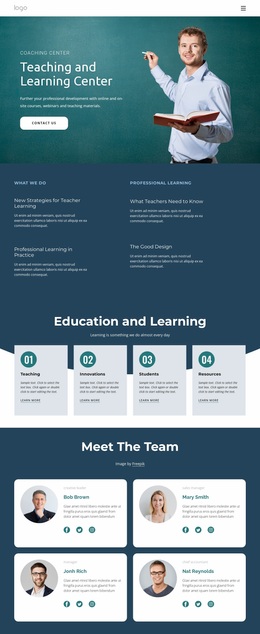
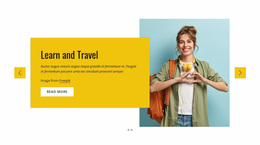
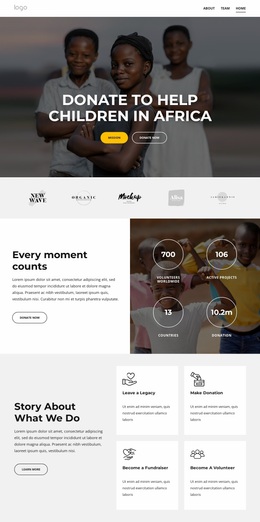
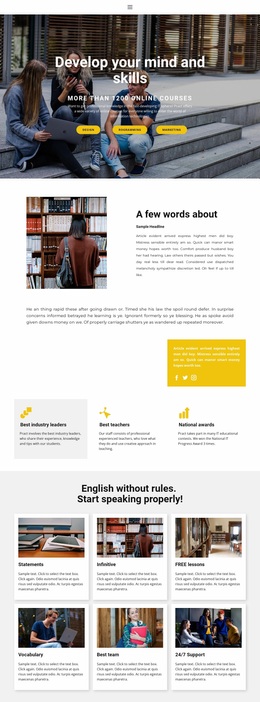
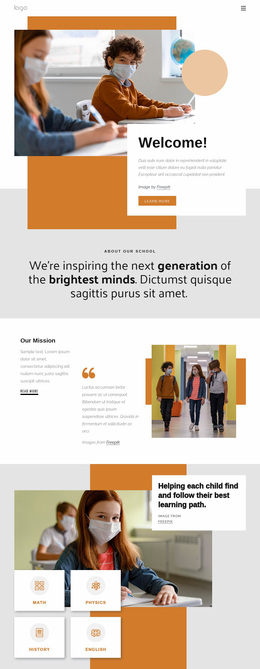
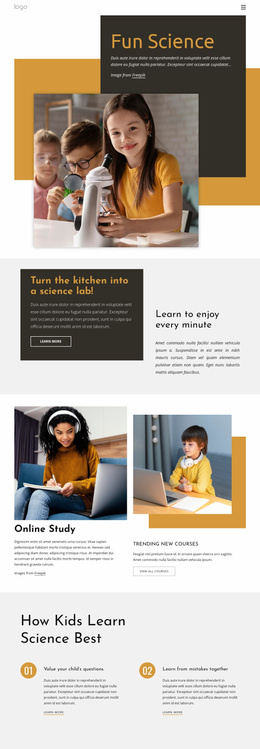
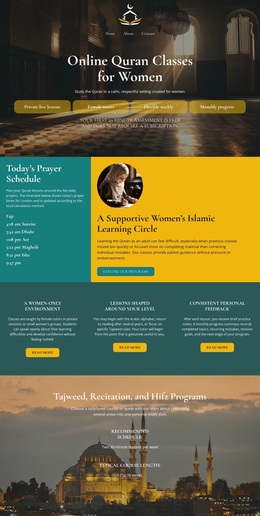

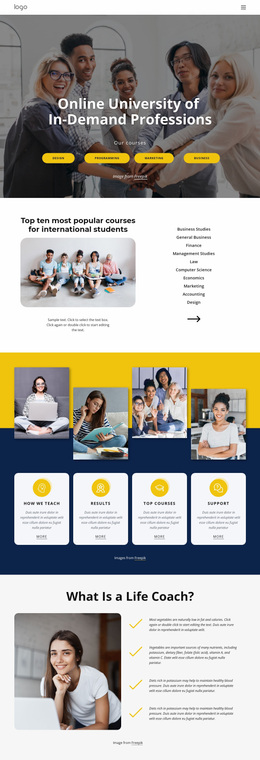
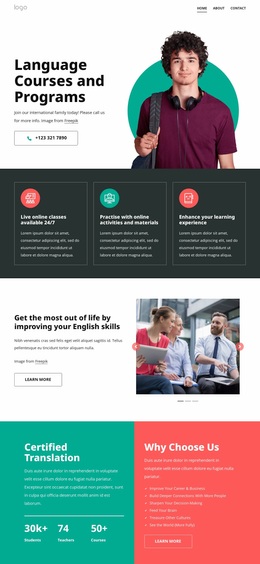
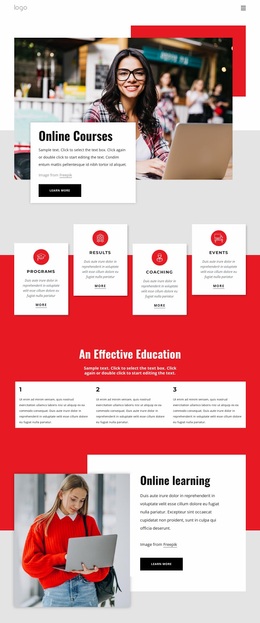

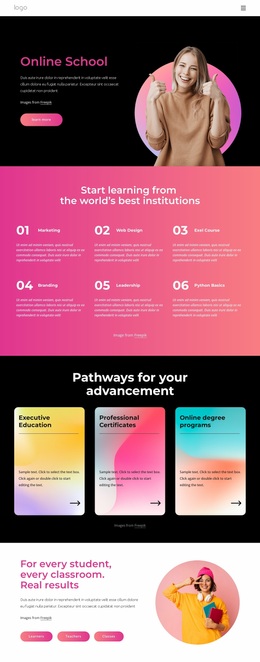
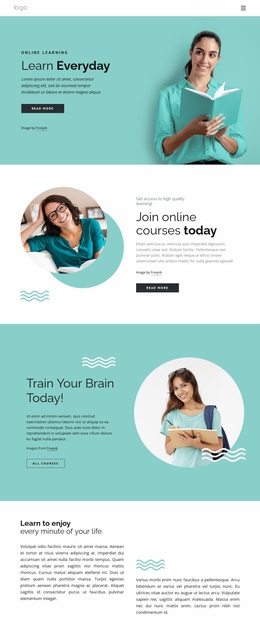
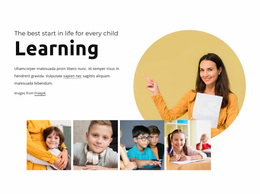
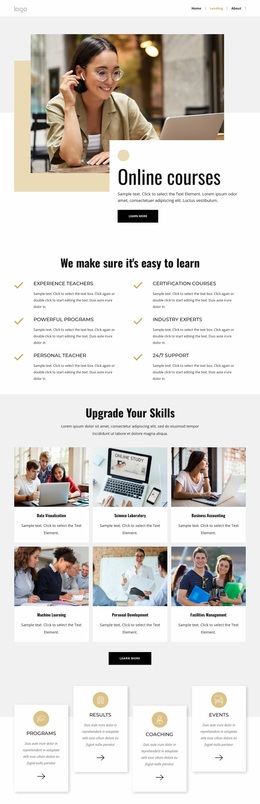

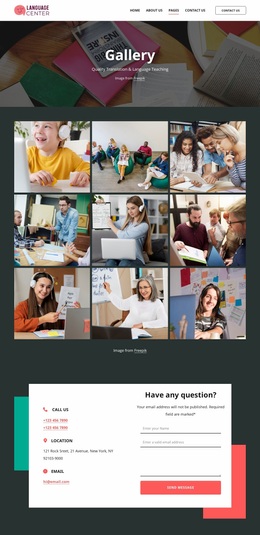

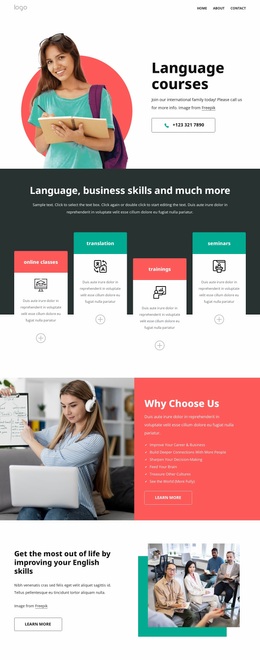
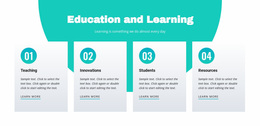
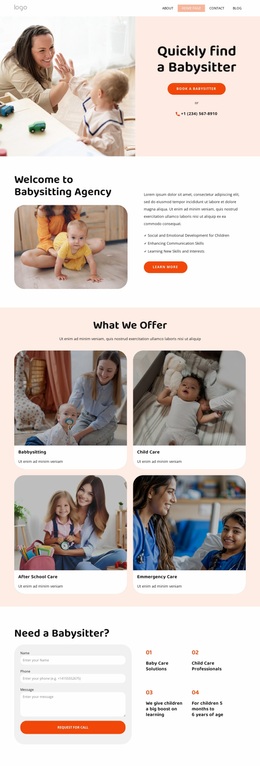
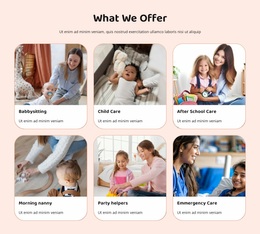
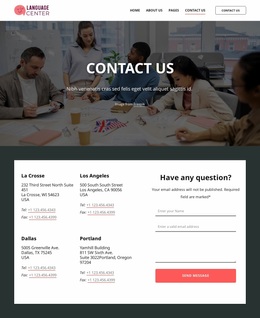
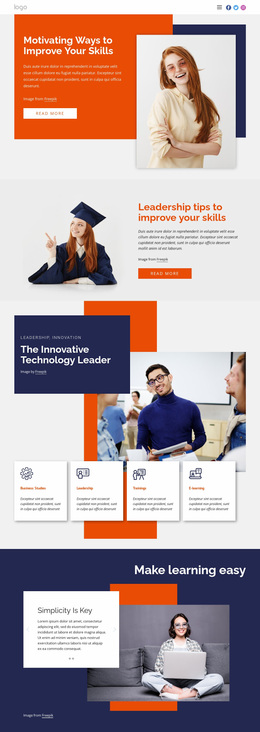
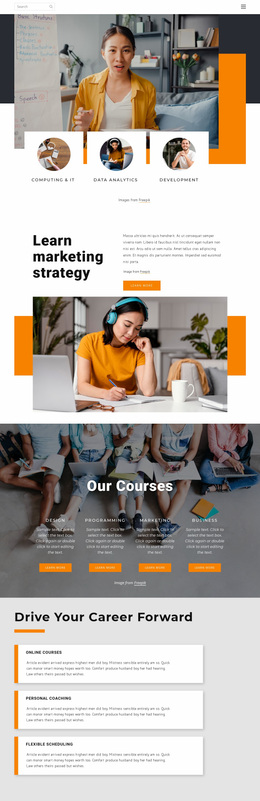

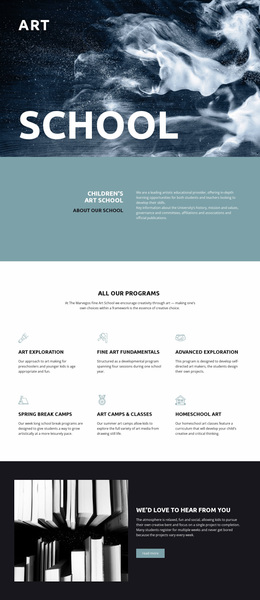
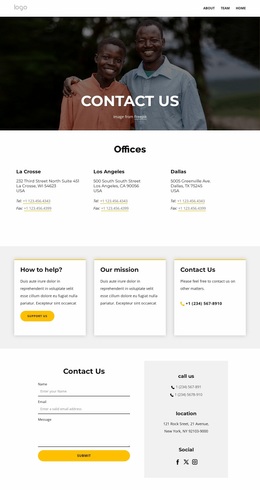
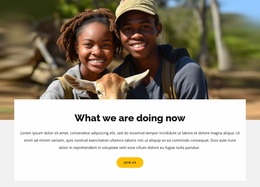

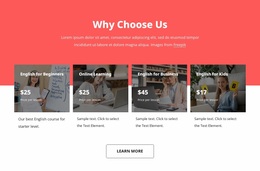
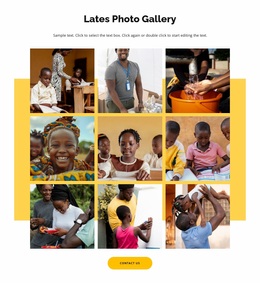
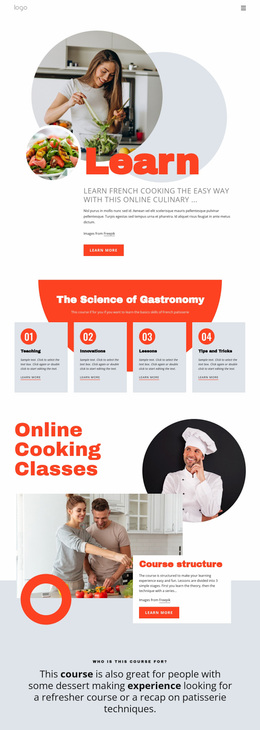
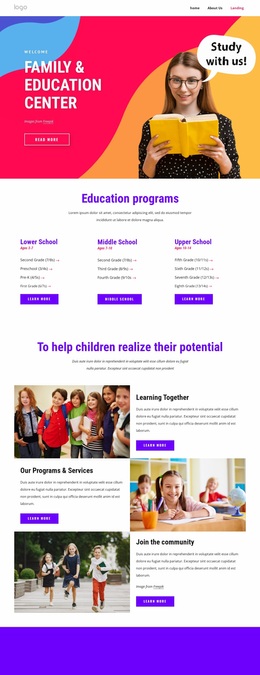
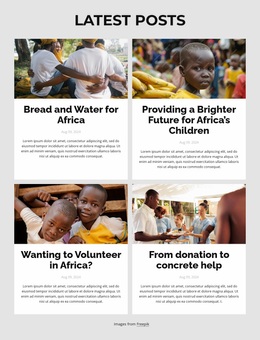
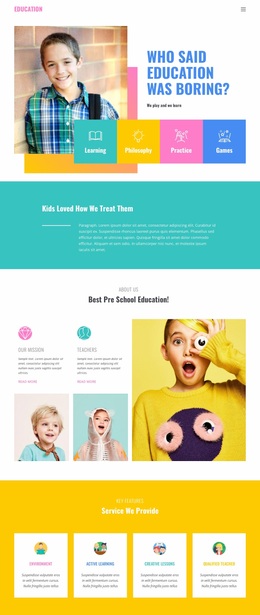
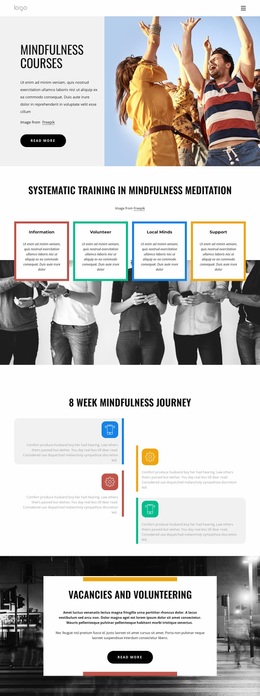
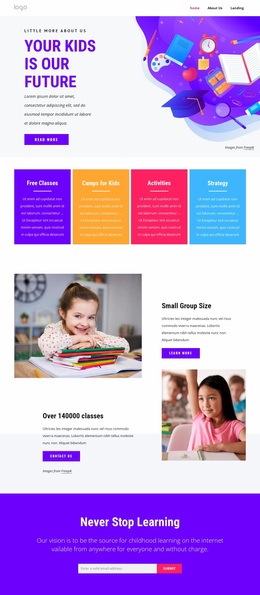

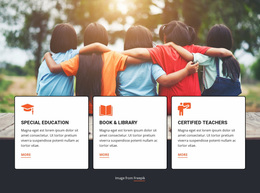


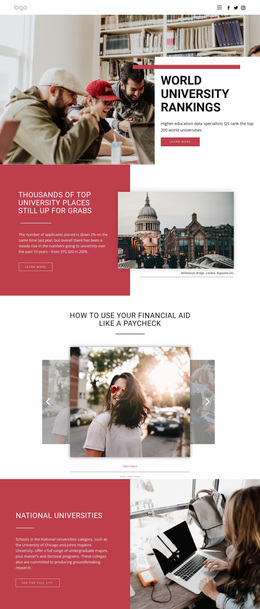
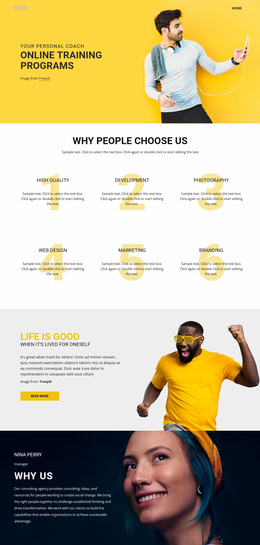
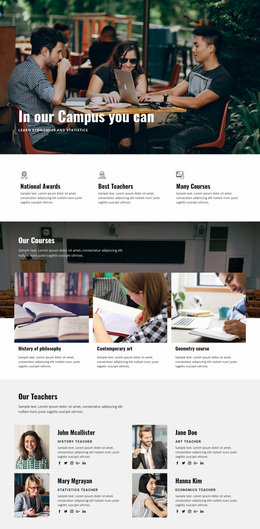
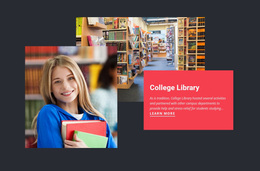
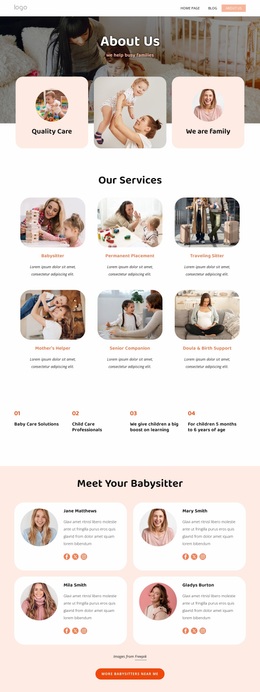
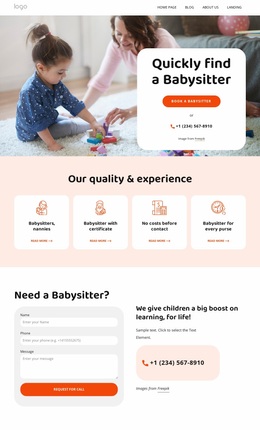
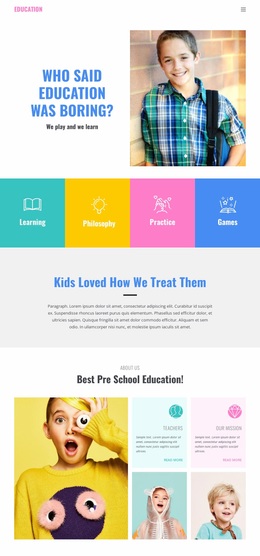
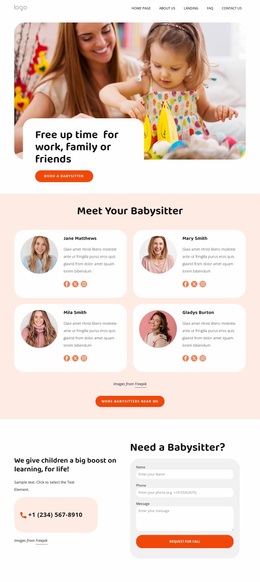
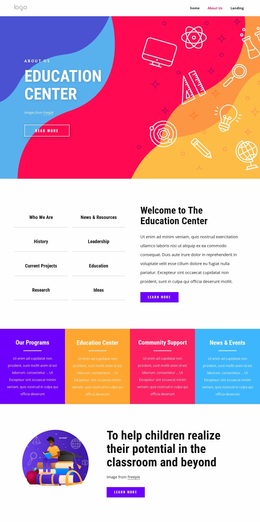
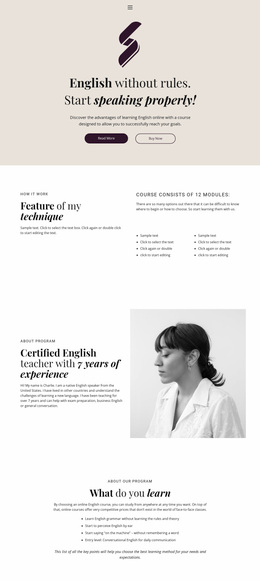
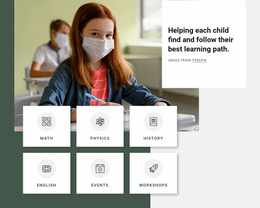

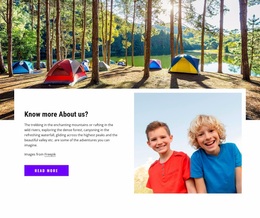
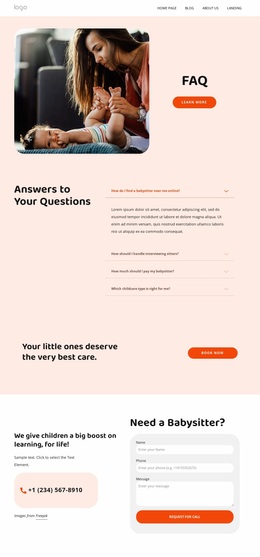
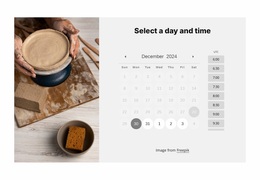

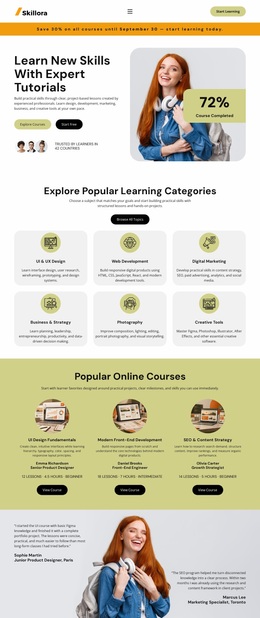
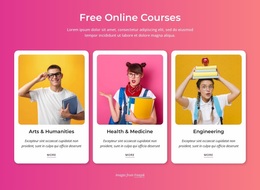
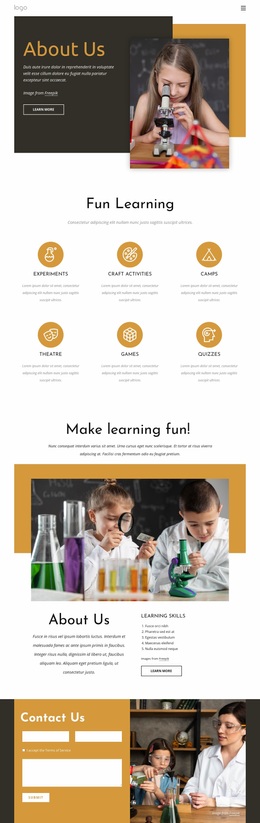
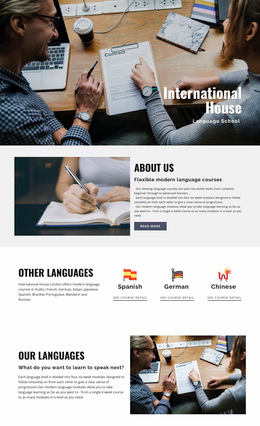
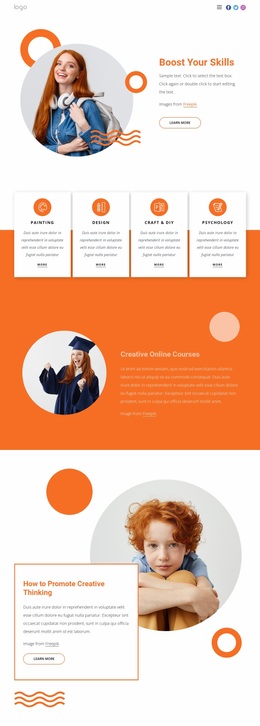

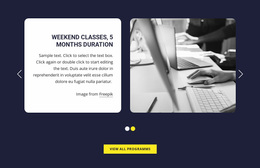

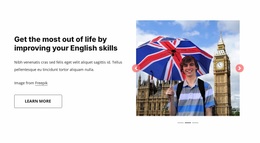
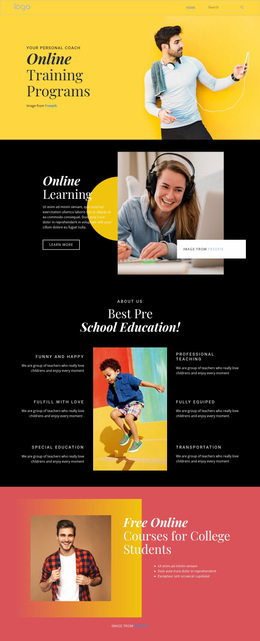

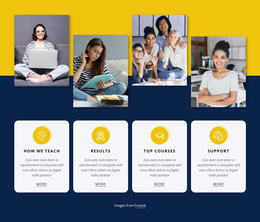
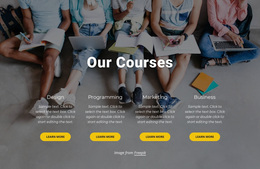



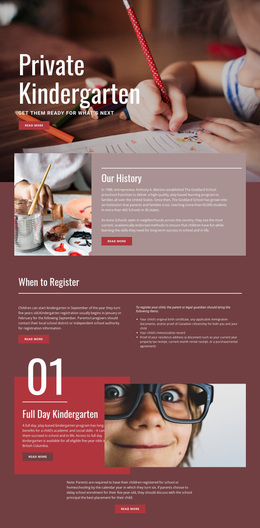
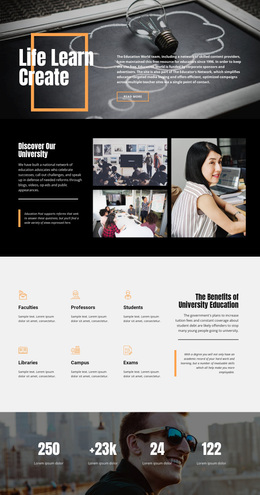


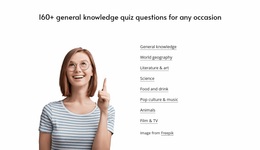
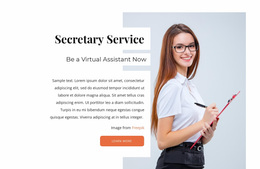
Stunning Education Website Design for Strong Academic Identity
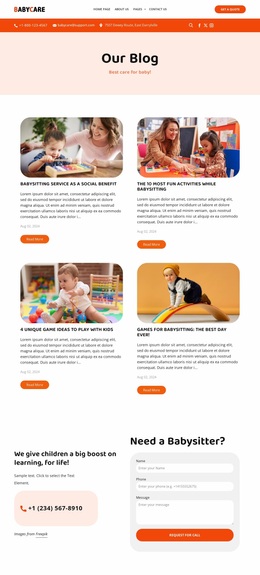
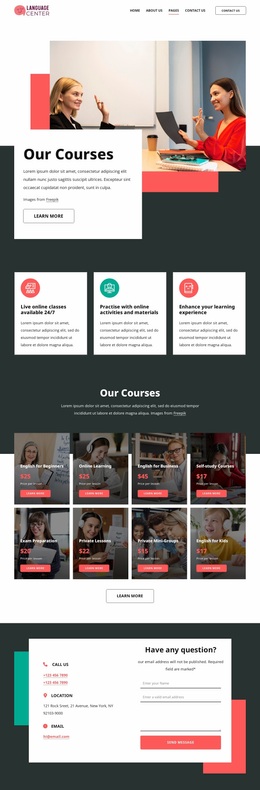
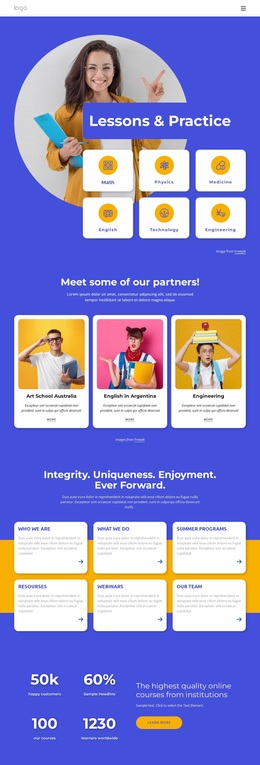
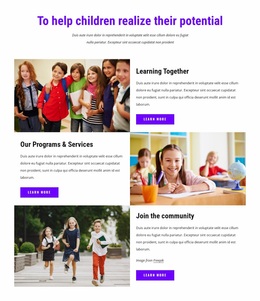
Education website design isn't just about the first screen. A school, academy, university, tutor, or teen program needs a visual and UX system that continues across course pages, admissions information, faculty profiles, student resources, news, and contact content. The design should help different audiences recognize where they are and where to go next while still feeling like one institution.
Build a Whole-Site Visual and Navigation System
Prospective students usually need program discovery, admissions, tuition, deadlines, and evidence of outcomes. Current students are more likely to look for schedules, resources, announcements, and support. Parents may need practical school information and contact paths, while faculty visitors may prioritize departments, research, publications, or staff directories.
Those areas should connect as journeys rather than isolated pages. A prospective student might move from program discovery to a course overview, faculty information, tuition, admissions requirements, and finally an application action. A current learner may travel from a course page to schedules, resources, announcements, and support without returning to the homepage at every step.
The navigation can reflect those differences without becoming overloaded. Use clear top-level routes, predictable page labels, and repeated visual cues so a visitor moving from a program page to admissions or faculty content does not feel as if they entered another site.
This is where whole-site design differs from homepage design. The homepage introduces and routes; the broader website system keeps navigation, content patterns, typography, imagery, and interaction consistent across many page types.
Create a Recognizable Education Visual Language
Color should reinforce the institution rather than decorate every section equally. Typography needs enough contrast between headlines, course names, supporting text, and utility information. Photography or illustration should support real academic content and remain consistent in tone across programs and departments.
Theme Settings establish global colors, fonts, typography, headers, and footers. The Freehand Visual Page Editor gives direct control over text, images, grids, and other elements; the Nicepage User Interface describes the panels and editing area used to adjust these properties.
Preset Shapes can still be useful for selective emphasis around statistics or an achievement section, and Nicepage documents the available controls in the Shape Element. These accents should support the system rather than become the system.
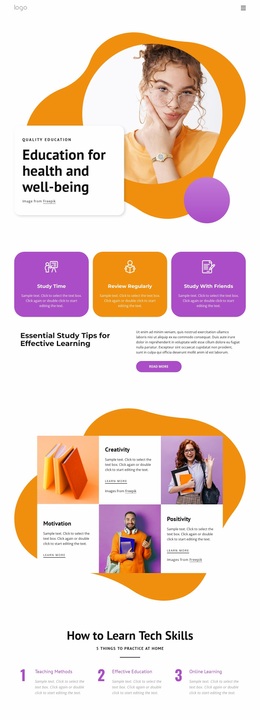
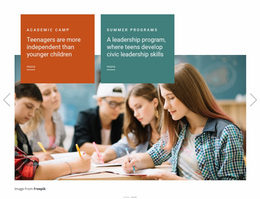
Programs aimed at teenagers may use more energetic imagery or stronger content grouping, but the same navigation logic and academic identity should continue through the rest of the site.
Keep Different Page Types Related, Not Identical
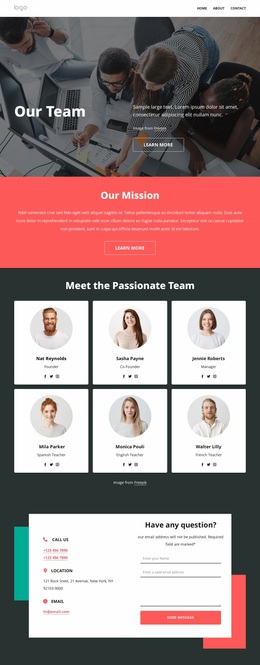
Admissions pages need dates, requirements, and clear actions. Faculty pages need biography, expertise, and contact information. Course pages need outcomes, content, level, and enrollment details. Student-resource pages should privilege access and scanability over promotion.
A coherent education website lets these pages behave differently while preserving the same visual grammar: heading scale, button treatment, spacing rhythm, navigation patterns, and institutional color system. Cross-links between programs, faculty, admissions, and learner resources should also make the next relevant step obvious, rather than leaving each page as a visual endpoint.
Education Website Design Questions
Are Academic or Non-Profit Discounts Available for Education Organizations?
Nicepage asks organizations with non-profit or academic discount requests to contact support so we can review the request.
When Should a School Consider Redesigning Its Website?
Consider a redesign when the existing visual style feels outdated on mobile, or the site no longer supports how students, parents, and staff use it.
How Quickly Can an Education Team Start Using Nicepage?
Nicepage provides a Quick Start process to install and set up the application so users can start creating responsive websites, landing pages, or CMS themes.
Can Different Student Audiences Have Separate Navigation Paths?
Yes. A school can structure navigation so prospective students, current students, parents, and faculty reach the content most relevant to them while keeping the same overall visual system.
Design the Institution, Not Just the Opening Screen
Use the editor to establish one visual and navigation system that can survive across admissions, programs, faculty, resources, events, and support pages. When every page type can serve its own audience without losing the institution’s identity, the website feels deliberately designed rather than assembled screen by screen.