
Resume Website Templates
A full professional presence often requires more space than a single resume page can provide. Website templates separate career history, project evidence, background, and contact information into connected pages with navigation that helps recruiters or clients move through the site.




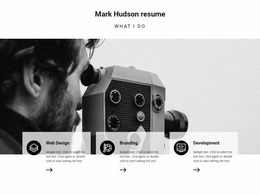
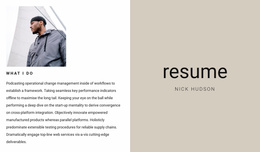
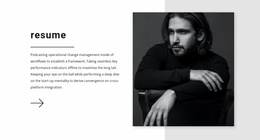
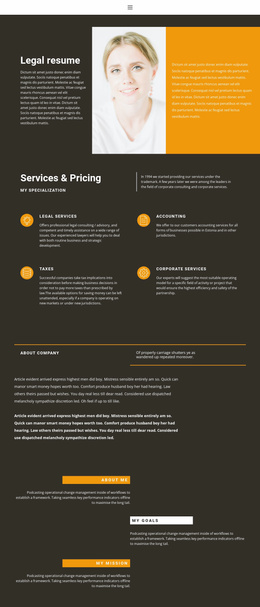

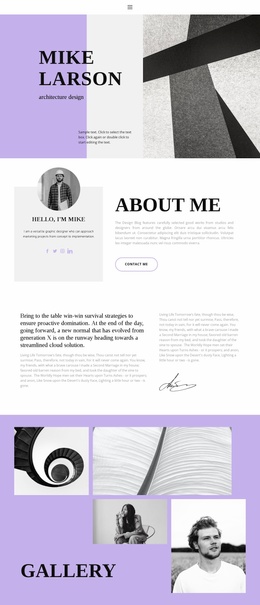
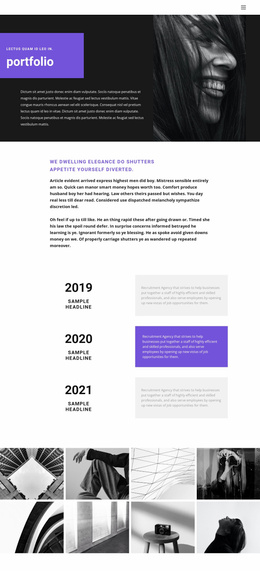
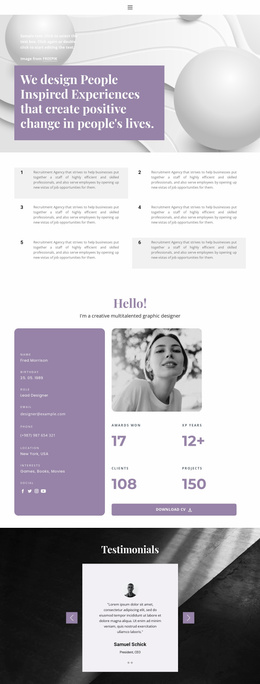
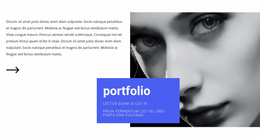


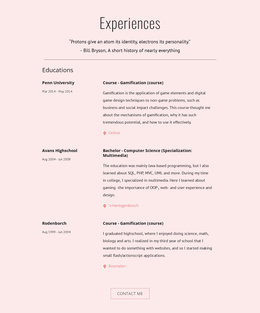
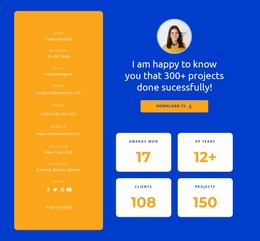
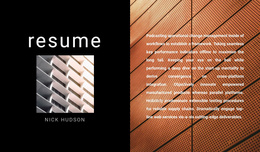
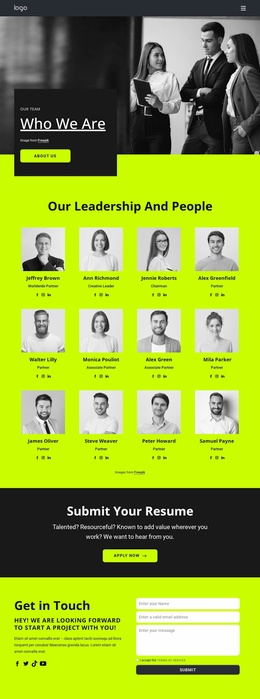

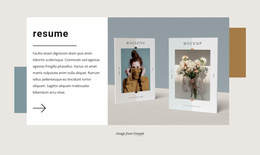
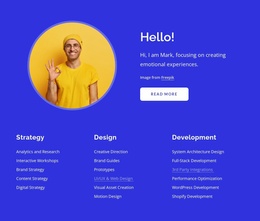
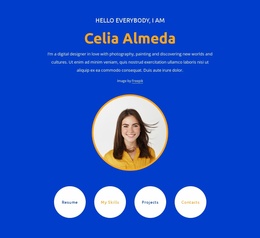
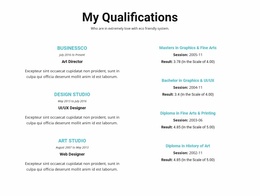
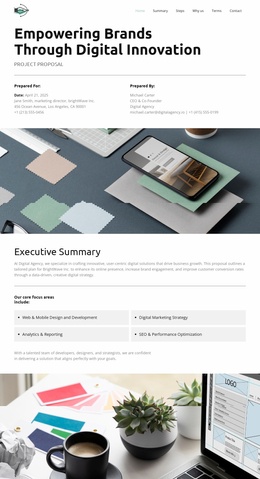
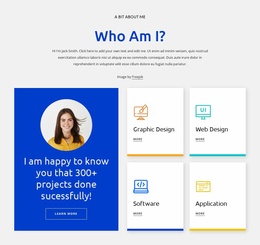
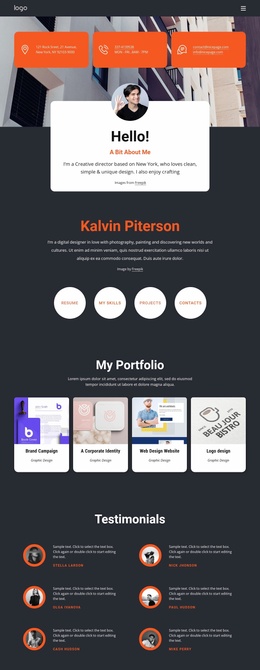
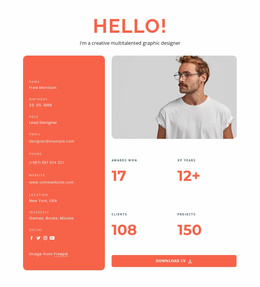


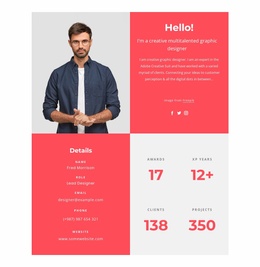


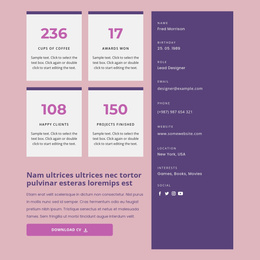
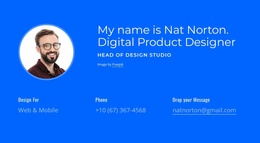
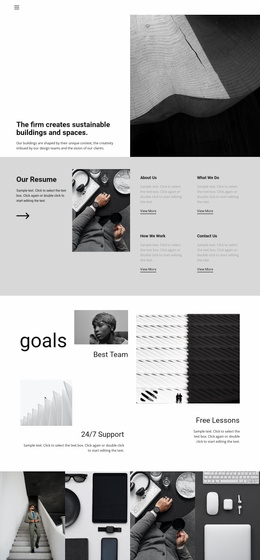






More Website Templates from Business & Law Category








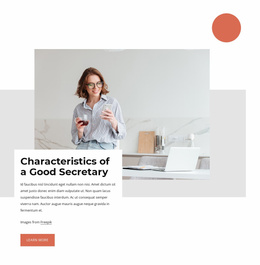




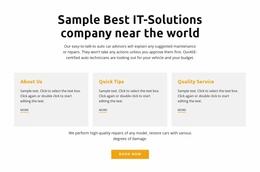
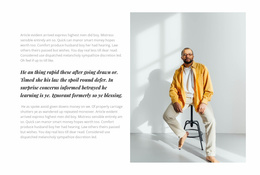
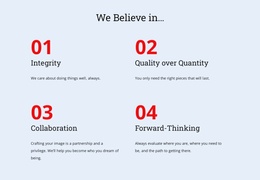






Other Business & Law Website Templates
Resume Website Templates for Complete Multi-Page Career Sites
Resume website templates provide a foundation for professionals who need more than a single resume layout. Instead of placing an entire career history, portfolio, credentials, and contact information on a single page, a website can distribute that material across dedicated sections or URLs linked by clear navigation. The result is a professional presence that can expand as new projects, roles, and qualifications are added.
Divide Career Content Across Purposeful Pages
A complete resume website works best when each major page has a defined responsibility. The homepage can introduce the candidate and current specialty, while Experience provides detailed employment history and Projects gives selected work enough room for screenshots, results, or supporting descriptions.
Other information can remain separate when it serves a different visitor need. An About page can provide professional background; Credentials can list certifications or qualifications; and Contact can keep the primary communication options easy to find. This division prevents a single page from carrying the full career story.
The important decision is not how each page looks in isolation, but whether the page set matches the amount and type of information the professional needs to publish.
Connect the Professional Story Across the Site
Navigation determines how visitors move between those different types of evidence. A recruiter may begin on the homepage, continue to Experience, review one or two Projects, and then move to Contact. A potential client may enter through a project page, follow a link to Expertise or About, and only later return to the main profile.
That makes page relationships part of the resume website architecture. Labels such as Experience, Projects, About, Credentials, and Contact should link to genuinely different destinations rather than repeating the same summary across multiple URLs.
Separate pages also make it easier to add deeper material without extending the core resume indefinitely. A developer can create an individual page for a major product. A designer can give each case study its own URL. A consultant can keep service expertise and selected engagements separate from the central career profile.
Keep the Site Structure Consistent as It Expands
A resume website should remain predictable when new material appears. Projects should follow the same navigation path and page hierarchy as earlier projects, while new certifications should belong with other credentials rather than wherever free space remains.
Shared navigation and contact routes also help visitors understand where they are within the site. Internal links can connect related evidence—for example, an experience entry can point to a detailed project page, while that project can link back to the relevant professional role.
Nicepage provides a unified Dashboard for Project Websites and individual pages, supporting this type of multi-page organization within a single project environment. Before editing individual sections, choose a resume website template whose existing page structure already resembles the career site you intend to maintain.
Choose a resume website template when separate pages, clear navigation, and room for future career content matter more than fitting everything into one resume layout. A well-planned site architecture gives new projects, credentials, and professional materials a stable place as the career website grows.