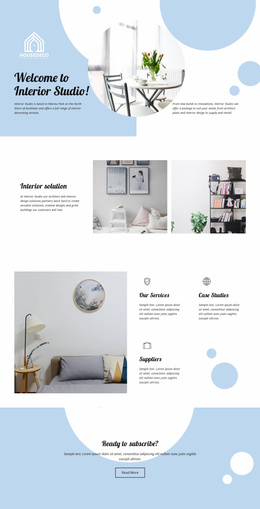
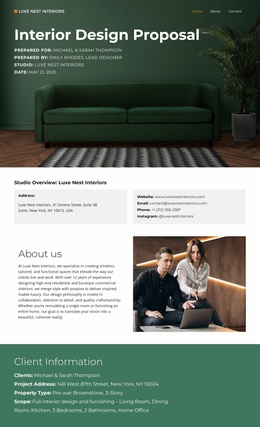
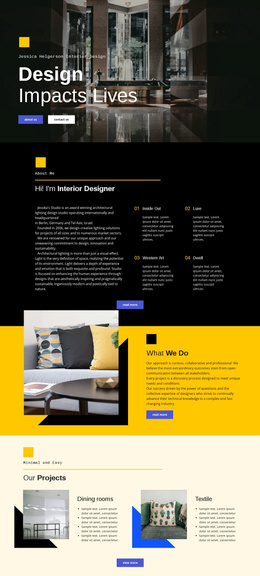
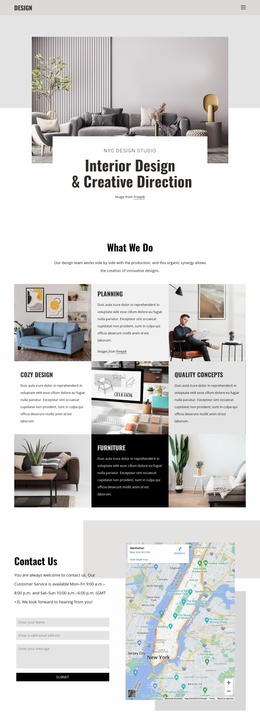
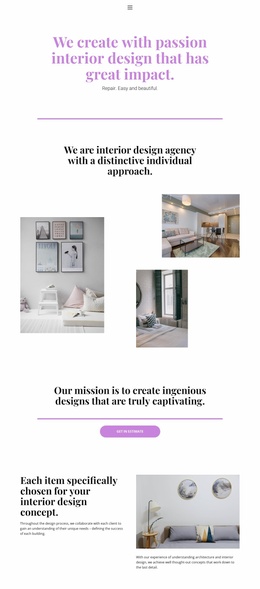
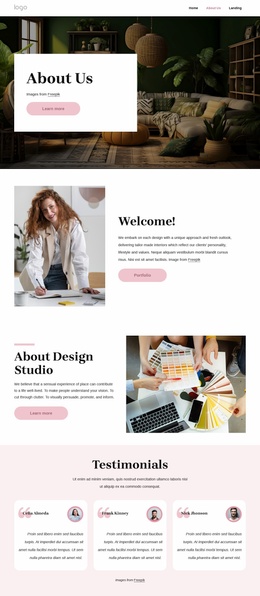
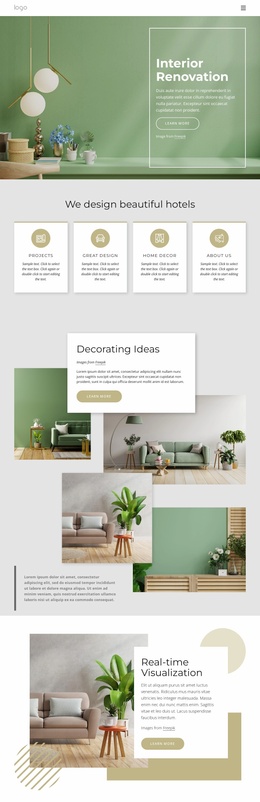
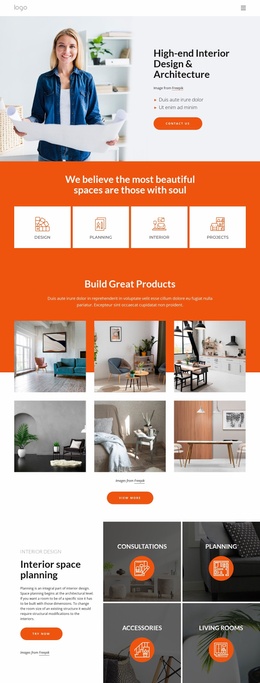
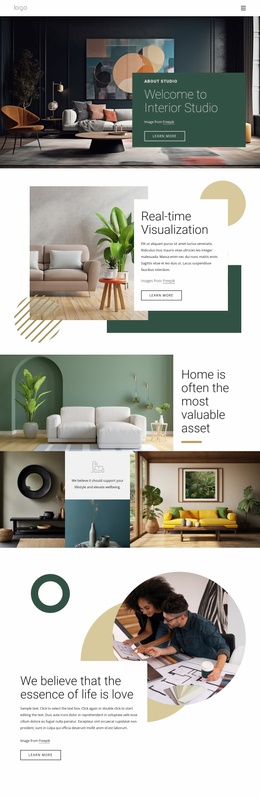
Residential & commercial interior design Website Template



Edit Template Offline
2. Create new page and search for id 6333436
Edit Template Online
Create Awesome Websites


Free Nicepage Builder
Keywords
Services, Projects, and Team Content Form a Broader Site Foundation
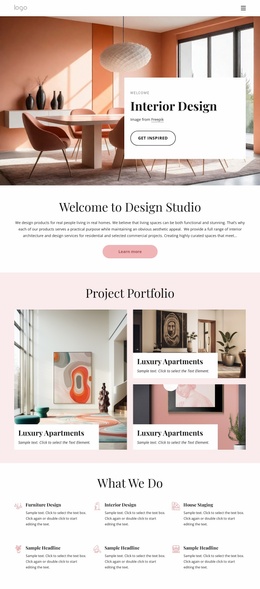
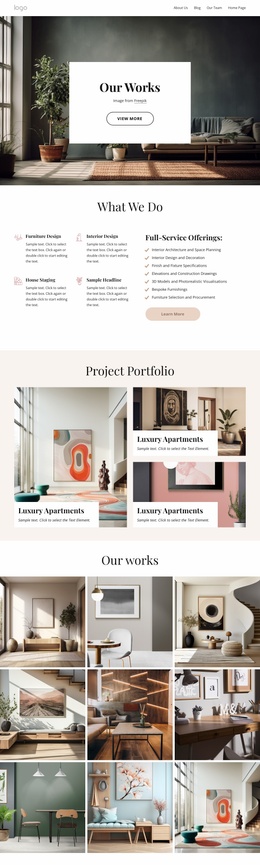
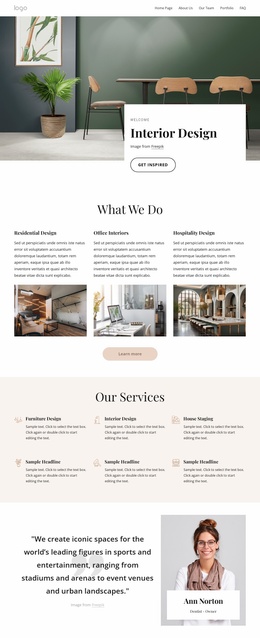
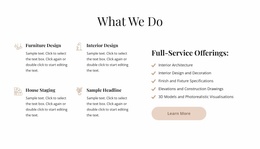
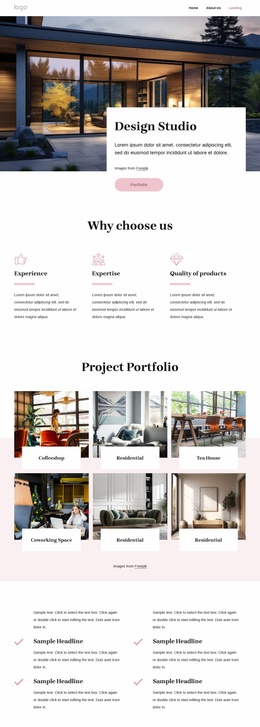
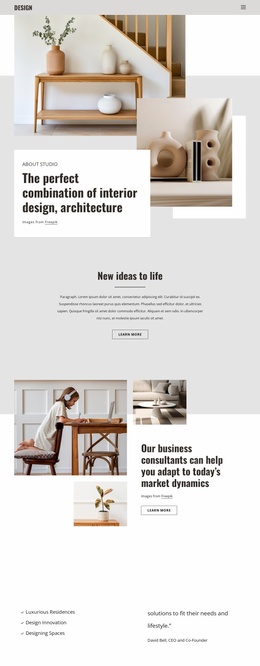
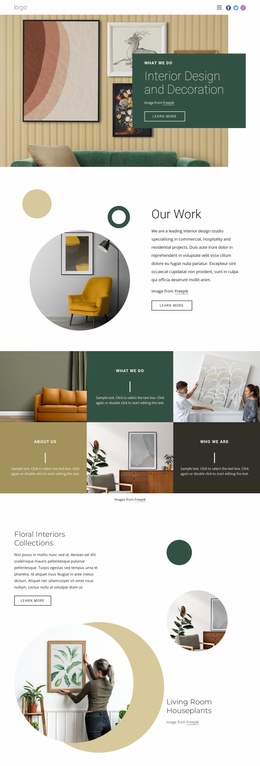
The design already identifies several major content areas from which a wider interior design website could grow. The three category cards establish project types—residential, office, and hospitality—while the six service cards provide a separate way to explain capabilities. The Full-Service Offerings panel adds further scope through interior architecture and space planning, furniture selection and procurement, and related specifications and curation. These groups can guide future service or sector pages without pretending that those additional pages already exist.
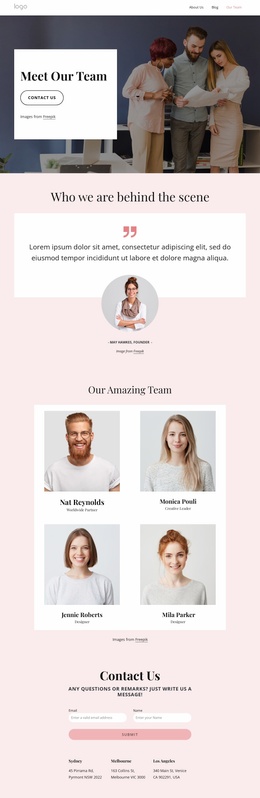
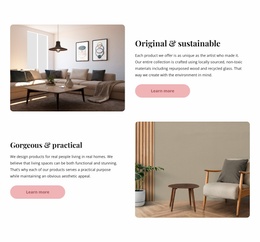
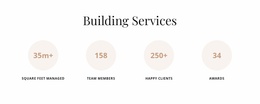
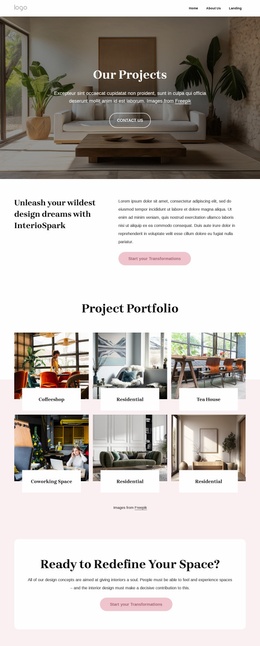
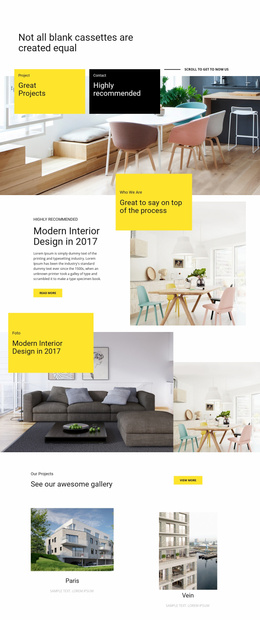
Project content gives the potential site a strong visual center. The Project Portfolio carousel can serve as a concise featured-work area, while the twelve-item interior collection provides a broader portfolio direction. Event-style post cards introduce a repeated content pattern, and the six-person team section creates a natural foundation for studio or staff information. Four metric badges add another reusable presentation pattern, although their sample values should be replaced with verified project data before publication.
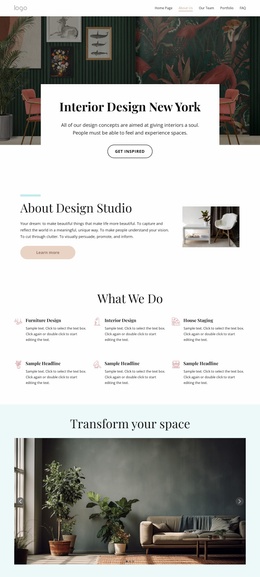
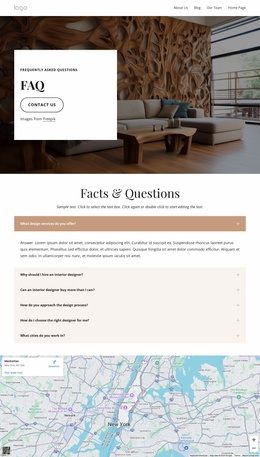
The contact form, three location entries, map, and shared footer give the current page a practical base for a larger website project. Navigation already names several important destinations, including About Us, Our Team, Portfolio, and FAQ. This makes the template more than a styled homepage: it supplies content categories and recurring structures that can support additional pages while preserving the same interior-focused visual direction.
Customize with Nicepage
Open this ready-made template in the Website Template Builder and customize it visually in the Nicepage editor. Replace demo content, edit page sections, and adapt the design to your project without rebuilding the template from scratch.
Build a Complete Website From This Template
Customize the Website Visually
Use this ready-made website template as a starting point for your project and adapt its pages visually in Nicepage. Change content, images, typography, navigation, sections, and other design elements while keeping the website together as a single editable project.
Manage Website Pages in One Project
Use the Pages panel to open, add, duplicate, and manage the pages of your website. Work on individual pages while keeping navigation and the overall site structure accessible from the same project, making it easier to develop a complete website instead of managing separate page files.
Expand the Website With Matching Designs
When you need additional pages or sections, use Page Design Sets to find Page and Block Designs created in the same visual style. Design Sets group matching designs together, making it easier to expand the website with new content while maintaining a consistent look across its pages and sections.
Organize Larger Multi-Page Websites
As the website grows, use Page Folders to organize related pages and keep larger multi-page projects easier to navigate in the editor. This is especially useful for websites with separate service pages, company information, contacts, landing pages, and other content areas.
This workflow makes the template a practical foundation for building and expanding a complete website while managing its pages, content, and visual design within one Nicepage project.