Rose gold fixtures Website Template


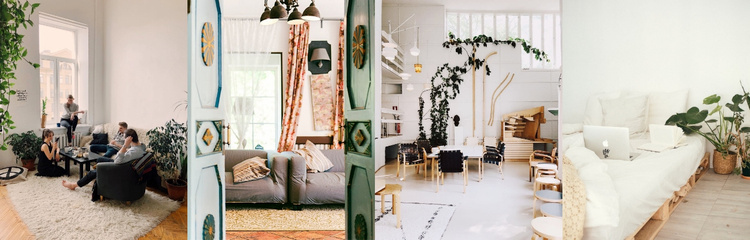
A Reusable Interior Gallery With Four Coordinated Scenes
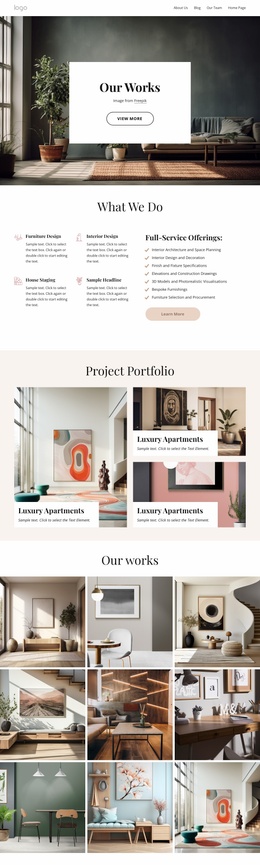
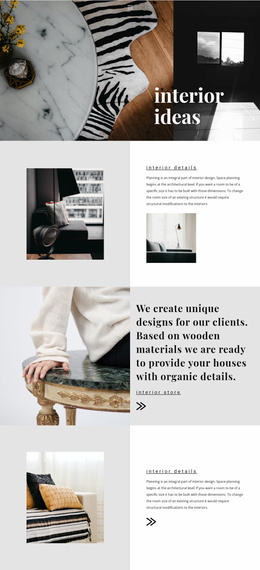
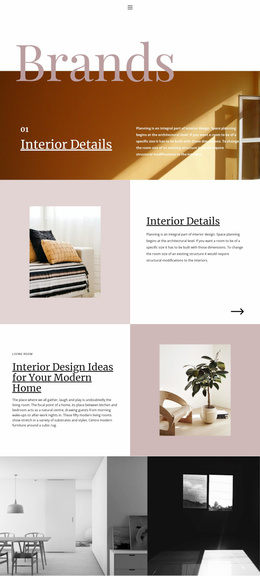
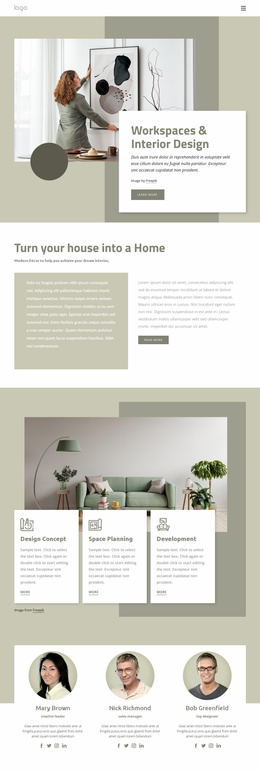
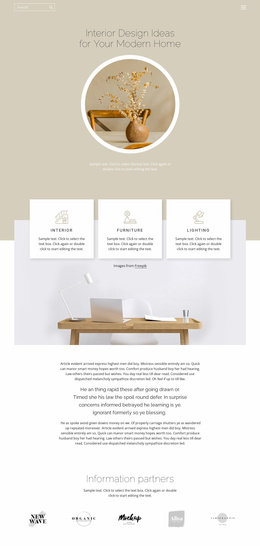
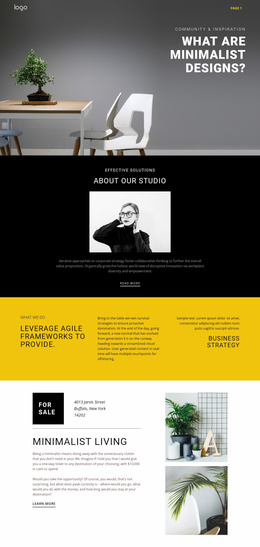
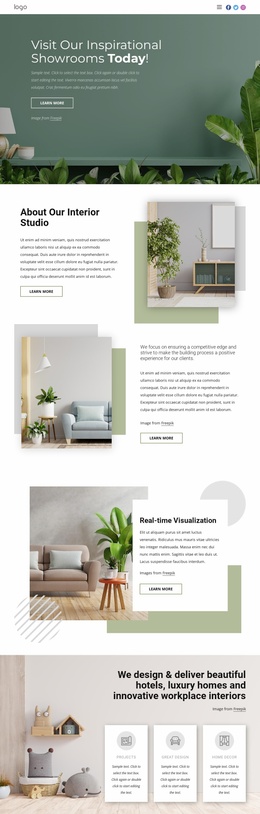
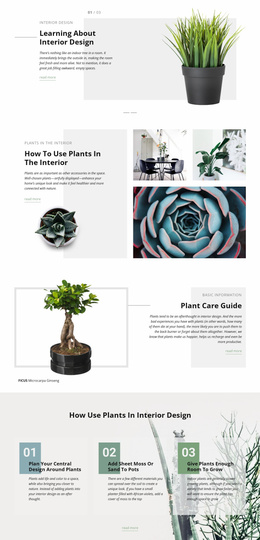
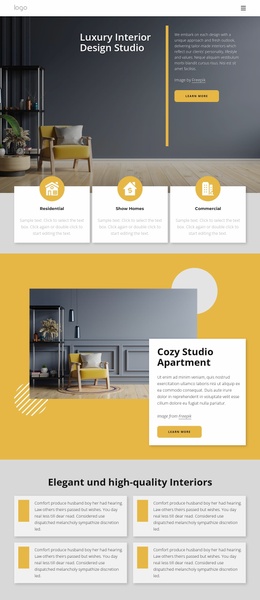
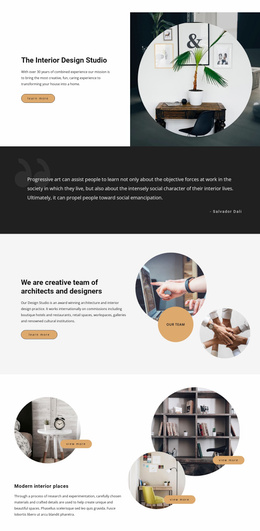
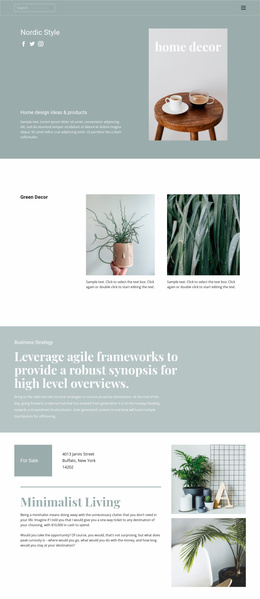
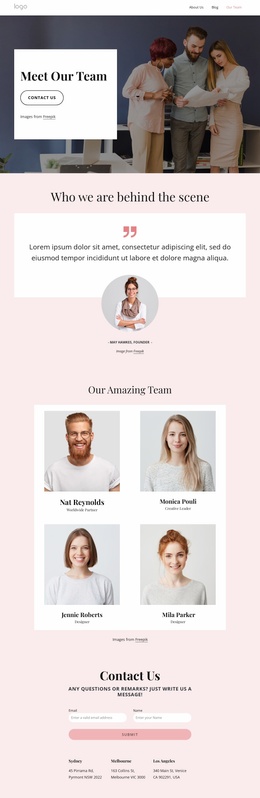
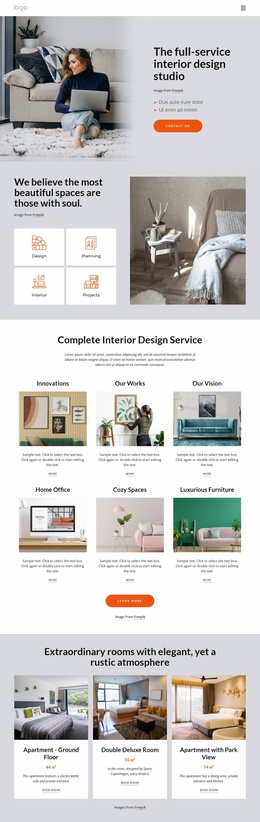
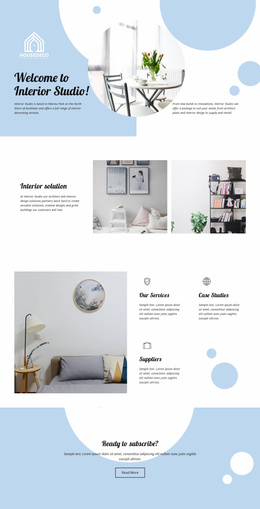
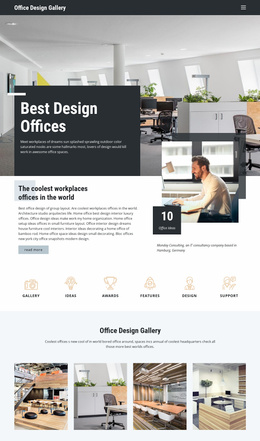
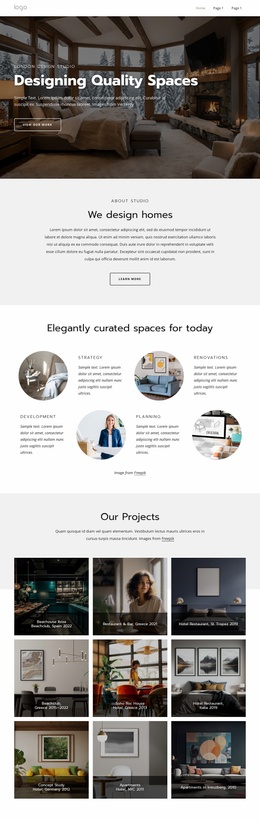
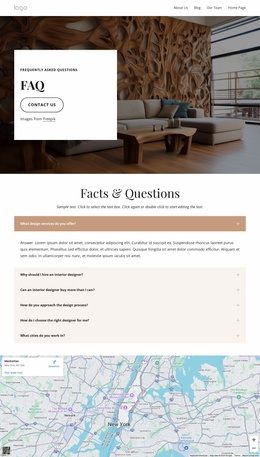
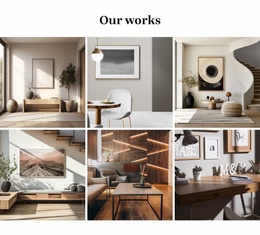
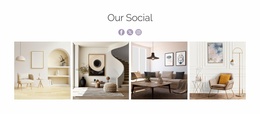
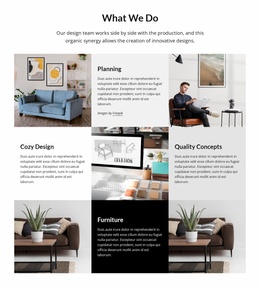
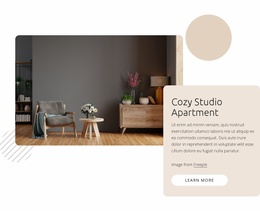
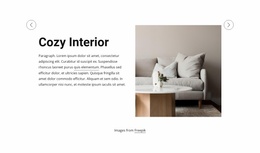
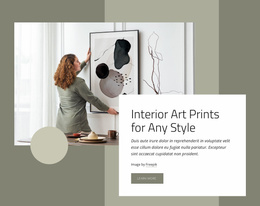
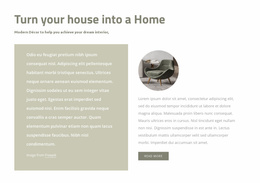
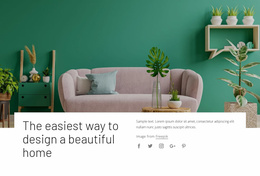
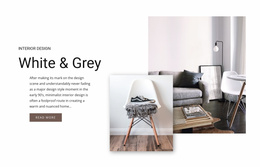
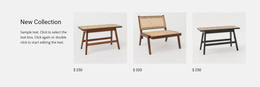
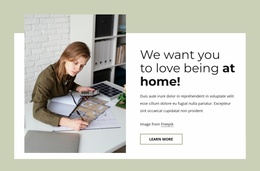
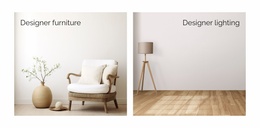
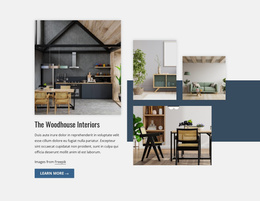
The block defines one stable content area for a broader website project: a four-image gallery showing furnished interior spaces. Each photograph occupies an equal-width panel, and the minimal gaps connect the scenes into a continuous horizontal strip. The imagery introduces variation through furniture, plants, and architectural details, but the repeated dimensions give the section a consistent visual pattern that can be recognized when it appears alongside other content areas.
Within a website template project, this block can serve as a reusable interior imagery section rather than carrying the responsibilities of an entire page. A project might place it near descriptive content about a room, property, hospitality space, or design direction, while separate sections provide headings, written context, services, portfolios, or contact details. Since this block contains no text or visible controls, nearby content may be needed when visitors require labels or an explanation of the images.
Its value at the broader project level comes from the clear visual role and repeatable structure. The four-panel strip can be coordinated with other sections through shared spacing, image treatment, or color choices without changing its underlying gallery content. Nicepage’s Page Design Set can help locate matching page and block designs for a wider project, but it does not alter this block’s scope: the analyzed section remains one reusable visual gallery.
Customize with Nicepage
Open this ready-made template in the Website Template Builder and customize it visually in the Nicepage editor. Replace demo content, edit page sections, and adapt the design to your project without rebuilding the template from scratch.
Edit Template Offline
2. Create a new page or select existing
3. Click Add new block, search for id 57396 and click enter
Edit Template Online
Create Awesome Websites


Free Nicepage Builder
Keywords
Build a Complete Website From This Template
Customize the Website Visually
Use this ready-made website template as a starting point for your project and adapt its pages visually in Nicepage. Change content, images, typography, navigation, sections, and other design elements while keeping the website together as a single editable project.
Manage Website Pages in One Project
Use the Pages panel to open, add, duplicate, and manage the pages of your website. Work on individual pages while keeping navigation and the overall site structure accessible from the same project, making it easier to develop a complete website instead of managing separate page files.
Expand the Website With Matching Designs
When you need additional pages or sections, use Page Design Sets to find Page and Block Designs created in the same visual style. Design Sets group matching designs together, making it easier to expand the website with new content while maintaining a consistent look across its pages and sections.
Organize Larger Multi-Page Websites
As the website grows, use Page Folders to organize related pages and keep larger multi-page projects easier to navigate in the editor. This is especially useful for websites with separate service pages, company information, contacts, landing pages, and other content areas.
This workflow makes the template a practical foundation for building and expanding a complete website while managing its pages, content, and visual design within one Nicepage project.