Pristine Shine Website Template


Edit Template Offline
2. Create new page and search for id 6400935
Edit Template Online
Create Awesome Websites


Free Nicepage Builder
Keywords
Service, Industry, and Benefit Areas Establish a Website Foundation
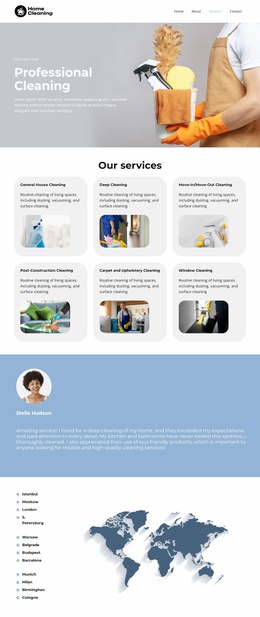
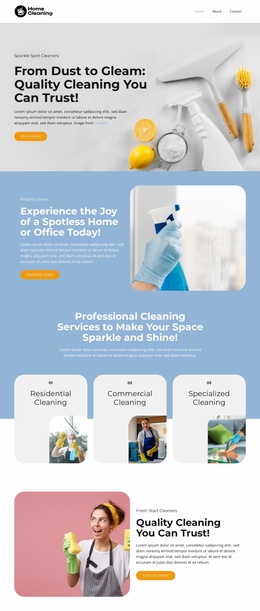
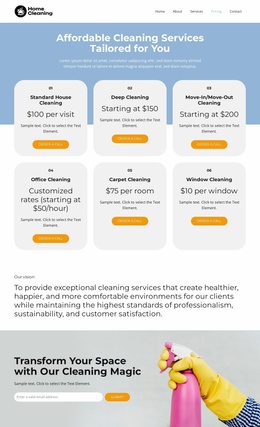
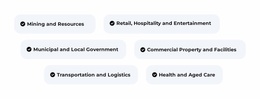
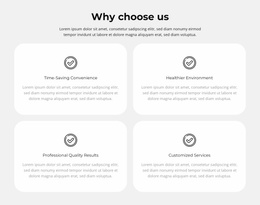
The design defines several major content categories that can support a broader cleaning website rather than functioning only as an isolated visual concept. The three service cards separate residential, commercial, and specialized cleaning, giving the project a clear basis for dedicated explanations or related service content. The six industry pills add audience context by naming sectors and organizational settings, while the four benefit cards provide a repeatable structure for communicating reasons to choose the service. These areas already suggest how information could be grouped as the project grows, without claiming that additional pages are included now.
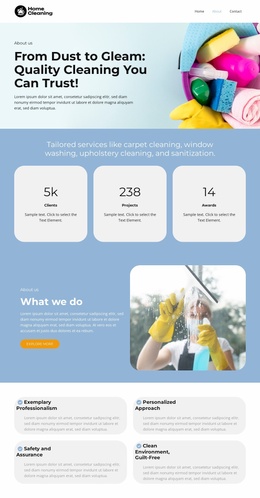
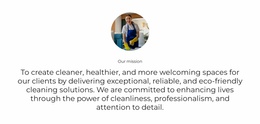
The image-led hero and split promotional sections provide the visual entry point for the site, and the repeated Get a Quote actions create a consistent relationship between information and inquiry. The three metric cards add a distinct content pattern that could be retained where verified business evidence is appropriate; their displayed sample values should not be presented as confirmed achievements without independent validation. The final CTA and dark footer complete the current page while leaving recognizable regions for navigation, service information, industry coverage, benefits, and contact-oriented content. As a website template, its strength is the combination of these content areas and a consistent palette, typography, rounded card treatment, and photography direction. Those elements can form a project foundation for related pages, provided future expansion is based on actual content requirements rather than assuming the current template already contains a multi-page site.
Customize with Nicepage
Open this ready-made template in the Website Template Builder and customize it visually in the Nicepage editor. Replace demo content, edit page sections, and adapt the design to your project without rebuilding the template from scratch.
Build a Complete Website From This Template
Customize the Website Visually
Use this ready-made website template as a starting point for your project and adapt its pages visually in Nicepage. Change content, images, typography, navigation, sections, and other design elements while keeping the website together as a single editable project.
Manage Website Pages in One Project
Use the Pages panel to open, add, duplicate, and manage the pages of your website. Work on individual pages while keeping navigation and the overall site structure accessible from the same project, making it easier to develop a complete website instead of managing separate page files.
Expand the Website With Matching Designs
When you need additional pages or sections, use Page Design Sets to find Page and Block Designs created in the same visual style. Design Sets group matching designs together, making it easier to expand the website with new content while maintaining a consistent look across its pages and sections.
Organize Larger Multi-Page Websites
As the website grows, use Page Folders to organize related pages and keep larger multi-page projects easier to navigate in the editor. This is especially useful for websites with separate service pages, company information, contacts, landing pages, and other content areas.
This workflow makes the template a practical foundation for building and expanding a complete website while managing its pages, content, and visual design within one Nicepage project.