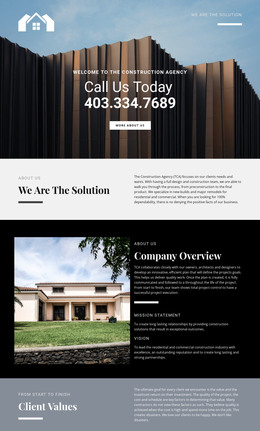
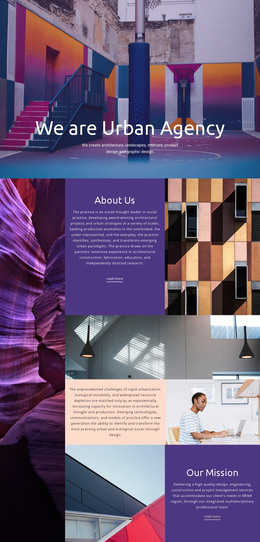
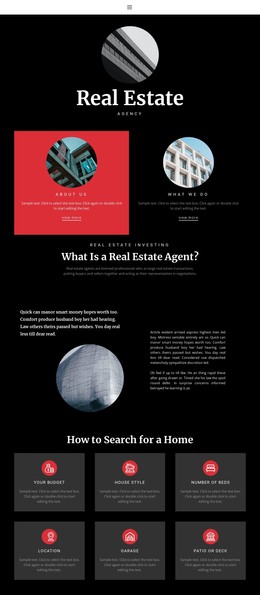
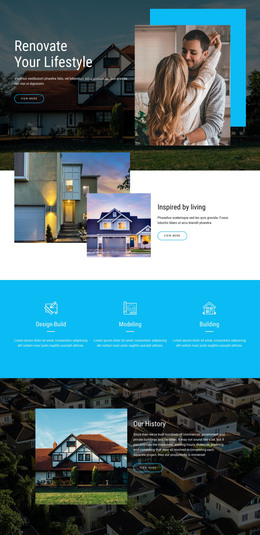
Exclusive apartments HTML Template


Edit Template Offline
2. Create new page and search for id 4491331
Edit Template Online
Create Awesome Websites


Free Nicepage Builder
Keywords
Rounded Property Imagery Forms a Complete Static Presentation
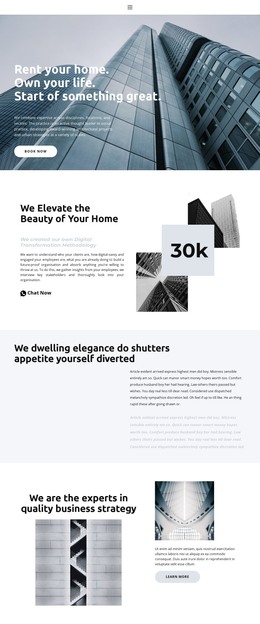
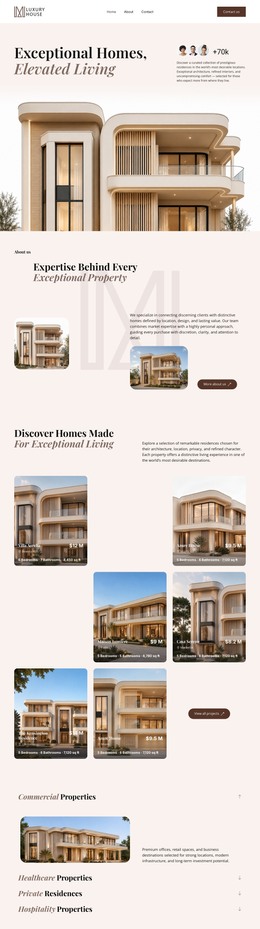
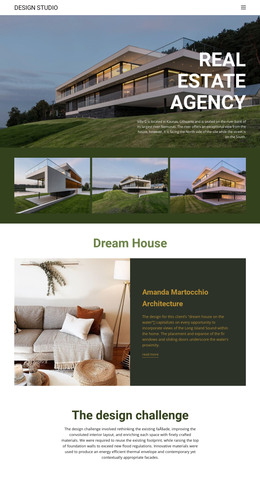
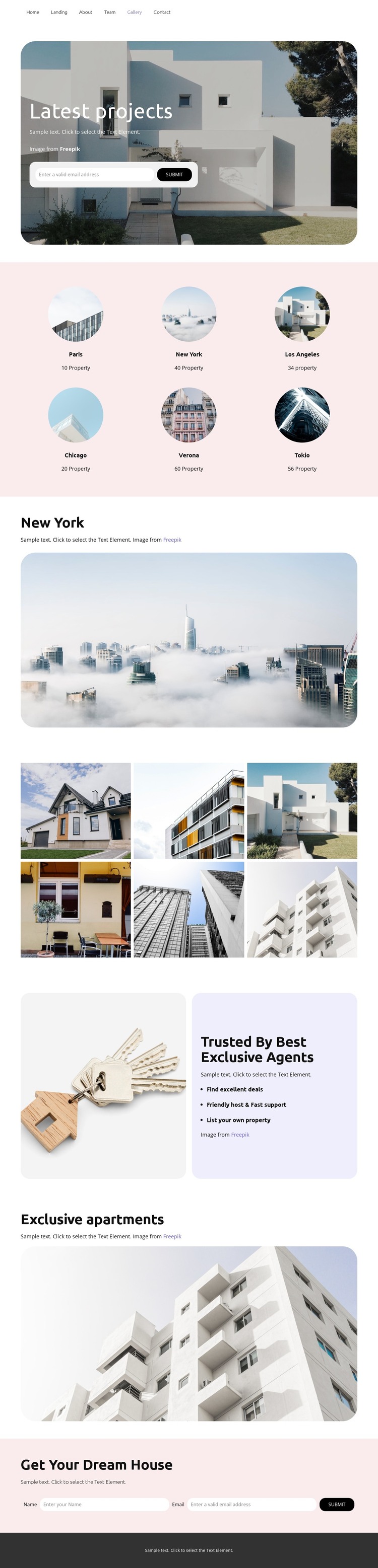
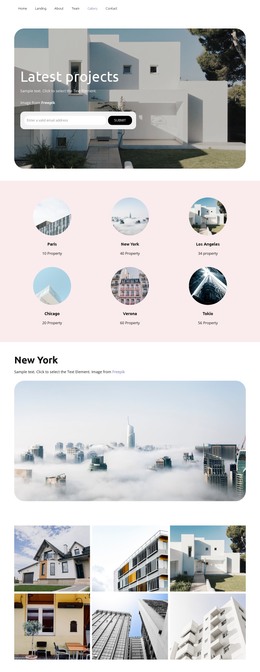
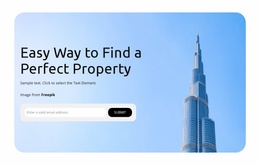
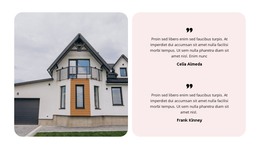
The rounded hero image, six named location items, and dedicated six-photo gallery give this real estate design a finished content arrangement for a standalone HTML page. Visitors first encounter the Latest projects message over a large property photograph, then move to a compact location grid covering Paris, New York, Los Angeles, Chicago, Verona, and Tokio. That sequence provides both an opening introduction and a simple way to present geographic choice without requiring separate pages for every location.
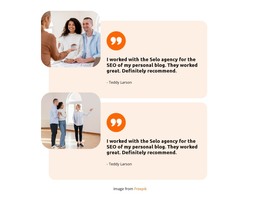
The New York section and the Exclusive apartments section add larger image-led pauses after the location overview. These wide areas keep property photography central while allowing supporting text to frame each visual highlight. The split block headed Trusted By Best Exclusive Agents adds a different kind of content, pairing an image with statements about finding excellent deals, receiving friendly host and fast support, and listing a property. Near the end, the Get Your Dream House area supplies a name-and-email inquiry form, while the opening email form offers an earlier response point. Together, these sections make the page usable as a self-contained static real estate presentation rather than only a collection of isolated images.
Customize with Nicepage
Open this ready-made template in the HTML Builder and customize it visually in the Nicepage editor. Replace demo content, edit page sections, and adapt the design to your project without rebuilding the template from scratch.
Export and Use This Template as an HTML Website
Create a Portable HTML Website
When the template is ready, use the HTML Export option to create a static website with the files required for deployment. The exported website can be used independently of the Nicepage editor and deployed on your preferred hosting.
Nicepage also provides SEO settings and optimization features, including Page Titles and Descriptions, Canonical settings, headings, image Alt Text, and other page-level properties that help prepare the website for search engines.
Deploy Without a CMS
Upload the finished website to the hosting environment that fits your project. Because the exported site does not require WordPress, Joomla, or another CMS to deliver its pages, it can be placed on your own server, uploaded to a hosting provider, or deployed through an existing web infrastructure.
Hand Off the Website Files
The generated website files can also be provided to a client, developer, or hosting team. They remain available outside the Nicepage editor for deployment, technical review, or project-specific development when additional work is required.
This workflow makes the template a practical foundation for a portable static website that can be exported from the Nicepage editor and deployed independently.

Design Set (12)
-

-
-
-
-
Free Website Builder SoftwareDownload
-
-


More from Real Estate HTML Templates
-
Free Website Builder SoftwareDownload