

Vitamin Website Templates
A supplement brand may offer individual nutrients alongside complex vitamin formulas. Multipage vitamin website templates help separate merchandise collections from ingredient education, manufacturing information, and resources for professional distributors.
-

-

-
-
-
-
-
-
-
-
-
-
-
-
-
-
-
-
-
-
Customize Any TemplateDownload
-
-
-
-
-
-
-
-
-
-
-
-
























More Website & HTML Templates for Vitamin














More Website Templates from Medicine & Science Category









Other Medicine & Science Website Templates
Multipurpose Vitamin Website Templates
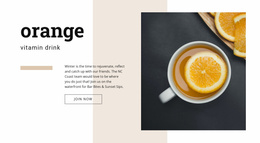
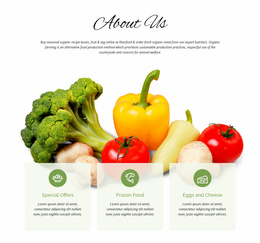
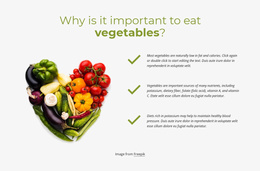
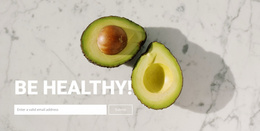
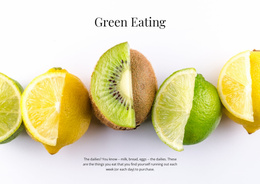
Vitamin website templates give a supplement shop or a growing nutrition brand a finished design to build on. Some layouts suit online stores with a full catalog, while others introduce a manufacturer and its sourcing story. Most designs pair large product banners and close-up packaging shots with ingredient photography of citrus or leafy greens. Product cards usually feature one vitamin complex each, with the bottle, name, and price readable at a glance.
Layouts for Supplement Stores and Brands
A brand with four formulas can show everything on its opening screen. At the same time, a retailer carrying multivitamins, vitamin D, and B-complex products needs collection sections and filters from day one. The same layout may have to present capsules, tablets, and gummies side by side.
Before settling on a template, compare it with your catalog on a few points:
- how many products a collection section holds before it looks crowded
- whether a tall bottle and a wide pouch look right in the same row
- how the menu folds up on a phone once categories multiply
- how easily a new collection fits in after launch
The front of the site names the brand, highlights a few popular collections, and sends visitors toward the category they came for.
Organizing Multivitamin Collections
Beyond a dozen products, navigation does most of the work. The Nicepage Mega Menu supports multilevel navigation with grouped items and columns so that a vitamin store can arrange its menu into Shop by Vitamin, Multivitamins, and Product Forms. Name these groups by nutrient or format, because labels that promise results read like health claims.
A typical visit moves from a category such as vitamin C to a product card, then to the full formula and other products from the same line. The Product List Element displays catalog items in a grid of cards, keeping prices and photos consistent across collections. An ingredient library or a note on quality checks works best as a supporting section that product cards link to.
Keeping Identity Consistent as Ranges Grow
Each new collection should look like it was always part of the store. Theme Settings in Nicepage hold the global colors and fonts. The header and footer live there too, so a fresh product line inherits the same frame. Matching them to your label palette early pays off once a new gummy line goes live.
A brand with a handful of formulas can pick a design mostly for its photography and tone. A manufacturer with dozens of formulas should first look at how the template handles categories, filters, and a long menu, since those are harder to change later than a color scheme.