Total-body outdoor workouts Website Template



Edit Template Offline
2. Create new page and search for id 4018212
Edit Template Online
Create Awesome Websites


Free Nicepage Builder
Keywords
Activity Categories That Can Anchor a Wider Fitness Site
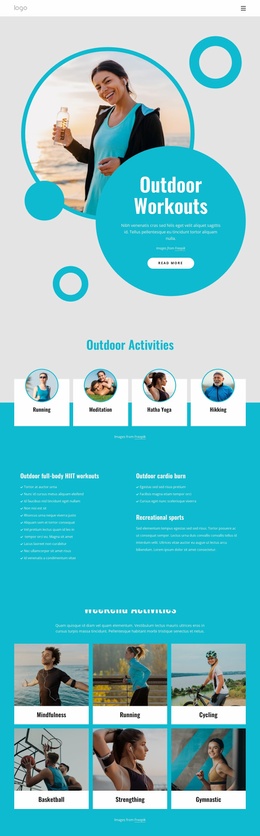
The four-card Outdoor Activities section establishes the main content categories of the design: Running, Meditation, Hatha Yoga, and Walking. Its even grid can serve as a starting information structure for a fitness project because each activity has a clear visual entry point. The six-card Weekend Activities section broadens that foundation with Mindfulness, Running, Cycling, Basketball, Stretching, and Gymnastic, creating additional categories that could support related pages or expanded descriptions as the project grows.
Between these grids, the Best Outdoor Workouts panel supplies an explanatory layer rather than another list. Its white information area pairs workout copy with two percentage callouts, although the displayed 50% and 99% values remain demo content and should not be presented as verified achievements. This combination gives the design room for overview content, while the activity cards provide repeatable units for organizing more specific material.
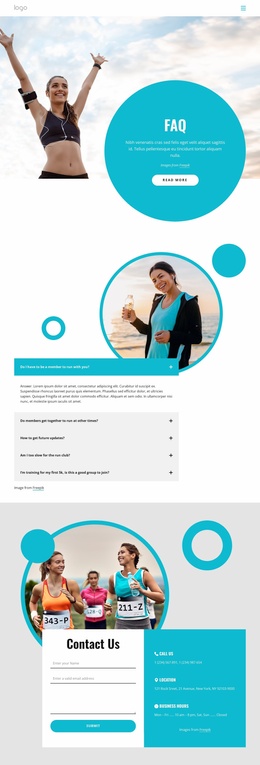
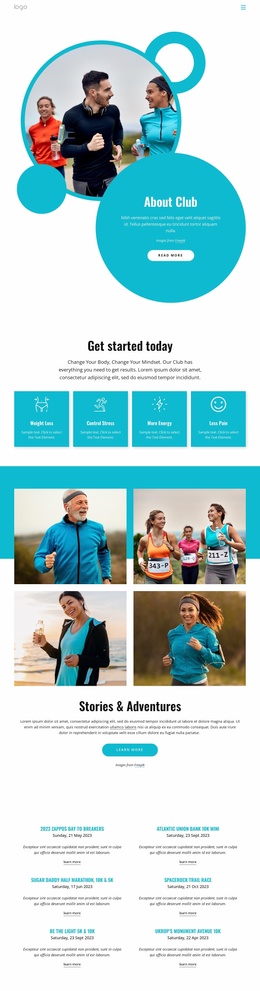
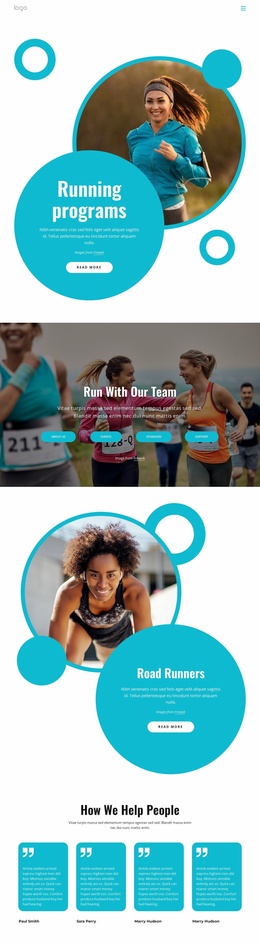
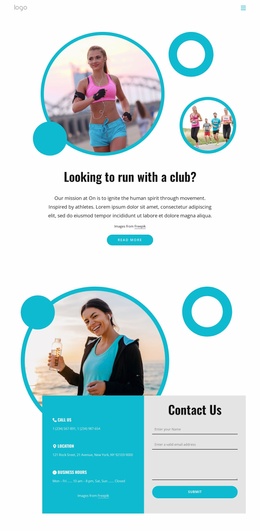
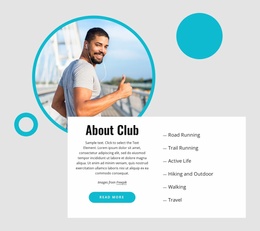
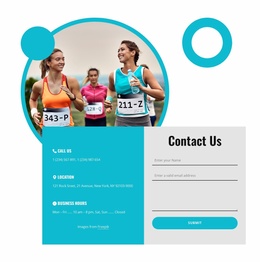
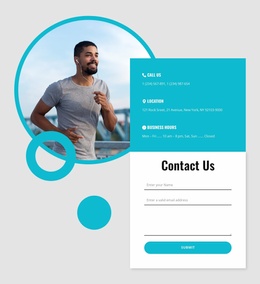
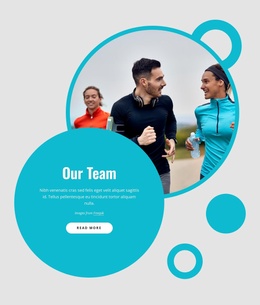
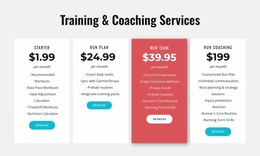
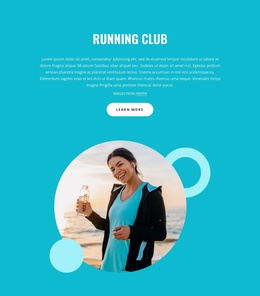
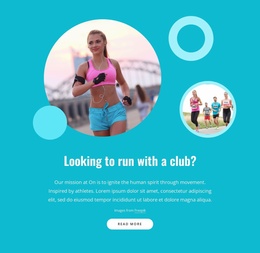
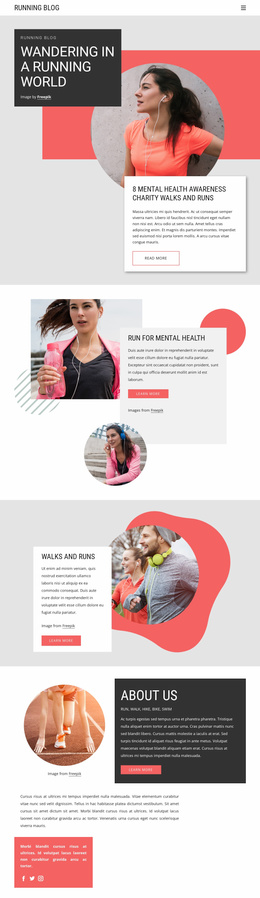
The page also identifies two strong project directions: a running community and running training plans. Circular imagery, overlapping turquoise shapes, short descriptions, and Learn More buttons distinguish these sections from the broader activity grids. The closing Contact Us area adds a runner image, contact and location details, business hours, and an inquiry form, giving the foundation a clear communication region. Navigation and the dark footer complete the shared framework, while additional site content could follow the same activity, training, and contact logic.
Customize with Nicepage
Open this ready-made template in the Website Template Builder and customize it visually in the Nicepage editor. Replace demo content, edit page sections, and adapt the design to your project without rebuilding the template from scratch.
Build a Complete Website From This Template
Customize the Website Visually
Use this ready-made website template as a starting point for your project and adapt its pages visually in Nicepage. Change content, images, typography, navigation, sections, and other design elements while keeping the website together as a single editable project.
Manage Website Pages in One Project
Use the Pages panel to open, add, duplicate, and manage the pages of your website. Work on individual pages while keeping navigation and the overall site structure accessible from the same project, making it easier to develop a complete website instead of managing separate page files.
Expand the Website With Matching Designs
When you need additional pages or sections, use Page Design Sets to find Page and Block Designs created in the same visual style. Design Sets group matching designs together, making it easier to expand the website with new content while maintaining a consistent look across its pages and sections.
Organize Larger Multi-Page Websites
As the website grows, use Page Folders to organize related pages and keep larger multi-page projects easier to navigate in the editor. This is especially useful for websites with separate service pages, company information, contacts, landing pages, and other content areas.
This workflow makes the template a practical foundation for building and expanding a complete website while managing its pages, content, and visual design within one Nicepage project.

Design Set (26)
-

-
-
-
-
-
-
-
-
-
-
-
Customize Any TemplateDownload
-
-
-
-
-
-