
Girl HTML Templates
Girls' fashion features and youth team sites need more than a row of portraits. Girl HTML templates include outfit credits, player introductions, and image galleries in readable sections that work well on phones.
-

-

-
-
-
-
-
-
-
-
-
Free Website Builder SoftwareDownload
-
-
-
-
-
-
-
-
-
-
-
-
-
-
-
-
-
-
-
-
-
-











Other Team HTML Templates
Creative Girl HTML Templates
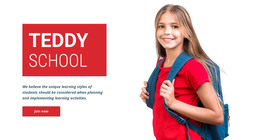
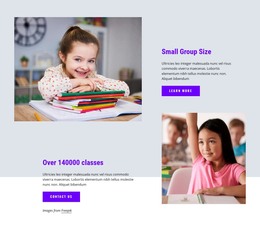
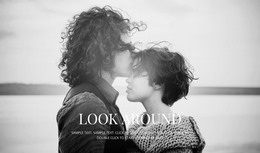
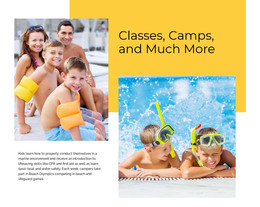
Girl HTML templates give a summer outfit collection or a girls' sports team a finished layout to build on. This catalog is wider than the name suggests. It runs from fashion edits like "French Girl Summer Outfits" and team designs such as "Four Girls From The Team" to a Curly Girl Method hair care guide—many designs open with a large photo, followed by a gallery or member cards. You replace the demo content, adjust the colors, and add pages in the same style later.
Which Layout Suits Your Project
Each girl-themed project needs a different layout, mostly in terms of photo size and text length. Colors are easy to change afterward, so start with the job a design has to do:
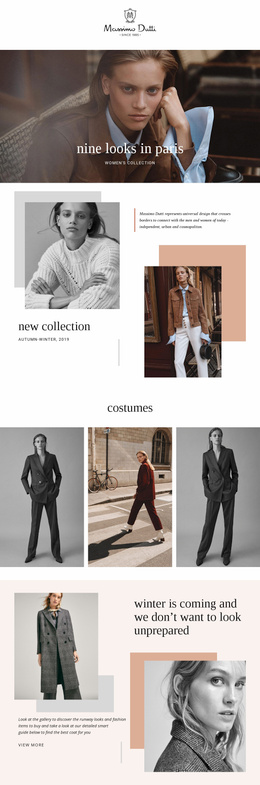
- A clothing collection or lookbook needs large photos grouped by outfit or occasion, with room for one line under each look.
- A style portfolio or editorial photo series works best with a sequential gallery and a short note about the author.
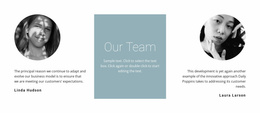
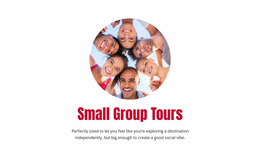
- A girls' team profile calls for a group photo near the top, member cards with names and positions, and space for news.
- A season recap is built from event photos in date order, with results placed close to the pictures.
Reworking the Demo Gallery
Most girl HTML templates lean on photography, and a real lookbook rarely has the same number of images as the demo. Nicepage's Image Gallery Element guide shows how to adjust columns, rows, and gaps so the grid fits your set of shots. Images can also be assigned to categories for visitors to filter, which helps when a collection splits into beach, city, and evening looks. A caption with the garment name and collection date is usually enough, and the alt text is pulled from the image title.
The phone preview tells you more than the desktop one here. Photos and text placed side by side usually stack on a narrow screen, and long captions can push the next image far down.
Before Committing to One Design
Teams with younger players need parental permission before identifiable portraits or names go online. Where individual profiles feel like too much, one group photo with a short description of the whole team works just as well.
The quickest test for any project is to drop real material into one section. Your widest outfit shot should survive the crop, a portrait should keep the face in frame, and the longest player name should fit on one line. If all three hold up, the rest is ordinary editing.