

Men HTML Templates
A customer comparing formal shirts needs fit and fabric details; someone booking a haircut wants service scope and duration. With men HTML templates, these facts remain beside relevant images in clear, reusable sections.

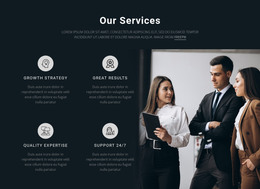
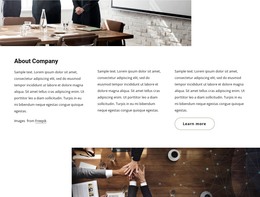
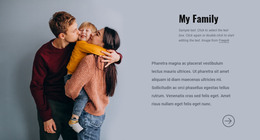



















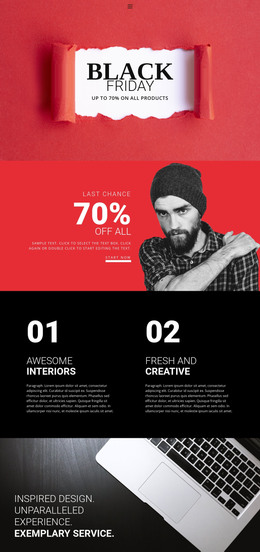
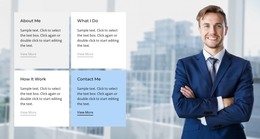
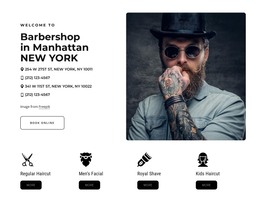

Other Team HTML Templates
Advanced Men HTML Templates
Men HTML templates are prebuilt layouts for menswear labels, barbershops, and men's style publications. Each one includes demo photos and text, so you start with a design that already works. Adjust it visually in Nicepage, then export it as HTML files that run on your own hosting and stay open to code edits. Some entries cover a full page, while others are single sections you can combine.
Sections Built Around Suits and Fades
Since colors and typefaces are easy to swap later, the blocks deserve the first look. Each type of men's project relies on its own sections:
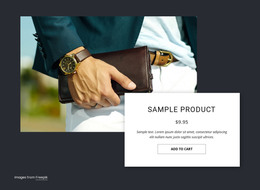
- Clothing catalogs depend on repeated product cards with space for a fit label. Slim and relaxed chinos look almost the same in a flat photo, so the word "slim" belongs on the card itself.
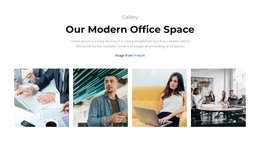
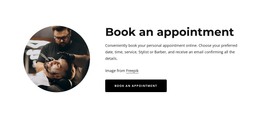
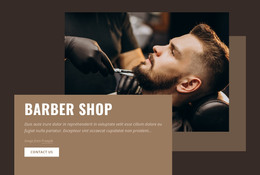
- Barbershop layouts benefit from a gallery with tall frames, because fades and tapers are usually photographed from the side and back. Service cards with prices work best when the design includes them.
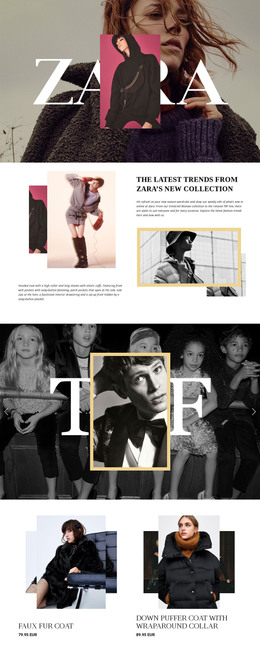
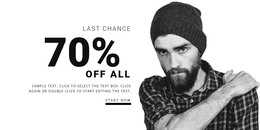
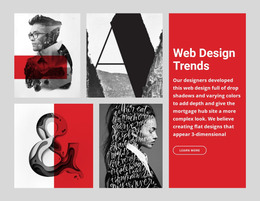
- Style publications can start a trend report with an editorial block, such as a stacked headline beside one large fashion photo.
Classic tailoring, streetwear, and modern grooming brands rarely share a palette, and a dark demo may need to switch to light for a linen collection.
Making the Demo Yours
Most of this work happens visually, with no need to open the markup. You can utilize the Image Element to swap a demo model for your own lookbook shot, link the photo to its product page, and add alt text that names the garment. Keep your crops close to the original ones. A tall haircut photo dropped into a wide frame loses the nape, where the fade shows best. A full suit squeezed into a square card cuts off the shoes. Fit labels and service prices go straight into the existing cards, which lets a shop owner finish the setup alone.
Publishing Exported HTML Files
Before export, flip through Nicepage Responsive Modes and check the product cards, the longest garment name, and the gallery in the phone view. The desktop app can save files to a local folder or upload them to your server via FTP, with no CMS to install or keep updated. Because the output is standard HTML, a developer can edit it in any code editor, for example, by pasting it into the booking widget your barbershop already uses. If the sections match your offer and the export goes straight to your own hosting, the template has done what an HTML package should do.