
Biography HTML Templates
A personal biography needs space for career highlights, meaningful achievements, and a clear life story. Biography HTML templates provide structured sections and readable markup for authors, professionals, public figures, and anyone who wants to publish their background online.
-
-

-
-
-
-
-
-
-
-
Free Website Builder SoftwareDownload
-
-
-
-
-
-
-
-
-
-
-
-








More HTML Templates from Team Category


Other Team HTML Templates
Responsive Biography HTML Templates for Personal Stories
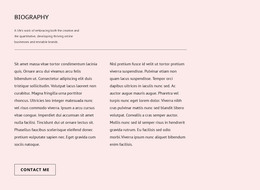
Biography HTML templates provide editable page markup for publishing a personal history on an independently hosted website. A prepared page can place a portrait, professional experience, dated milestones, and publication links in a predictable file structure. This makes the format useful when the biography needs to be revised in HTML and deployed alongside its stylesheets and images, rather than managed as a stream of CMS posts.
Structured HTML Sections for Biography Content
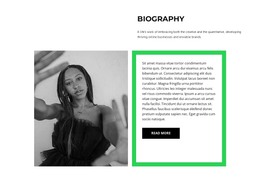
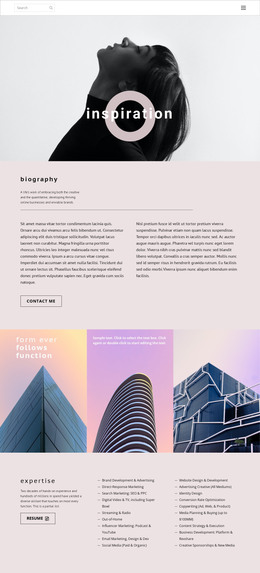
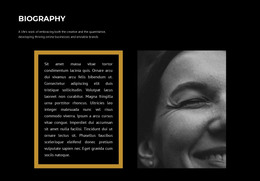
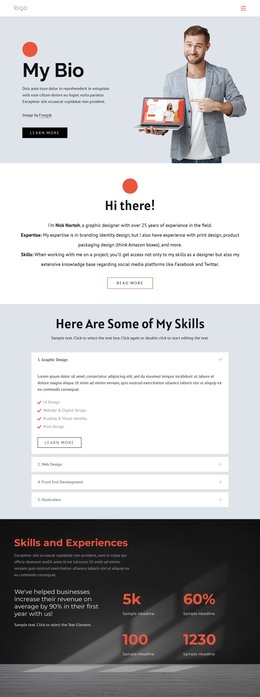
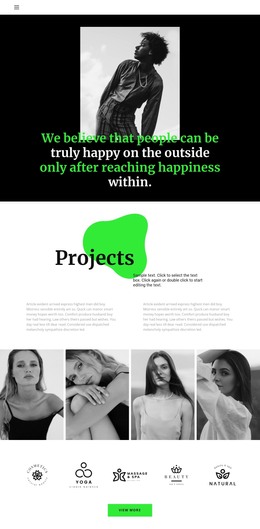
A practical HTML biography begins with a page heading containing the subject's name and role. An image element displays the portrait, with alternative text appropriate to its purpose. The introduction follows in paragraphs; a professional experience block can use headings and grouped entries for positions, organizations, and responsibilities. A dated timeline records milestones, while a publications area contains linked titles that lead to articles, books, or external records.
For an author, the publications links might be prominent directly below the introduction. For a scientist, the experience block may precede a list of research outputs. In either case, the editable HTML file identifies the content, and linked CSS files determine its presentation. When replacing sample material, check link destinations, image paths, and the heading order rather than assuming that a visually complete preview contains accurate information.
Organizing Timelines and Professional Milestones
A text-first timeline can use successive headings and paragraphs: a year or period followed by a short account of what happened. It suits a detailed life history in which each milestone needs several sentences. Event cards instead group a date, event title, and concise description in repeated HTML containers; these are easier to scan when the biography includes many short appointments, awards, or exhibitions.
Choose the structure according to the material. A career with three major transitions may read better as continuous prose, whereas fifteen dated appearances may benefit from compact cards. Keep the dates in the page content so they remain meaningful even when the visual card arrangement changes.
Responsive Biography Pages and HTML Publishing
Biographical content often combines portraits, dates, quotations, and lengthy descriptions. Responsive biography HTML templates help preserve the relationship between these elements on desktops, tablets, and smartphones.
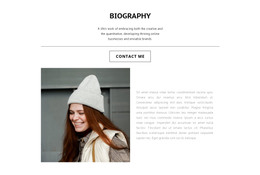
On wider screens, a portrait can appear beside an introductory paragraph. On narrow screens, the same content can move into a vertical arrangement. Nicepage Responsive Modes let you adjust layouts for different device sizes, including text dimensions and spacing.
The HTML implementation also matters when a biography must be hosted independently. For independent hosting, use the HTML website export workflow to generate website files, including HTML, CSS, JavaScript, and images. After export, review the generated folder structure and preserve relative paths between pages and their assets. Update names, career dates, and publication links in the appropriate HTML content, and make visual adjustments in the associated CSS.
To publish, upload the exported website files to a compatible hosting service according to that host's instructions, then check the live portrait, navigation, and external links. Exact deployment steps depend on the hosting environment. Choose a template whose HTML content is straightforward to maintain and whose file assets can be kept together as the biography grows.