

Hero HTML Templates
A product announcement, service introduction, or portfolio opening needs a distinct hero section. Ready-made HTML layouts provide the content structure for prominent headlines, supporting descriptions, images, and action buttons across desktop and mobile screens.




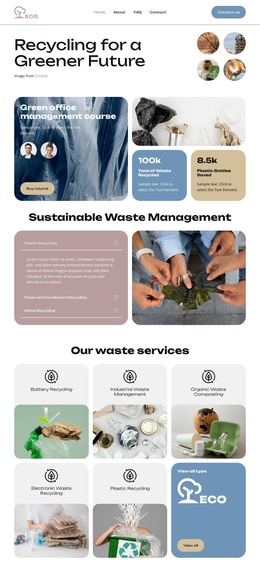
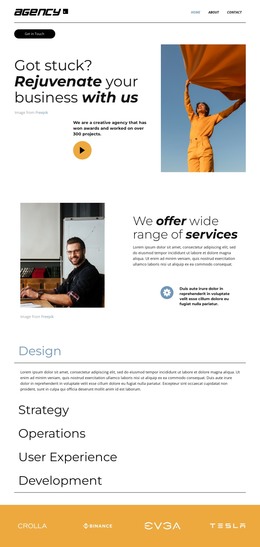

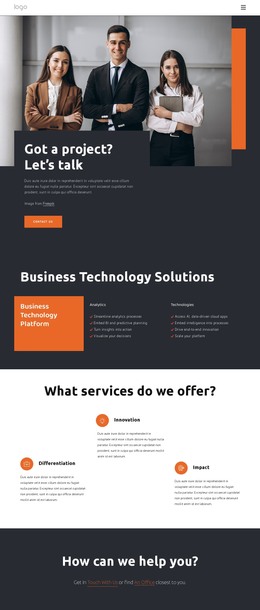



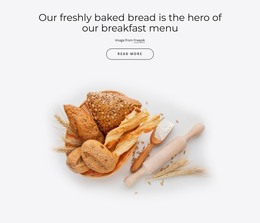
































































Other Team HTML Templates
Responsive Hero HTML Templates for New and Existing Websites
Hero HTML templates give developers a choice of ready-made opening sections for new websites and existing pages that need a fresh introduction. The collection includes layouts with an image beside the headline, centered welcome messages, and full-width banners with a primary action. For a new project, a suitable design can establish the structure of the first screen. When refreshing an existing site, compare the exported markup with the surrounding page and choose a layout that accommodates your actual copy and assets.
Semantic Structure of a Hero Section
The markup needs to make sense even without the banner's visual styling. A headline introduces the page subject, a paragraph adds context, and the action takes the visitor to the next step. An informative product screenshot can support that message, but it should not carry essential information that is missing from the text.
Compare these structural details when shortlisting a hero template:
- Use a descriptive heading that fits the page's heading hierarchy.
- Keep introductory descriptions within dedicated text elements.
- Provide meaningful alternative text for informative images.
- Use links for navigation, such as a View Pricing CTA that opens a pricing page.
- Reserve button elements for actions such as opening a registration dialog.
- Separate decorative backgrounds from essential page content.
A visitor using a screen reader should be able to understand the introduction and identify its main action without relying on the background photograph or visual arrangement.
Choosing a Hero for an Existing HTML Page
Suppose a documentation website needs a new introduction above its existing resource directory. A split hero can accommodate a short welcome message and a preview of the documentation. Before choosing between two exported designs, narrow the options in this order:
- Shortlist layouts with enough space for the real headline and supporting copy.
- Compare their heading hierarchy and content order with the existing document.
- Prefer a design whose required styles and assets fit the project.
- Check that the primary action suits the intended destination or interaction.
The Grid Element in Nicepage can organize the content before HTML export, while Responsive Modes let you inspect and adjust the arrangement for different devices. Use these responsive web design techniques to check the reading order of the exported section when its columns stack on smaller screens.
The most useful download candidate is the one whose existing structure fits the page with minimal reworking. A striking preview alone is not a reason to select a layout that needs substantial markup changes.