
Faq CSS Templates
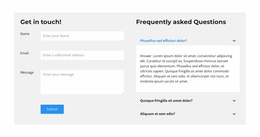
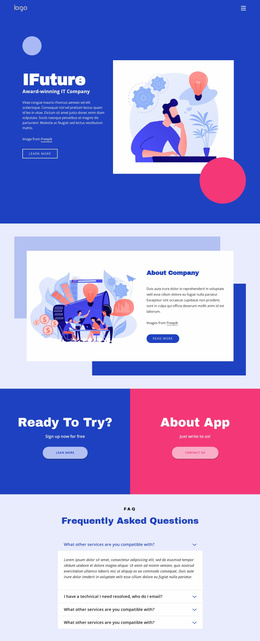
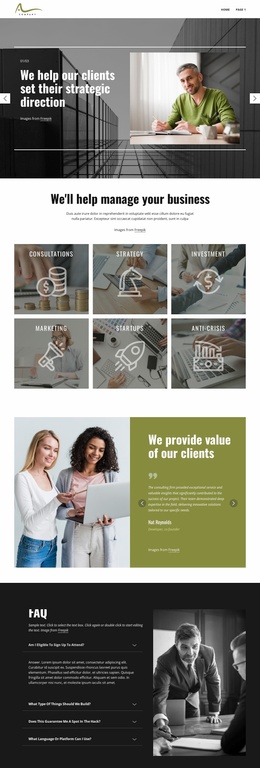
Questions about subscriptions, software setup, and privacy require quick visual scanning. Adjust accordion colors, icons, spacing, and typography so visitors can identify the selected question and read its answer comfortably on mobile devices.
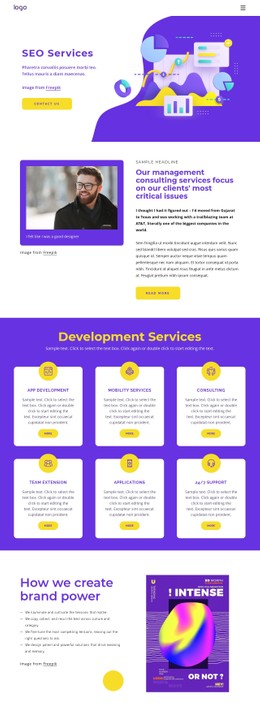
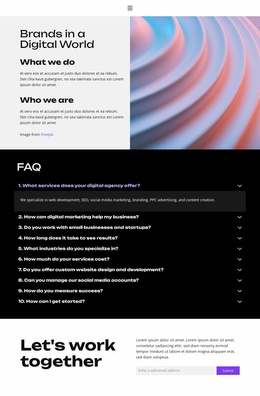
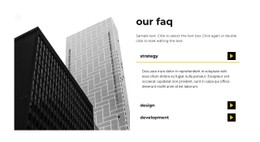
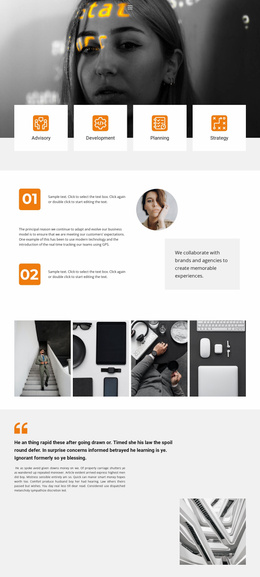
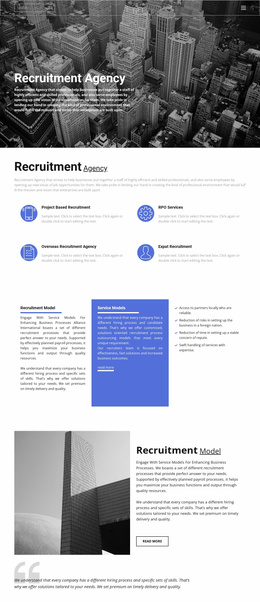
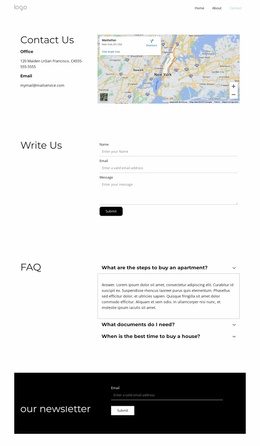


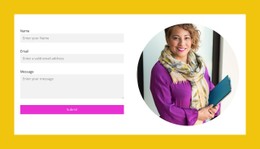
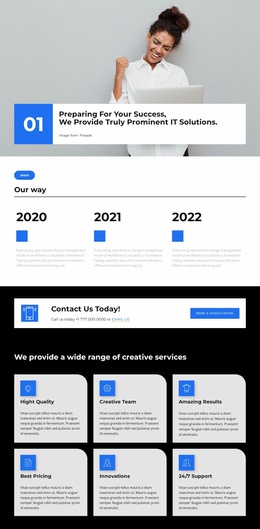
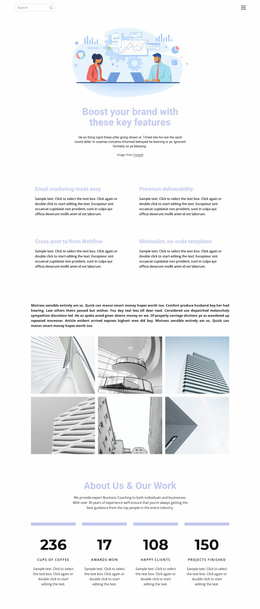

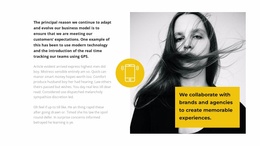



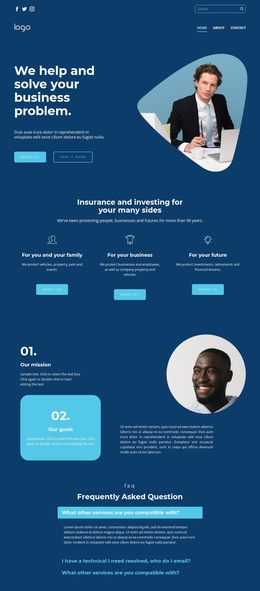
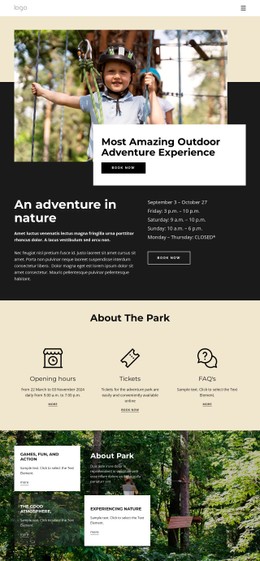
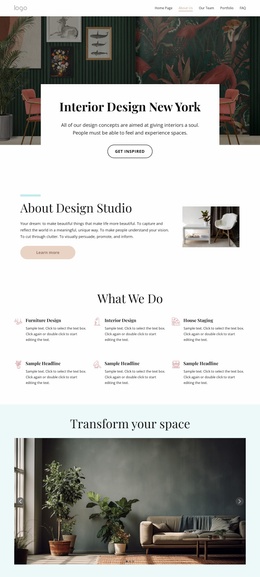
Other FAQ CSS Templates
Mobile-Friendly FAQ CSS Templates
Under a software pricing table, the FAQ often mixes two-line answers about upgrades with refund replies several paragraphs long. FAQ CSS templates give that block a finished look, from each closed question to the panel that opens beneath it.
Matching CSS Styles to Answer Length
Visually, FAQ blocks range from light to heavy:
- Minimal rows split by thin lines, with just the question and an icon.
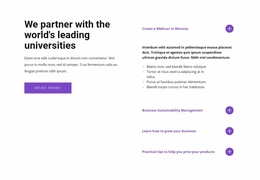
- A bordered accordion, where the open question takes on a tinted background.
- Separate cards with rounded corners and a soft shadow, where answers can stay open in full.
Minimal rows suit one-line answers about plan limits. Refund instructions are easier to read on padded cards. A bolder weight usually sets a question apart, and oversized titles push the answer out of view. A two-column version saves height on wide screens but squeezes a long reply into half the width.
In Nicepage, the FAQ Element lets you change each item's fill, border, and corner radius. Its Property Panel also covers fonts, spacing, and the expand icon. For answers with images, the Accordion Element is the alternative, with similar controls for its tabs.
Closed, Hovered, and Expanded Rows
A well-made FAQ row looks different at each of these moments:
- At rest, a closed question should look clickable, often thanks to a plus sign or chevron.
- On hover, a slight color shift marks the row, and keyboard focus gets a visible outline of its own.
- Once open, the row and its answer should read as one unit under a shared background or border.
Styling only changes how these moments look, and a new icon color won't fix a panel that refuses to expand. When a long question wraps, keep the icon aligned with its first line, or it will look like a separate button. Tight gaps between rows can also be misleading, making an open answer seem to belong to the next question. On dark designs, gray answer text can sink into the open panel.
Small Screens Need Extra Tuning
On a phone, a question that fits on one line on desktop can wrap to three lines. The icon still needs its own space, and each row should stay easy to tap. Nicepage Responsive Modes allow changes to font size and margins for different device views. Custom CSS handles rare extras, such as a focus outline in your brand color. Before settling on a template, load your billing questions and open the longest refund answer at phone width. If a reader still spots the open row at a glance, the design is ready.