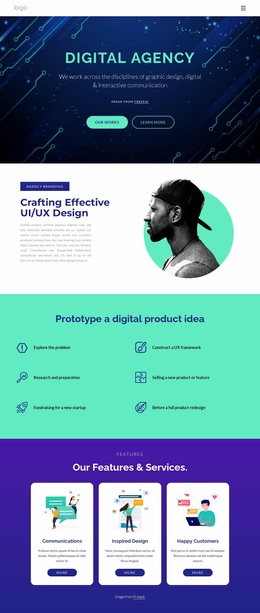
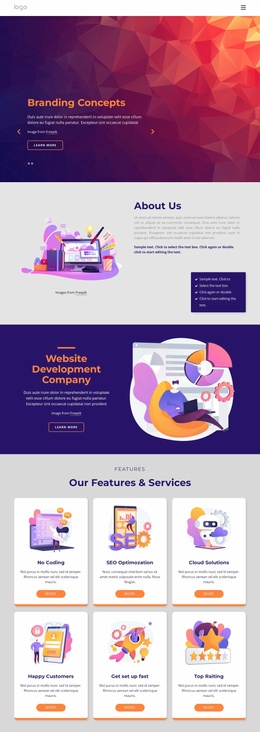
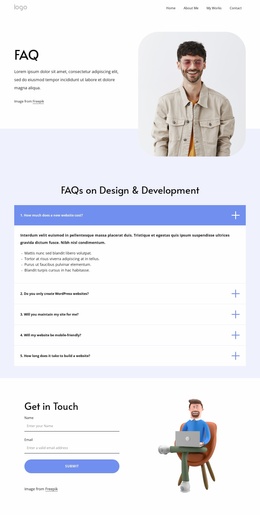
Personal designer Website Template


Edit Template Offline
2. Create new page and search for id 669535
Edit Template Online
Create Awesome Websites


Free Nicepage Builder
Keywords
Four Service Areas Create a Foundation for Broader Site Content
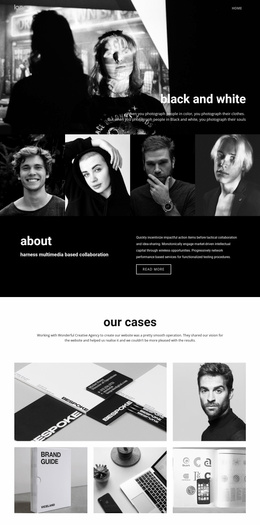
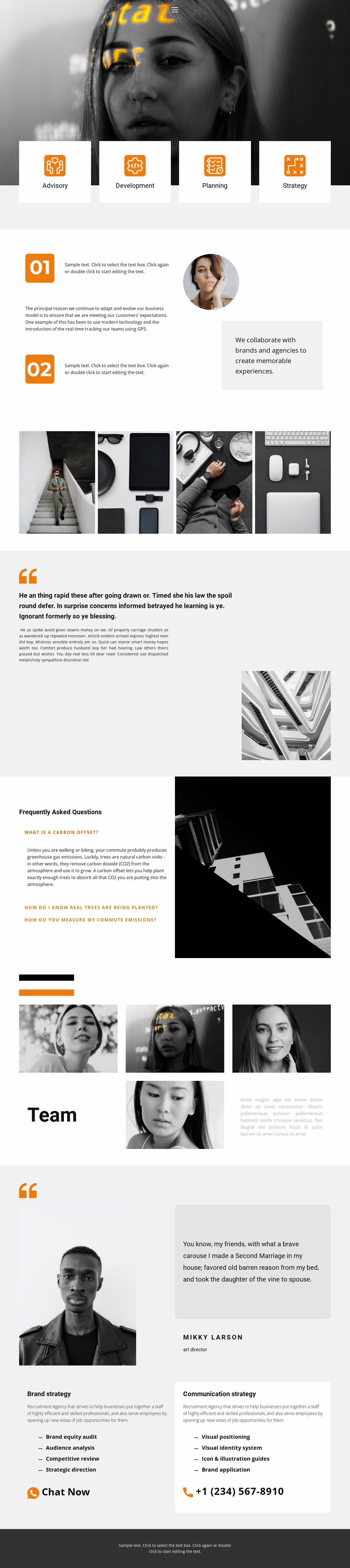
Advisory, Development, Planning, and Strategy establish four recognizable content areas at the beginning of the page. Each category is presented in its own white card beneath a large monochrome photographic banner, so the design already separates the main service vocabulary a broader consulting or professional-services website may need. The two later strategy cards extend that foundation with more specific information, bullet lists, and direct prompts to start a chat or make phone contact.
The remaining sections add different kinds of site content without disrupting that service-led structure. Numbered text paired with a circular portrait introduces a process and collaboration perspective. A four-image gallery supplies a visual portfolio area, while the editorial statement provides room for a longer point of view. The FAQ section contributes three expandable informational items, and the team section uses four portraits with supporting copy to give the organization a human presence. A separate portrait quotation feature adds another profile-oriented content layer.
Because these areas cover services, process, visual work, questions, people, proof, and contact, the design can serve as a starting information architecture for a larger website. Additional pages could develop individual services or organizational topics while retaining the same navigation logic, photography treatment, orange accents, pale gray backgrounds, and white-card language. The existing page therefore offers more than a styled introduction: it defines several content categories that can guide future expansion.
Customize with Nicepage
Open this ready-made template in the Website Template Builder and customize it visually in the Nicepage editor. Replace demo content, edit page sections, and adapt the design to your project without rebuilding the template from scratch.
Build a Complete Website From This Template
Customize the Website Visually
Use this ready-made website template as a starting point for your project and adapt its pages visually in Nicepage. Change content, images, typography, navigation, sections, and other design elements while keeping the website together as a single editable project.
Manage Website Pages in One Project
Use the Pages panel to open, add, duplicate, and manage the pages of your website. Work on individual pages while keeping navigation and the overall site structure accessible from the same project, making it easier to develop a complete website instead of managing separate page files.
Expand the Website With Matching Designs
When you need additional pages or sections, use Page Design Sets to find Page and Block Designs created in the same visual style. Design Sets group matching designs together, making it easier to expand the website with new content while maintaining a consistent look across its pages and sections.
Organize Larger Multi-Page Websites
As the website grows, use Page Folders to organize related pages and keep larger multi-page projects easier to navigate in the editor. This is especially useful for websites with separate service pages, company information, contacts, landing pages, and other content areas.
This workflow makes the template a practical foundation for building and expanding a complete website while managing its pages, content, and visual design within one Nicepage project.