Strategic advice for growth Website Template



Edit Template Offline
2. Create new page and search for id 6242571
Edit Template Online
Create Awesome Websites


Free Nicepage Builder
Keywords
Services, projects, and contact content establish a site foundation
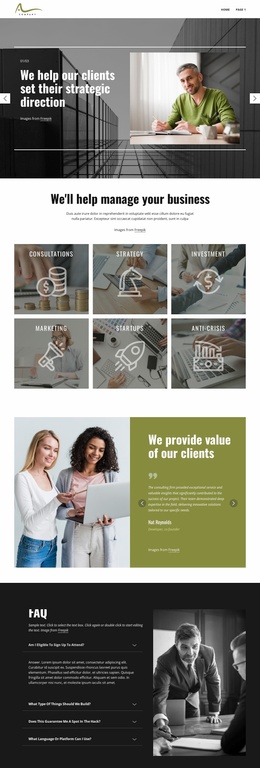
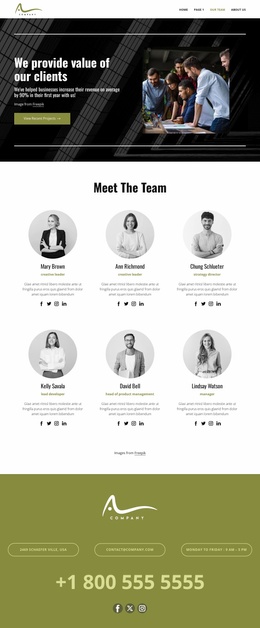
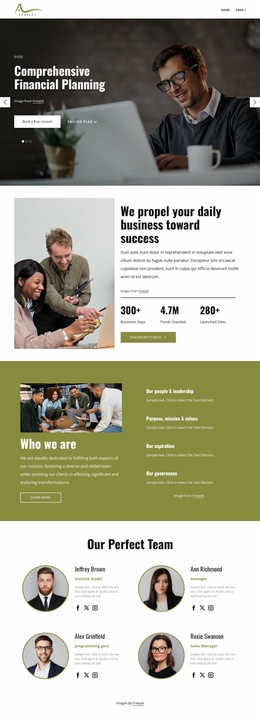
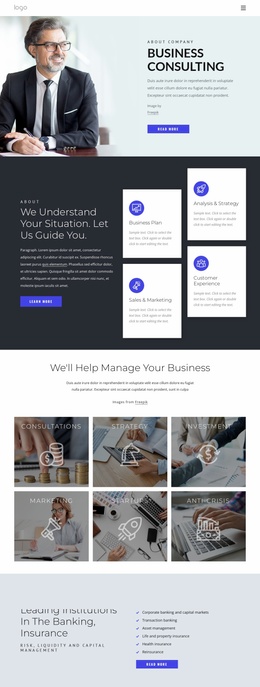
The six consulting categories create the strongest starting information architecture for a broader website project. Consultations, Strategy, Investment, Marketing, Startups, and Anti-Crisis are distinct enough to guide future service-focused pages or expanded content areas, while their repeated image-tile treatment gives those areas a shared visual relationship. The compact navigation already identifies several routes, including team and company information, so the design is not limited to one isolated message.
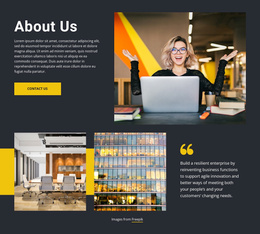
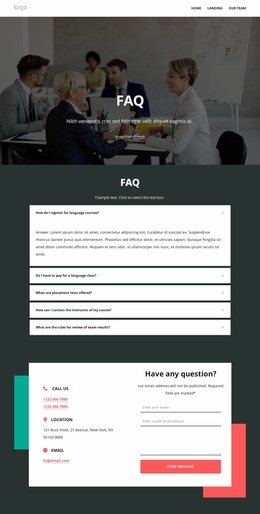
The page also covers several content roles that a growing consulting site may need. The testimonial panel supplies a client-value section, the four-item FAQ accordion supports clarification, and the six project cards introduce a case-study structure that can be extended with more detailed project stories. The opening carousel contributes broader positioning through statements about strategic direction, research, and forums or webinars. These parts work together as a foundation: services explain capabilities, project cards show areas for proof, and supporting sections answer questions.
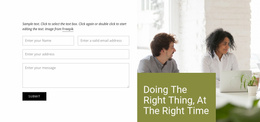
The “View Recent Projects” action gives the layout a clear route toward project content, while the contact band provides a separate communication region with phone, email, address, business hours, and social links. Additional pages could retain the same dark charcoal, olive green, white, and muted gray direction, bold condensed headings, image overlays, and thin divider lines. This makes the template useful as a project base without claiming that multiple finished pages are already included.
Customize with Nicepage
Open this ready-made template in the Website Template Builder and customize it visually in the Nicepage editor. Replace demo content, edit page sections, and adapt the design to your project without rebuilding the template from scratch.
Build a Complete Website From This Template
Customize the Website Visually
Use this ready-made website template as a starting point for your project and adapt its pages visually in Nicepage. Change content, images, typography, navigation, sections, and other design elements while keeping the website together as a single editable project.
Manage Website Pages in One Project
Use the Pages panel to open, add, duplicate, and manage the pages of your website. Work on individual pages while keeping navigation and the overall site structure accessible from the same project, making it easier to develop a complete website instead of managing separate page files.
Expand the Website With Matching Designs
When you need additional pages or sections, use Page Design Sets to find Page and Block Designs created in the same visual style. Design Sets group matching designs together, making it easier to expand the website with new content while maintaining a consistent look across its pages and sections.
Organize Larger Multi-Page Websites
As the website grows, use Page Folders to organize related pages and keep larger multi-page projects easier to navigate in the editor. This is especially useful for websites with separate service pages, company information, contacts, landing pages, and other content areas.
This workflow makes the template a practical foundation for building and expanding a complete website while managing its pages, content, and visual design within one Nicepage project.