
Construction Industry Website Templates
Clients needing foundation repairs or civil work must quickly determine whether a contractor handles their project type and serves their area. A connected set of pages lets them review capabilities, assess past work, and send a focused inquiry.

















































































Other Architecture & Building Website Templates
Ready-to-Use Construction Industry Website Templates
Property managers and homeowners usually decide within a screen or two whether a contractor can handle their job. Construction industry website templates give a company a finished design for that first impression, whether for a new site or a redesign. Ready-to-use means the layout and styling are done. You still need to swap the demo text and photos for the firm's own.
Which Layout Fits the Firm
Side by side, construction demos differ in what they put up front:
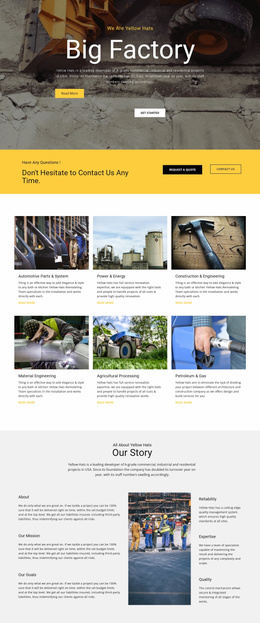
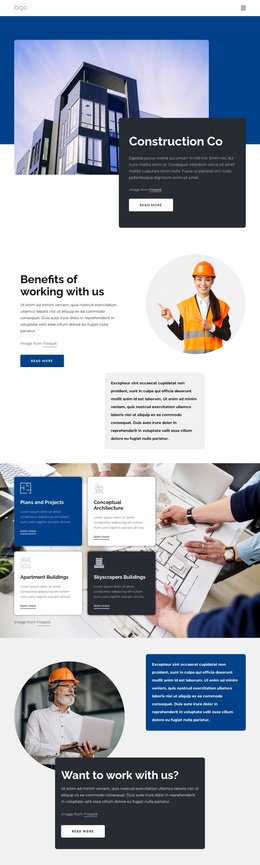
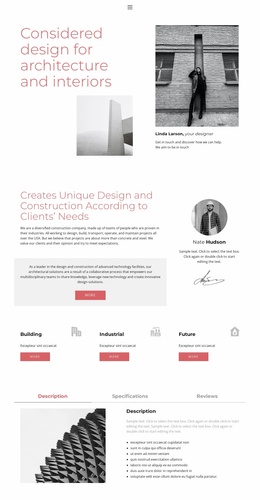
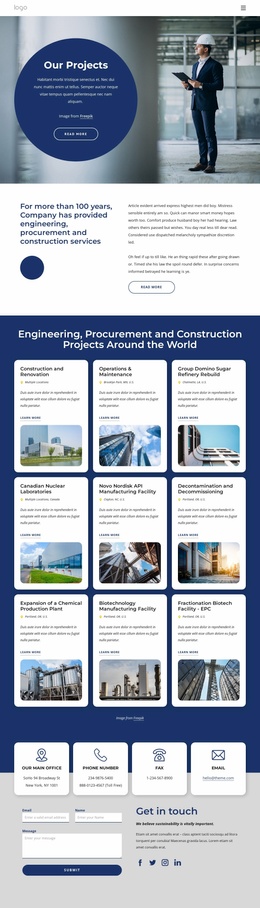
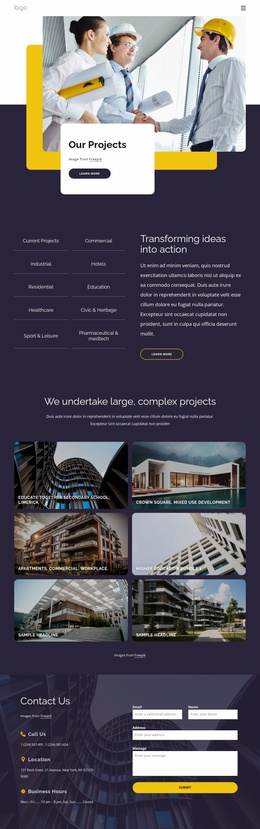
- Portfolio-first designs with large project grids, which suit a general contractor with years of finished work.
- Layouts built around service cards so that a roofing company can show repair and replacement before anything else.
- Corporate designs that give the team and its accreditations more space, closer to what procurement managers expect from a commercial firm.
Firm size also shapes the choice, since a small crew can get by with one long scrolling page. A contractor with multiple trades and a deep project history usually needs separate service and project pages that are linked to each other.
Project Details and Quote Requests
A project page must include both text and images. A school addition might need a note on access limitations and phased work, and a foundation repair might need a brief account of the problem and the fix. A Nicepage Gallery Carousel can hold several photos of one job beside that text, though it pays to check its captions on small screens.
Not every design ships with a quote form, and even a ready one has to be set up before it works. Nicepage's Contact Form Field Types documentation describes dropdowns and text-area fields. With them, a contractor can ask for the project category, location, and timeframe while keeping the form short. Since visitors often land straight on a page like foundation repair, the quote button belongs there too.
Once Real Photos Replace Samples
With the samples gone, the top of the homepage should name the trade and the area served. A homeowner with a leaking roof will not scroll far to find out. Real service names also run longer than demo labels, and a card built for "Roofing" can wrap awkwardly when it says "Commercial Flat Roof Replacement." A young company with three projects needs a layout that does not look empty, and a large contractor needs a grid that stays tidy as projects pile up.
Nicepage makes colors, fonts, and images easy to change, while heavy restructuring defeats the purpose of a template. The demo worth building on is the one that requires the fewest structural changes once real content goes in.