Interior art WordPress Theme


Interior Links and Inquiry Fields Form Stable Page Content
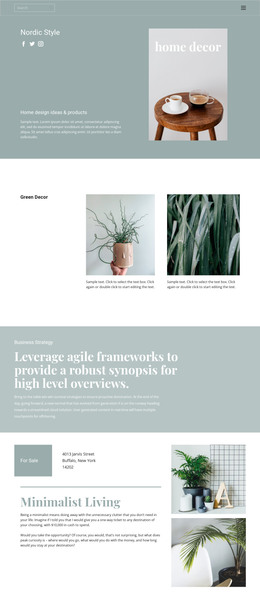
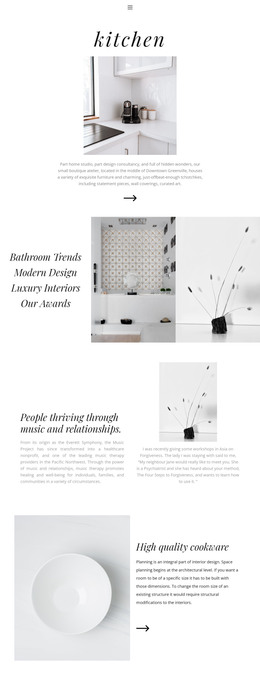
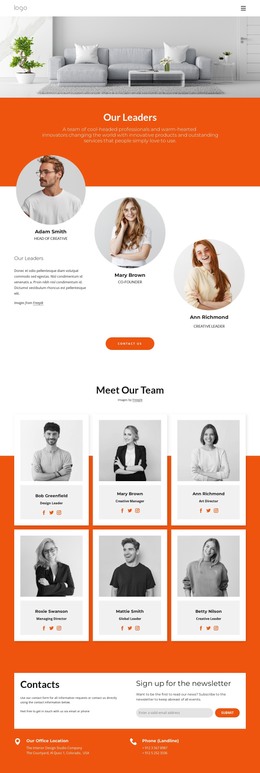
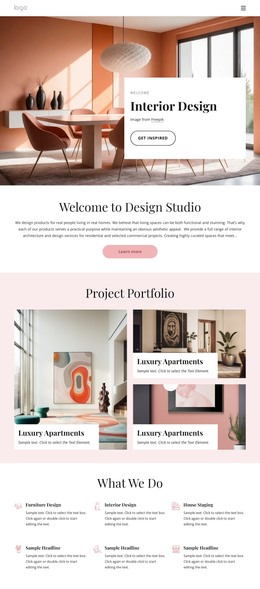
The four labels on the left give this section a page-oriented content role: Artworks, Artists, Magazine, and Terms of Use can introduce related destinations around the central interior subject. The middle photograph provides a visual anchor, while the right column turns the section toward inquiry with name, email, and message fields followed by Submit. Above them, “Decorating Secrets” and “Interior Art” establish the heading hierarchy before the visitor scans the row.
That combination works well as stable content within a WordPress-managed page because the section has a clear subject and a bounded purpose. It is not dependent on a blog stream or a changing post list; instead, its labels, image, and contact fields read as a persistent information-and-contact area. The vertically stacked form preserves a simple reading order, and the light-gray borders distinguish the inputs without competing with the warm-toned photograph.
The visual arrangement can participate in a broader WordPress page while other content areas handle navigation, articles, galleries, or additional project information. The block’s contribution is narrower and more concrete: it gives one page region a recognizable interior-art identity, several related text destinations, and a direct way to send an inquiry. The white background, black typography, generous whitespace, and muted beige submit button help it sit beside other page content without requiring the section to define the entire theme.
Customize with Nicepage
Open this ready-made template in the WordPress Website Builder and customize it visually in the Nicepage editor. Replace demo content, edit page sections, and adapt the design to your project without rebuilding the template from scratch.
Edit Template Offline
2. Create a new page or select existing
3. Click Add new block, search for id 144187 and click enter
Edit Template Online
Create Awesome Websites


Free Nicepage Builder
Keywords
Manage and Edit This Theme in WordPress
Customize and Install the WordPress Theme
Start with this ready-made theme instead of building the WordPress design from scratch. Customize its layout, content, typography, images, sections, and other design elements visually in Nicepage editor, then export and install the WordPress Theme, Plugin, and Pages on your WordPress site. The Nicepage WordPress Plugin lets you continue working with the site after installation.
Edit the Theme Directly in WordPress
After installation, you can edit the WordPress Theme directly in WordPress with the Nicepage WordPress Plugin. Use Site Style to customize site Colors, Fonts, Header, Footer, Blog, and Post Page Templates while working within your WordPress website.
Edit WordPress Pages Visually
Use the Nicepage WordPress Plugin to edit page content directly from the WordPress admin area. Open a WordPress Page with Nicepage and visually change its text, images, sections, and other page elements while continuing to manage the Page through WordPress.
WordPress Content and Theme Integration
Use the customized theme with WordPress Pages, Posts, Blog and Post Templates, menus, widgets, and other CMS-managed content. Shared theme elements such as Colors, Fonts, Header, Footer, Blog, and Post Page Templates can be managed as part of the overall site design, while WordPress provides the CMS environment for managing site content.
This workflow combines a ready-made WordPress Theme with visual customization, direct theme editing in WordPress, and continued content management through the Nicepage WordPress Plugin.