We design luxury interiors WordPress Theme


Edit Template Offline
2. Create new page and search for id 6226046
Edit Template Online
Create Awesome Websites


Free Nicepage Builder
Keywords
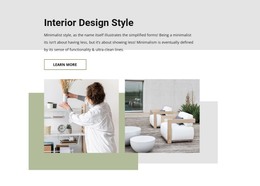
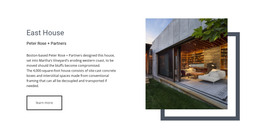
Portfolio tiles and page content give the theme a clear editorial content model
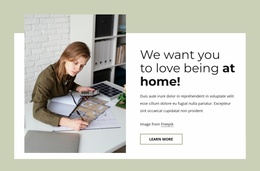
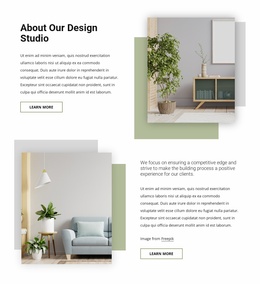
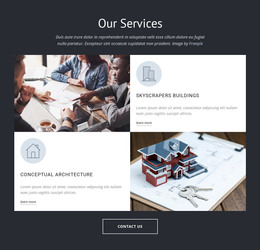
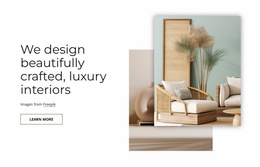
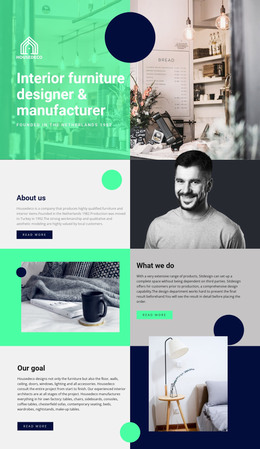
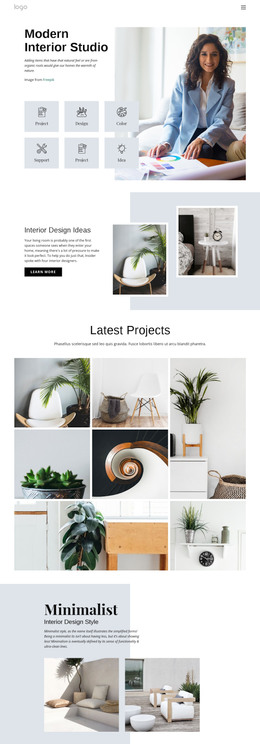
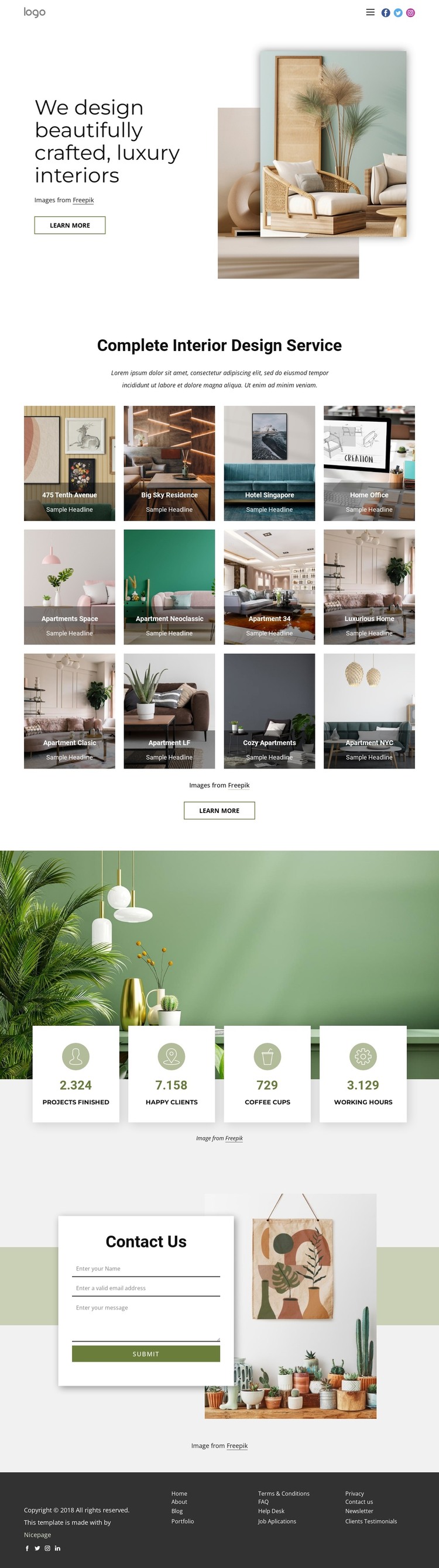
The twelve project tiles are the strongest page-oriented content area in this design. Each tile combines interior imagery with a project label, creating a repeated portfolio structure that can hold permanent project presentation while remaining visually consistent. The service introduction above the gallery gives that content a broader context, and the hero supplies the studio statement that frames the page before visitors reach the individual projects.
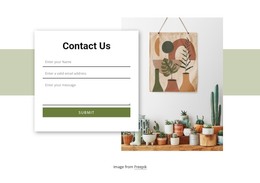
The four metric cards provide a separate supporting content zone, but their displayed values should be treated as sample content rather than verified achievements. Their placement over a wide interior photograph gives the theme a compact way to present supporting information without interrupting the gallery with another long text section. The Contact Us block then returns to direct page content through name, email, and message inputs in a centered white panel. The dark footer consolidates utility links and two social-link groups as shared site-facing elements.
This combination can translate into a WordPress-oriented content environment because it distinguishes permanent page content from repeated portfolio material and contact content. A WordPress project could later add regularly updated editorial material around this visual direction, but no blog or post structure is verified in the template itself. The theme’s main value lies in keeping project imagery, service messaging, inquiry content, and shared navigation within one coherent visual system rather than in asserting a pre-existing CMS model.
Customize with Nicepage
Open this ready-made template in the WordPress Website Builder and customize it visually in the Nicepage editor. Replace demo content, edit page sections, and adapt the design to your project without rebuilding the template from scratch.
Manage and Edit This Theme in WordPress
Customize and Install the WordPress Theme
Start with this ready-made theme instead of building the WordPress design from scratch. Customize its layout, content, typography, images, sections, and other design elements visually in Nicepage editor, then export and install the WordPress Theme, Plugin, and Pages on your WordPress site. The Nicepage WordPress Plugin lets you continue working with the site after installation.
Edit the Theme Directly in WordPress
After installation, you can edit the WordPress Theme directly in WordPress with the Nicepage WordPress Plugin. Use Site Style to customize site Colors, Fonts, Header, Footer, Blog, and Post Page Templates while working within your WordPress website.
Edit WordPress Pages Visually
Use the Nicepage WordPress Plugin to edit page content directly from the WordPress admin area. Open a WordPress Page with Nicepage and visually change its text, images, sections, and other page elements while continuing to manage the Page through WordPress.
WordPress Content and Theme Integration
Use the customized theme with WordPress Pages, Posts, Blog and Post Templates, menus, widgets, and other CMS-managed content. Shared theme elements such as Colors, Fonts, Header, Footer, Blog, and Post Page Templates can be managed as part of the overall site design, while WordPress provides the CMS environment for managing site content.
This workflow combines a ready-made WordPress Theme with visual customization, direct theme editing in WordPress, and continued content management through the Nicepage WordPress Plugin.