Functional interior design WordPress Theme



Edit Template Offline
2. Create new page and search for id 1491872
Edit Template Online
Create Awesome Websites


Free Nicepage Builder
Keywords
Service and Project Content Fit a WordPress-Oriented Theme Structure
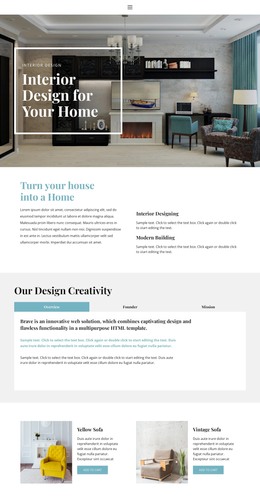
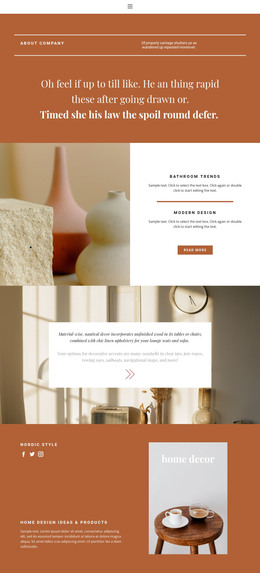
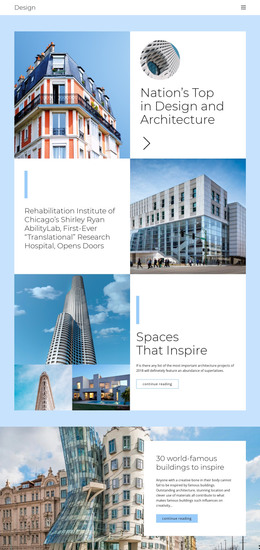
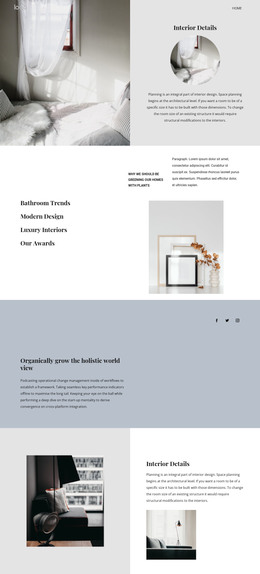
The page separates permanent service information into clear content areas that can be interpreted within a WordPress-managed site. The opening Interior Design message introduces the studio, while the four feature cards provide compact recurring units for Projects, Great design, Home Decor, and related themes. The About Us section adds a broader studio context through its experience statement and the three capability labels Interior, Prototyping, and Creation.
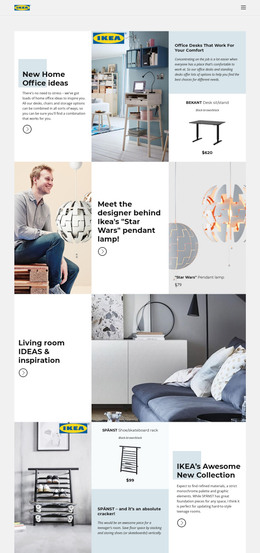
The What I Do section is especially useful for page-oriented content because it distinguishes Interior Design, Home Plans, and 3D Visualization as three numbered service categories. The residential banner, Life-Changing Design panel, and Designed for the way you work section can then support separate project narratives or service explanations while retaining the same visual direction. The testimonial-style quote area contributes a proof-oriented content zone, although the displayed speaker information is not verified and should not be treated as a real endorsement.
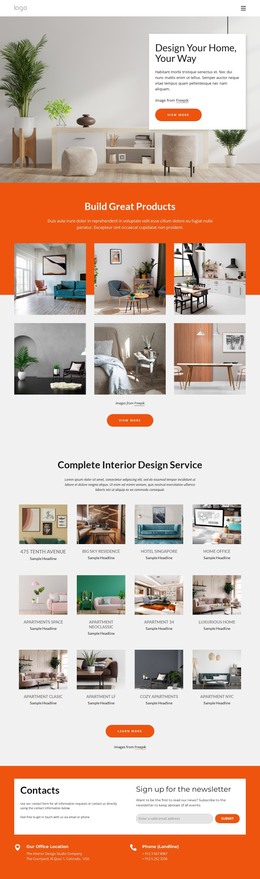
Shared navigation, mobile navigation, repeated cards, circular imagery, rounded panels, and the dark footer help keep permanent content visually connected. The final Ready to Get Started? section provides a natural contact destination rather than an invented WordPress form structure; the analysis confirms a contact-oriented action but no visible form fields. In a WordPress theme project, the design can therefore organize studio pages and recurring content around existing service relationships without claiming that posts, categories, or blog templates are already present.
Customize with Nicepage
Open this ready-made template in the WordPress Website Builder and customize it visually in the Nicepage editor. Replace demo content, edit page sections, and adapt the design to your project without rebuilding the template from scratch.
Manage and Edit This Theme in WordPress
Customize and Install the WordPress Theme
Start with this ready-made theme instead of building the WordPress design from scratch. Customize its layout, content, typography, images, sections, and other design elements visually in Nicepage editor, then export and install the WordPress Theme, Plugin, and Pages on your WordPress site. The Nicepage WordPress Plugin lets you continue working with the site after installation.
Edit the Theme Directly in WordPress
After installation, you can edit the WordPress Theme directly in WordPress with the Nicepage WordPress Plugin. Use Site Style to customize site Colors, Fonts, Header, Footer, Blog, and Post Page Templates while working within your WordPress website.
Edit WordPress Pages Visually
Use the Nicepage WordPress Plugin to edit page content directly from the WordPress admin area. Open a WordPress Page with Nicepage and visually change its text, images, sections, and other page elements while continuing to manage the Page through WordPress.
WordPress Content and Theme Integration
Use the customized theme with WordPress Pages, Posts, Blog and Post Templates, menus, widgets, and other CMS-managed content. Shared theme elements such as Colors, Fonts, Header, Footer, Blog, and Post Page Templates can be managed as part of the overall site design, while WordPress provides the CMS environment for managing site content.
This workflow combines a ready-made WordPress Theme with visual customization, direct theme editing in WordPress, and continued content management through the Nicepage WordPress Plugin.