Custom modern interior WordPress Theme
Edit Template Offline
2. Create new page and search for id 35411
Edit Template Online
Create Awesome Websites


Free Nicepage Builder
Keywords
Studio Pages and Repeated Service Content Fit a Managed Theme Structure
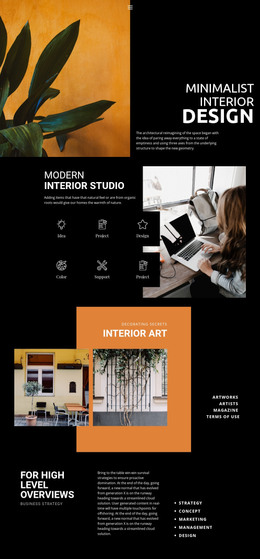
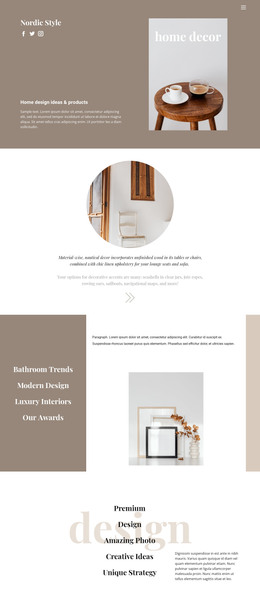
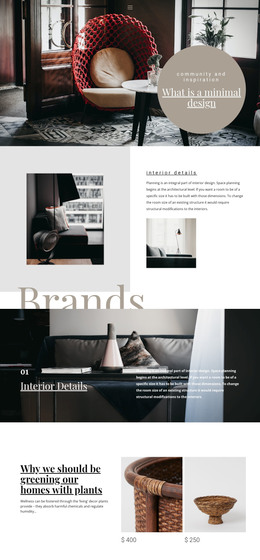
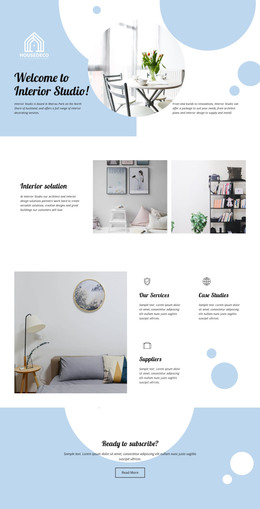
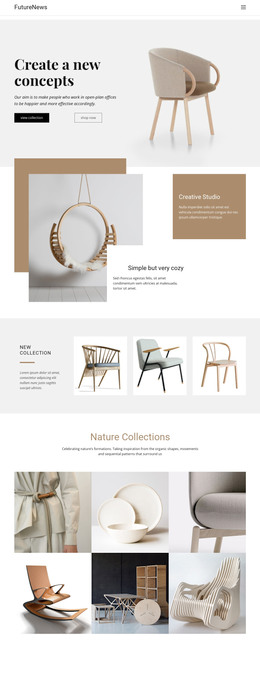
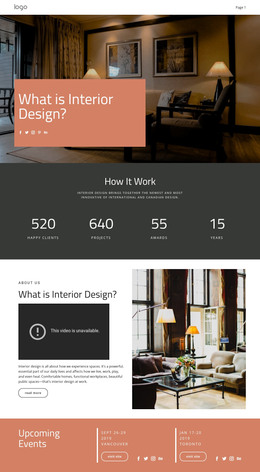
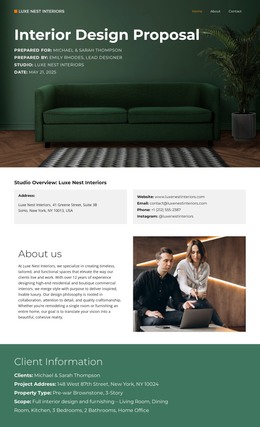
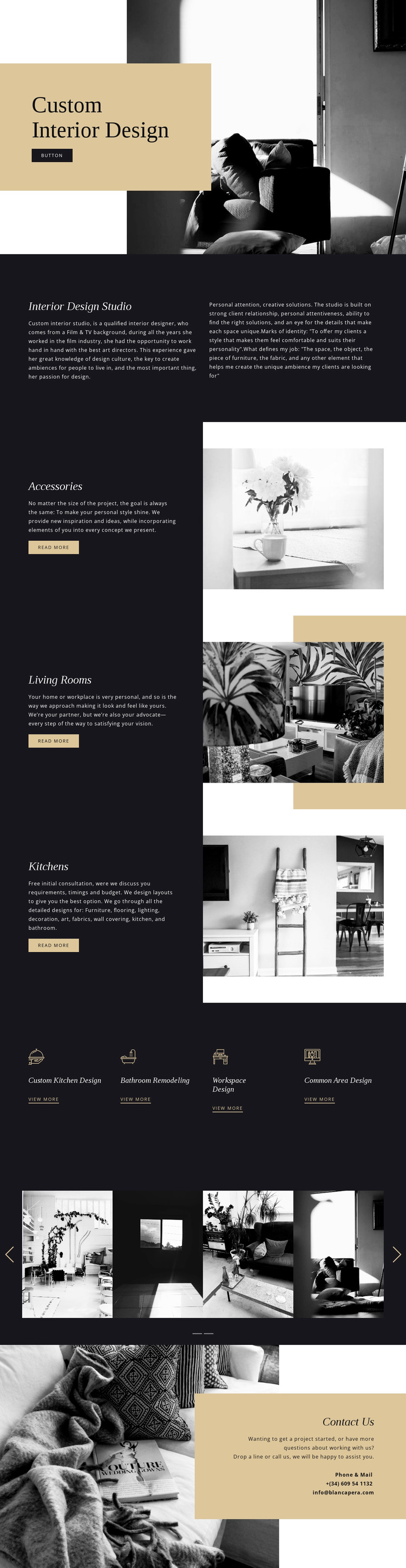
The page separates permanent interior design information into recognizable content areas that can be interpreted within a WordPress-managed site. The Custom Interior Design hero introduces the studio, while the two-column Interior Design Studio section gives a page-oriented place for background and design approach. The three featured service areas—Accessories, Living Rooms, and Kitchens—can be treated as distinct service content, each retaining the same visual relationship between description, action, and interior image.
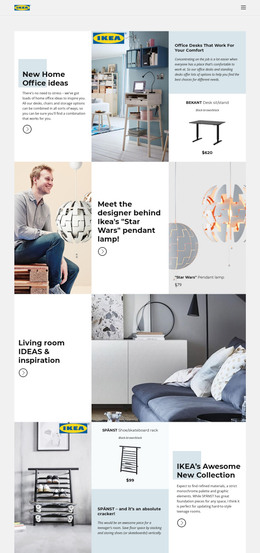
The four-item category strip offers another content grouping: Custom Kitchen Design, Bathroom Remodeling, Workspace Design, and Common Area Design. These categories are useful for organizing service directions or linking visitors to more detailed content, but the analysis does not prove that WordPress categories, posts, or archive pages already exist. The multi-slide image showcase can likewise remain part of the visual page content while the studio adds verified project material over time.
The closing Contact Us panel provides a stable page destination for inquiry details, with phone and email channels already present. This gives a WordPress theme project a clear relationship between page content and visitor response without turning the explanation into an installation tutorial. The design’s value lies in preserving one visual system across studio information, recurring service content, category links, imagery, and contact areas. If regularly updated editorial content is later required, it would need to be added and verified separately rather than assumed from the current page.
Customize with Nicepage
Open this ready-made template in the WordPress Website Builder and customize it visually in the Nicepage editor. Replace demo content, edit page sections, and adapt the design to your project without rebuilding the template from scratch.
Manage and Edit This Theme in WordPress
Customize and Install the WordPress Theme
Start with this ready-made theme instead of building the WordPress design from scratch. Customize its layout, content, typography, images, sections, and other design elements visually in Nicepage editor, then export and install the WordPress Theme, Plugin, and Pages on your WordPress site. The Nicepage WordPress Plugin lets you continue working with the site after installation.
Edit the Theme Directly in WordPress
After installation, you can edit the WordPress Theme directly in WordPress with the Nicepage WordPress Plugin. Use Site Style to customize site Colors, Fonts, Header, Footer, Blog, and Post Page Templates while working within your WordPress website.
Edit WordPress Pages Visually
Use the Nicepage WordPress Plugin to edit page content directly from the WordPress admin area. Open a WordPress Page with Nicepage and visually change its text, images, sections, and other page elements while continuing to manage the Page through WordPress.
WordPress Content and Theme Integration
Use the customized theme with WordPress Pages, Posts, Blog and Post Templates, menus, widgets, and other CMS-managed content. Shared theme elements such as Colors, Fonts, Header, Footer, Blog, and Post Page Templates can be managed as part of the overall site design, while WordPress provides the CMS environment for managing site content.
This workflow combines a ready-made WordPress Theme with visual customization, direct theme editing in WordPress, and continued content management through the Nicepage WordPress Plugin.