The full-service interior studio WordPress Theme



Edit Template Offline
2. Create new page and search for id 88851
Edit Template Online
Create Awesome Websites


Free Nicepage Builder
Keywords
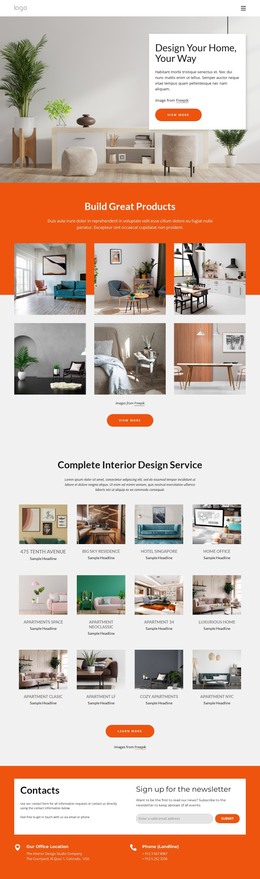
Room examples and recurring content support a WordPress-oriented studio site
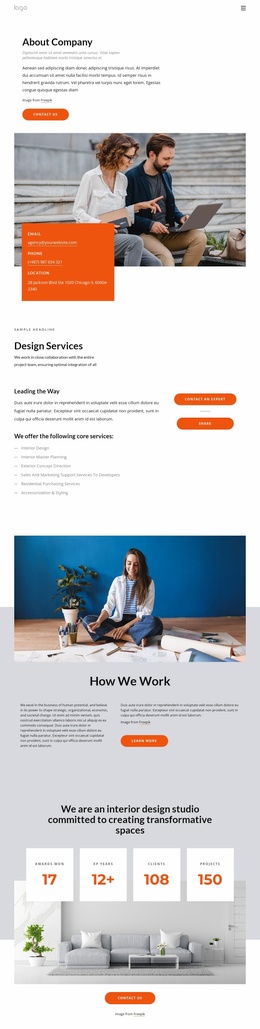
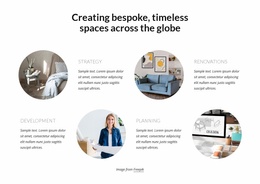
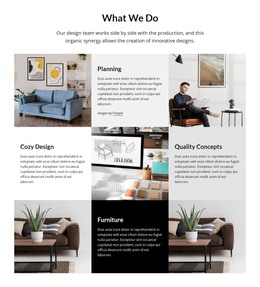
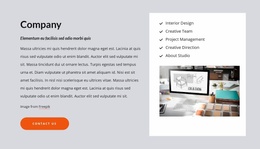
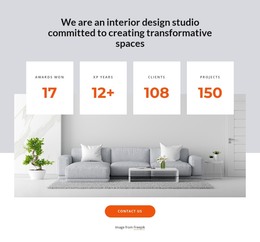
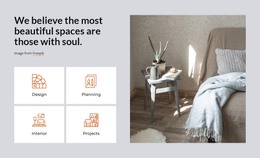
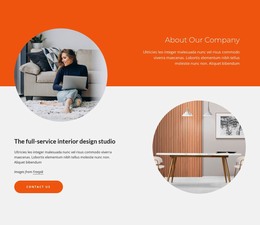
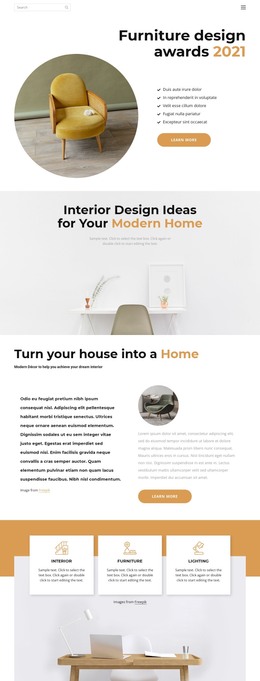
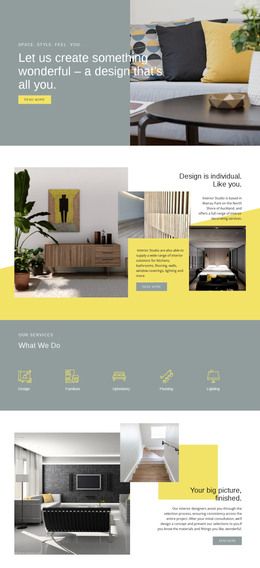
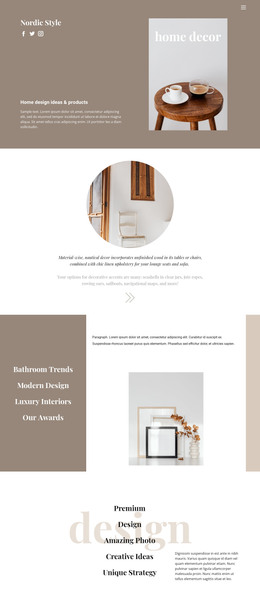
The page-oriented content is easy to separate into permanent studio information and recurring visual material. The opening, philosophy statement, and service grids can carry the core presentation of the studio, with categories and cards explaining areas such as Home Office, Cozy Spaces, and Luxurious Furniture. The Company section adds stable information about capabilities, including Creative Team, Project Management, Creative Direction, and About Studio.
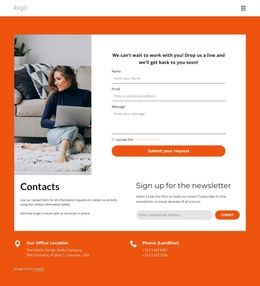
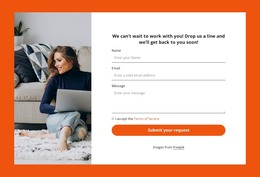
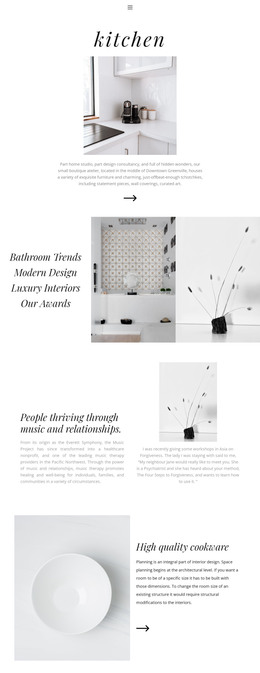
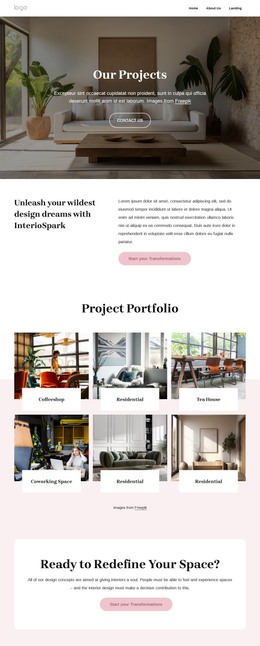
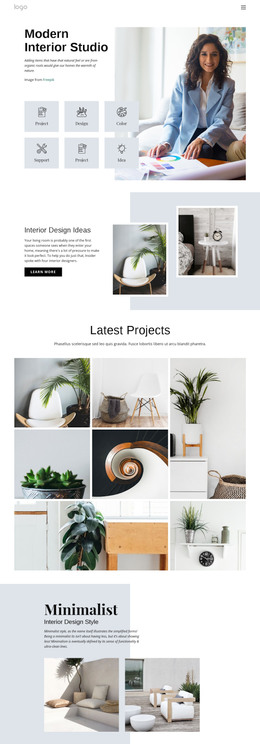
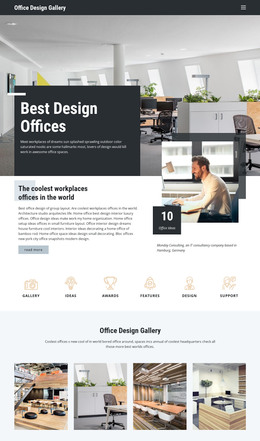
The room-example cards and portfolio collages provide a different content relationship: they can represent project-focused material that may be expanded or updated while remaining within the same visual direction. One area emphasizes named room examples, while the later Portfolio section presents a broader collage of residential and commercial interiors. This distinction gives a WordPress-managed site a practical separation between general service pages and publishable project or editorial content, without claiming that Posts, categories, or blog structures already exist in the template. The orange Contacts panel remains a permanent response area, combining office and phone labels with newsletter signup. A WordPress theme interpretation is therefore grounded in the design’s content areas: stable studio pages, repeated project imagery, capability information, and shared contact presentation. The visual identity can continue around those content types rather than being reduced to a CMS label.
Customize with Nicepage
Open this ready-made template in the WordPress Website Builder and customize it visually in the Nicepage editor. Replace demo content, edit page sections, and adapt the design to your project without rebuilding the template from scratch.
Manage and Edit This Theme in WordPress
Customize and Install the WordPress Theme
Start with this ready-made theme instead of building the WordPress design from scratch. Customize its layout, content, typography, images, sections, and other design elements visually in Nicepage editor, then export and install the WordPress Theme, Plugin, and Pages on your WordPress site. The Nicepage WordPress Plugin lets you continue working with the site after installation.
Edit the Theme Directly in WordPress
After installation, you can edit the WordPress Theme directly in WordPress with the Nicepage WordPress Plugin. Use Site Style to customize site Colors, Fonts, Header, Footer, Blog, and Post Page Templates while working within your WordPress website.
Edit WordPress Pages Visually
Use the Nicepage WordPress Plugin to edit page content directly from the WordPress admin area. Open a WordPress Page with Nicepage and visually change its text, images, sections, and other page elements while continuing to manage the Page through WordPress.
WordPress Content and Theme Integration
Use the customized theme with WordPress Pages, Posts, Blog and Post Templates, menus, widgets, and other CMS-managed content. Shared theme elements such as Colors, Fonts, Header, Footer, Blog, and Post Page Templates can be managed as part of the overall site design, while WordPress provides the CMS environment for managing site content.
This workflow combines a ready-made WordPress Theme with visual customization, direct theme editing in WordPress, and continued content management through the Nicepage WordPress Plugin.