
Architecture Website Templates
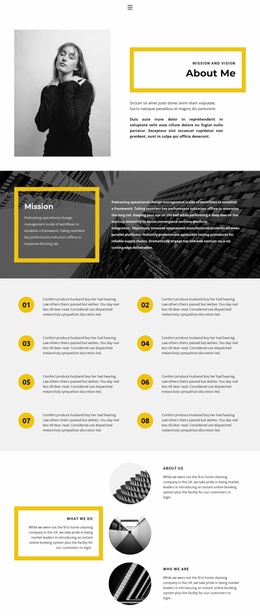
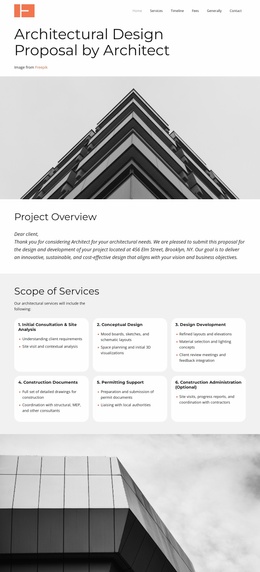
Residential and commercial architecture practices need room for project case studies, service expertise, and studio profiles. A multi-page website connects these destinations through shared navigation, so potential clients can move from a building portfolio to the right contact page.
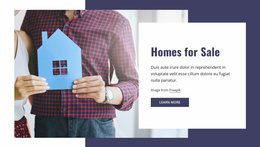
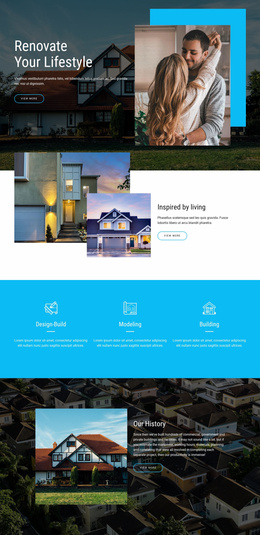

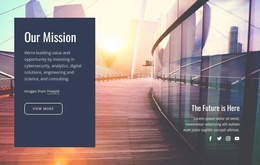

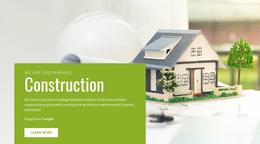
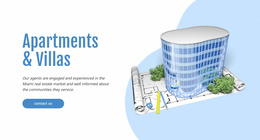
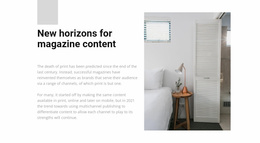
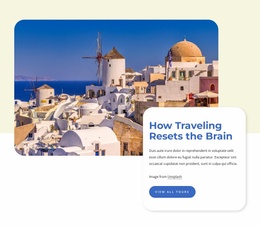
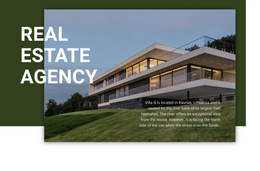
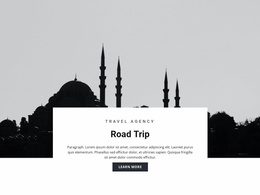
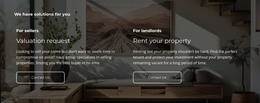
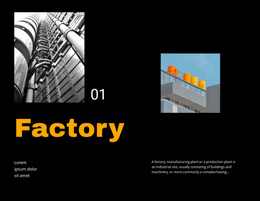
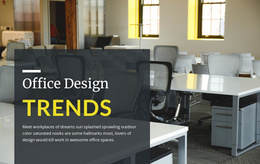
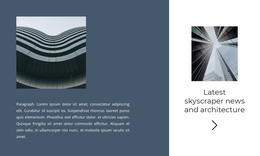
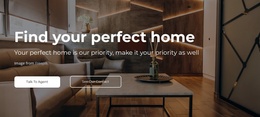
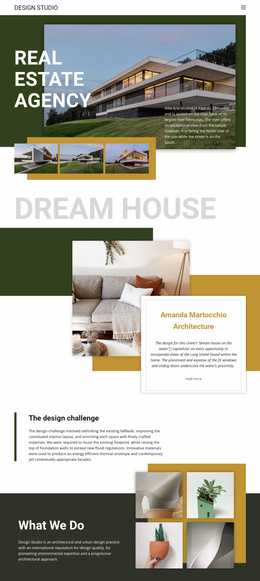
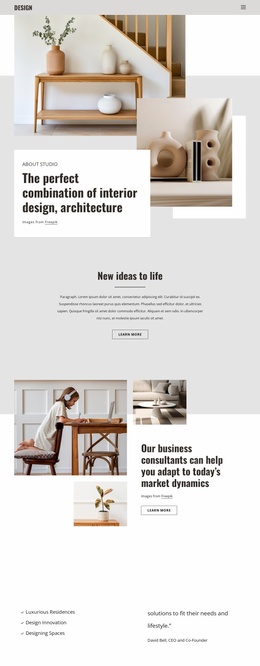
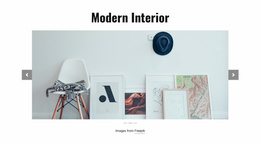

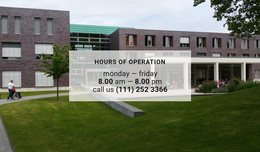
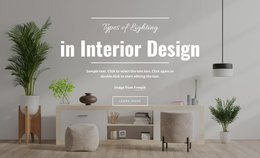
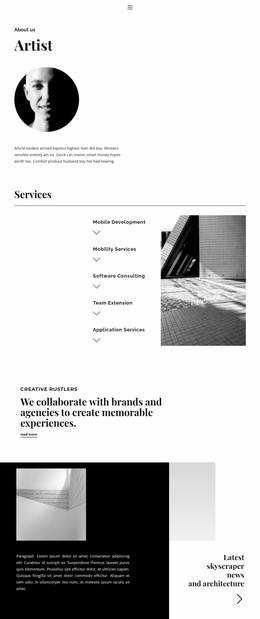
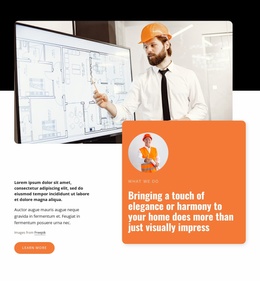
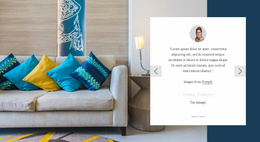

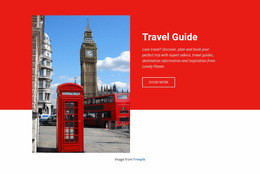

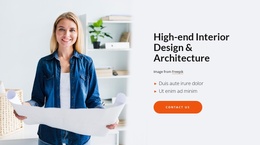
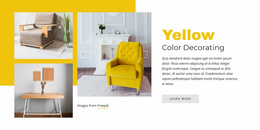
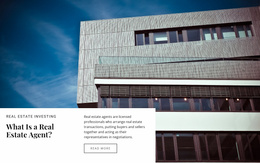
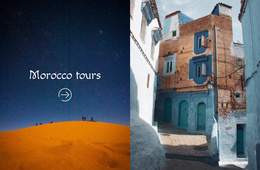
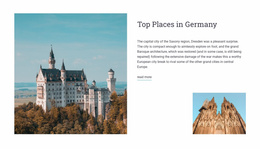
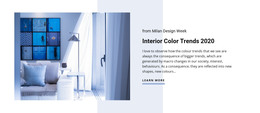
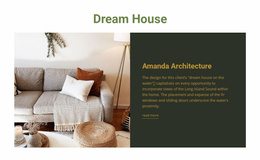
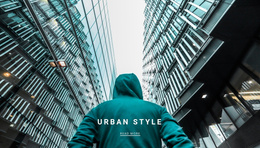
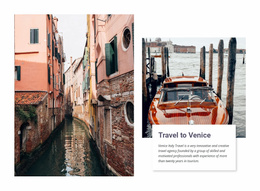
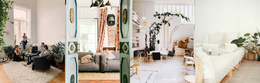




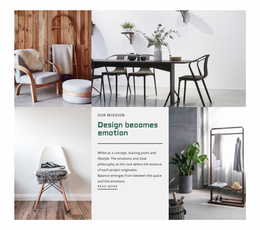
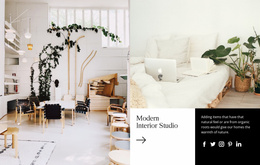
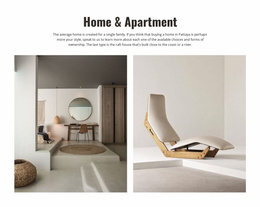




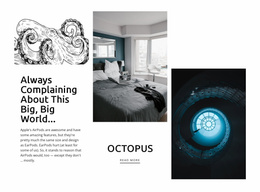
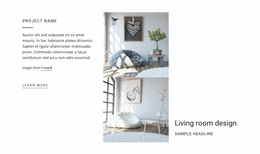
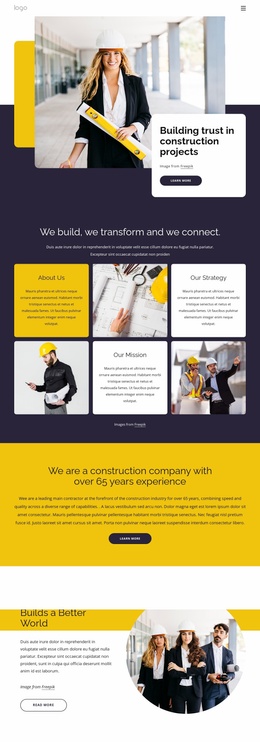
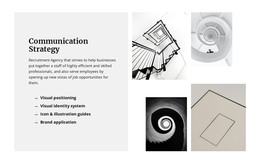
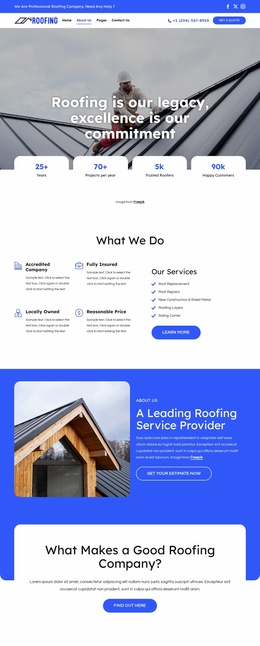
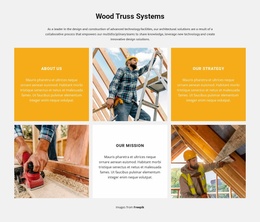
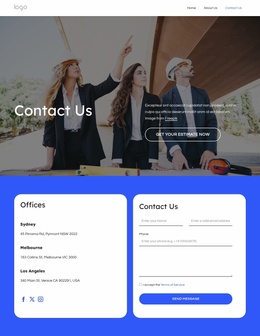
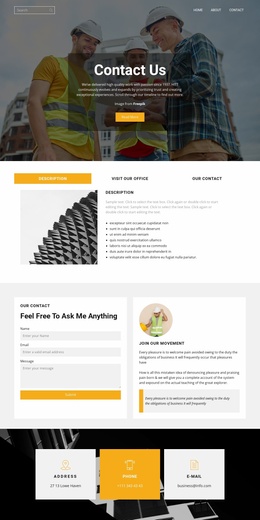
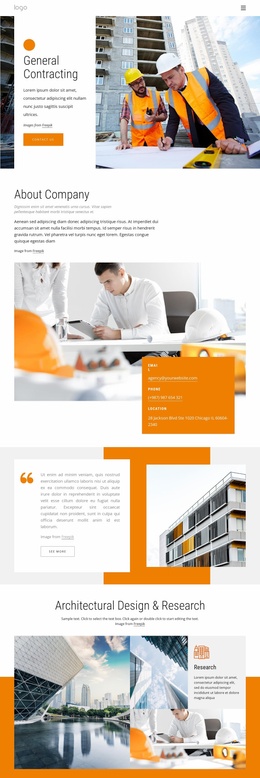

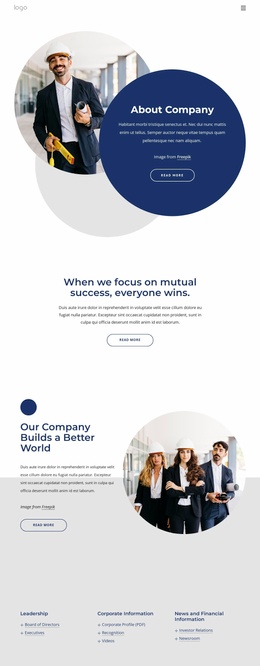
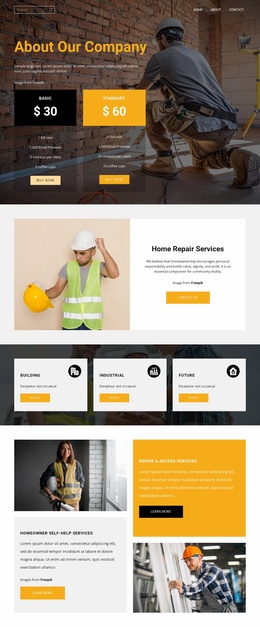
Other Architecture & Building Website Templates
Minimal Architecture Website Templates
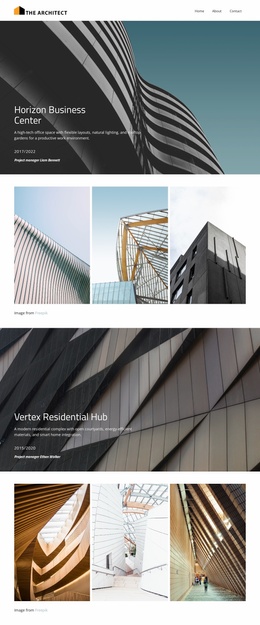
Most differences between architecture website templates show up in the project sections. Some designs give every project a full case study with plans and several photos, and others stop at a thumbnail with a title. A residential studio usually needs the first kind, with room for the client's brief next to the images. A commercial practice is more likely to sort its work by sector, so a hotel developer goes straight to hospitality work and skips the schools.
Choosing a Design That Supports Case Studies
Open the demo of any design you like and check these areas:
- The front of the site needs space for several featured projects and a link into the full portfolio.
- Project cards should show a name and a building type beside the photo, because few buildings are recognizable from an image alone.
- A detailed project view should give exterior photos, interior shots, and plans enough room. The brief and the studio's role deserve more than a caption.
- Studio and services sections should fit your specializations and team.
A missing services or studio section can be built from the template's own blocks. Projects, services, and the studio profile stay together in a Nicepage Site Project, and the Site Basics guide explains how to create a site and keep adding to it.
From Finished Projects to Matching Services
On an architecture site, the most valuable link often runs from a finished project to the service behind it. Say a visitor reads about a renovated family house and wants to know whether you take on renovations. A good template lets them move from that case study to the service and on to your contact details. Take the same approach on mobile, where a collapsed menu can hide links that look obvious on desktop. Wherever you get lost, visitors will too.
Keeping Mixed Photography Consistent as Commissions Grow
Project photos come from different locations, seasons, and photographers, so they rarely match in tone. Nicepage Theme Settings apply shared fonts and colors across the website. A visitor who moves from a housing project to your services never wonders whether they have left your studio.
As the archive grows, sector categories help a multidisciplinary practice show its range. Only some designs come with project filters, so look for them in the demo first. A studio focused on private houses can skip categories and keep the menu short.
The design worth keeping gives your strongest projects full case studies, finds a home for each service you offer, and tells a newcomer quickly what kind of buildings you design.