
1010 Travel & Hotels Website Mockups

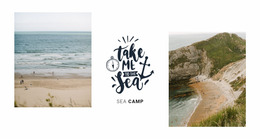
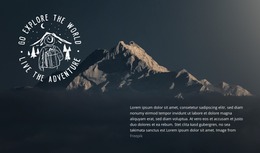
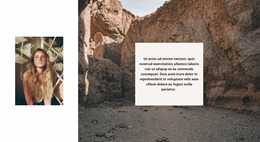




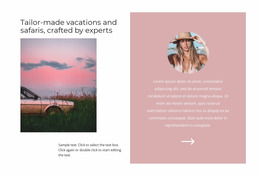
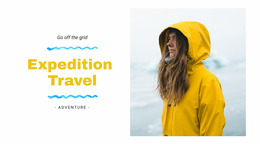
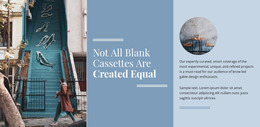
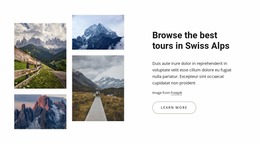
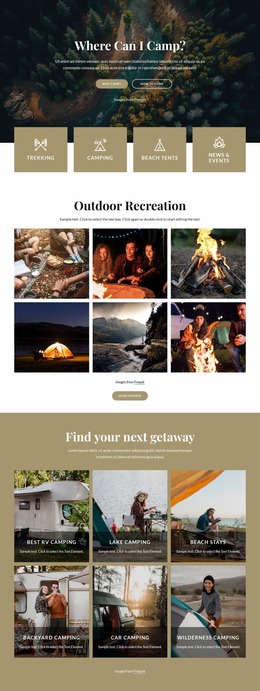
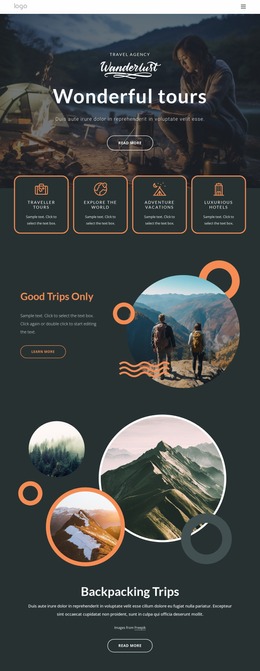
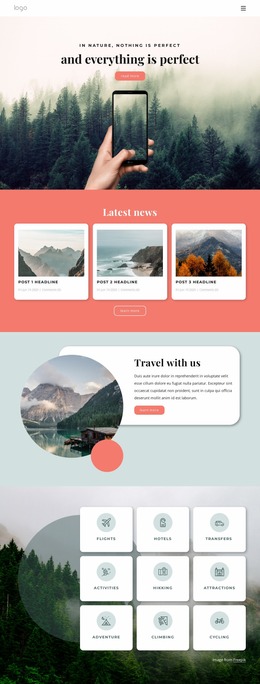
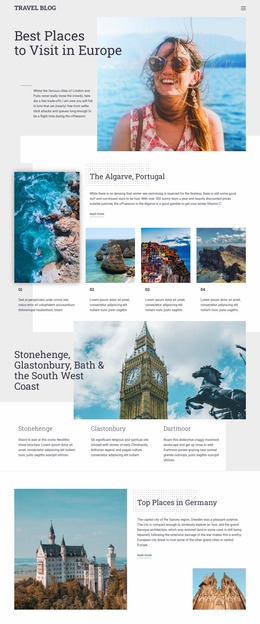

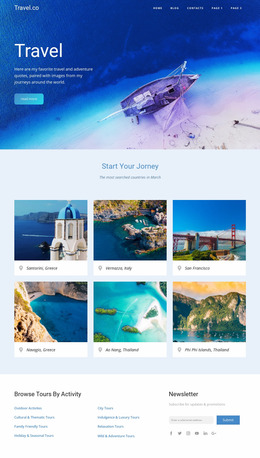

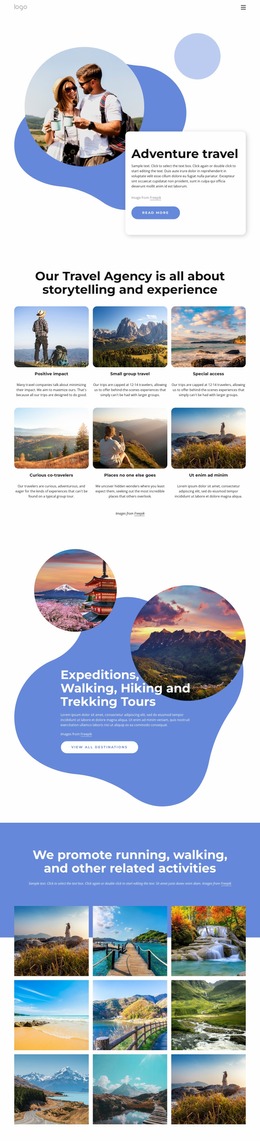

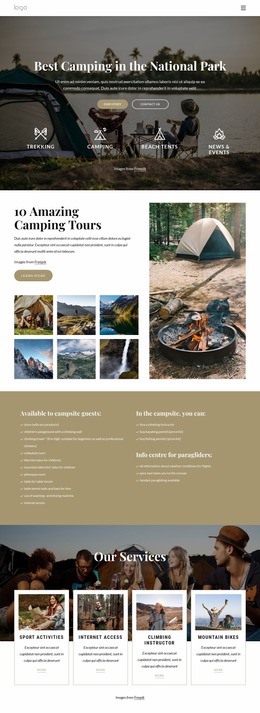
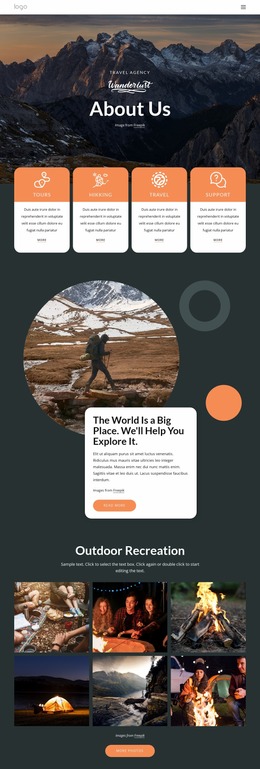
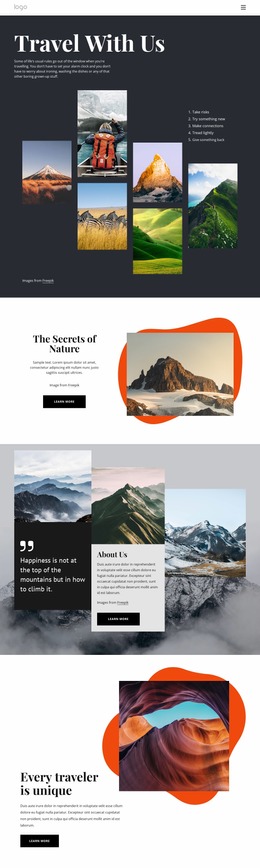


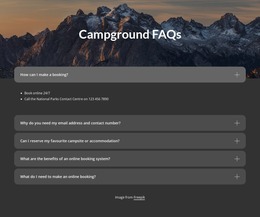
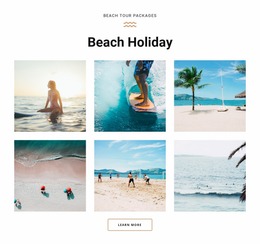

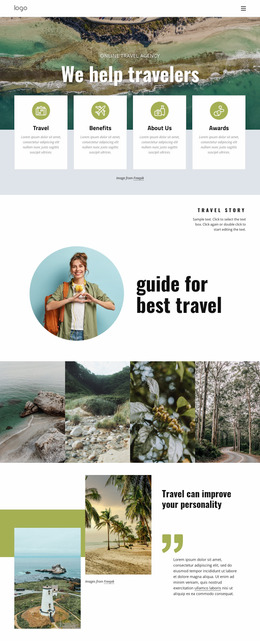
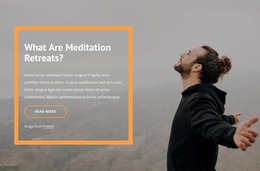
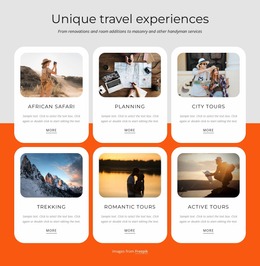
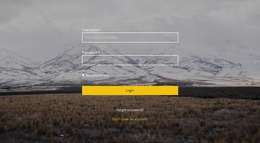
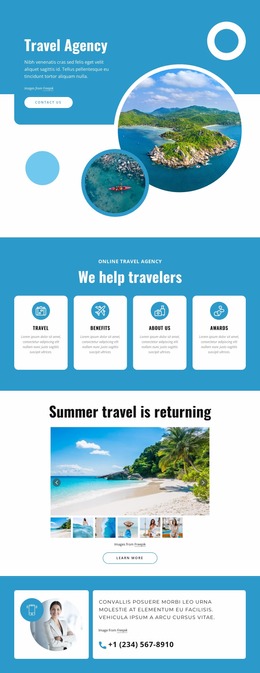
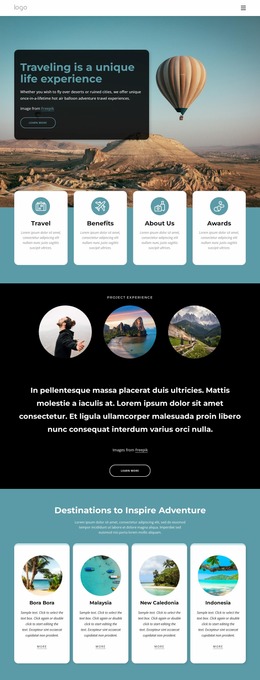
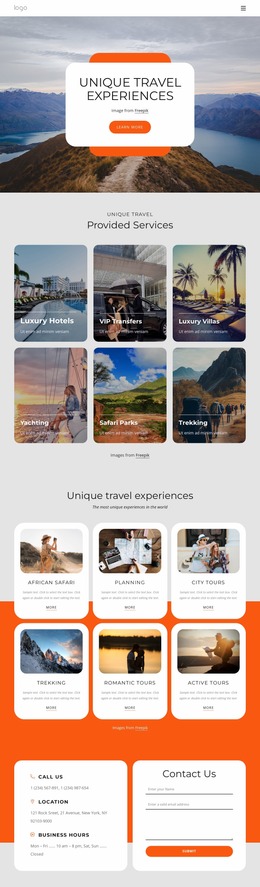
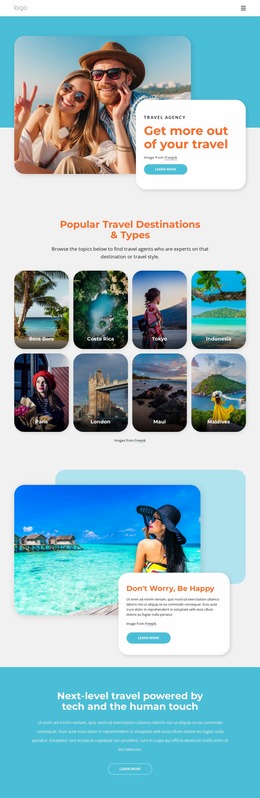
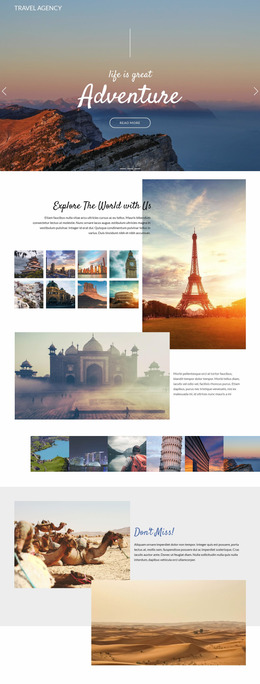
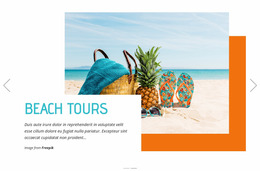


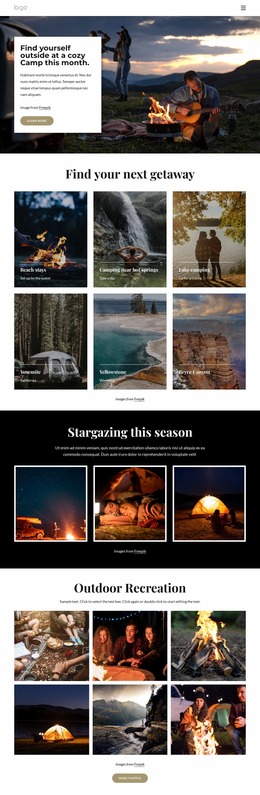

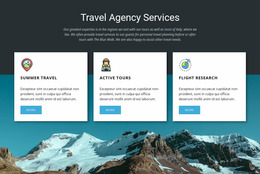
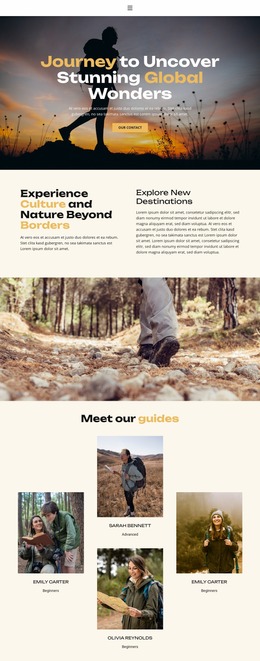

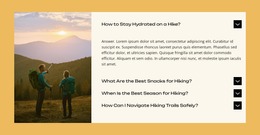
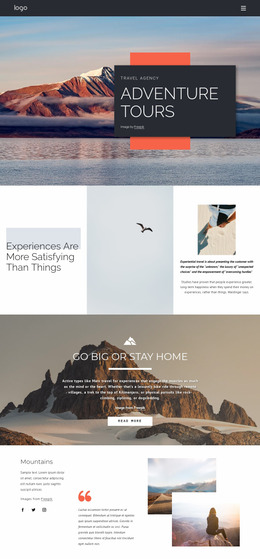
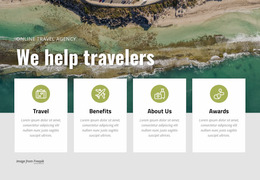

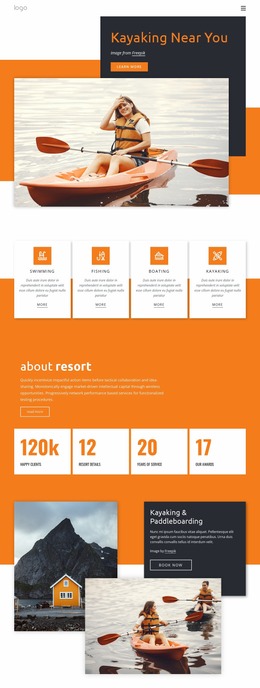

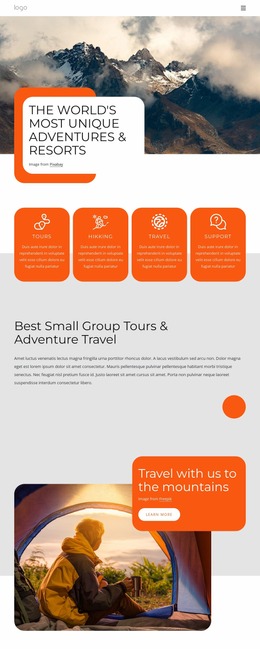
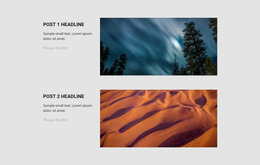
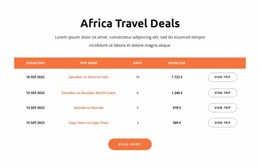
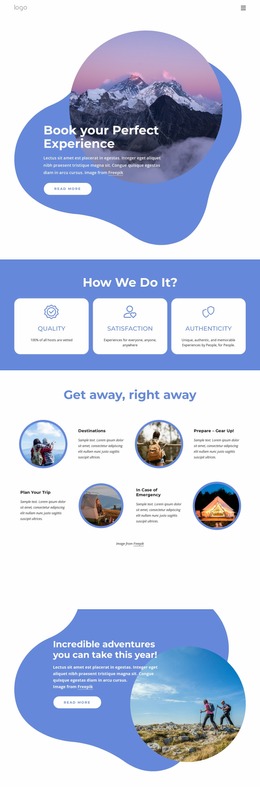
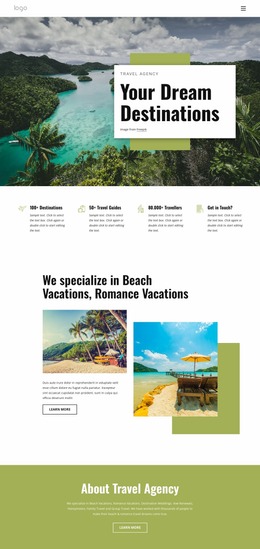
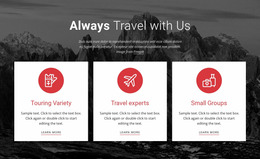
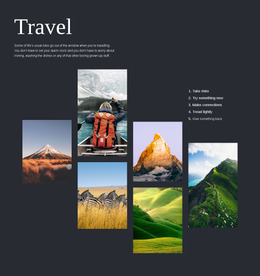
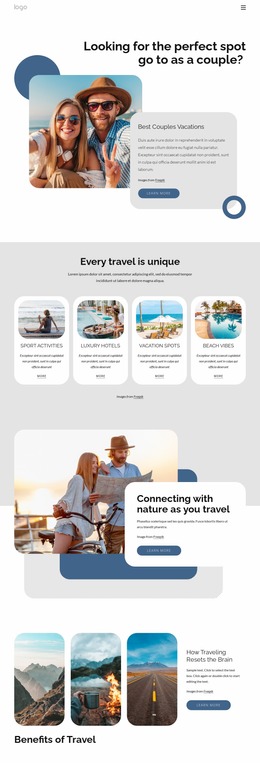
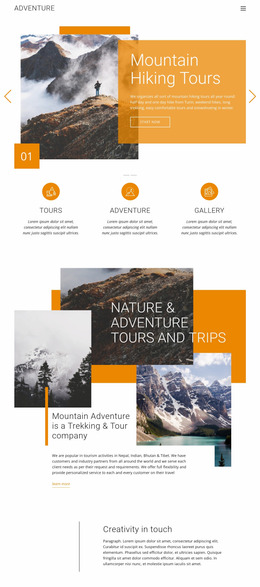
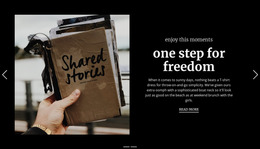
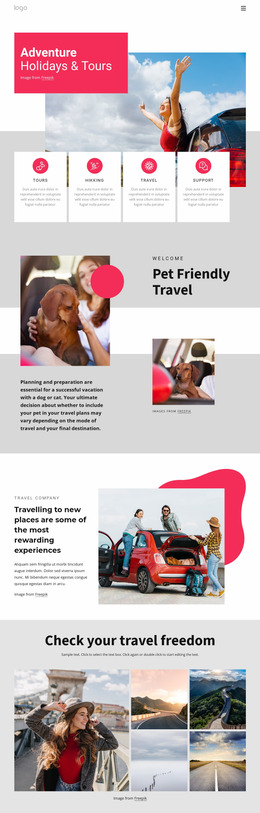
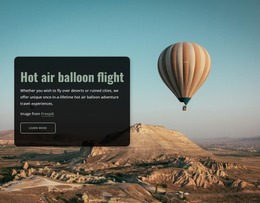
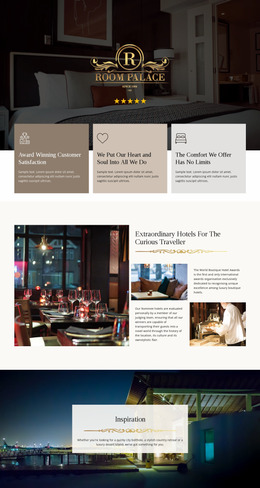
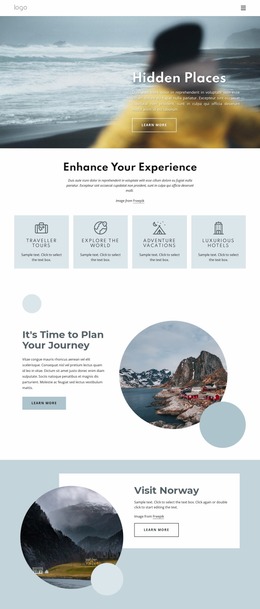
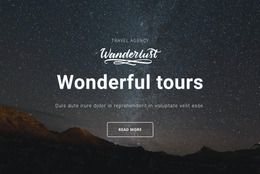
Creative Travel & Hotels Website Mockup
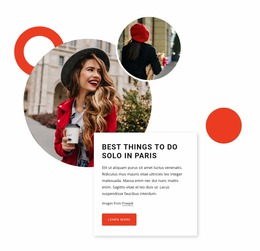
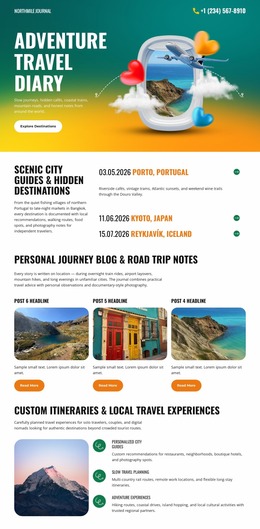
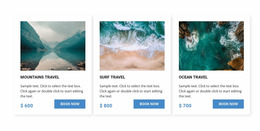
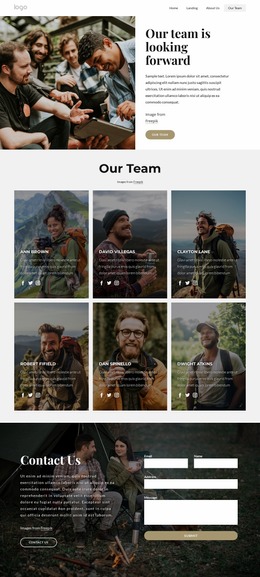
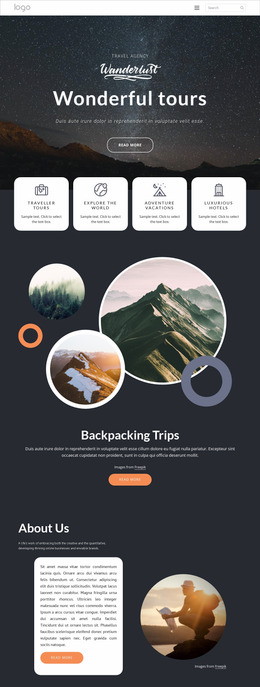
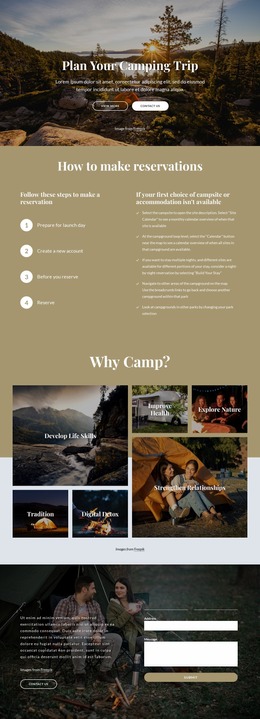
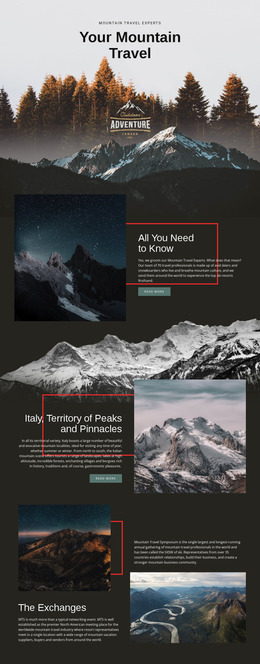
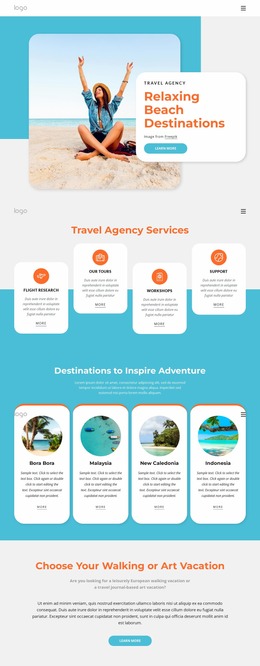
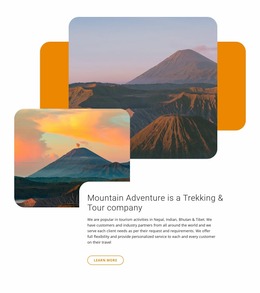
Travel pages can lose clarity when room options, tour stops, transport details, and destination imagery compete for attention. A travel & hotels website mockup solves that problem before development. It provides hotel teams, tour operators, and destination marketers with a structured layout they can test, refine, and hand off with confidence.
How to Plan a Modern Travel Website Mockup?
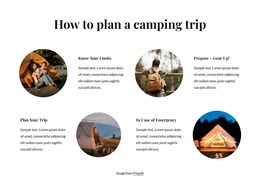
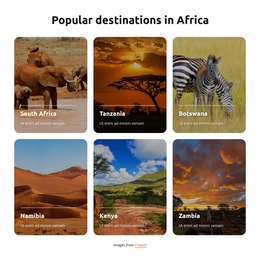
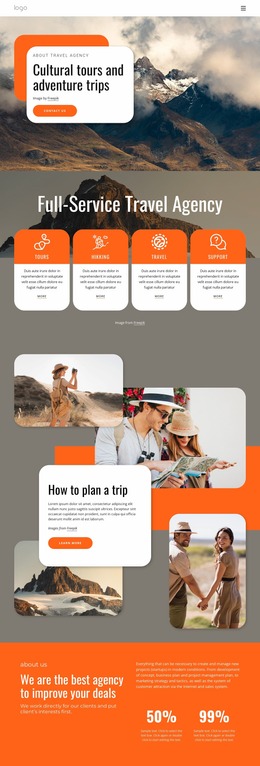
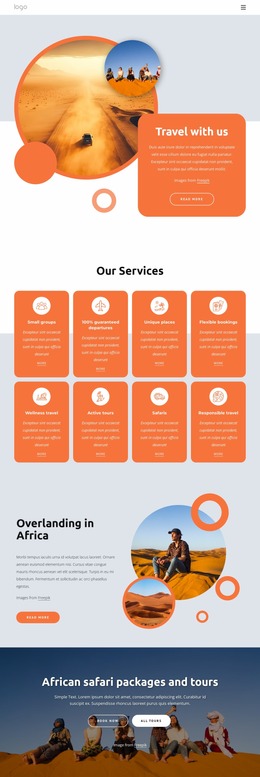
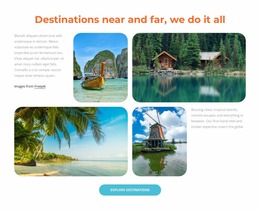
Hotels: map room cards, amenities, and inquiry paths before development. Tour operators: test itinerary order, destination highlights, and CTA placement. Destination teams: compare visual hierarchy for maps, guides, and local attractions. The goal is a UI/UX prototype that validates the user flow before code or CMS choices are made.
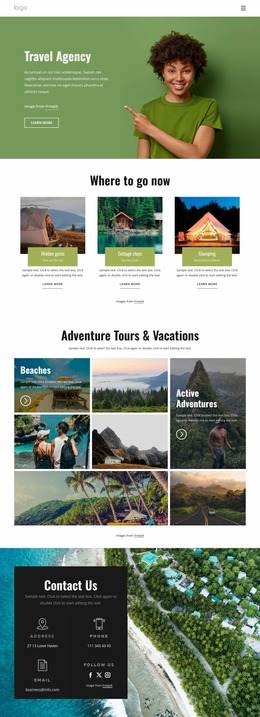
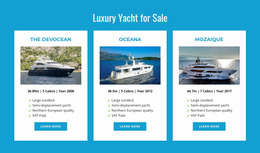
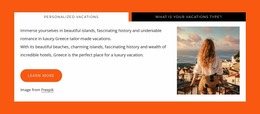
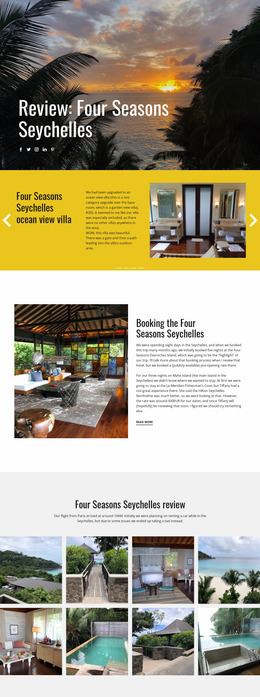
Start with hotel website ideas when the prototype must balance accommodation photos, room details, services, and reservation-oriented actions. In the visual page editor, use wireframing to arrange those sections first, then replace placeholders with brand colors, type, photography, and final travel copy.
Nicepage also documents a workflow that starts from a graphic travel concept and recreates it as an editable page. That approach helps teams turn a visual travel concept into structured web sections without committing to code at the earliest design stage.
Flexible Features for Travel UI/UX Prototypes
Structure checks
- Grid Element keeps room, destination, or tour cards inside responsive cells, which makes alternative structural layouts easier to compare.
- Distances Between Elements shows spacing while you drag and align text, images, icons, shapes, Groups, and Grids.
- Group & Ungroup Elements lets related prototype components move as one unit when you test a different composition.
Visual checks
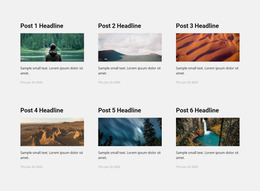
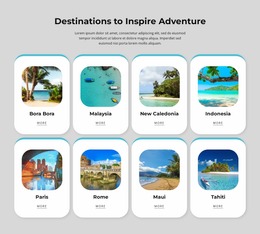
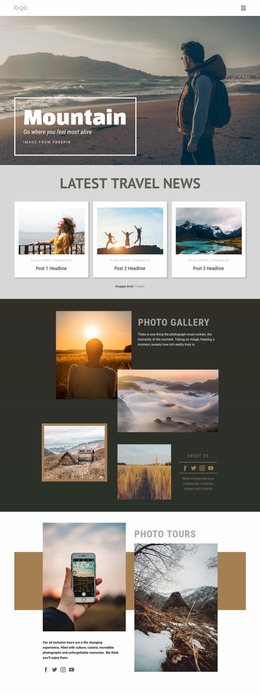
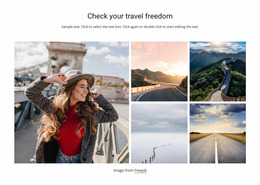
- Image Gallery Element creates a collection of destination or hotel images with titles, hover effects, and styling.
- Button Element gives each primary call-to-action its own states, alignment, and preset styling for clearer user-flow tests.
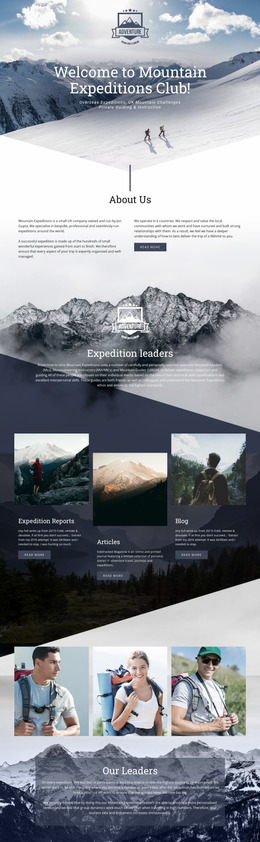
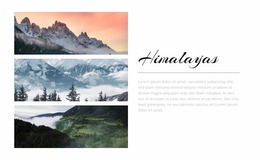
For itinerary-led projects, tour website concepts can help define the order of route highlights, experiences, inclusions, and inquiry actions before development. When the prototype grows more complex, use Layers to inspect its element and container structure and reach smaller items without disturbing the surrounding block.
User-friendly Travel Website Mockup Questions
Can I start a hotel or travel mockup from pre-designed elements and blocks?
Yes. Nicepage provides pre-designed Elements and Blocks that you can place on the visual canvas. They give you a practical starting point for text, images, galleries, grids, forms, and other common page structures.
Can I keep typography consistent while comparing hotel mockup variants?
Yes. In Site Settings, you can choose and edit the Font Scheme and Typography Styles for all pages. Typography Styles can also be adjusted for each Responsive Mode when the prototype needs device-specific refinements.
How can I check spacing between room cards and travel content before development?
Use Distances Between Elements. Smart Magnetic Guides display measurements as you drag and align elements, including spacing within Groups and Grids, helping you evaluate rhythm and hierarchy during UI/UX prototyping.
No-code Travel Prototype to Final Site
Ready to test a free travel website mockup before development begins?
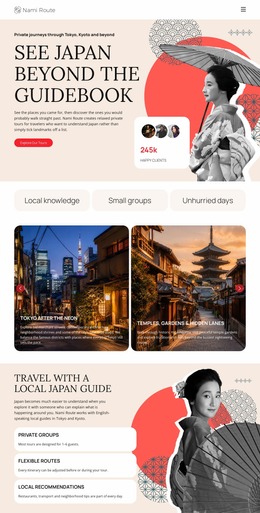
- Pick a visual direction, or use Japan travel ideas as a reference for destination hierarchy, imagery, and content priorities.
- Shape the wireframe in the visual design canvas, test the user flow, and refine the structural layout across responsive views without a developer.
- Once the concept is approved, replace prototype content with final assets, then export the required code or publish the finished website online.





















































