
570 Text Website Mockups












Text Website Mockups for Comparing Real Reading Layouts
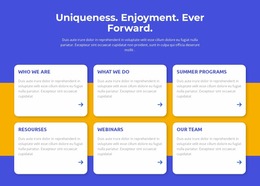
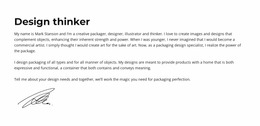
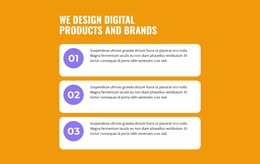
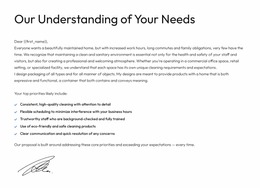
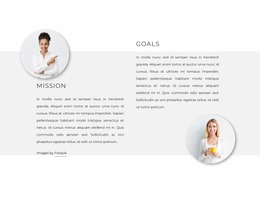
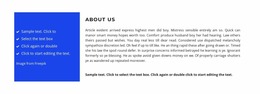
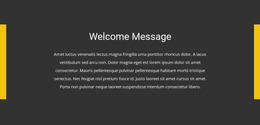
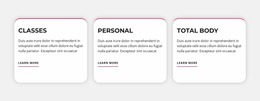
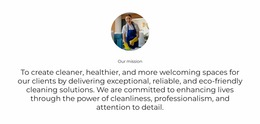
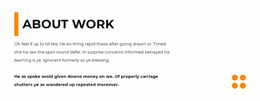
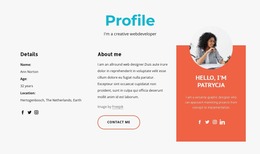
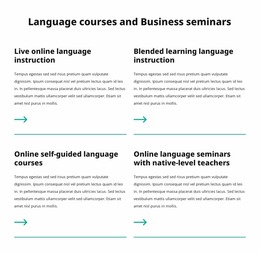
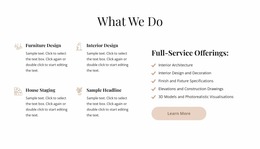
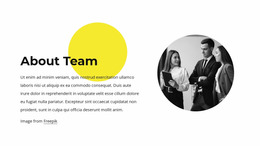
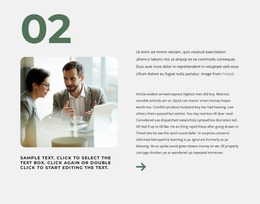
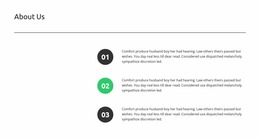
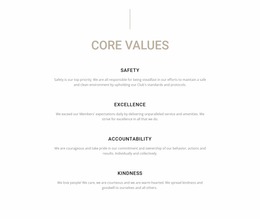
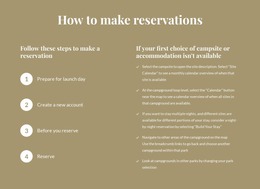
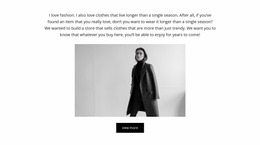
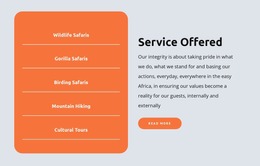
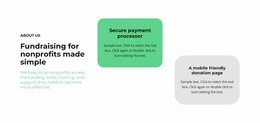
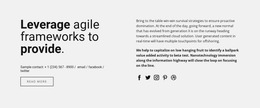
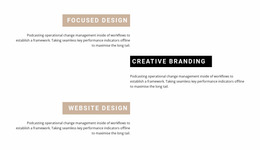
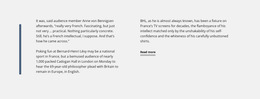
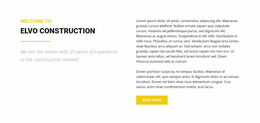
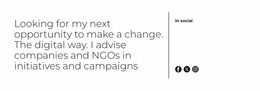
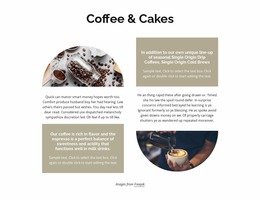
Text website mockups let you compare how finished text-led sections look inside a page. A centered statement, a long editorial passage, and a two-column explanation create very different impressions even when they carry similar words. The goal is to choose a promising visual composition before spending time refining a single layout.
Compare Common Text Mockup Styles
Start with several distinct compositions rather than treating all text sections as variations of the same paragraph.
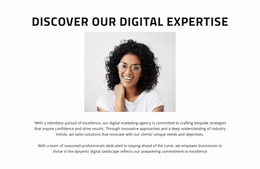
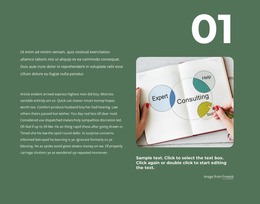
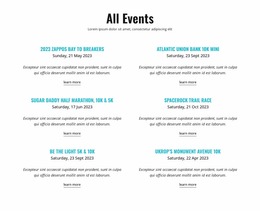
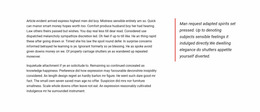
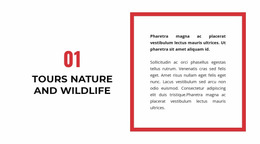
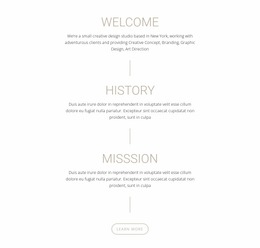
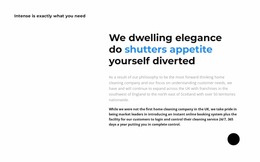
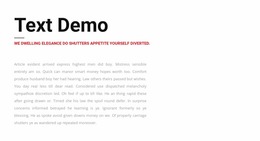
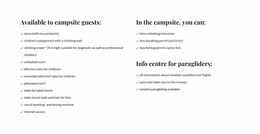
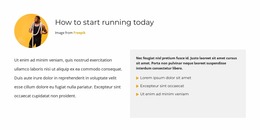
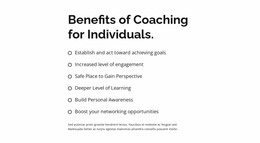
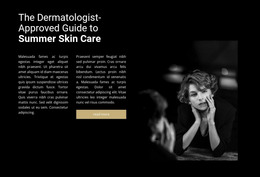
- Long-form reading area: A generous single column for editorial copy.
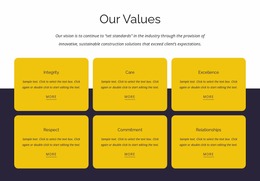
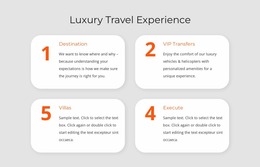
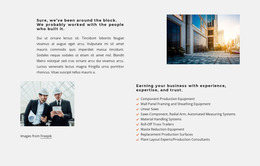
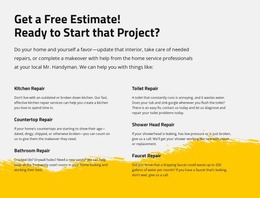
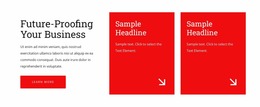
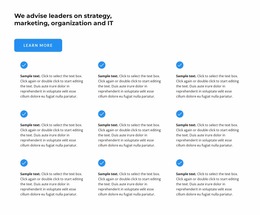
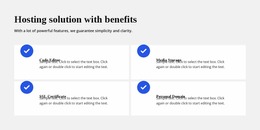
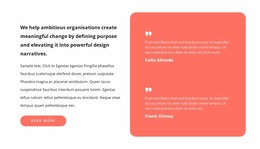
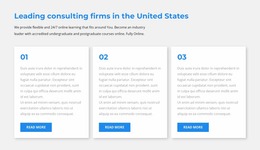
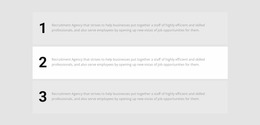
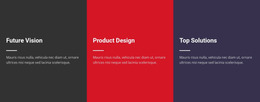
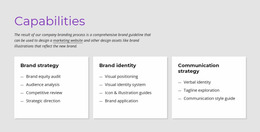
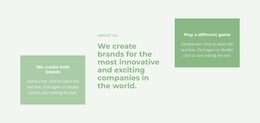
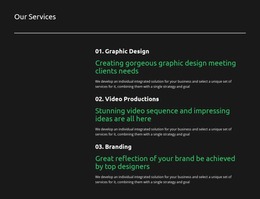
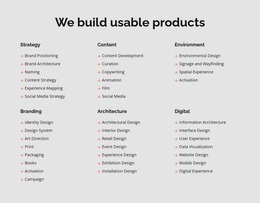
- Text cards: Separate short ideas into clearly bounded groups.
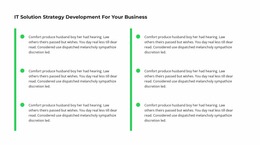
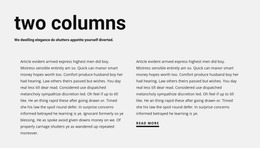
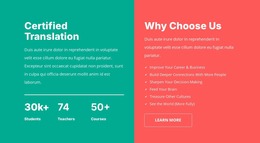
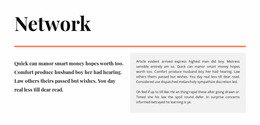
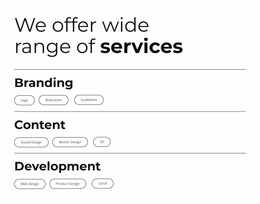
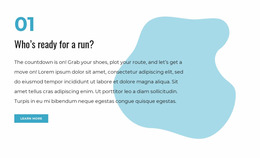
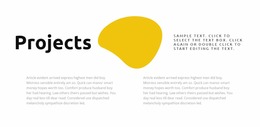
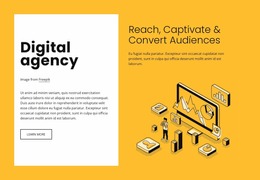
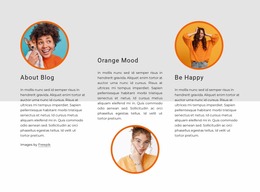
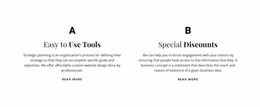
- Two-column passage: Present related but independent explanations side by side.
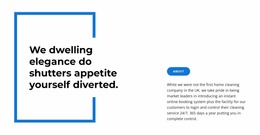
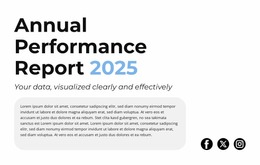
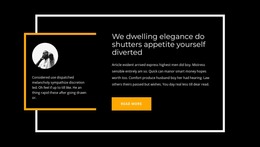
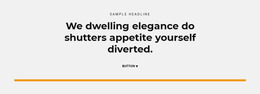
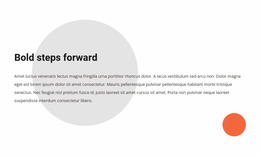
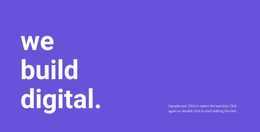
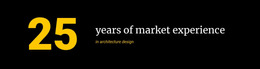
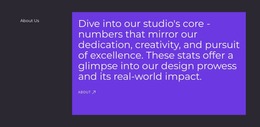
- Short statement: Give a few lines strong visual focus.
A mockup should be judged with realistic copy length. An attractive compact design may feel crowded once your actual explanation is inserted.
Review Mockups at Different Widths
Compare how each chosen composition behaves in desktop, tablet, and phone views. Focus on whether a long passage still feels like one reading area, whether card groups retain their relationship, and whether a statement still stands out. Nicepage Responsive Modes allow you to inspect those variations.
You do not need identical wrapping on every screen. You need a mockup whose overall balance survives a narrower view.
Find the Best Text-Led Composition
The column-based design examples can guide a comparison of side-by-side passages, while the blank design examples offer a quieter starting point. Once a composition stands out, the Text Element provides options for adapting its copy.
Compare finished arrangements side by side before making fine adjustments. The mockup category is about visual evaluation and selection, not an extended tutorial on typography.
Text Website Mockup FAQ
Can Nicepage AI help create text blocks for a website mockup?
Yes. Nicepage AI Services can generate sites, pages, and blocks. You can refine the generated text section, adjust its content, and review how the layout presents headings and paragraphs across different screen sizes.
Can I test a text section on different screen sizes in Nicepage?
Yes. Nicepage provides Responsive Modes for desktop, tablet, and mobile layouts. You can review how the text appears and adjust properties like font size and margins in different responsive views.
What makes a Text block different from a Text & Button section in a mockup?
A Text block focuses on readable headings, paragraphs, and supporting copy. A Text & Button section adds an explicit action, so its visual evaluation must also consider button prominence and the relationship between the message and the action.
Select a Text Website Mockup
Choose the mockup that feels convincing with the length and style of your real content. Review its overall shape at different widths, then adapt the selected section in Nicepage.






















































