
520 Technology Website Mockups

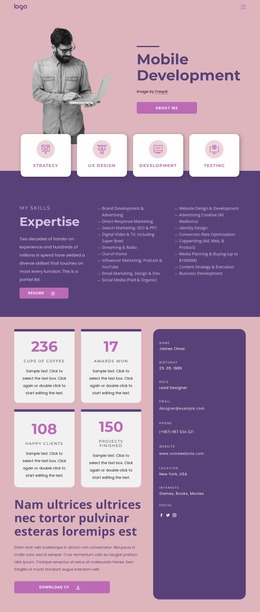
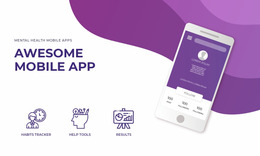
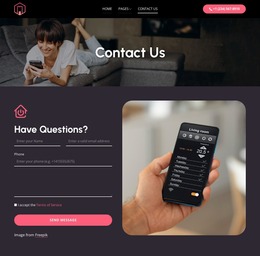
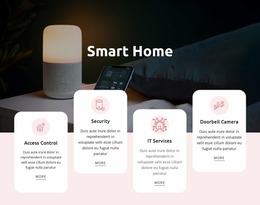


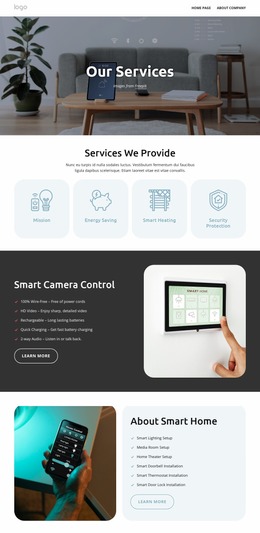
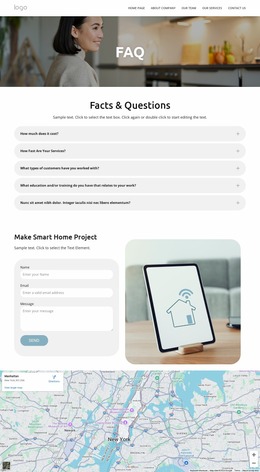

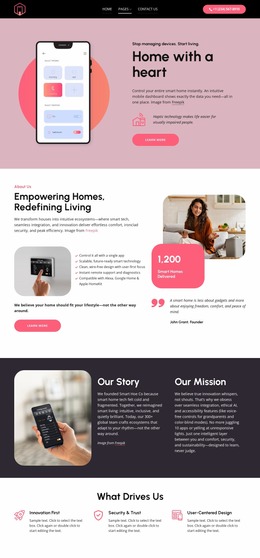

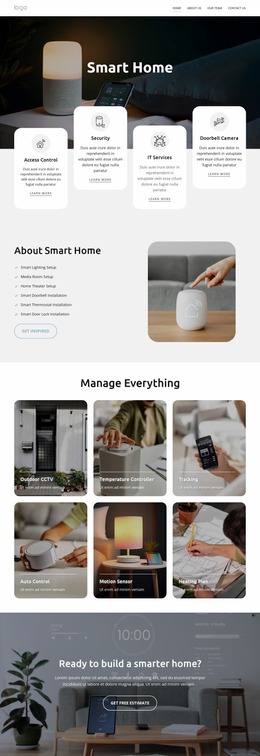
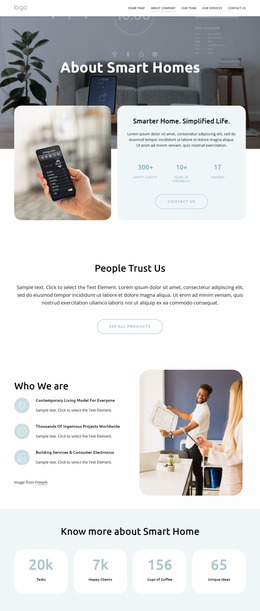
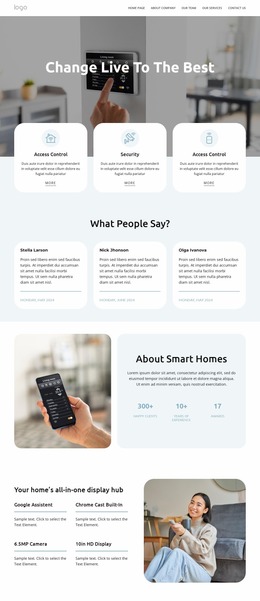
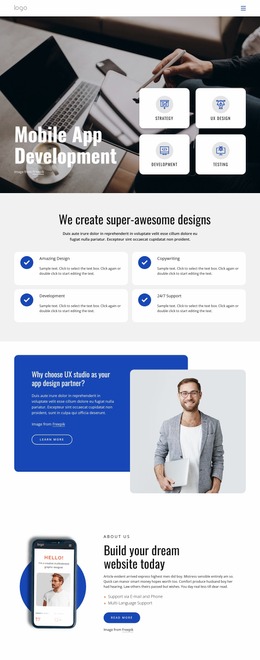
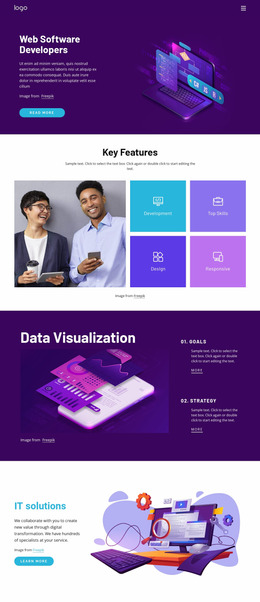
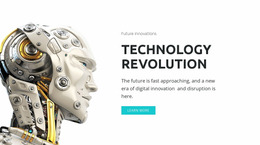
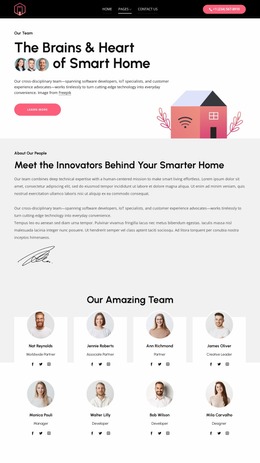
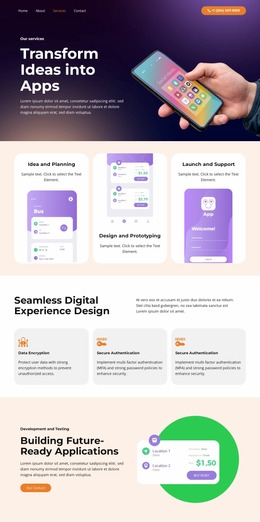
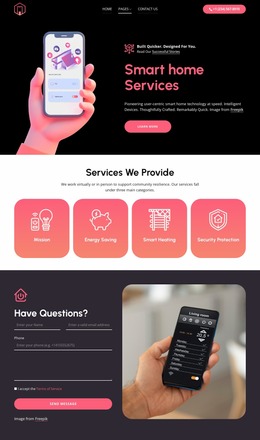

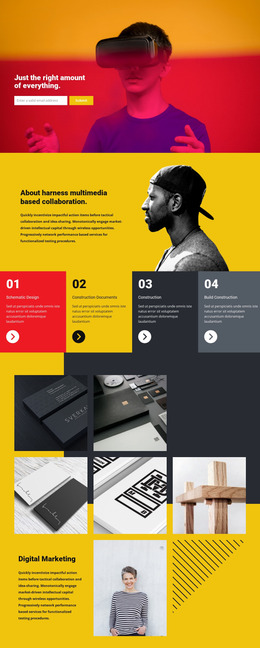
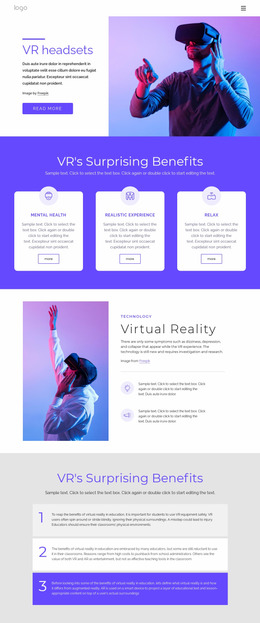



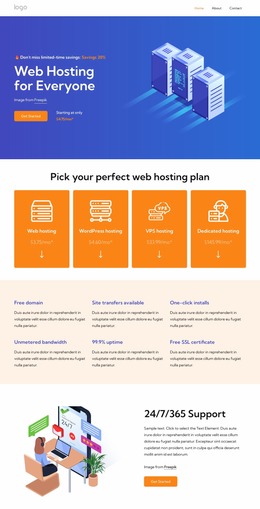
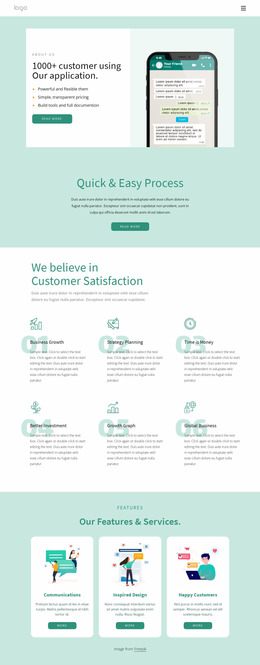

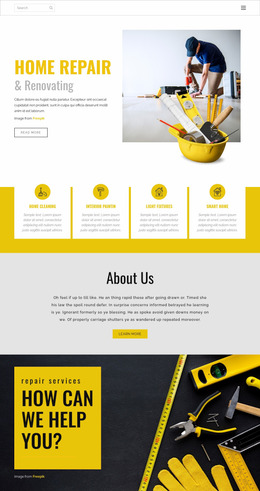

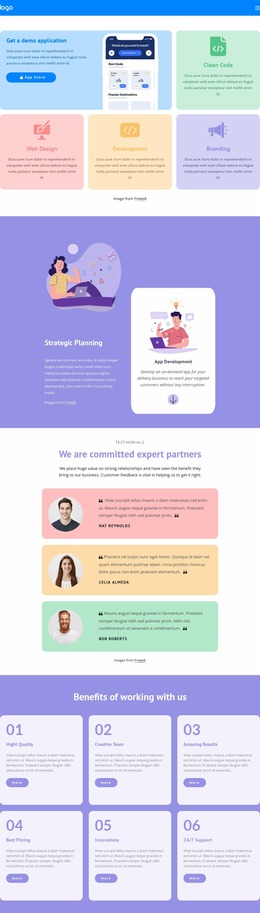

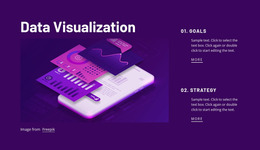
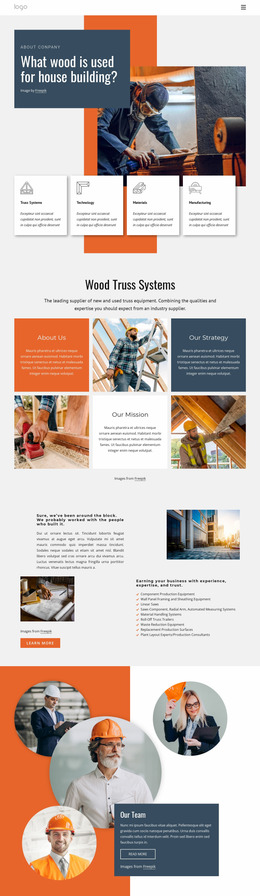

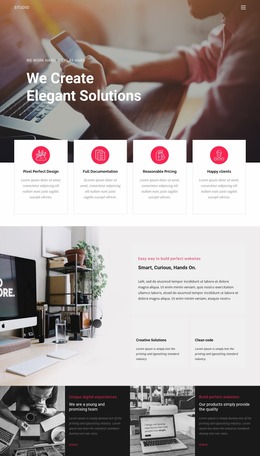

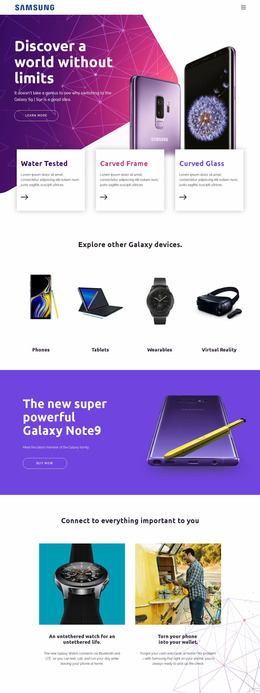
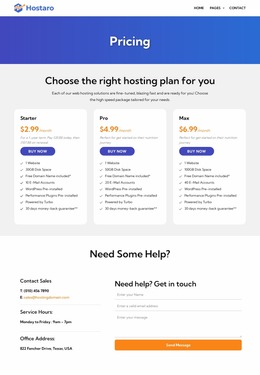


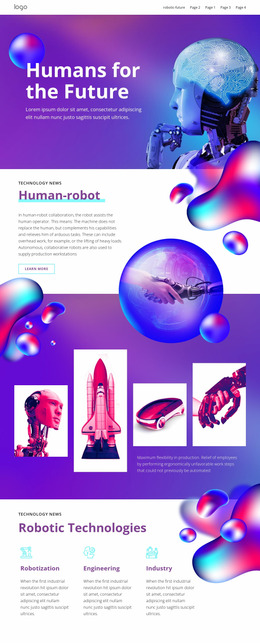



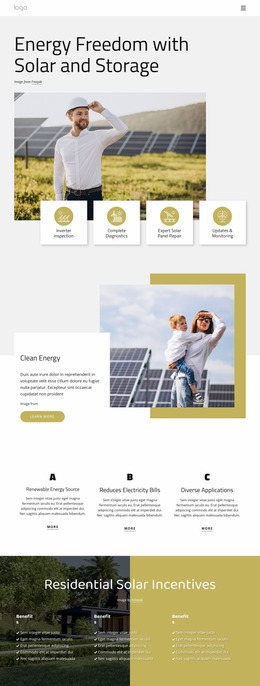


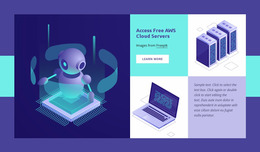

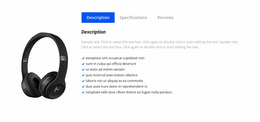
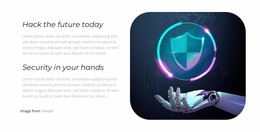



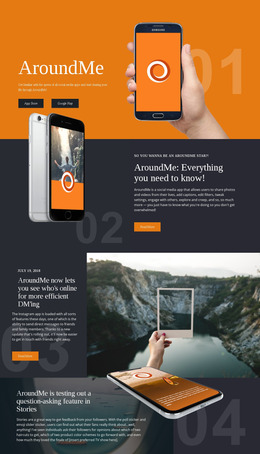
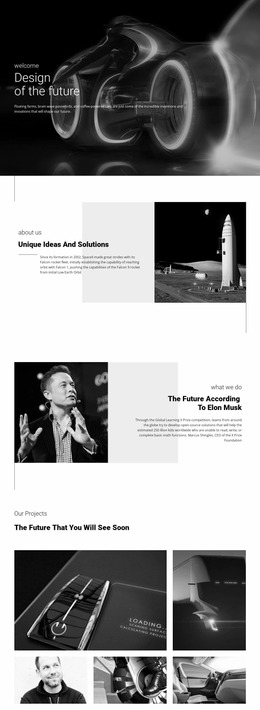
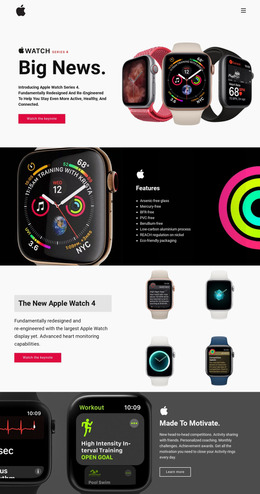
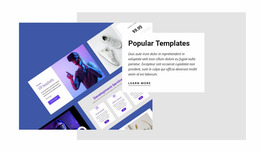


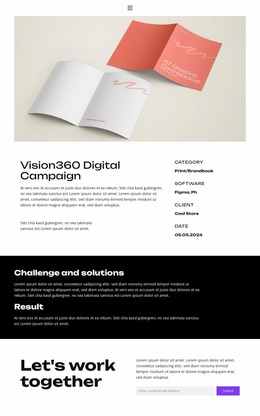
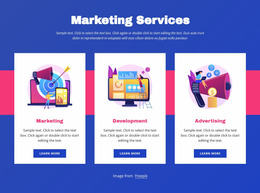
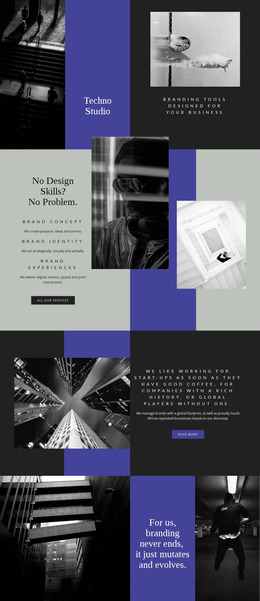
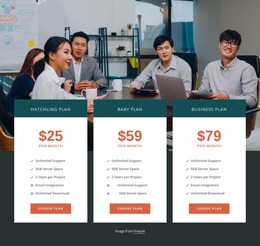
Modern Technology Website Mockups for Software and Digital Products
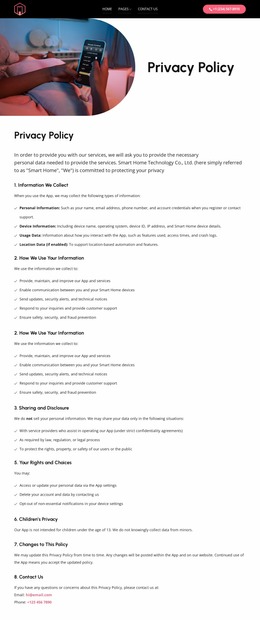
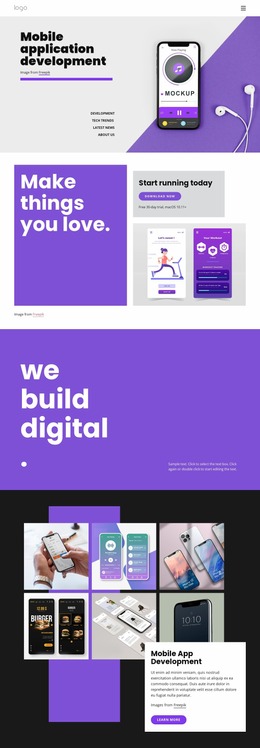
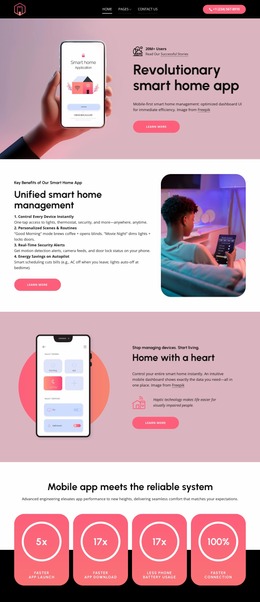
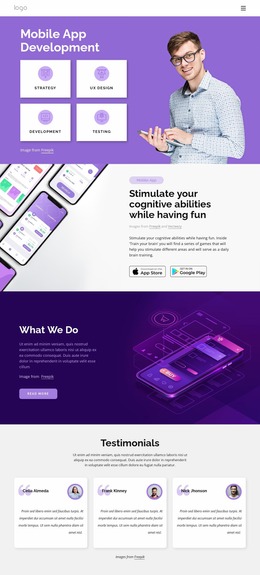
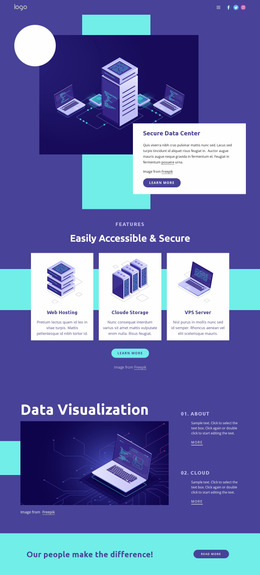
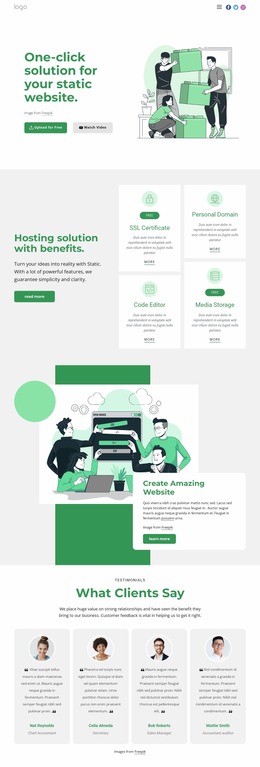
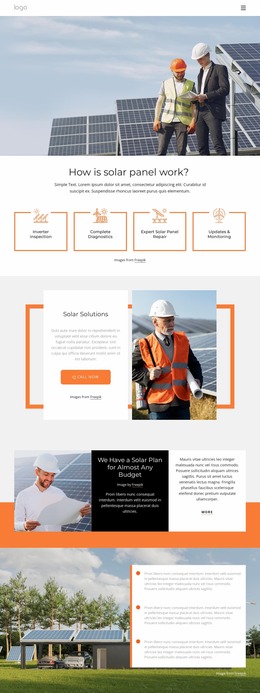
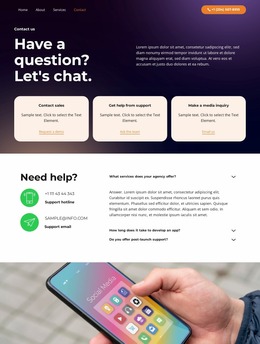
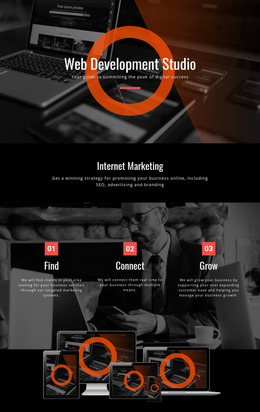
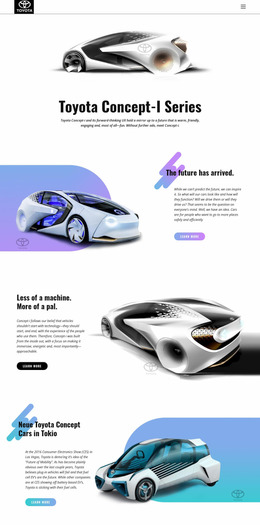
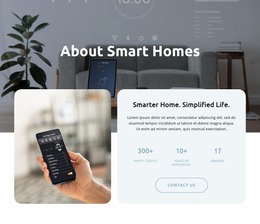
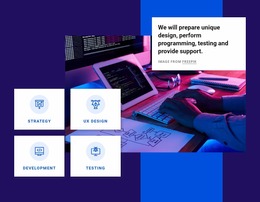
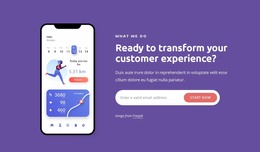
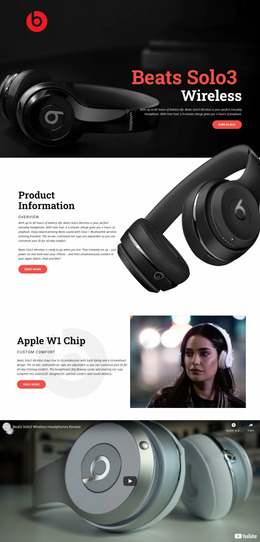
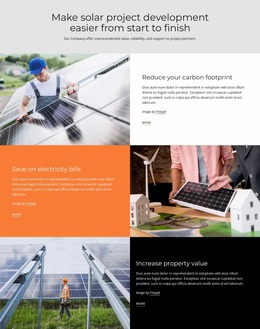
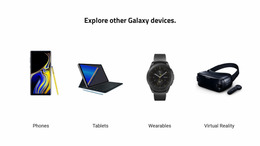
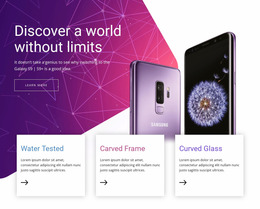
A technology website mockup provides SaaS teams, hosting providers, app studios, and game developers with a structured layout for product value, interface previews, feature groups, and calls to action, so stakeholders can review a single visual concept before code or CMS work begins.
How to Create a Professional Technology Website Mockup?
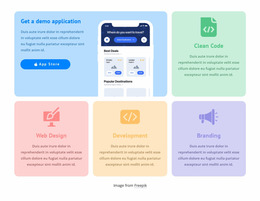
If you present SaaS, map the value proposition and product interface first. Hosting services should prioritize plans, infrastructure, and support. Game studios need clear hierarchy for worlds, updates, and community content. App teams should connect screen previews with feature explanations and user flow.
Nicepage lets you choose a design direction, open it in the visual page editor, and refine the page as a UI/UX prototype. A Python-oriented technology concept can support developer tools, while a hosting website direction fits cloud and server products.
Flexible Features for Technology UI/UX Prototypes
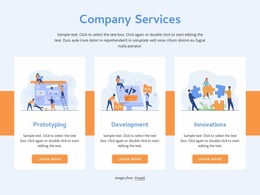
Freehand Drag-And-Drop: place screenshots, diagrams, labels, and content blocks. Grid Repeater: keep feature, integration, or plan cards consistent; the Grid Repeater element repeats layout and styling while each item can hold unique content.
Image Element: add UI captures, device visuals, or product diagrams in supported formats such as SVG and WEBP. Responsive Modes: check the composition across desktop, laptop, tablet, and phone views. Animation Effects: add controlled motion when interaction is part of the concept. Theme Colors and Typography: establish a consistent product identity.
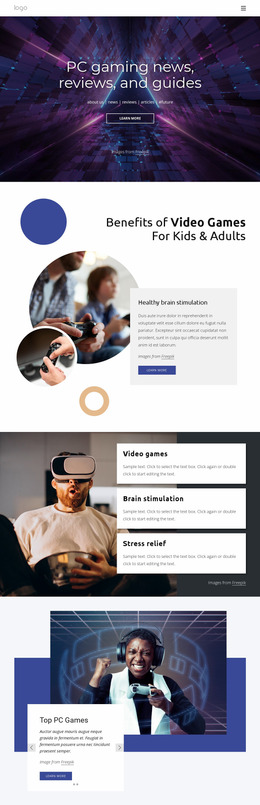
A game platform can test hero art, feature cards, and community sections with a games-focused layout direction. At the same time, a SaaS team can compare alternate product flows without rewriting front-end code.
Clean Mockup Decisions Before Development
Common Mistake: treating a mockup as a polished screenshot with no content logic behind it. The Fix: define the hierarchy first—hero, product proof, feature groups, integrations, technical detail, and conversion points—then style that structure. This makes handoff easier because design intent and content order stay visible together.
Easy-To-Use Technology Mockup FAQ
Can I keep brand colors consistent across a technology mockup?
Yes. Nicepage Theme Colors in Site Settings apply a shared Color Scheme across project pages, which helps product and marketing concepts stay aligned.
Are there ready-made elements for technology prototype pages?
Yes. Nicepage provides pre-designed Elements and Blocks that you can place on the visual canvas, including text, images, forms, grids, and sliders.
How can I keep a mockup fast when it includes many product images?
Use compressed media, WEBP images where appropriate, and lazy loading as the concept moves toward a working page. Nicepage includes Image Lazy Loading to load images gradually during page scrolling.
What is a practical way to prototype repeated software feature cards?
Use the Grid Repeater Element. Design a single-item structure, then reuse its styling and positioning for integrations, capabilities, plans, or modules, while each card keeps its own unique text and imagery.
Can a technology mockup compare two page directions before development?
Yes. Duplicate or adapt the concept to test different content orders, interface emphasis, or CTA placement, then use the preferred direction as the basis for handoff.
No-Code Control from Concept to Handoff
A technology mockup should help the team decide what the finished site needs before implementation creates extra work. Select a concept, shape the hierarchy in the no-code site builder, compare responsive views, and refine the visual system. Start for free, then move the approved project toward the publishing or export workflow supported by Nicepage.





















































