
FAQ Website Mockups


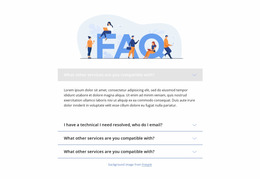
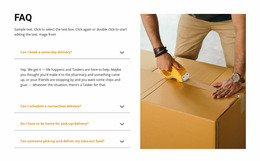
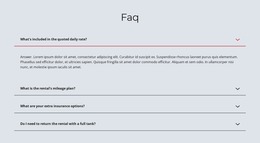
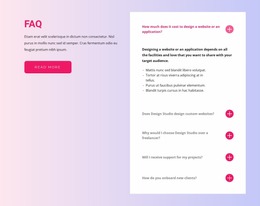

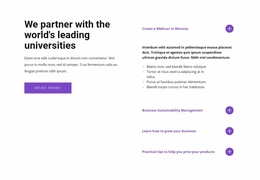
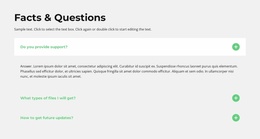
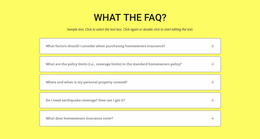
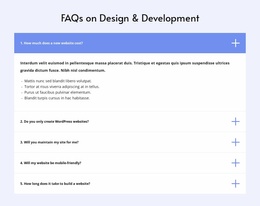
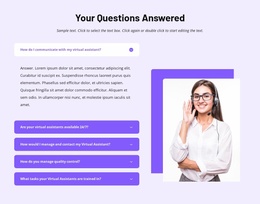
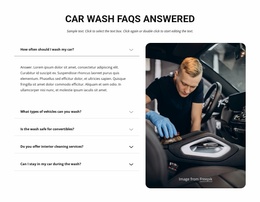

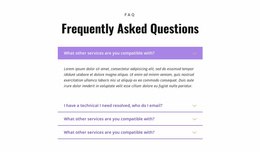
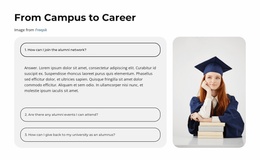
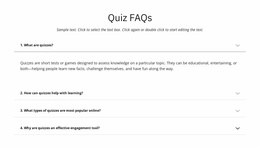
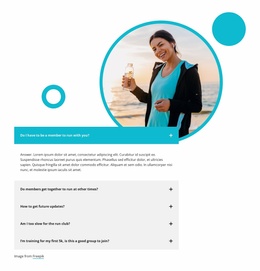
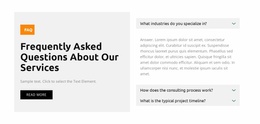
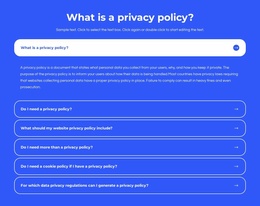

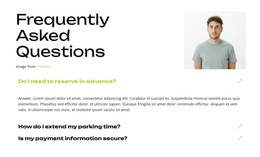
Modern FAQ Website Mockup Templates for Comparing Answer States Across Screens
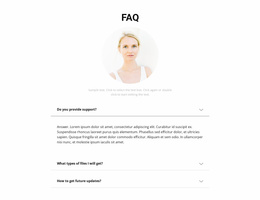
A FAQ mockup can look tidy when every answer is collapsed, then become an awkward wall of text after two questions open. Compare both states before settling on the design.
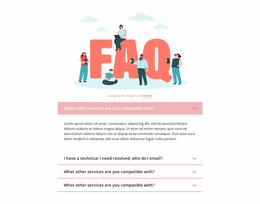
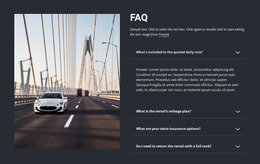
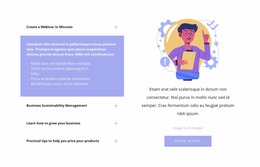
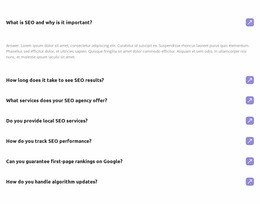
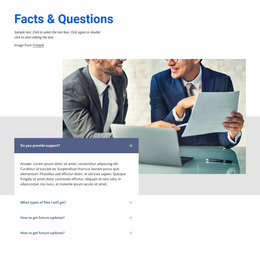
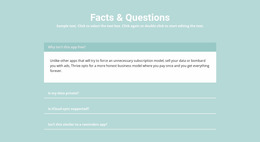
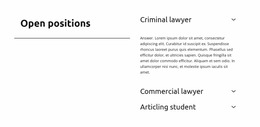
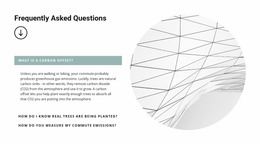
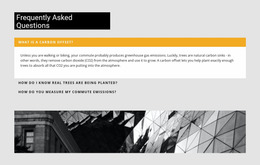
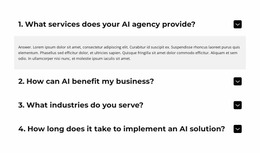
FAQ Website Mockup templates help assess question rows, open-answer space, and how the section fits into a larger screen composition. A section-only mockup isolates the component; a full-page view reveals whether it competes with headings, navigation, or neighboring content. Neither static view alone proves that interactions work.
What Should a FAQ Website Mockup Show?
Useful FAQ website mockup templates let you compare what a visitor would see, not just how attractive the block looks in isolation.
- Desktop and mobile previews expose different line wrapping, stacking, and visible content density.
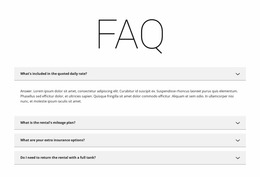
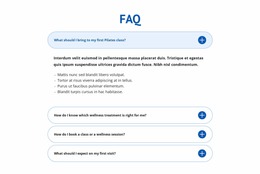
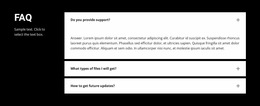
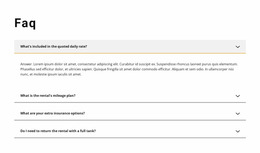
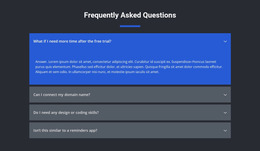
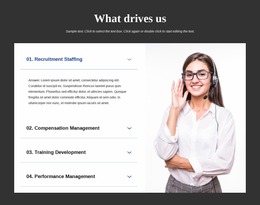
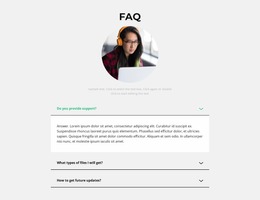
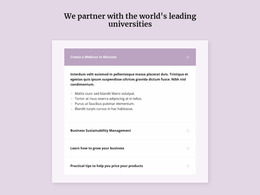
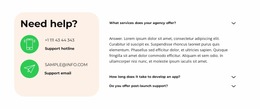
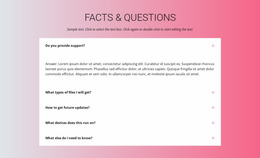
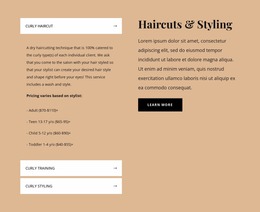
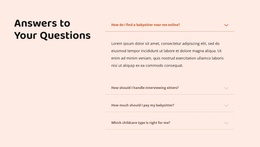
- Collapsed and expanded views show the difference between a compact list and the space required for an open answer.
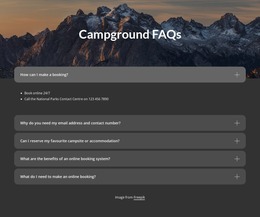
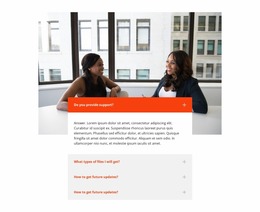
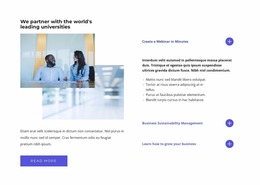
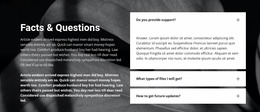
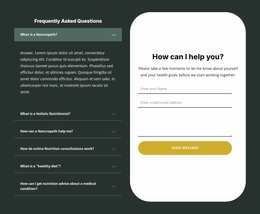
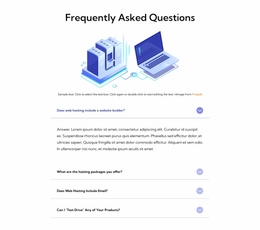
- Full-page mockups reveal how an FAQ fits beside navigation, introductory content, and footer links.
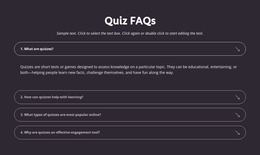
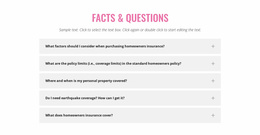
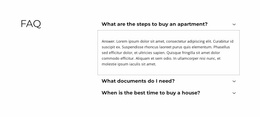
- Section-only mockups make it easier to compare question rows, dividers, and card styles without surrounding distractions.
Use representative questions rather than identical placeholder lines. A mockup can expose cramped layouts, but a static image alone does not prove the interaction works.
Compare Section-Only and Full-Page Mockups
Use a section-only view to compare the shape of question rows, closed versus expanded panels, and the visual hierarchy within the FAQ itself. A full-page mockup reveals whether the FAQ competes with the main heading, nearby content, or footer. A layout can work beautifully in isolation and still look misplaced on the page.
Nicepage's FAQ Element provides expandable rows and Rich Text-based answers to build a real section, distinct from a static mockup. For alternative question-led visual directions, see Question templates.
Review Responsive FAQ Mockups Across Screen Sizes
A question-and-answer section that looks balanced on desktop may feel crowded on a narrow screen. Long question headings can wrap unexpectedly, and expanded answers may occupy much more vertical space than anticipated.
Nicepage Responsive Modes lets you inspect and adjust layouts for different device views, including desktops, tablets, and phones.
During responsive review, check:
- Question wrapping: headings should remain understandable across multiple lines.
- Answer width: explanations need enough horizontal space for comfortable reading.
- Expanded content: open answers should remain clearly connected to their questions.
- Vertical spacing: adjacent FAQ items should not become visually merged.
The goal is not identical spacing at every screen width, but a recognizable question-and-answer hierarchy in each view.
Choose a Mockup Based on Its Visible States
Compare the fully collapsed layout, one expanded answer, and several expanded answers at the same screen width. Then review the full-page composition: does the FAQ still have a clear position between surrounding elements?
On mobile, compare how the states stack and how much of the surrounding page remains visible. Static mockups help decide composition; they cannot establish whether disclosure controls actually function. That behavior must eventually be checked in the implemented page.
FAQ Website Mockup FAQ
Can I preview expanded and collapsed FAQ answers in Nicepage?
Yes. The Nicepage FAQ Element supports expandable and collapsible question rows. You can review how the answers appear when opened and assess whether their text remains readable within the section layout.
Can I review a FAQ layout on mobile screens in Nicepage?
Yes. Nicepage Responsive Modes let you inspect and modify layouts across supported device views, including tablets and phones. You can evaluate how questions wrap, how answers are spaced, and how readable sections are on smaller screens.
Can a static FAQ mockup confirm that expandable answers work?
No. A static view can show proposed collapsed and expanded appearances, but you must check actual opening, closing, and keyboard behavior on the working page.
Final Visual Approval for an FAQ Mockup
Approve the layout when collapsed and expanded states remain recognizable, the mobile composition is coherent, and the section works both alone and inside the full page. Actual interaction testing comes later; the mockup's job is to settle the visual arrangement.





















































