
350 Nature Website Mockups

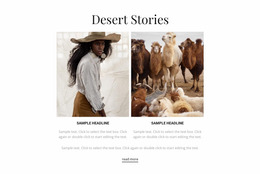
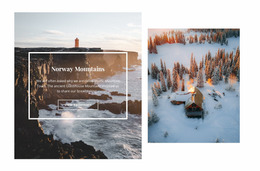
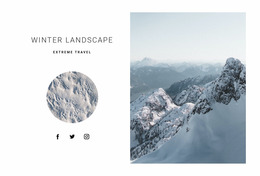
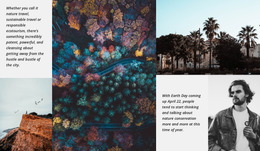



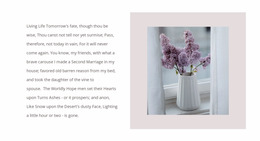
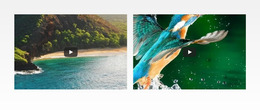
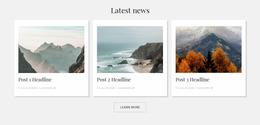
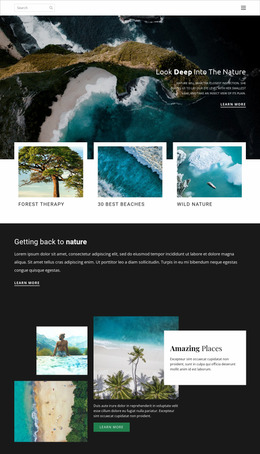


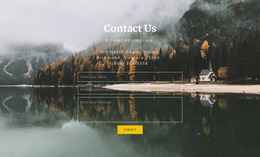
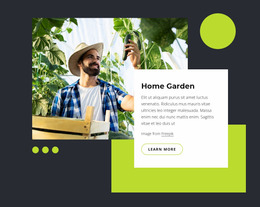
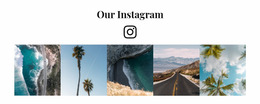
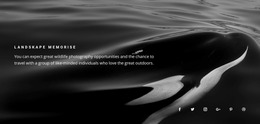

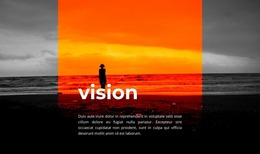
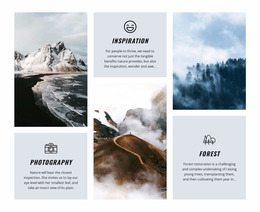
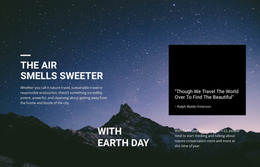
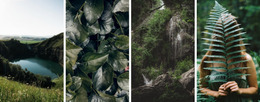
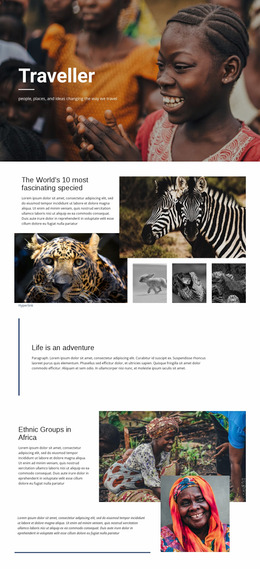
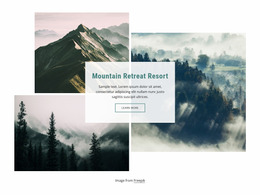
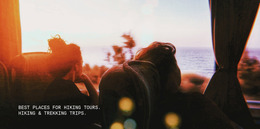

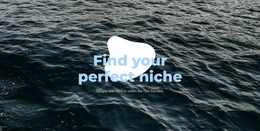
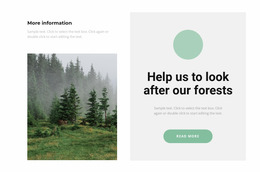
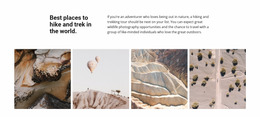
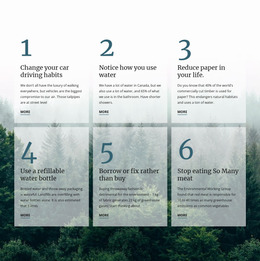
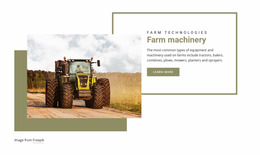
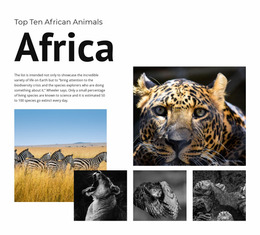

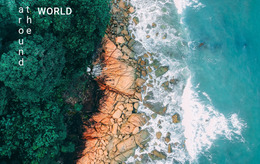
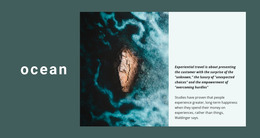
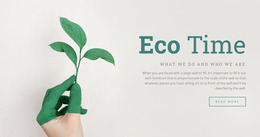
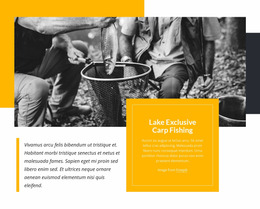
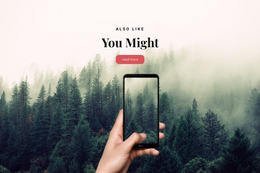
Creative Nature Website Mockup Designs for Environmental Projects
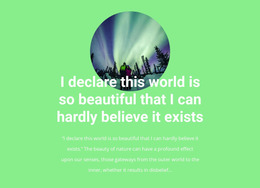
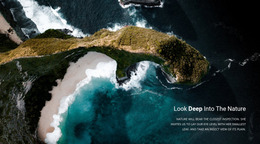
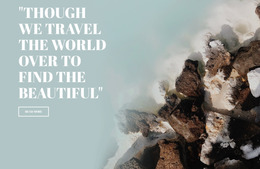
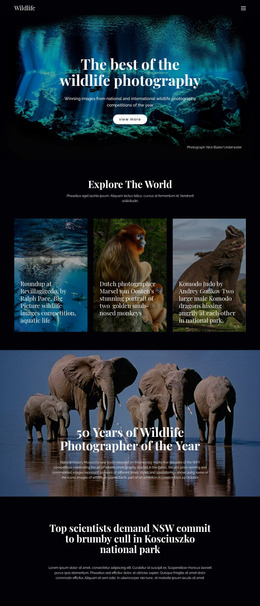
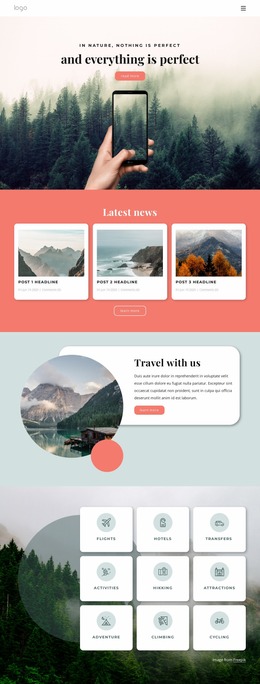
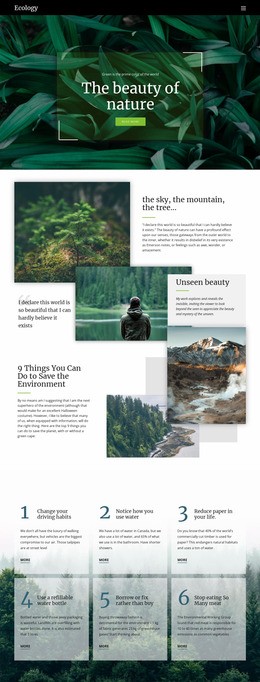
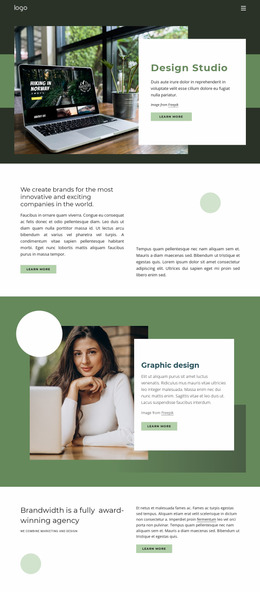
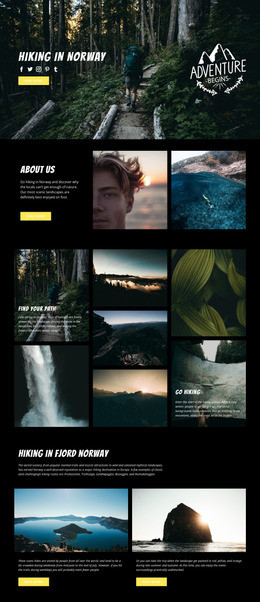
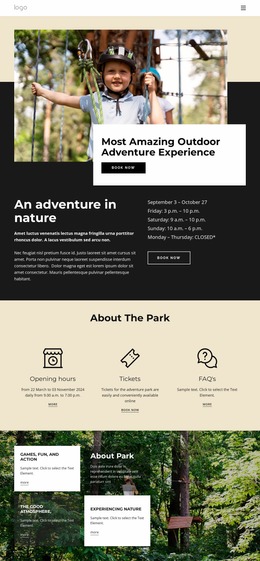
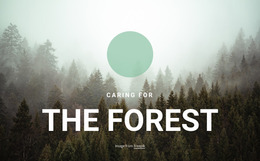
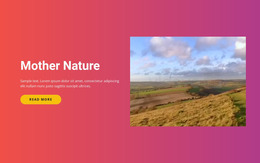
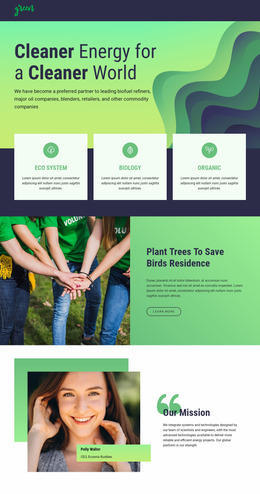
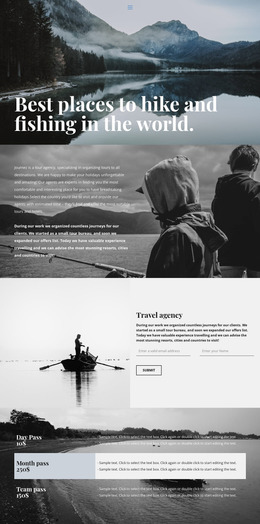
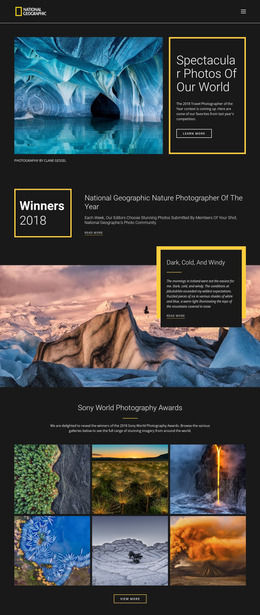
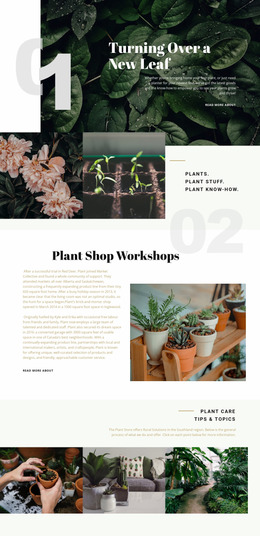
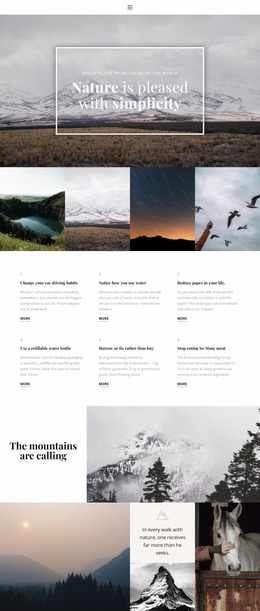
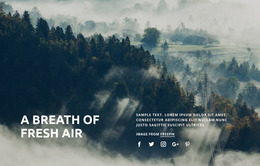
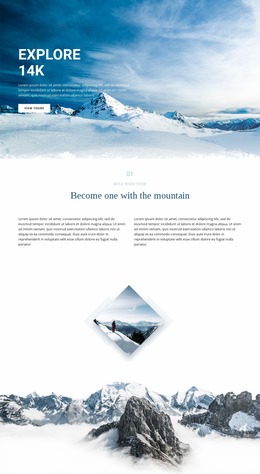
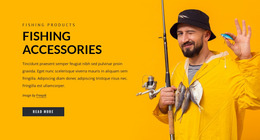
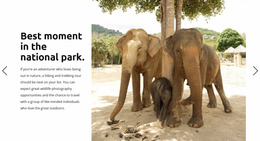
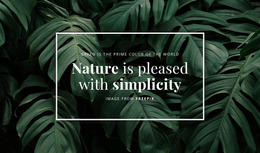
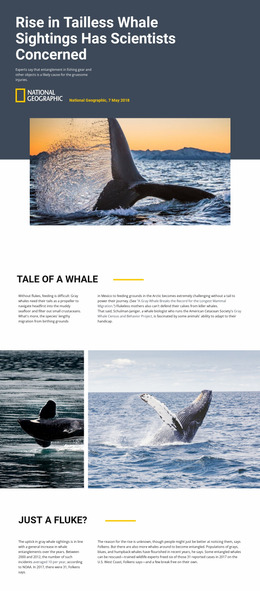
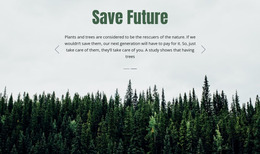
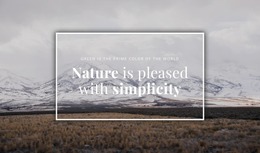
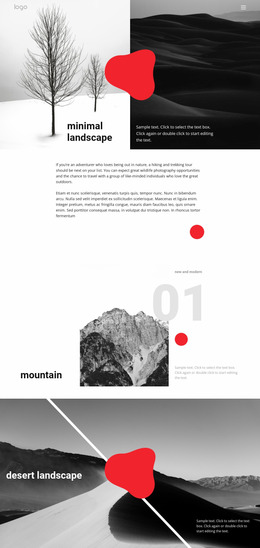
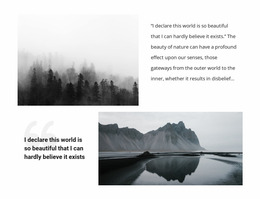
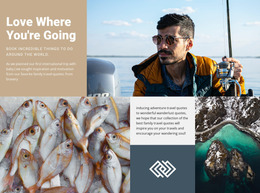
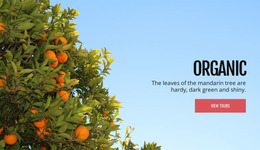
Nature projects often lose clarity when photos, mission statements, field updates, and calls to action compete for space. A nature website mockup solves that problem before development: it sets visual hierarchy, content zones, and mobile priorities for conservation groups, landscape studios, outdoor brands, and eco-tour services.
How to Plan a Unique Nature Website Mockup?
A useful prototype starts with content roles before decoration. Map the concept around:
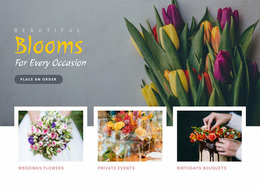
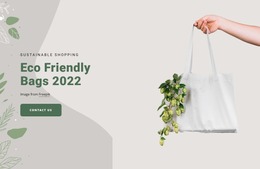
- a clear hero for the environmental message
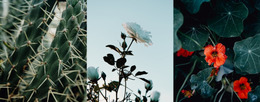
- image zones for landscapes or species
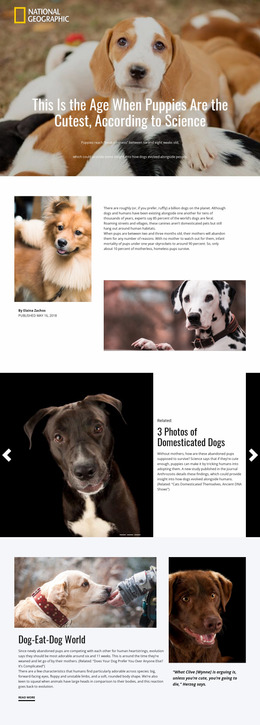
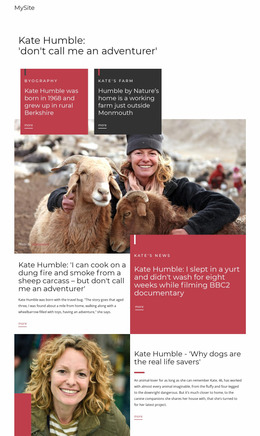
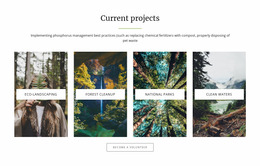
- repeated cards for projects or locations
- mobile-ready hierarchy for calls to action
This gives stakeholders a readable structure before implementation.
A nature website prototype should connect each screen decision to a visitor task. Conservation organizations may foreground campaigns and field reports, while landscape studios need portfolios and service summaries. Broader environment website ideas can help balance education, advocacy, and visual storytelling without turning the mockup into a generic green layout.
Drag-and-drop Features for Nature UI/UX Prototyping
The Freehand Visual Page Editor places text, images, grids, and other elements directly on the visual canvas without code. The Grid Repeater Element can establish a single card style for reserves, trails, habitats, or projects and vary each item; the Grid Repeater documentation explains how repeated items share styling.
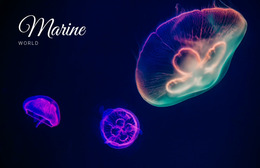
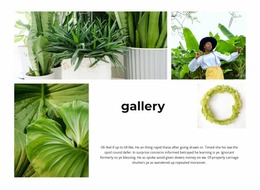
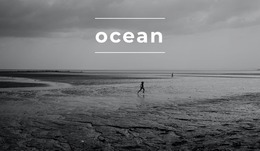
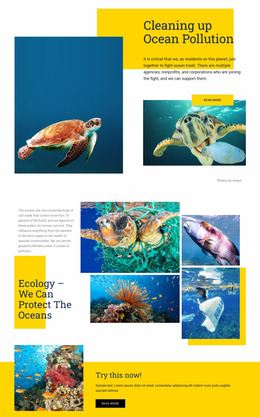
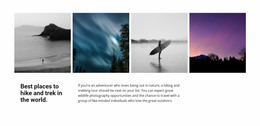
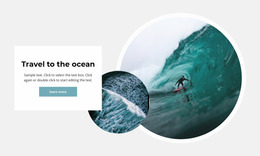
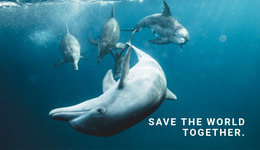
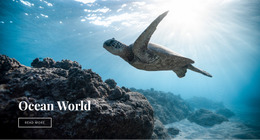
Image Gallery Element can organize wildlife or landscape studies into a visual set, while Expand Image can turn a photograph into a section background. Color Scheme keeps the concept consistent, and Grid in Responsive Modes lets cells adapt across smaller screens. For ocean conservation concepts, sea website references add a focused direction for imagery and hierarchy.
These tools support UI/UX prototyping rather than final-code decisions: test the visual concept, review the structural layout, adjust spacing, and confirm how the mockup reads before production.
Flexible Best Practices for Environmental Wireframes
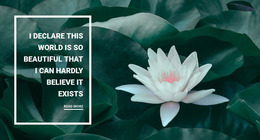
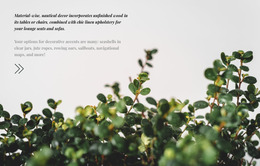
Common Mistake: a nature wireframe can become a collage of large photos with weak content priorities. The Fix: assign each block one purpose, limit competing focal points, and use Site Colors to keep the palette consistent. Floral design concepts can guide botanical projects where plant detail needs a stronger role.
Simple Nature Prototype Questions
Can I start a nature mockup from pre-designed elements and blocks?
Yes. Nicepage provides pre-designed Elements and Blocks that you can place on the visual canvas and adjust for a nature concept.
Can I keep the colors consistent across a nature website prototype?
Yes. Theme Colors in Site Settings apply a global Color Scheme across pages in the Nicepage Project.
Do I need a developer to prepare a nature prototype?
For most projects, no. Nicepage supports advanced layouts and effects without coding; developer help is mainly needed for complex, non-standard logic.
Can a nature mockup use full-width landscape photography?
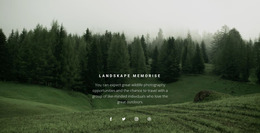
Yes. Use Expand Image to turn an image into a background with one click, then collapse it back to a standard image if the composition changes.
Easy-to-use Nature Mockup Workflow
A vague visual idea is hard to review with a team or client. Choose a nature concept, open it in the visual design canvas, and shape a concrete nature wireframe with responsive priorities under your control. Start with a free nature mockup, refine the blocks, then carry the approved direction into HTML export or online publishing when production begins.





















































