
Social Website Mockups

















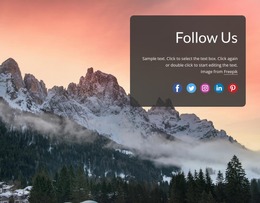





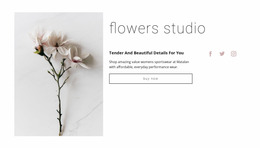

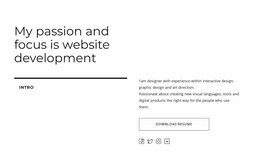
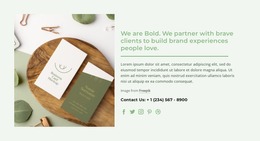
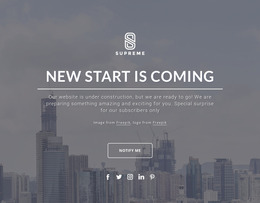






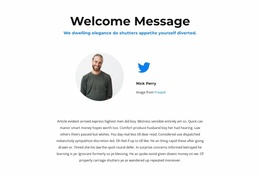
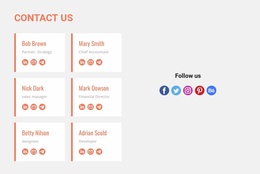
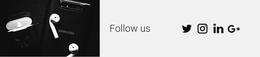
















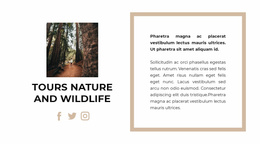
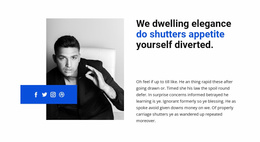

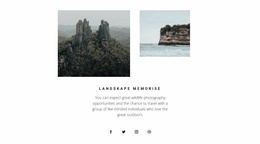
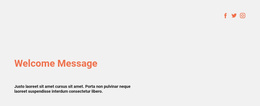

Modern Social Website Mockup for Visual Layout Review
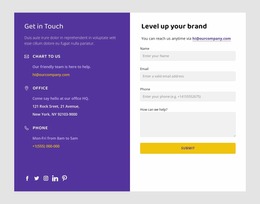
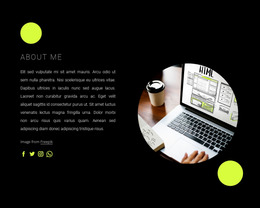
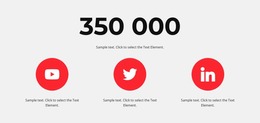
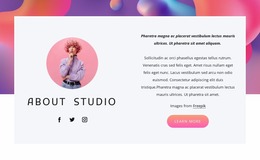
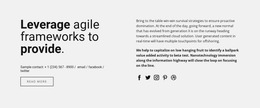
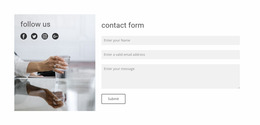
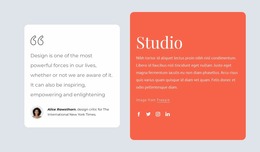
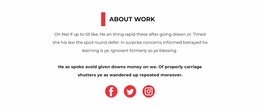
A Social Website Mockup helps evaluate how external social connections read as a visual section before or during implementation. Instead of judging icons in isolation, review profile links, handles, follow or share prompts, spacing, and supporting copy together to see whether the block communicates its purpose clearly.
What Should You Review in a Social Website Mockup?
The mockup should make the social or community experience easy to evaluate visually before or during implementation. Depending on the project, that may mean reviewing a compact external-link section or a profile, feed, community, or member-facing screen.
Review elements such as:
- profile identity and whether key member information is easy to scan;
- feed density and the relationship between repeated cards, media, and actions;
- community navigation across profiles, groups, discovery, or account areas;
- social icons and external links when they are part of the screen;
- supporting copy and prompts and whether they compete with primary actions;
- spacing and density across desktop and narrower responsive states.
Nicepage's Social Icons Element can support external-network details inside the mockup, while the visual review can cover the broader social/community screen when the project requires it.
Compare Social and Community Screens Visually
Website mockup semantics are about visual evaluation, not automatically defining a wireframe or interactive prototype process. Compare how the same content behaves under different layout conditions before deciding which presentation is clearest.
A useful review can examine:
- whether a feed becomes too dense when cards include media and actions;
- whether profile identity remains clear beside secondary details;
- whether group or community navigation competes with page content;
- whether responsive states preserve the most important member actions;
- whether supporting copy overwhelms repeated UI patterns;
- whether external Social Icons remain appropriately secondary.
For screens that include external links, Nicepage allows the Social Icons Element size and spacing to be adjusted as part of that wider visual review.
Review the Action, Not Just the Visual Motif
A mockup can contain avatars, logos, icons, buttons, and compact metadata at the same time. Evaluate whether each element's action is clear from its placement and label, rather than relying on visual similarity alone. This is especially important on dense profile and feed screens where many small controls appear together.
Compare Social Layouts Across Screen Sizes
Responsive review is part of the website-mockup lens. The aim is to inspect how the Social section's visual hierarchy and content density hold up as available space changes, without assuming the mockup itself provides an automatic prototype.
During screen-size review, pay attention to:
- icon size in relation to the surrounding content;
- spacing between neighboring social platforms;
- the balance between icons and supporting text;
- the readability of handles or follow prompts;
- the overall density of the Social block;
- whether the intended social action remains visually clear.
The best arrangement is not necessarily the one with the largest icons or the most platforms. The section should expose the relevant social destinations while preserving a clear visual relationship between platform identity, supporting copy, and the intended follow or share action.
Social Website Mockup Questions
What Should a Social Website Mockup Show?
It can show the content needed to evaluate a social or community interface visually, including profiles, feed cards, community navigation, member actions, responsive states, and external social links where relevant.
Is a website mockup automatically a wireframe or prototype?
No. For this category, the mockup angle focuses on visual evaluation, responsive review, content density, hierarchy, and layout presentation. It should not be treated automatically as a wireframe or interactive prototype.
Can Social Icons be adjusted in Nicepage?
Yes. Nicepage lets you customize the Social Icons Element by changing its size and the spacing between individual icons. You can also assign social links to added icons, and upload a custom icon when needed.
Review the Social Interface Before Final Placement
Use the mockup to compare how the relevant social or community screen behaves under different visual conditions. Focus on:
- keeping profile identity and primary actions easy to scan;
- checking feed or card density;
- balancing navigation, media, metadata, and supporting text;
- comparing desktop and narrower responsive states;
- keeping external Social Icons secondary when the screen has stronger member actions;
- confirming that the intended interaction remains visually clear.
This keeps the mockup centered on visual evaluation without turning it into a claim about a separate wireframing or interactive prototyping process.






















































