
Real Estate Website Mockups




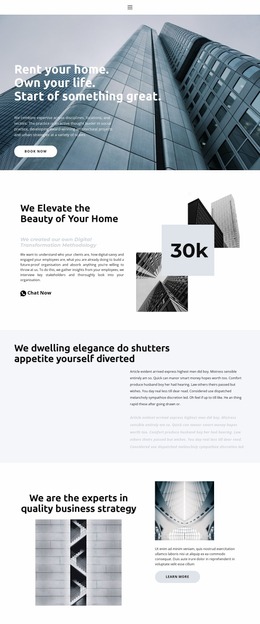
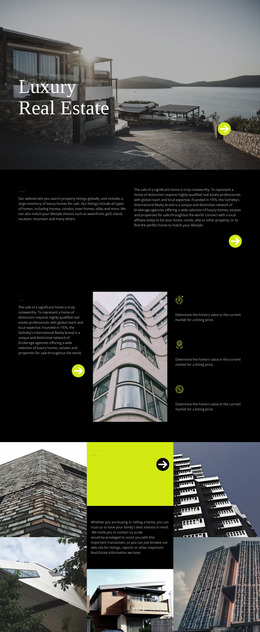

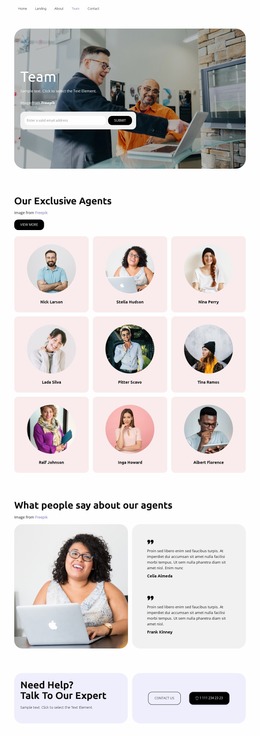
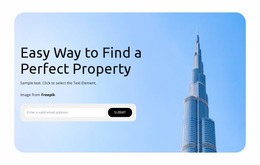
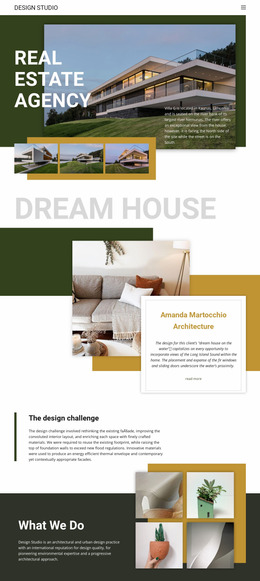
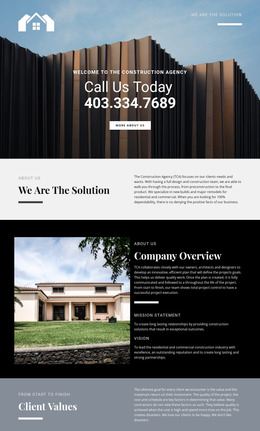

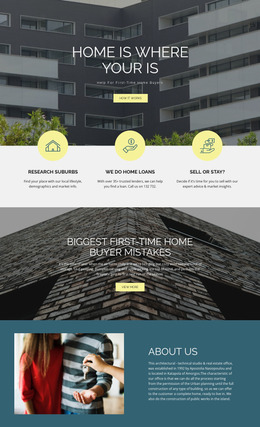


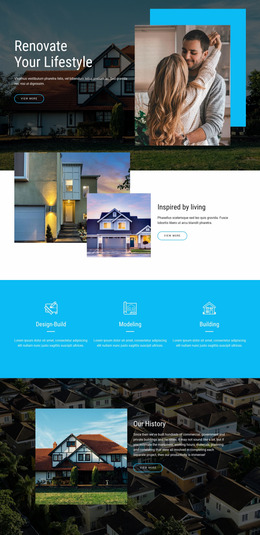










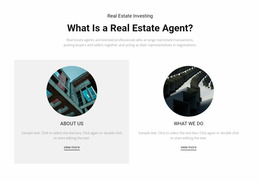





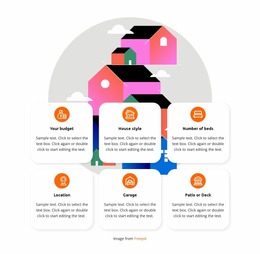





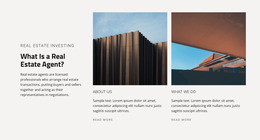


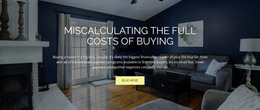
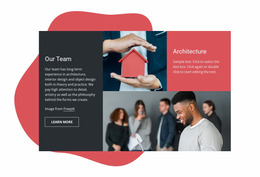






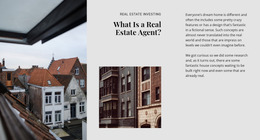
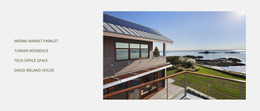


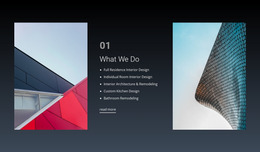
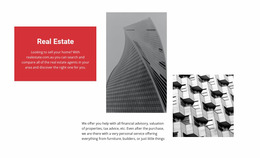
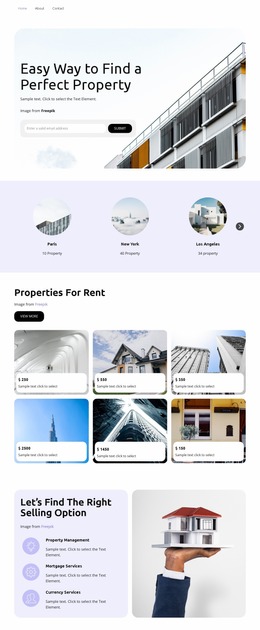






















Unique Real Estate Website Mockup for Property Planning
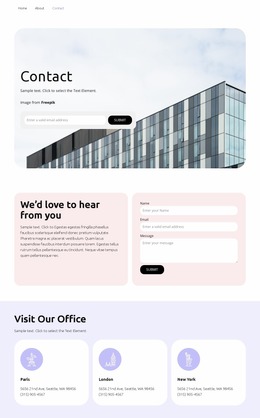
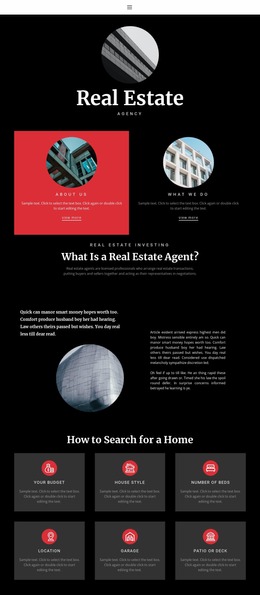
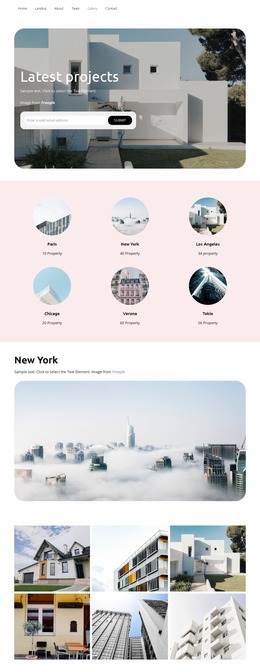
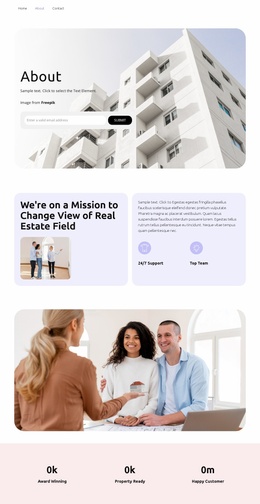
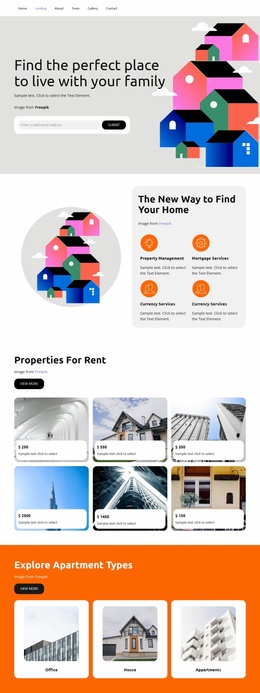
For agencies, brokers, developers, and product teams, a real estate website mockup provides a controlled way to test the experience before production. It can show how users move from a property search to results, open a listing detail page, understand the key facts, and contact the right agent without requiring the final backend or live property feed.
What Should a Real Estate Mockup Validate?
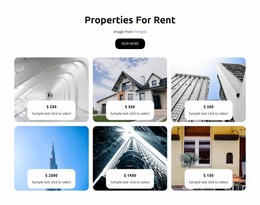
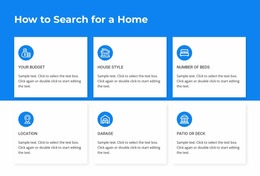
The mockup stage is ideal for questions that are expensive to solve after development. Should filters appear in a sidebar or above the results? How much information belongs on a listing card? Does the detail page keep price, address, status, and agent contact visible enough? Should the mobile version use the same result density as the desktop version?
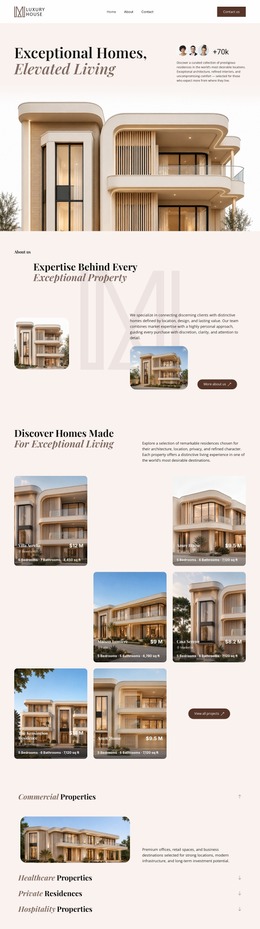
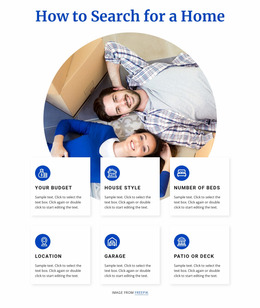
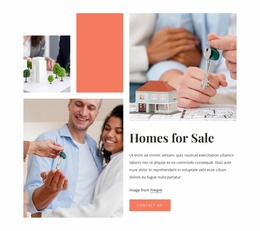
A homes-focused visual direction can help establish the residential tone, while placeholder property data lets the team test real interface density. Use believable prices, addresses, image counts, status labels, and property facts rather than empty gray boxes when comparing variants. That makes stakeholder feedback more specific because reviewers can react to the actual information hierarchy.
The prototype should also show at least one search/results flow and one listing detail view. For a development site, that may become project → unit type → unit details. For an agency, it may be search → filtered results → property → agent inquiry.
Mockup Tasks Before Development Handoff
Instead of filling the prototype with every editor feature, focus on what needs approval:
- Compare two or three variants for the search and filter area.
- Test result-card density with realistic property data.
- Review the listing detail hierarchy, including gallery, price, address, specifications, map, and agent CTA.
- Check whether the mobile version keeps the most important actions easy to reach.
- Confirm the page sequence and reusable components before frontend implementation.
Nicepage can support this work with freehand drag-and-drop editing, reusable Blocks, and responsive views. The Grid Element can help test result-card arrangements; the Grid Element controls support responsive grid behavior. The Box Element can group property image, address, facts, price, and action into a contained composition; the Box Element explains how related elements can share one visual container.
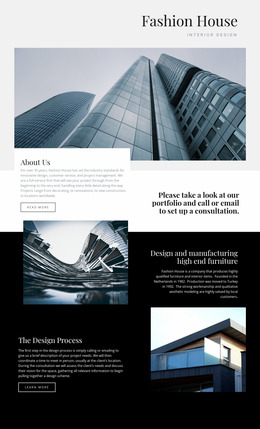
For a premium residential concept, a calm design direction can help convey more restrained spacing and quieter visual emphasis. The purpose of the mockup, however, is not to finalize decoration. It is to make the structure clear enough that stakeholders, designers, and developers agree on what is being built.
From Placeholder Data to Approved Screens
A good handoff should identify the approved page types, component states, responsive behavior, and any unresolved questions. If a search filter has collapsed states, a listing can be sold or reserved, or an agent block changes on mobile, show those states in the mockup rather than leaving them for interpretation.
This approach reduces ambiguity when production starts because the team is not handing over a single attractive homepage. It is handing over a tested property flow.
Real Estate Mockup Questions
Should a real estate mockup include search and results pages?
Yes. If property discovery is part of the final product, the mockup should show the search controls, result cards, filtering states, and the transition to a listing detail page.
Can I use placeholder property data in the prototype?
Yes. Realistic placeholder prices, addresses, statuses, images, and specifications make layout problems easier to spot than generic dummy boxes.
Can I review a real estate mockup on different screen sizes?
Yes. Nicepage supports Responsive Modes for Large Screens, Desktops, Laptops, Tablets, and Horizontal or Vertical Phones, with layouts that can be adjusted for individual views.
What should be included in the design handoff?
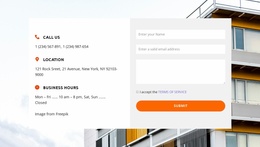
Include the approved page sequence, important component states, responsive decisions, and any notes developers need to understand the intended behavior of search, results, property details, and contact areas.
Approve the Property Experience Before Building It
Use the mockup to settle information hierarchy, page flow, responsive behavior, and component states while they are still easy to change. Once search, results, property detail, and agent contact screens are approved, the same project can move toward final content and implementation with fewer open questions.





















































