
370 Cars & Transportation Website Mockups
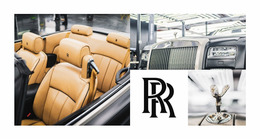
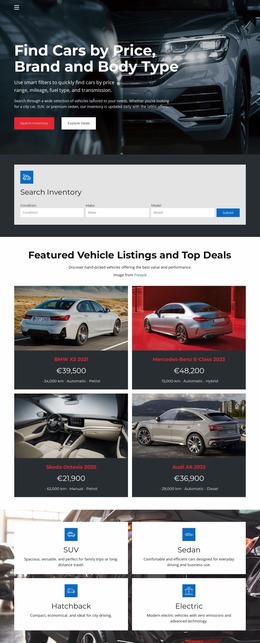
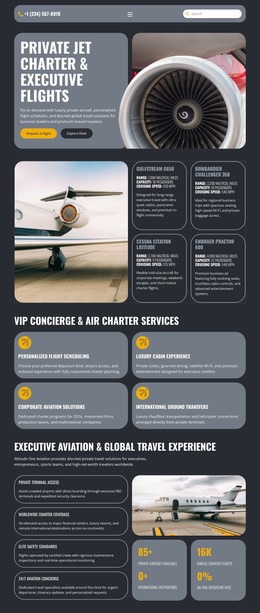
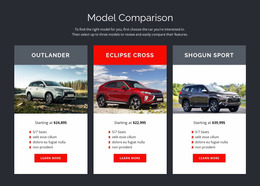
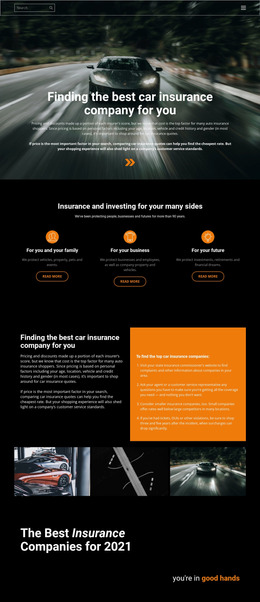
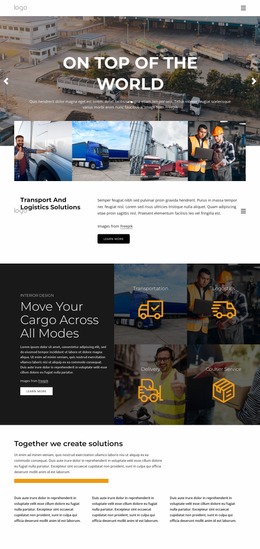
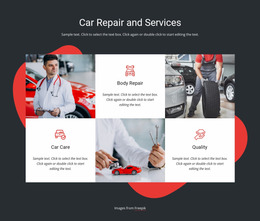
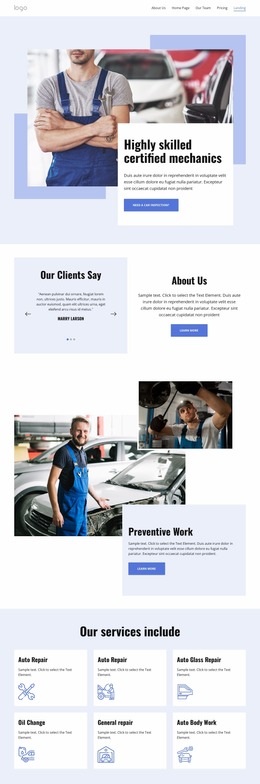
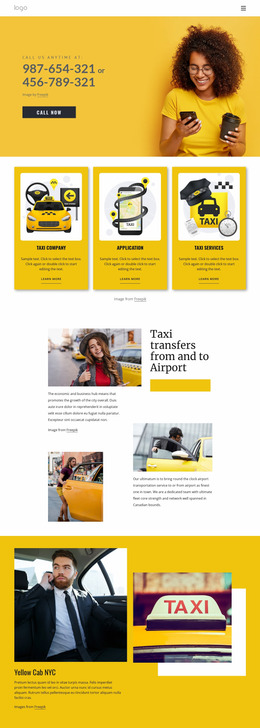

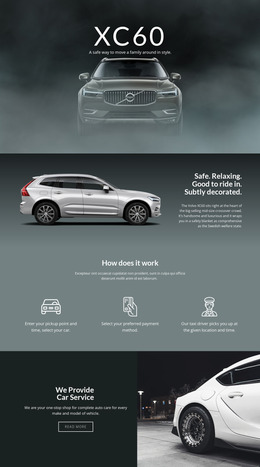
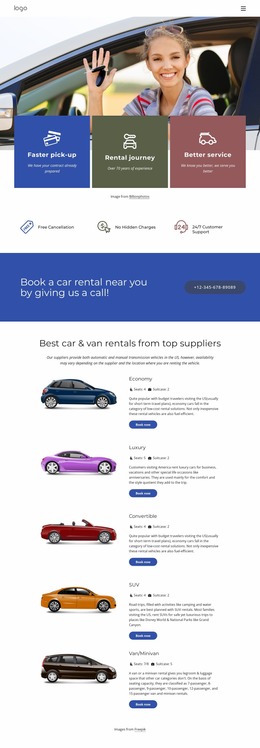
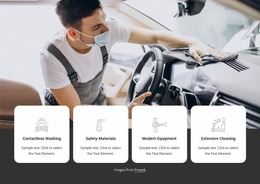
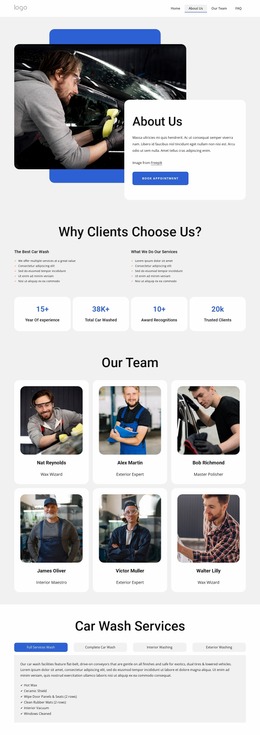
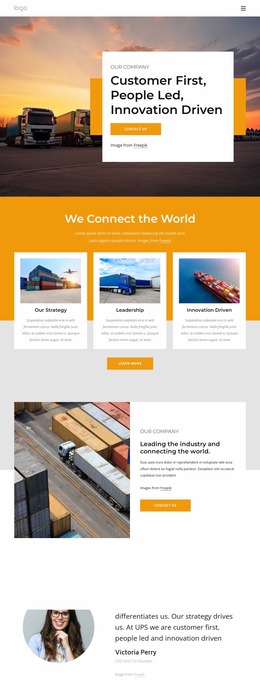
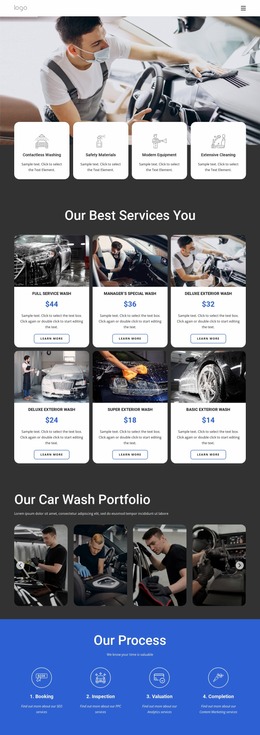

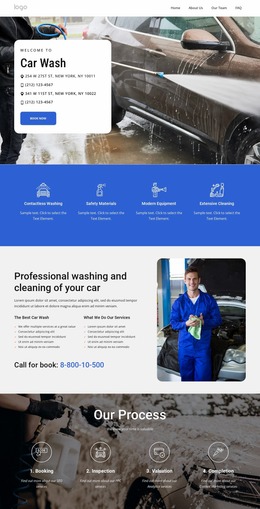
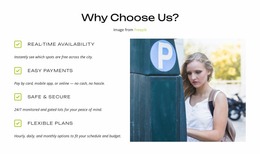

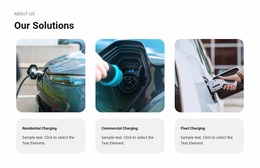
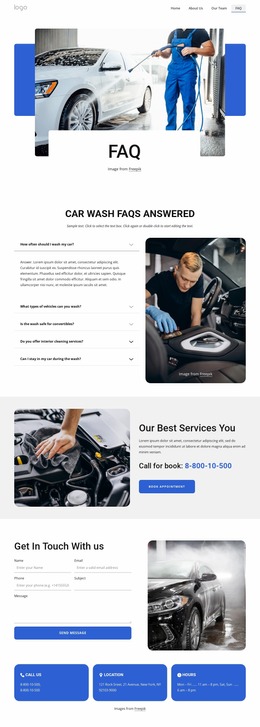

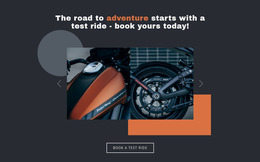

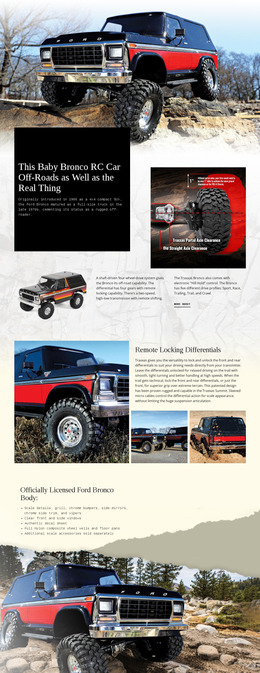
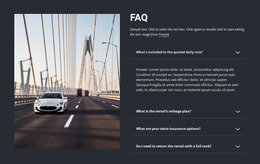
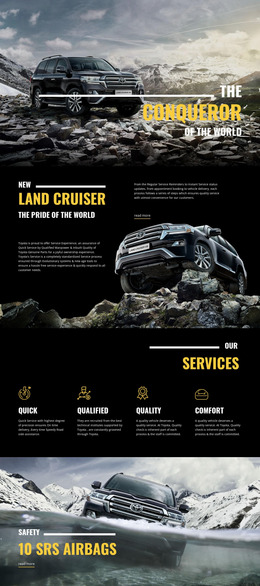

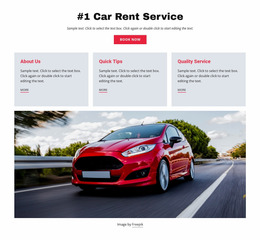
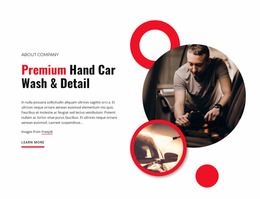

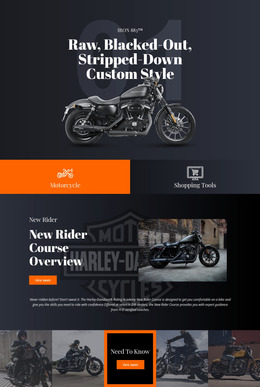
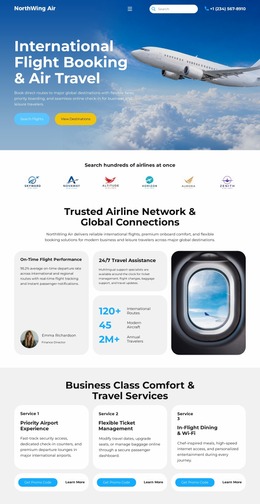







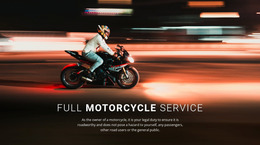


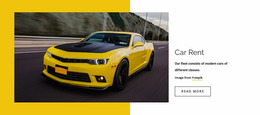
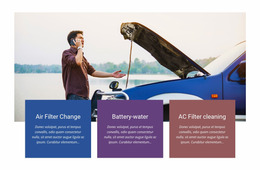

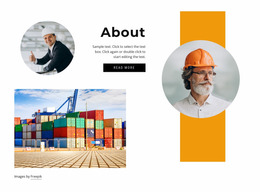

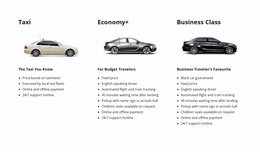
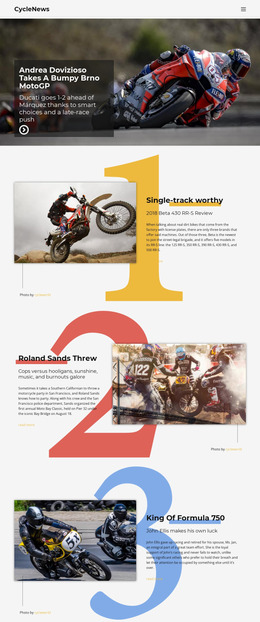


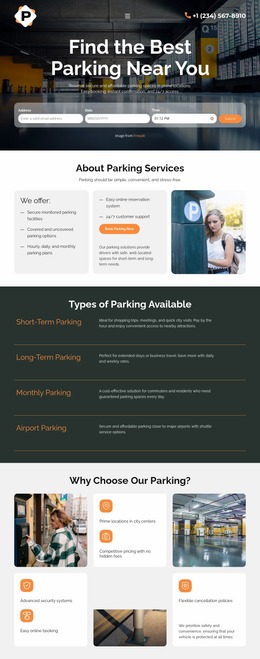


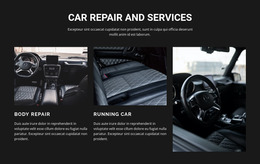
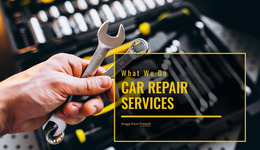





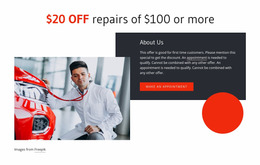
Creative Cars & Transportation Website Mockups
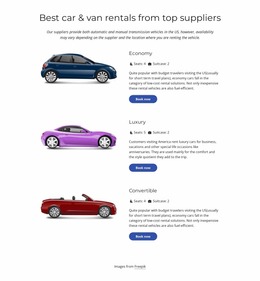
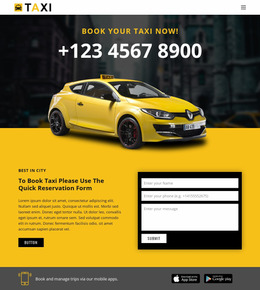
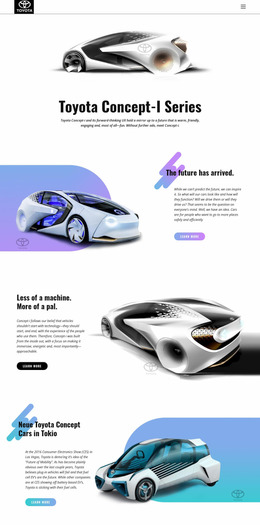
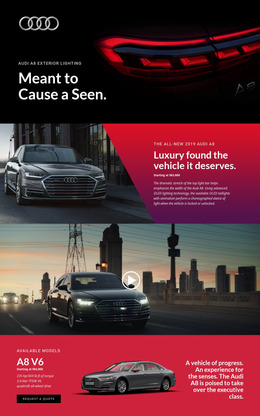
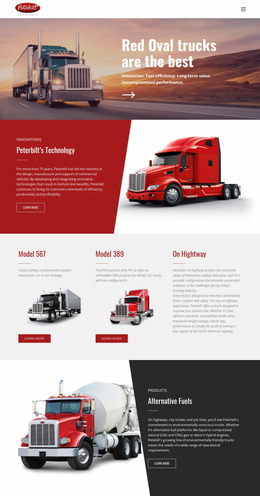
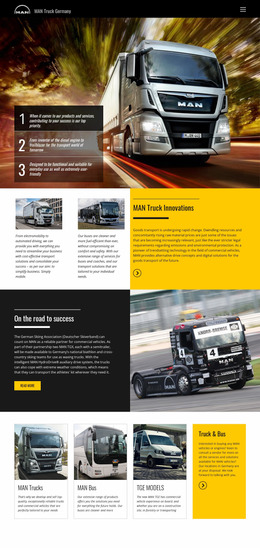
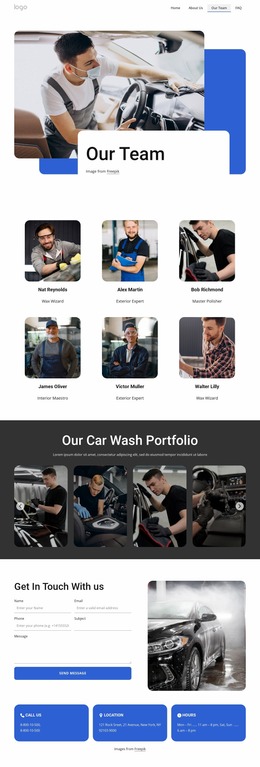
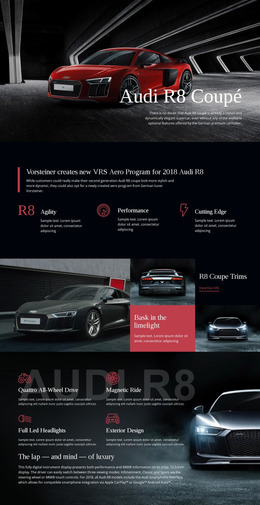
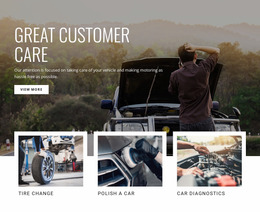
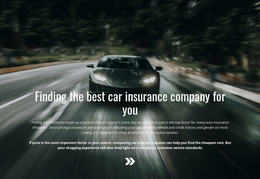
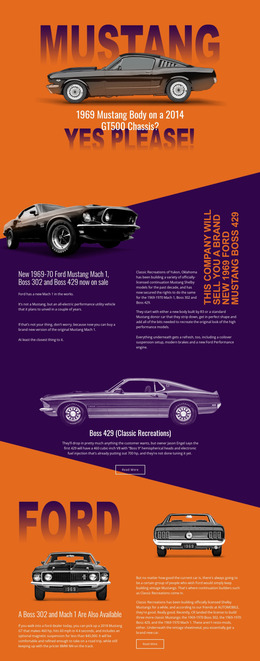
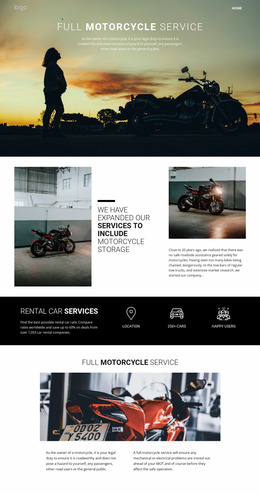
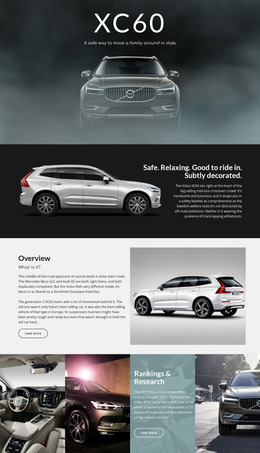
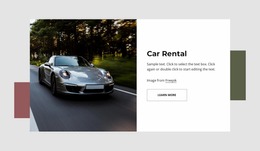
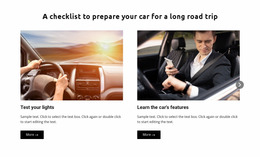
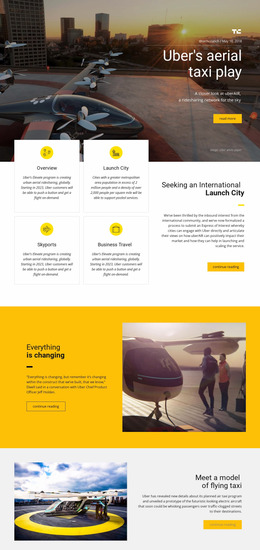
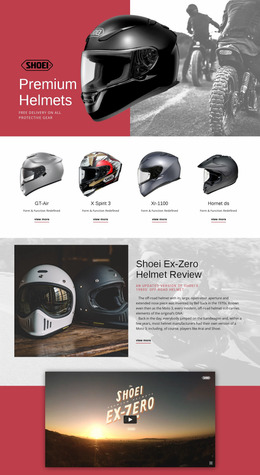
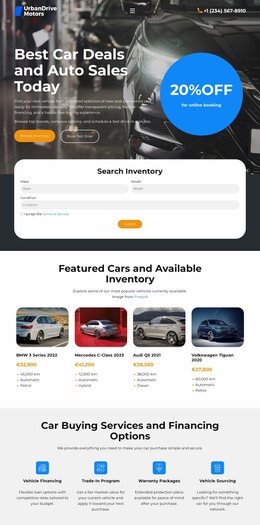
Clear vehicle hierarchy and early stakeholder approval define a useful automotive prototype. A cars and transportation website mockup gives dealers, repair shops, logistics firms, and fleet operators a visual concept for inventory, services, trust cues, and inquiry paths before the final site goes live.
Who Needs a Cars & Transportation Website Mockup?
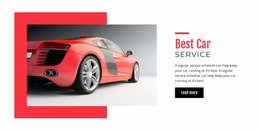
Car dealers: map vehicle cards and inquiry actions. Repair shops: arrange services and booking prompts. Logistics firms: clarify fleet, routes, and quote paths. Transport startups: test brand presentation and lead flow before they commit to the final interface.
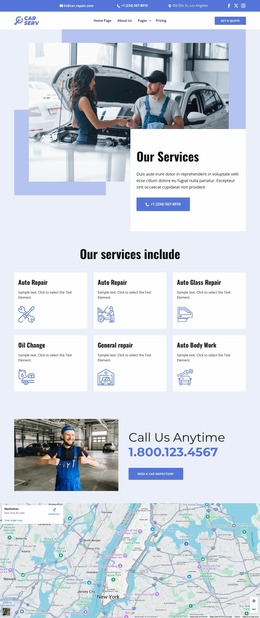
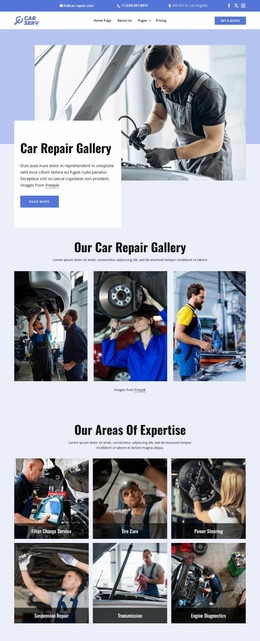
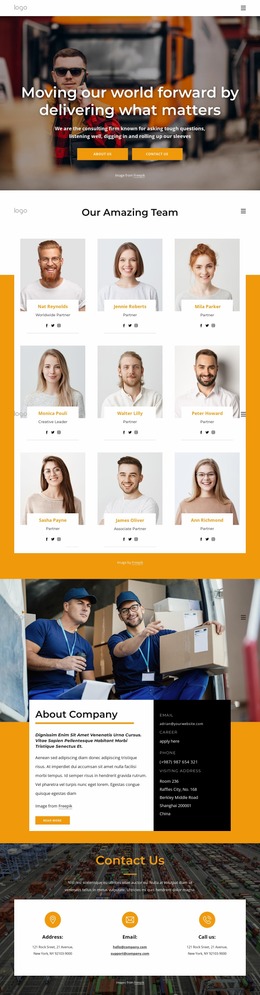
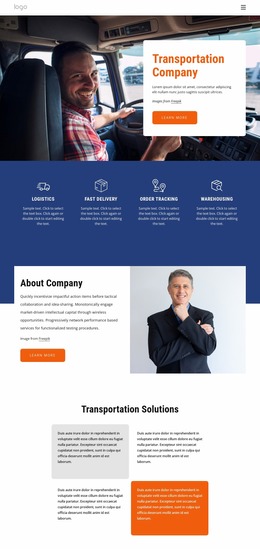
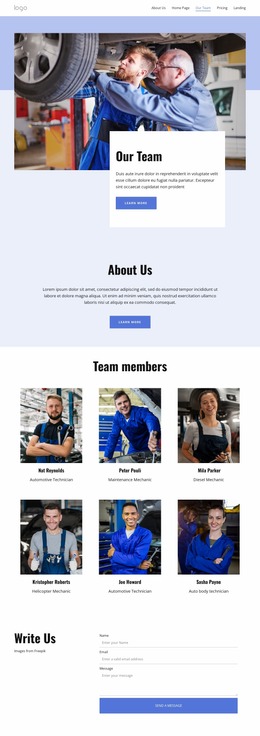
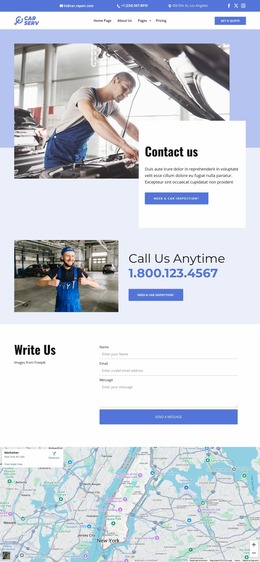
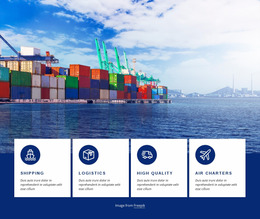
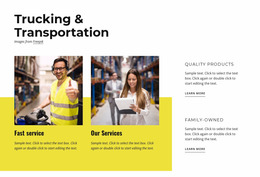
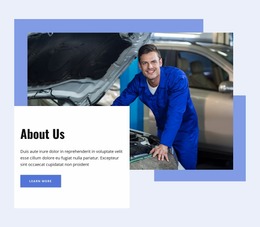
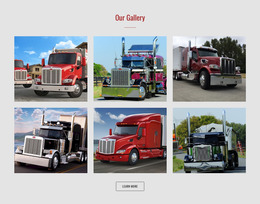
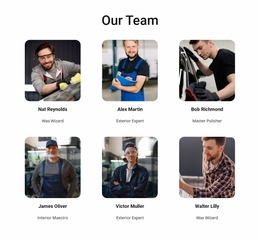
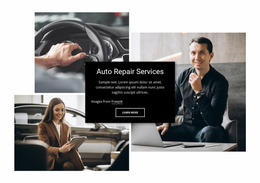
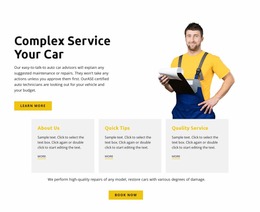
A mechanic business can compare mechanic website ideas while it decides how service categories, workshop photos, reviews, and booking prompts should appear. Logistics teams can use logistics design references to sketch fleet information, coverage areas, shipment services, and quote sections. The mockup focuses on UI/UX prototyping rather than on finished code.
Best Features for Automotive Website Mockups
Use the visual page editor to build a realistic layout from real interface elements.
- Grid Columns establish alignment for vehicle cards, service panels, and text.
- Smart Magnetic Guides help position elements relative to nearby objects and containers.
- Group & Ungroup Elements let related labels, images, buttons, and shapes act as one composition.
- Image Element places vehicle, workshop, depot, or fleet photography into the visual concept.
- Button Element tests call-to-action hierarchy for quotes, reservations, test drives, or service requests.
- Auto-Adaptation for Devices helps supported Grid, List, and Gallery elements adapt across Responsive Modes.
Nicepage documents how Grid Columns support element alignment across a page. That helps when inventory, fleet summaries, and contact panels need the same visual rhythm. Broader cars website references can supply category ideas without changing the prototype's grid logic.
Minimal Prototype Checks Before Development
Common Mistake: a polished desktop concept can hide weak content order or unclear mobile priorities. The Fix: review the wireframe as a user flow, reduce competing actions, verify responsive structure, and share the concept through the Export Page As Image option when stakeholders need a visual review copy.
Mobile-friendly Automotive Mockup Questions
Can I keep brand colors consistent while prototyping a car or transportation website?
Yes. Theme Colors in Site Settings apply a global Color Scheme across the Nicepage Project, so you can test a consistent dealer, workshop, or fleet identity without recoloring pages separately.
Can I change typography globally during an automotive UI/UX review?
Yes. Site Settings include a Fonts Scheme and Typography Styles for the project. You can also modify Typography Styles for individual Responsive Modes.
How can I align vehicle cards and service blocks precisely in a mockup?
Use Smart Magnetic Guides. They appear as you move an element and help it snap relative to other elements and containers, which is useful for repeated cards, labels, images, and buttons.
Customizable Automotive Mockup Workflow Without Code
Ready to test the interface before a developer touches production code?
- Choose a design direction and open it in the Online Builder or Desktop App.
- Shape the layout around vehicles, services, fleet information, reservations, and lead actions; you can start for free.
- Review the visual prototype, refine responsive views, then continue toward HTML export or online publication after approval.
This workflow gives an automotive team direct control over early design decisions and reduces unnecessary revisions before implementation.





















































