
100 Wedding Website Mockups
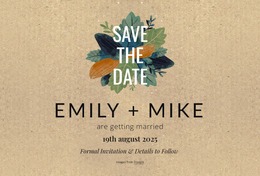
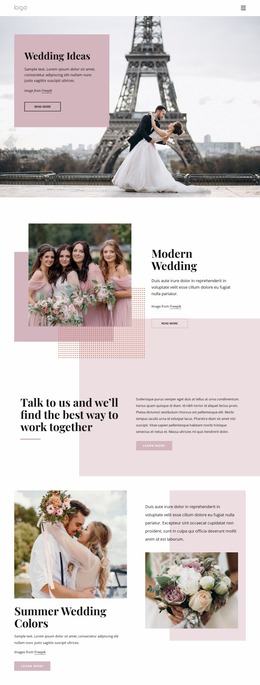
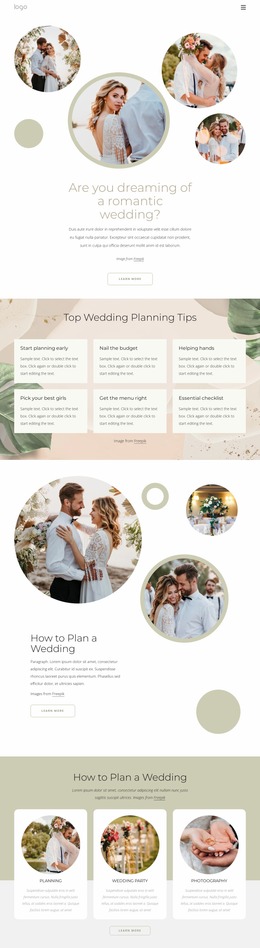
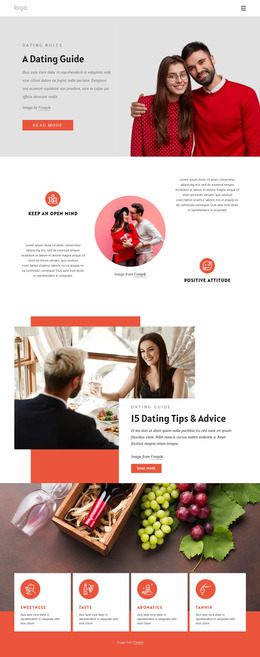



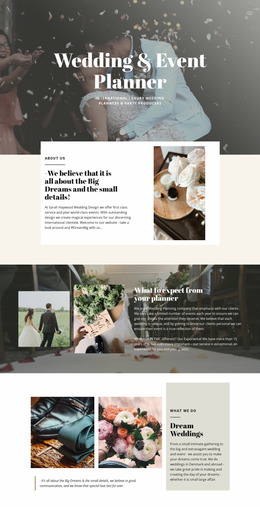
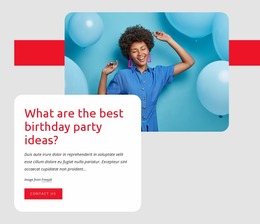
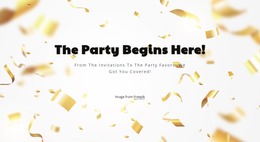
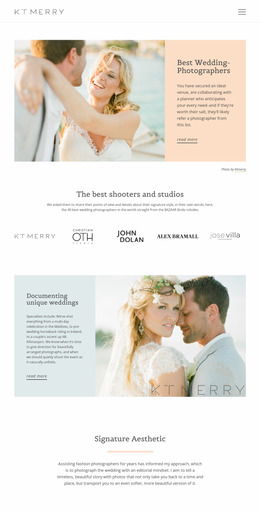

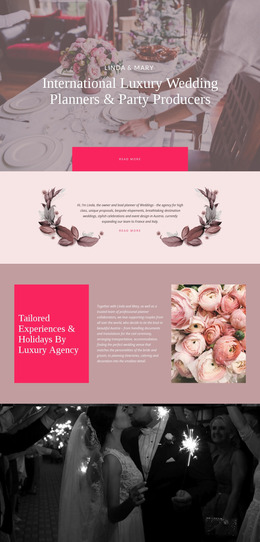
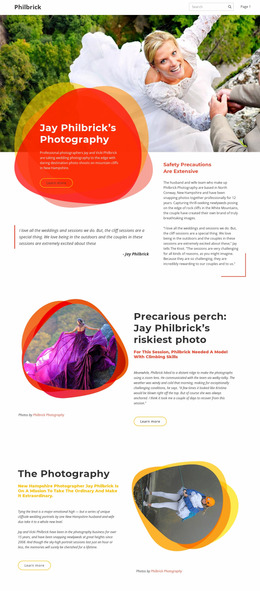
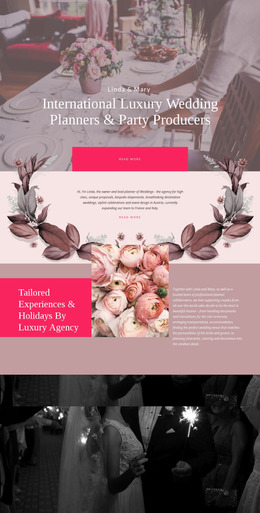
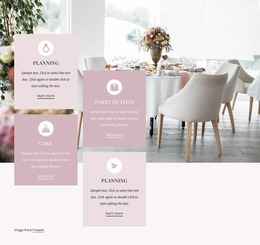
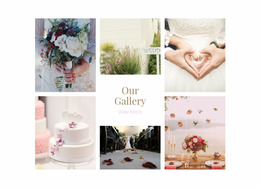
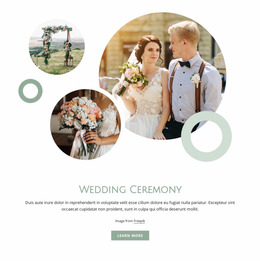
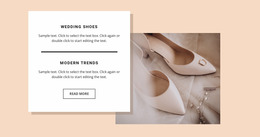
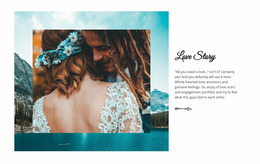
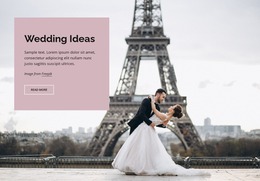
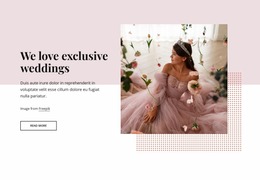
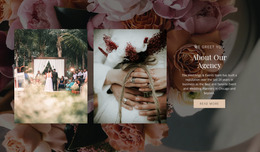
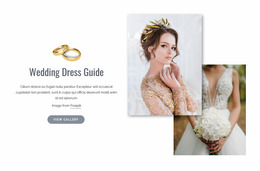
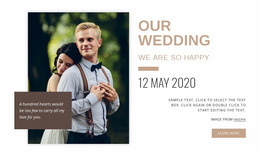
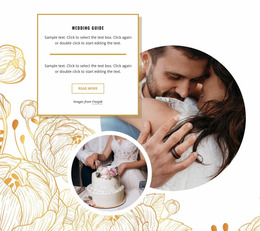

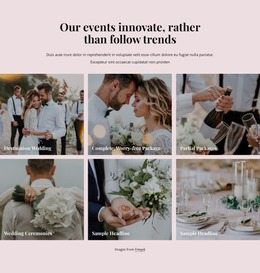
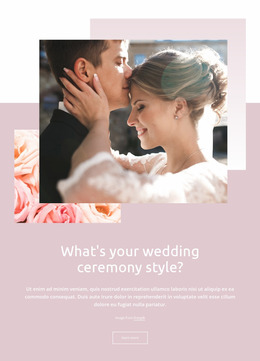
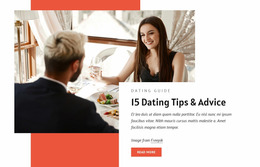

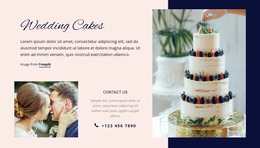
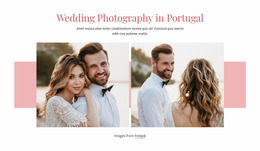
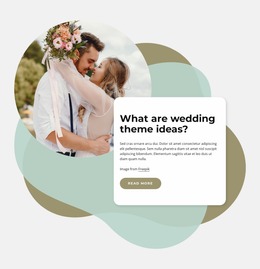
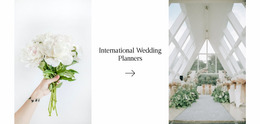
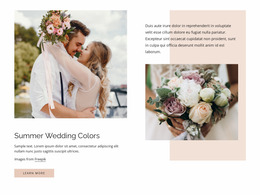
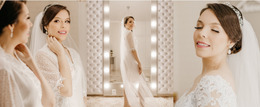

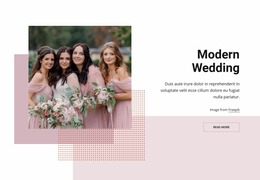
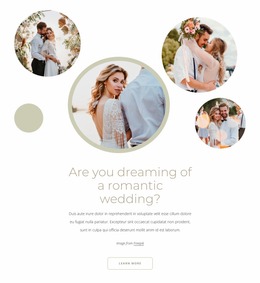
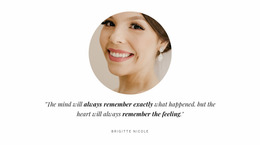
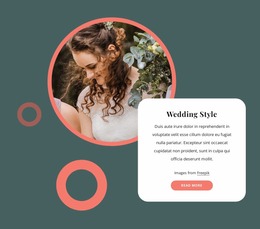
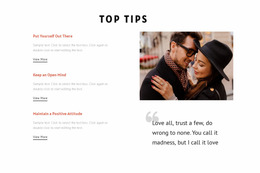
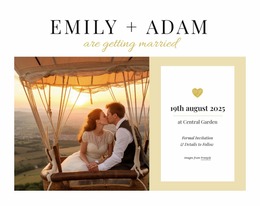
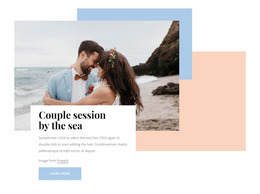
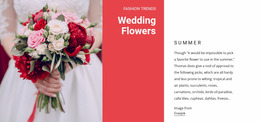

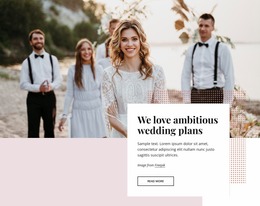

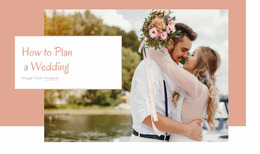

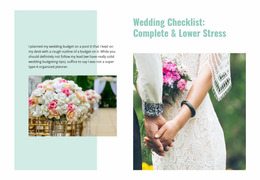
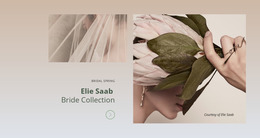
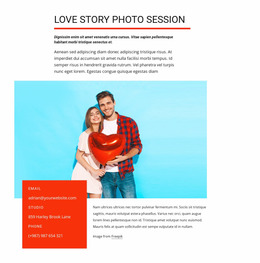
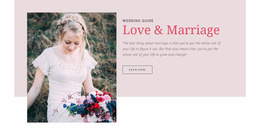
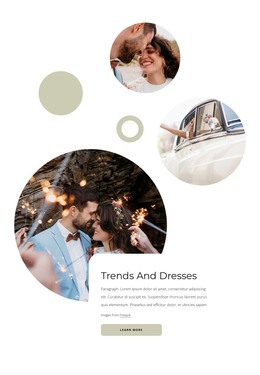
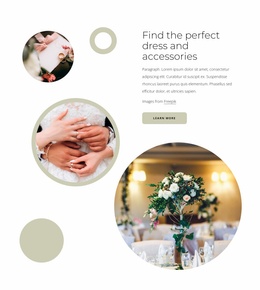
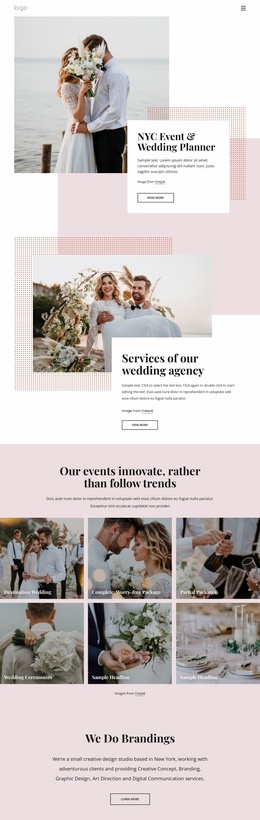
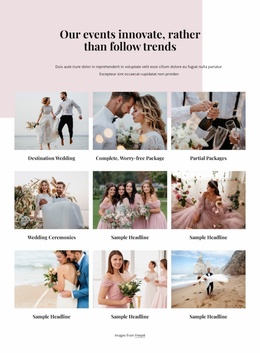
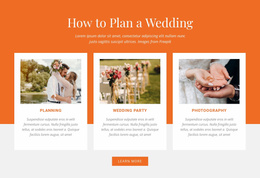
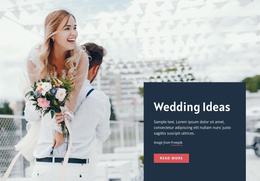
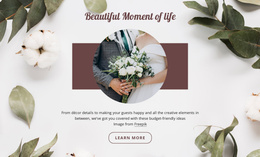
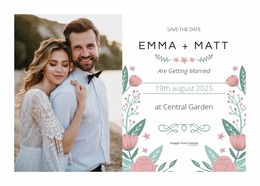
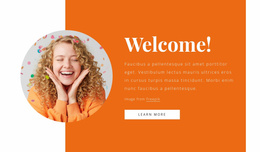
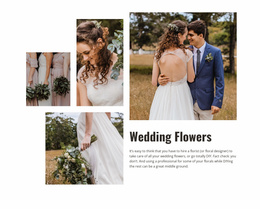

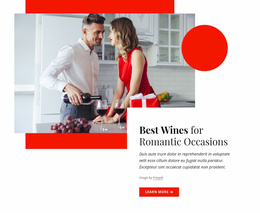
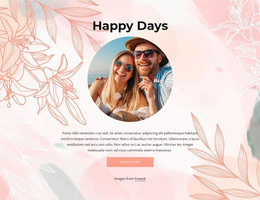
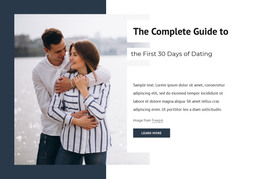
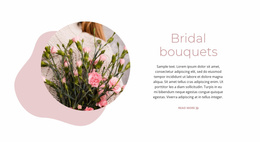
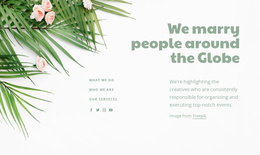
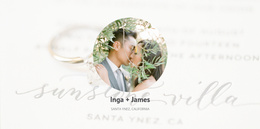
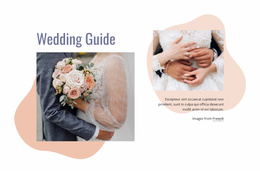
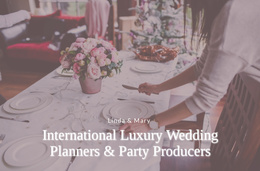
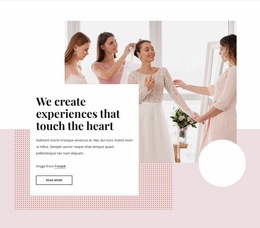
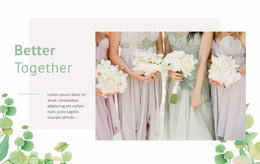
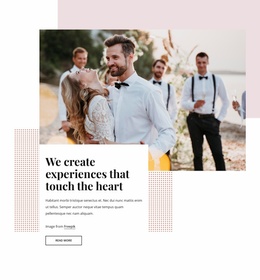
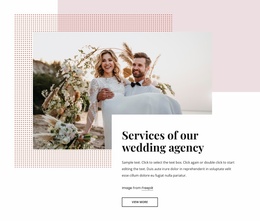
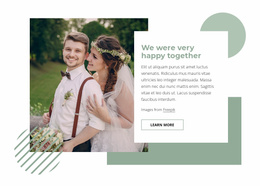
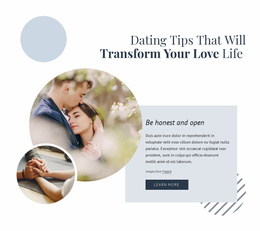
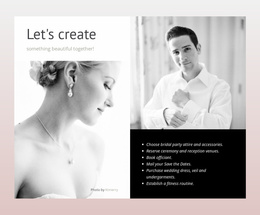
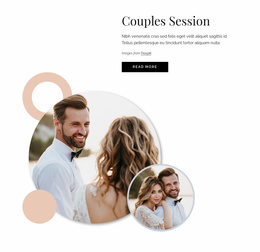
Creative Wedding Website Mockup
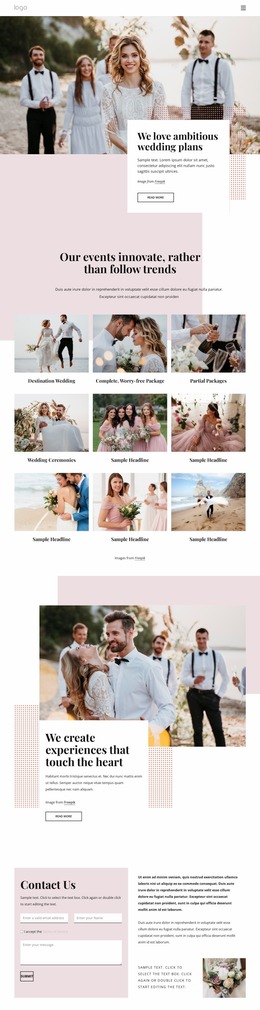
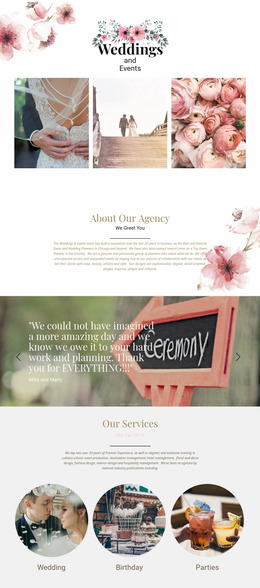
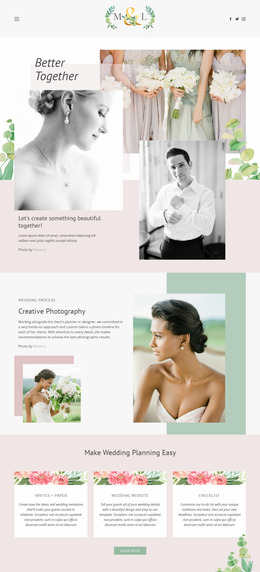
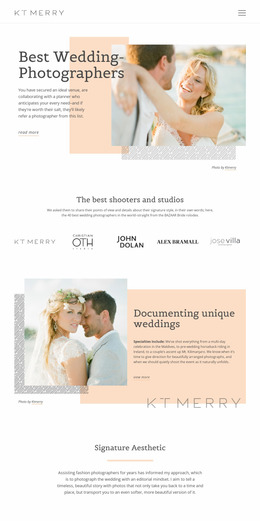
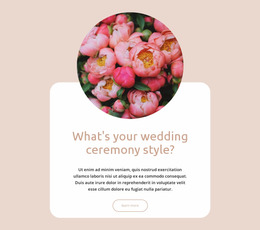
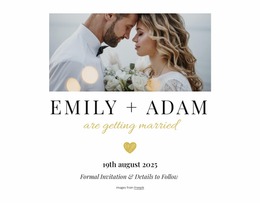
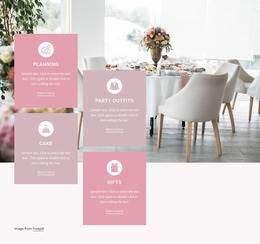
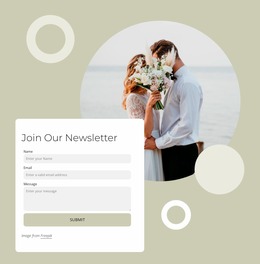
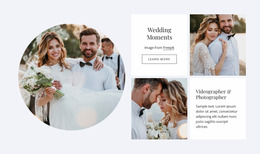
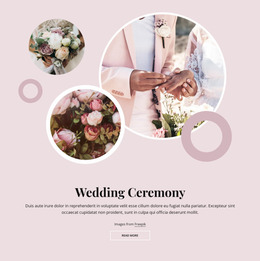
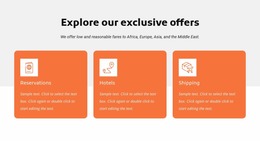
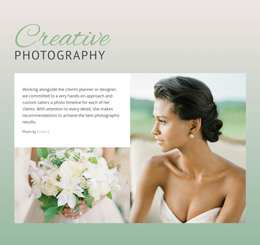
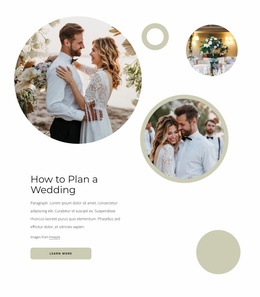
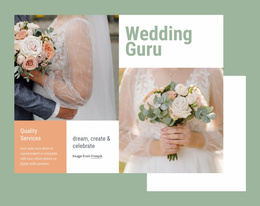
A wedding website mockup gives couples, planners, and designers a clear way to evaluate page structure before production work begins. Ceremony details, venue information, photography, RSVP placement, and guest navigation can be presented as a single visual concept, making layout decisions easier to review before the final website workflow begins.
What Makes a Minimal Wedding Website Prototype?
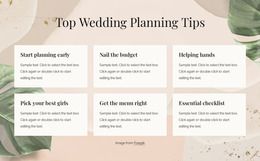
A useful wedding prototype shows how information and emotion share the same interface. The couple’s names and date need immediate visual priority, while ceremony details, reception information, travel notes, and photo sections should follow in a logical order below them. The mockup should make that hierarchy understandable without depending on finished copy or final imagery.
This stage is especially useful when several people must approve the concept. Couples can assess the mood, planners can review the guest journey, and designers can verify whether the structural layout supports real wedding content rather than decorative placeholders. Early review also makes competing layout ideas easier to compare.
Easy-To-Use Features for Wedding Wireframes
A visual design canvas can turn a rough concept into a structured prototype without requiring finished code. Useful Nicepage tools include:
- Smart Magnetic Guides for aligning names, images, buttons, and decorative elements while elements move across the canvas.
- Grid Columns for establishing consistent spacing and positioning across ceremony, venue, gallery, and RSVP sections.
- Responsive Modes for checking how the same structural concept behaves on desktops, tablets, and phones.
- Element controls for moving, resizing, aligning, and arranging content directly through the Nicepage element workflow.
Once the page concept is ready for review, Nicepage also supports exporting a page as an image. That gives a designer a practical way to present a wedding page concept to a couple, planner, colleague, or client without treating the mockup itself as the finished production site.
High-Performance Mockup Review Before Production
Pro Tip: Review the wedding prototype in content order before judging decorative details. Verify that guests can identify the couple, date, location, and next useful action without searching through the composition. After that, refine photography, type scale, spacing, and decorative accents. A strong structural layout makes later visual decisions easier to control.
SEO-Friendly Wedding Mockup Questions
How should a beginner choose a wedding website mockup direction?
Start with the site's purpose and the people who will use it. Nicepage recommends beginning with a ready-made design idea and refining it, which can help couples or planners establish a workable visual direction before making detailed layout decisions.
What matters more in a wedding prototype: visual beauty or usability?
Usability should remain the priority. A visually attractive concept still needs to make ceremony information, dates, locations, galleries, and guest actions easy to understand.
How can I keep wedding elements aligned while testing different compositions?
Use Smart Magnetic Guides while moving elements. They provide quick alignment guides that let you snap elements to other elements and containers, which is useful when adjusting photographs, text blocks, buttons, or decorative details in a prototype.
Lightweight Control Over the Wedding Concept
Ready to test the design before committing to the final structure?
- Open a suitable concept in the visual page editor.
- Arrange the ceremony content, guest flow, imagery, and responsive views.
- Review or share the visual result, then continue toward the finished website once the hierarchy feels right.
Start for free and use the mockup stage to control the visual direction before production decisions become harder to change.





















































