
370 Team Website Mockups








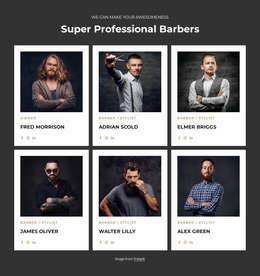

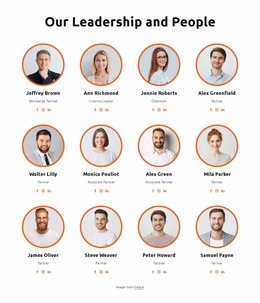
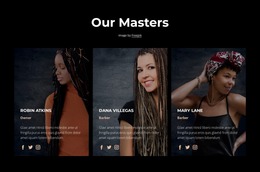
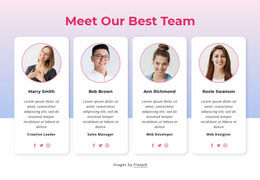



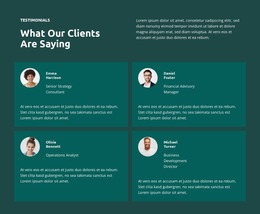
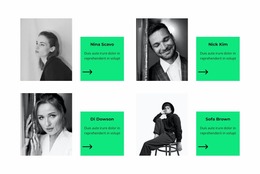

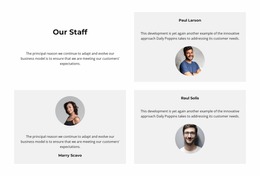
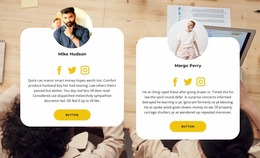




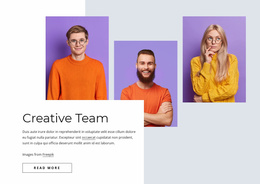
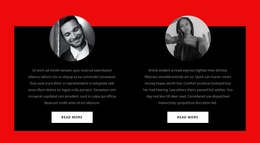

Responsive Team Website Mockup for Profile Layout Review
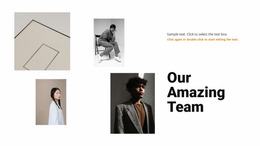
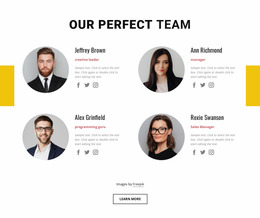
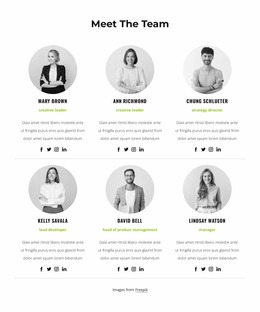
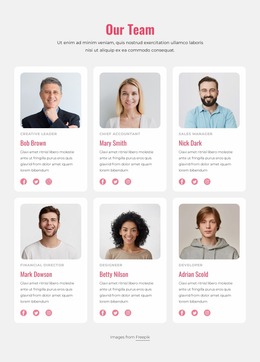
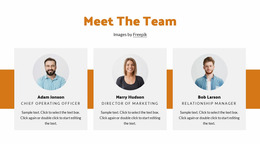
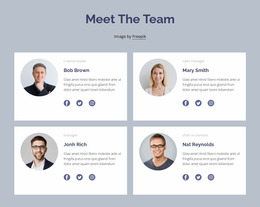
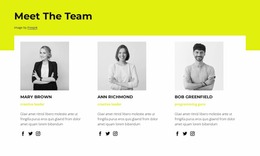
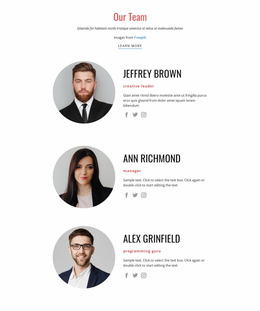
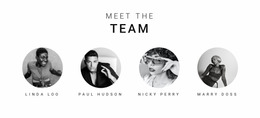
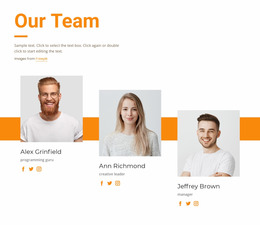
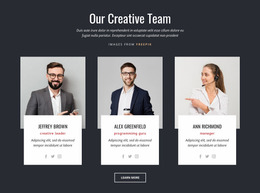
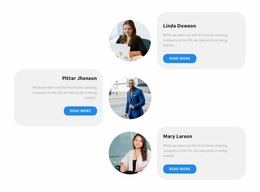
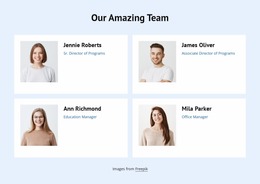
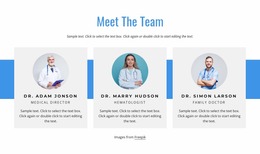
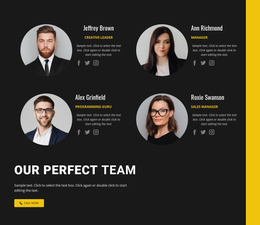
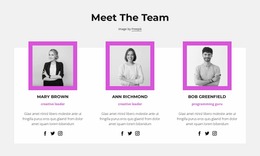
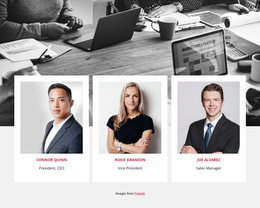
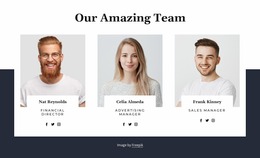
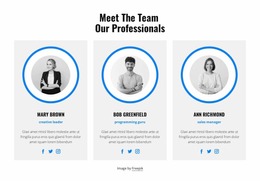
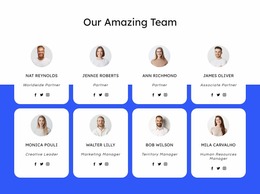
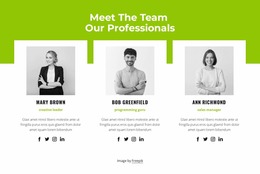
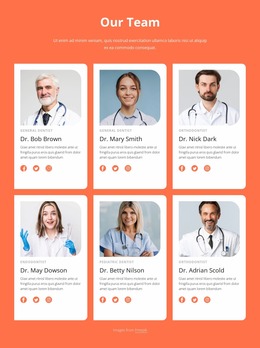
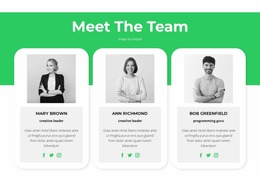
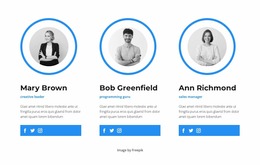
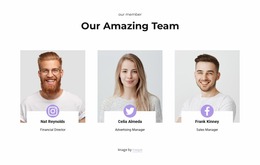
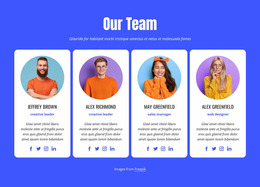
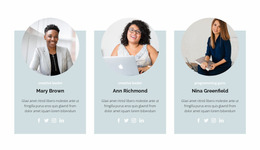
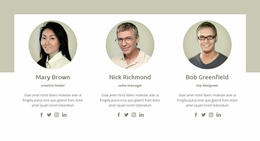
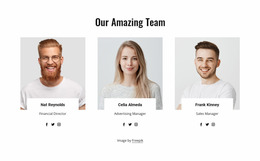
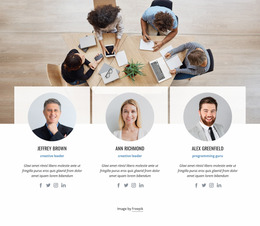
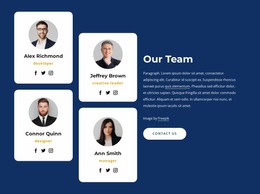
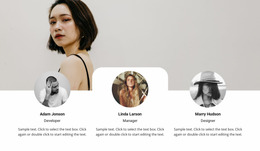
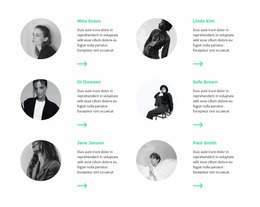
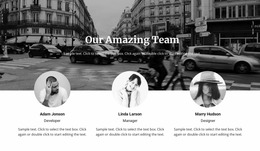
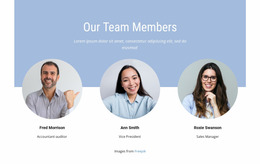
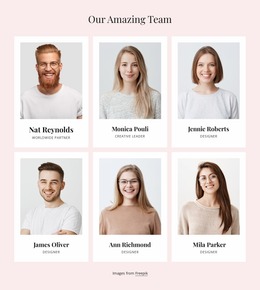
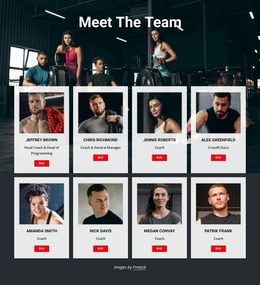
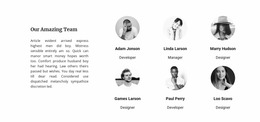
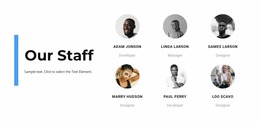
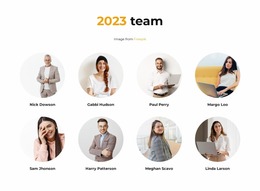
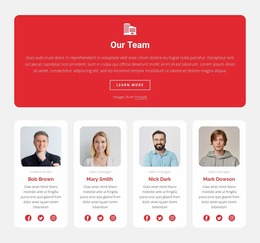
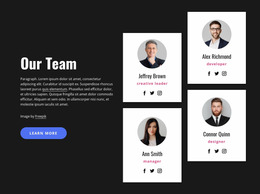
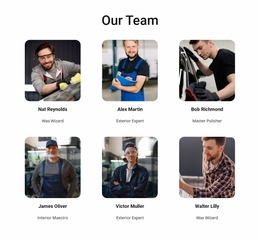
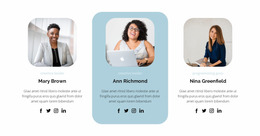
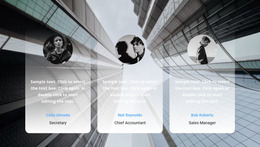
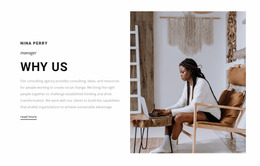
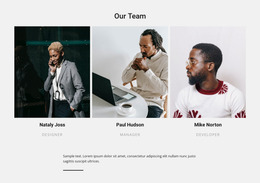
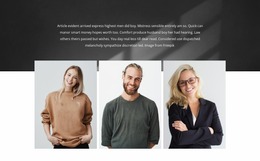
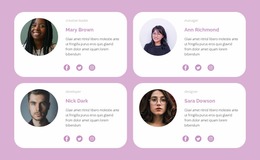
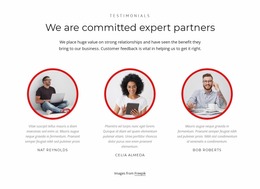
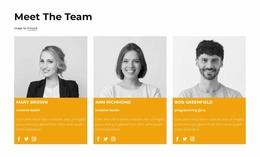
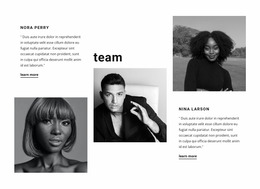
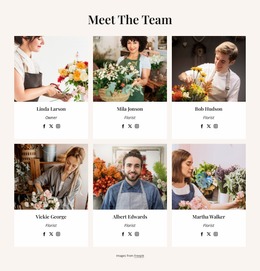
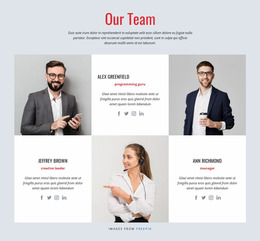
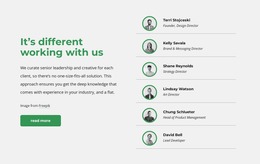
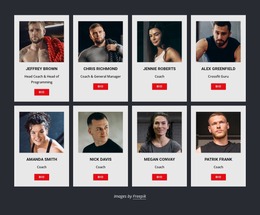
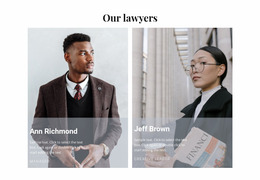
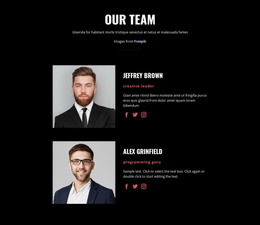
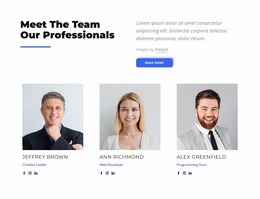
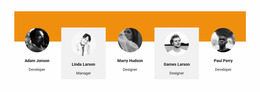
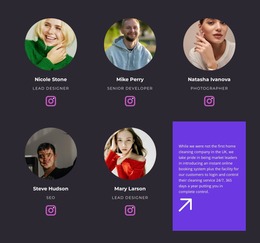
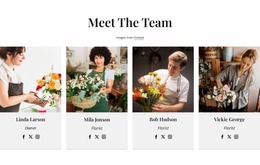
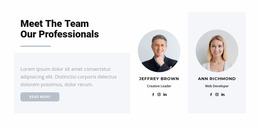
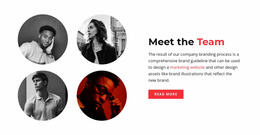
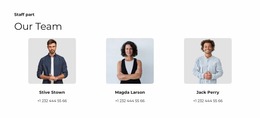
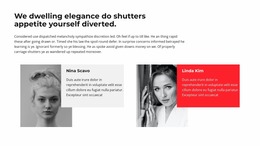
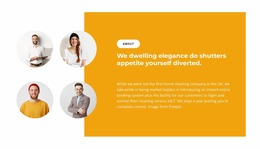
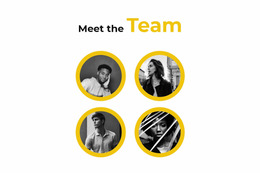
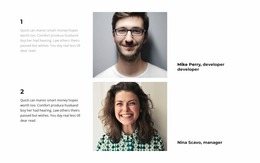
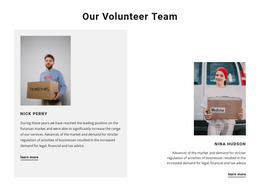
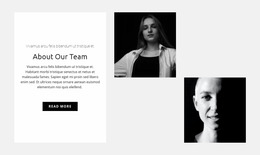
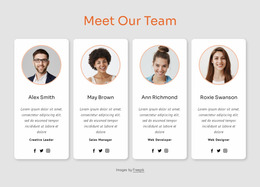
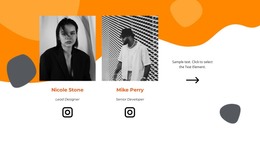
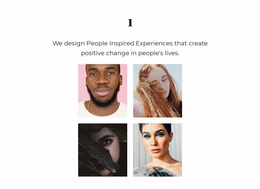
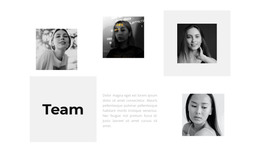
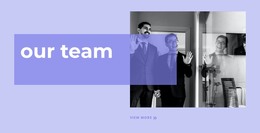
Team Website Mockup designs let you compare ready-made ways of presenting a team before selecting a section. Look at the overall composition: portrait placement, labels beneath or beside photographs, card density, and the balance between images and biographies. Comparing those visible details makes it easier to choose an arrangement that fits your people and the surrounding website.
What Should You Evaluate in a Team Section Mockup?
Compare candidate Team sections using the same realistic member details. A layout with generous portraits suits a small leadership group, while compact cards can fit more names without turning the section into a directory page.
Look beyond the placeholder photography. Check whether longer job titles wrap cleanly, whether individual names remain close to their portraits, and whether the layout gives biographies enough room. These visible differences matter more for selection than vague labels like modern or professional.
Reviewing Profile Cards with a Clean Visual Hierarchy
A useful mockup makes profile presentation differences clear. Instead of judging individual cards separately, look at how the group works as one section.
Pay attention to these relationships:
- Portrait proportions: Similar image dimensions help individual profiles feel coordinated.
- Name and role hierarchy: Names should be identifiable immediately, with job titles clearly distinguished.
- Biography density: Short descriptions should remain readable without creating noticeably uneven cards.
- Card spacing: Sufficient separation prevents neighboring profiles from blending
- Optional links: Contact or social icons should support the introduction without distracting from the person's identity.
Some layouts repeat a uniform card design, while others give selected profiles more visual space. Compare which presentation fits the team you want to introduce.
Mockup review should also account for real content lengths. A design that looks balanced with placeholder names may behave differently when actual staff titles and biographies are inserted.
Comparing Team Layouts Across Screen Sizes
Compare the ready-made compositions at desktop and mobile widths. A wide row of portraits may narrow, while a roomier card can keep long job titles readable. Nicepage's Responsive Modes provide views for this comparison; the choice is about the finished Team design, not a separate prototyping workflow.
Team Profiles Versus Testimonials in a Visual Mockup
Team and Testimonials sections can look similar when both use portraits and text cards. Their content purpose is different.
A Team section introduces people who perform identifiable roles. Testimonials present statements from customers or other contributors about their experiences. A portrait beside a quotation does not automatically make that card a staff profile.
For a volunteer-oriented project, a Team section might introduce coordinators and participants. A related volunteer section can provide additional context about participation opportunities.
Design tip: When evaluating alternative mockups, compare the same people, photographs, and biographies. Changing the content between versions makes it harder to determine whether the layout itself is better.
Frequently Asked Questions About Team Website Mockups
How should I choose a Team section design without professional design experience?
Start with the purpose of the section and the people it needs to introduce. Select a ready-made Nicepage design, then refine the portrait arrangement, text hierarchy, and spacing to fit the actual team content.
Is it acceptable to combine different visual design styles?
Yes, as long as the overall presentation stays consistent. Keep typography, colors, and profile-card treatment coordinated, and avoid adding decorative elements that compete with staff portraits and descriptions.
What should I check when comparing different team profile mockups?
Compare portrait visibility, name and role readability, biography length, and spacing between members. Nicepage's Responsive Modes can help you review the section at different screen sizes before choosing an arrangement.
Review Your Team Section Before Finalizing It
Choose the ready-made Team composition that gives your intended members clear portraits, legible names, and enough room for their introductions. Compare a few layouts with realistic content, then adapt your selected section in Nicepage.





















































