
Product List Website Mockups
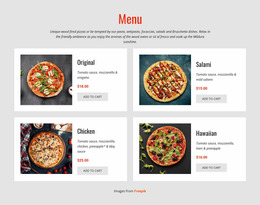
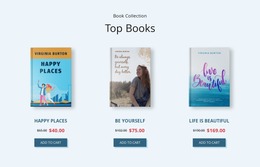
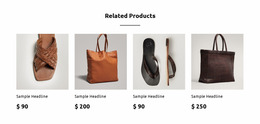
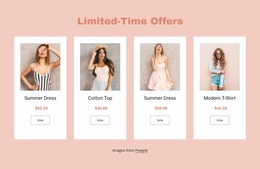
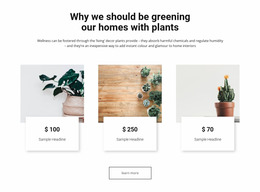
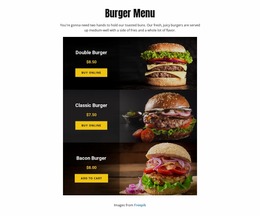

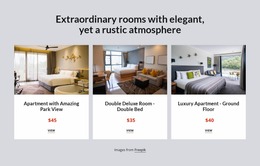
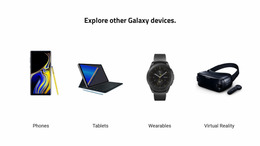
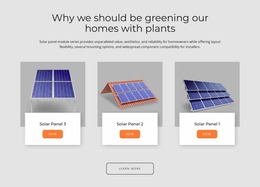

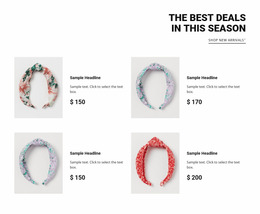
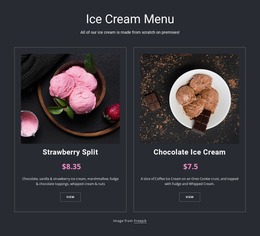
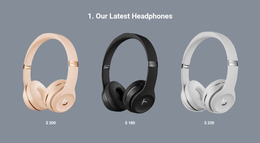
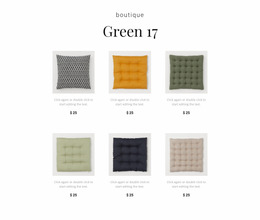
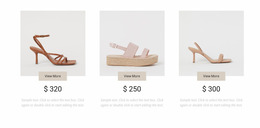
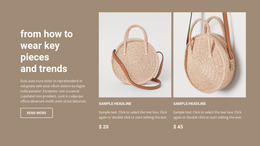
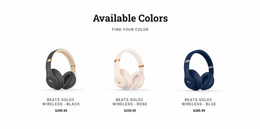
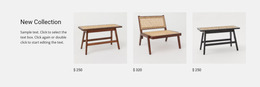
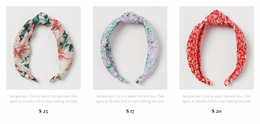
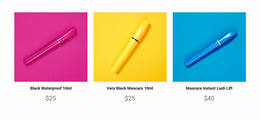
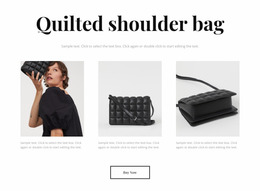
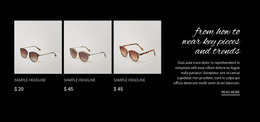
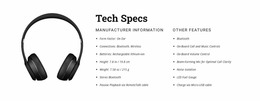
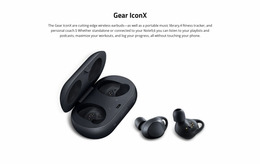
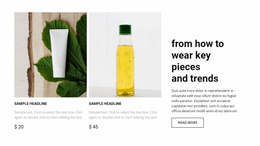
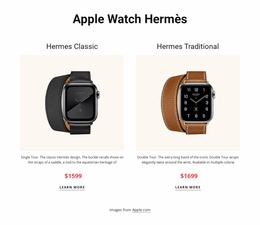
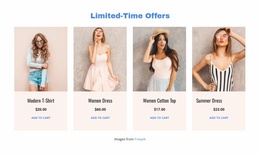
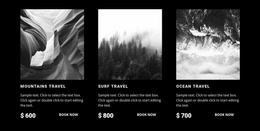

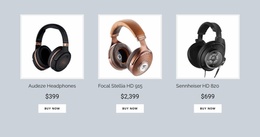
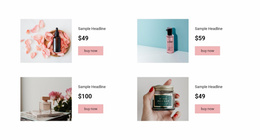
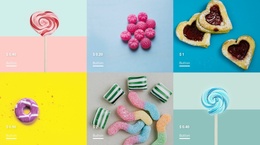
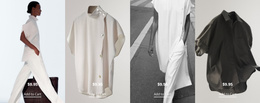

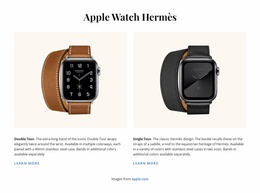
Responsive Product List Website Mockup for Previewing Product Card Density Across Screens
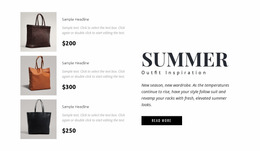
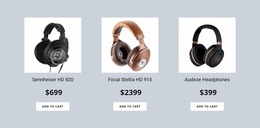
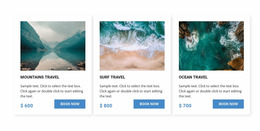
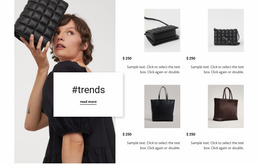
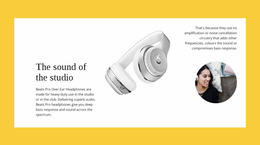
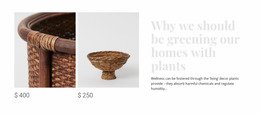
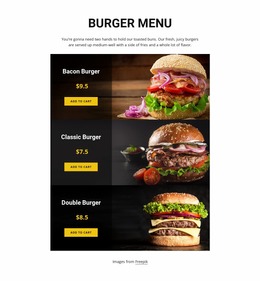
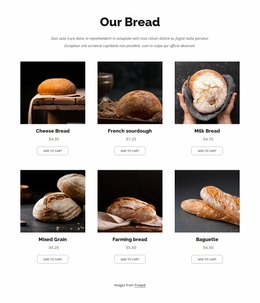
A product collection may look balanced on a large display but feel crowded on a smaller screen. Product List Website Mockup designs help evaluate how multiple merchandise entries look together before the section's arrangement is finalized. Images, titles, prices, and supporting details need enough space to remain recognizable throughout the browsing experience.
What Should You Evaluate in a Product List Mockup?
A Product List mockup helps assess whether a collection of products is visually understandable. Review image proportions, title length, price placement, how many items are shown, and the number of visible items. Comparing these relationships across screen sizes reveals whether shoppers can scan the collection comfortably or whether the layout needs adjustment.
A mockup is especially useful for reviewing featured merchandise sections, category product collections, and compact catalog previews. The goal is to judge how effectively the repeated product entries communicate before concentrating on the finished presentation.
Professional Product Card Presentation for Visual Review
Do not evaluate a product mockup with six identical placeholder titles. Populate it with deliberately uneven sample content: a short name such as “Linen Shirt,” a longer name such as “Lightweight Water-Resistant Weekend Jacket,” a discounted price, a higher-priced item, and descriptions of different lengths. The mockup should expose layout problems before development.
Use these review checks:
- Image crops: Do portraits and landscape product photos still look intentional in matching cards?
- Text overflow: Does the longest name wrap without colliding with the price or action?
- Price states: Are regular and discounted prices distinguishable without changing the whole card height?
- Density: Can visitors compare adjacent products without their labels running together?
- Narrow screens: Does the mobile arrangement preserve readable names and reachable actions?
Nicepage's Product List Element supports Grid and Slider layouts, with controls for columns, rows, and spacing. Use these controls to test alternatives, not to hide an unrealistic sample dataset.
Reviewing Product Collections Across Screen Sizes
Review at least one desktop width and one narrow phone width using the same sample products. On desktop, examine how many products appear above the next major section. On mobile, check whether long titles create unexpectedly tall cards, whether prices remain in a consistent reading order, and whether action labels fit.
A static mockup is a visual proposal. An interactive prototype adds simulated navigation or actions to test the browsing path. A published Product List connects the finished presentation to actual site behavior and its configured product source. A visual preview alone cannot confirm cart behavior, filtering, or live catalog data.
Nicepage's Responsive Modes allow the layout to be inspected at different widths; the Responsive Modes documentation explains the available views. The Product List Element guide covers its product arrangement controls.
Record the issues you find before finalizing the page: for example, “second-row prices are misaligned on desktop” or “long mobile titles push buttons below the visible card area.” These observations are more useful than simply calling the layout responsive.
Avoid Confusing Product Collections With Pricing Comparisons
Product List and Pricing sections can both contain products; evaluating them visually requires different priorities.
A Product List emphasizes individual merchandise. Images help identify items, titles distinguish products, and prices support basic comparison before visitors inspect further details.
A Pricing section emphasizes differences between plans or packages. Its hierarchy often depends more on included benefits, periods, visitor limits, and selection actions.
For a product collection mockup, avoid giving decorative card treatments more prominence than the merchandise itself. A visually consistent catalog preview should make several distinct products easy to recognize.
Frequently Asked Questions About Product List Website Mockups
Can I preview a Product List on mobile screens in Nicepage?
Yes. Nicepage provides Responsive Modes for reviewing desktop, tablet, and phone layouts. The Product List Element also supports screen-specific column and row settings, allowing product arrangements to be adjusted for different views.
Can beginners evaluate a Product List layout without design experience?
Yes. Start with a ready-made Nicepage block design, then review the product images, titles, prices, and spacing. Comparing a few arrangements helps identify which presentation makes the merchandise easiest to understand.
What is the most important difference between a Product List mockup and a Product Details layout?
A Product List mockup evaluates how multiple products appear together, including card consistency and catalog density. Product Details focuses on presenting one item's information. Nicepage's Product List Element supports the repeated product structure used for the collection.
What sample data makes a mockup more realistic?
Use varied title lengths, a mix of prices, a discounted item, and images with different proportions. Realistic variation exposes overflow and alignment issues that placeholders often conceal.
Does a static mockup confirm working shopping actions?
No. A static mockup checks the visual layout. Test link navigation in a live, interactive environment, and confirm product sources and brand show on the live site.
Review a Product Collection Before Finalizing Its Layout
Select a Product List block design and open it in the Nicepage editor. Add representative merchandise content, compare card arrangements, and inspect the section in different Responsive Modes. Refine the image proportions, text hierarchy, and spacing until the collection remains easy to scan across the intended screen sizes.





















































