Adventure tours and travel Website Mockup


Edit Template Offline
2. Create new page and search for id 12493
Edit Template Online
Create Awesome Websites


Free Nicepage Builder
Keywords
Large Images, Card Density, and Form Width Shape the Responsive Review
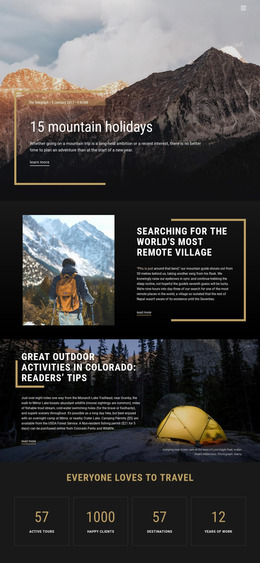
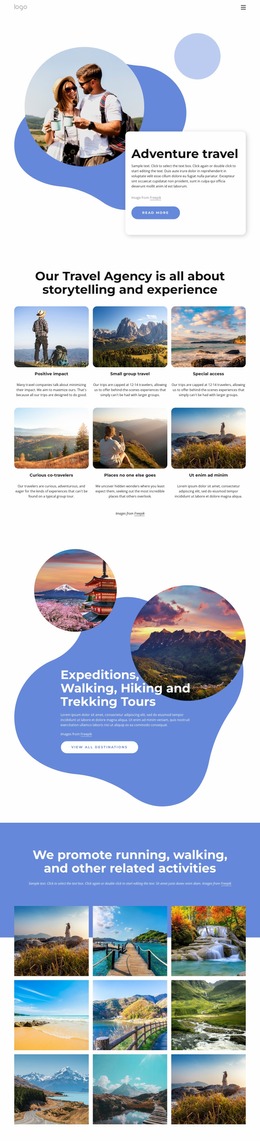
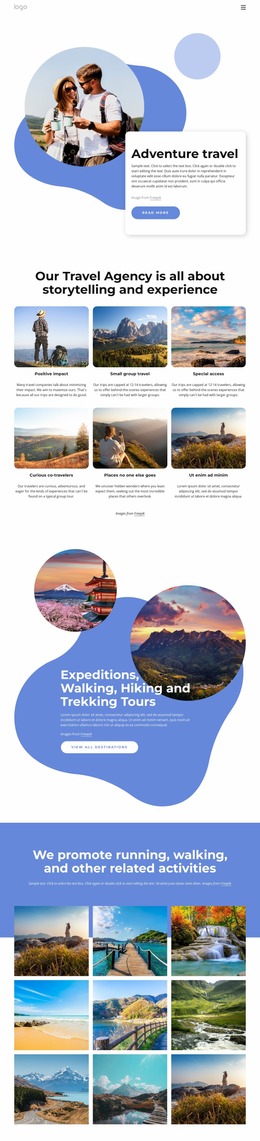
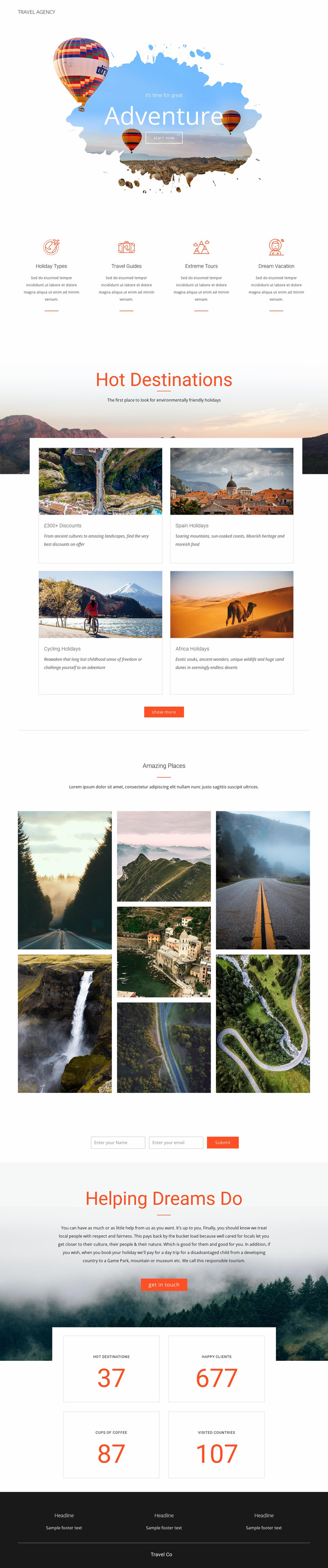
The large Adventure hero should be reviewed first because its centered overlay text and Start now action depend on the relationship between image scale, available width, and readable contrast. The four feature items below it create a second review point: their evenly arranged icons, labels, descriptions, and dividers may need careful attention when the horizontal group becomes narrower. The destination section introduces a different challenge through four bordered cards arranged across two rows, where image proportions, title wrapping, and spacing can strongly affect the visual balance.
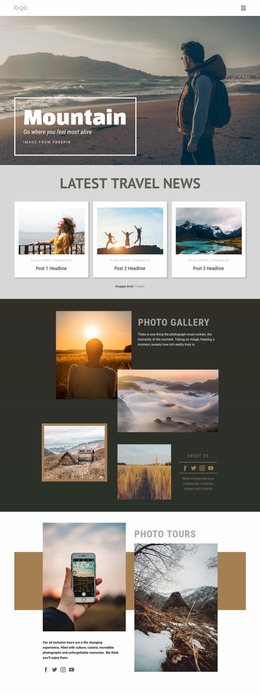
The seven-image Amazing Places collage is another important presentation area. Its vertically arranged scenic photographs create high visual density, so narrow screens should be checked for image scale, gaps, and the transition into the contact form below. The compact horizontal form also requires review because two inputs and the Submit action need to remain clear when available width changes. The mountain-backed Helping Dreams Do panel adds a wide image-and-text relationship, while the four metric tiles shift from a two-by-two arrangement into a narrower reading pattern. Finally, the dark three-column footer should be checked for column stacking and text legibility. These observations make the template useful as a responsive visual mockup: the key task is comparing how its image emphasis, repeated cards, form proportions, and content density present at different screen widths, not treating the design as a fixed desktop image.
Customize with Nicepage
Open this ready-made template in the Website Mockup Builder and customize it visually in the Nicepage editor. Replace demo content, edit page sections, and adapt the design to your project without rebuilding the template from scratch.
Preview and Refine This Website Mockup
Review the Design Across Devices
Use Responsive Modes to see how the website design appears on Large Screens, Desktops, Laptops, Tablets, and Phones. Switch between the available views to compare the same layout at different screen widths and review how typography, images, spacing, navigation, and other content adapt to each device.
Adapt the Mockup for Different Screens
Nicepage provides responsive web design tools for adjusting individual device views when the initial layout needs refinement. You can customize Mobile Views separately, change element sizes and positions, adapt Grids, Lists, and Galleries, and hide selected Elements or Blocks on particular screen sizes. This makes it possible to develop a responsive website mockup instead of evaluating the design at only one fixed desktop size.
Preview the Website Without Editing Controls
Use Live Page / Preview to review the design with the editing interface removed from view. Instant Preview can hide the Page Navigator, Property Panel, selections, and frames, making it easier to evaluate the overall presentation, content hierarchy, and responsive layout as a visitor would see them.
This workflow makes the template useful as a responsive website mockup for visualizing, comparing, and refining how the same website design will appear across different screen sizes.